
PhotoKit AI Photo Editor para PC
xPhoto Vision
Baixe PhotoKit AI Photo Editor no PC com o emulador GameLoop
PhotoKit AI Photo Editor no PC
PhotoKit AI Photo Editor, vindo do desenvolvedor xPhoto Vision, está rodando no sistema Android no passado.
Agora, você pode jogar PhotoKit AI Photo Editor no PC com GameLoop sem problemas.
Faça o download na biblioteca GameLoop ou nos resultados da pesquisa. Chega de ficar de olho na bateria ou fazer chamadas frustrantes na hora errada.
Apenas aproveite o PhotoKit AI Photo Editor PC na tela grande gratuitamente!
PhotoKit AI Photo Editor Introdução
🌟 Edit Photos Securely & Offline with PhotoKit's Advanced AI! 📸
Enjoy complete privacy with PhotoKit's on-device processing, ensuring no photos ever leave your device. 📱✨
Create stunning works of art without internet dependency or data concerns with just a few taps using PhotoKit's powerful AI editing tools!
Whether you're a novice or a pro in editing photos, PhotoKit, the ultimate edit photo app, offers everything you need to realize your creative vision. With a plethora of sophisticated editing features, including AI background changer and filters for pictures, your photos will turn into eye-catching masterpieces. PhotoKit's artificial intelligence algorithms ensure your photos and videos stand out with a variety of effects and edits.
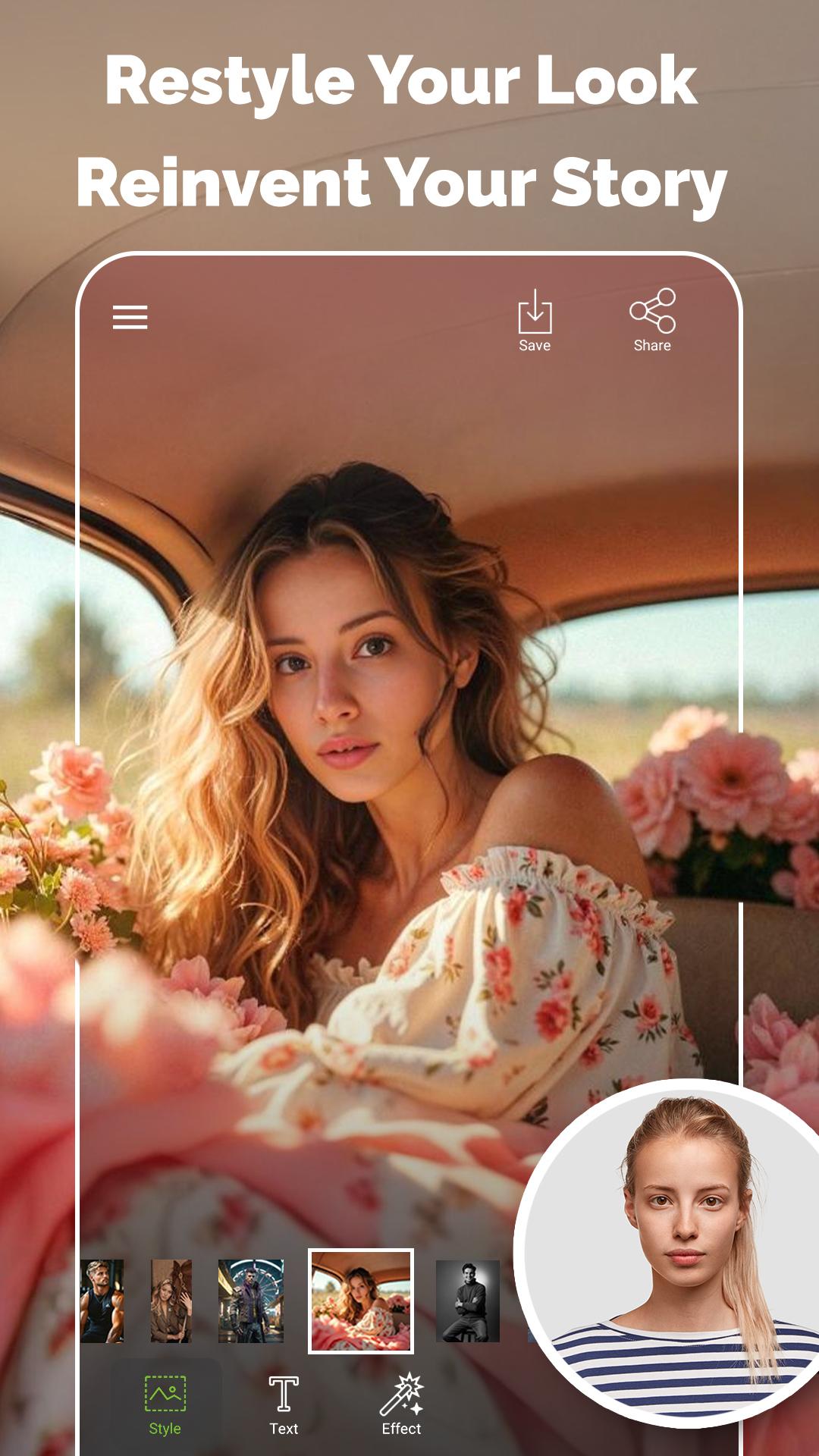
💫 RESTYLE
Transform your look with PhotoKit's Restyle feature—seamlessly shift into entirely new visual styles using cutting-edge AI.
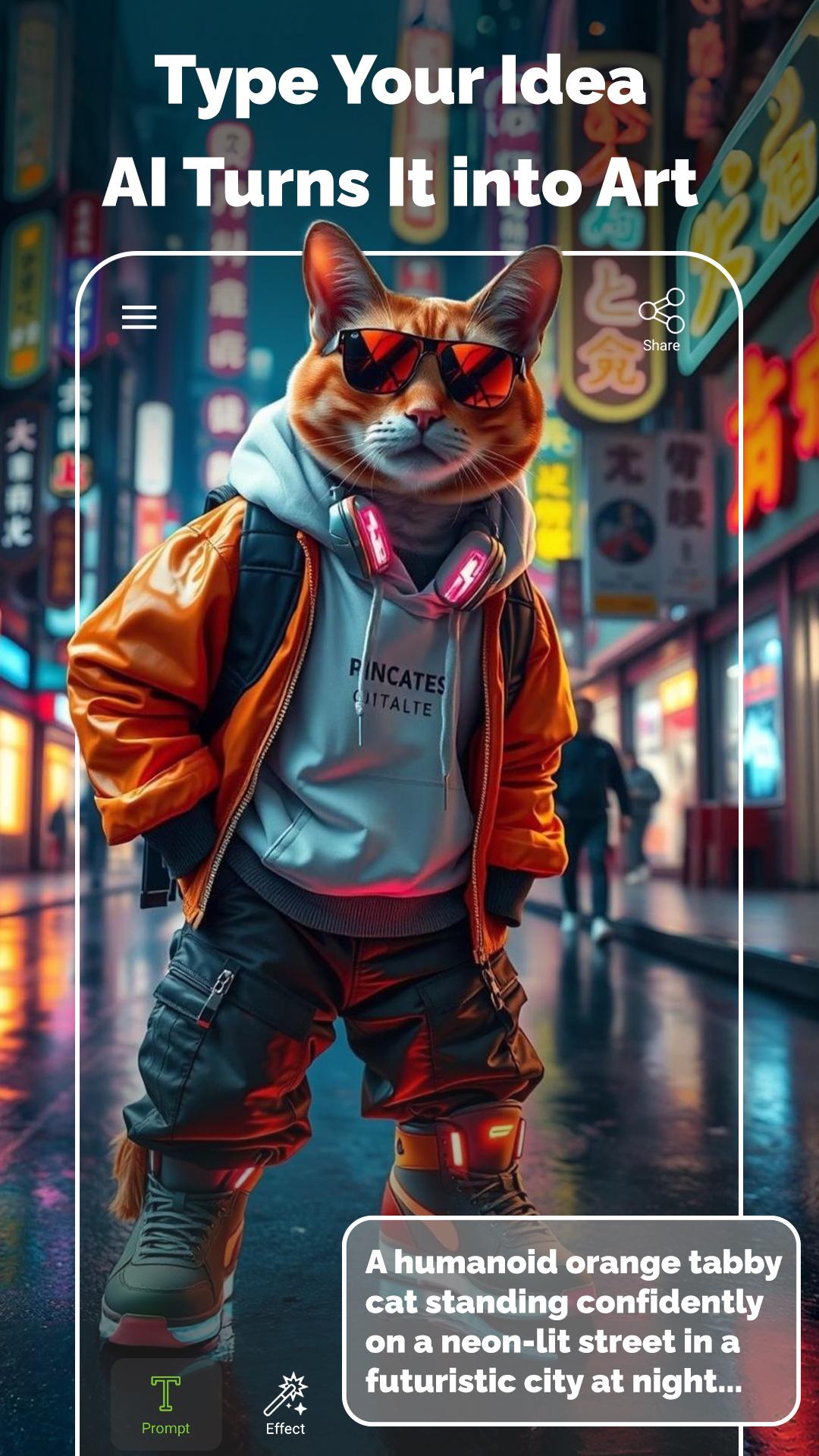
🎨 AI IMAGE GENERATOR
Turn your words into stunning visuals with the AI Image Generator. Just type a prompt and see the magic unfold.
🌉 DOUBLE EXPOSURE
Create striking Double Exposure photos with PhotoKit, a top-rated photo editor.
🦄 3D STICKERS
Enhance your photos with playful 3D stickers from PhotoKit, and tailor their colors to your taste.
🔮 SMART BACKGROUND CHANGE
With PhotoKit's AI Background Changer, transform your photos' background effortlessly to match your style, offering endless photo editing possibilities.
🌆 PERSPECTIVE FRAME
Feature yourself or your loved ones in unique street billboards or frames with PhotoKit, a versatile profile picture maker.
🌌 3D BACKGROUNDS
Turn your photos into fantasy scenes with PhotoKit's stunning 3D backgrounds.
🔍 FOCUS
Highlight your subject with PhotoKit's focus feature, a must-have for any picture editor.
🌈 COLOR SPLASH
Add a burst of color to your photos with the Color Splash feature. Keep your subject vibrant while turning the background monochrome.
✨ FANTASTIC PHOTO EFFECTS
Utilize PhotoKit's array of special photo effects to enhance your images.
🌇 BACKGROUND REMOVAL
Efficiently remove backgrounds with PhotoKit's precise tool, saving your edits as a PNG photo.
🖌️ GENERAL PHOTO EDITING
Refine your photos with adjustments like light and color, add text, shadows, and more using PhotoKit's comprehensive editing tools.
🌐 NO INTERNET REQUIRED & NO PHOTO LEAVES YOUR DEVICE
Enjoy offline photo creation and editing with PhotoKit, your go-to AI Image Editor. Benefit from secure, on-device processing that keeps your photos private and protected. Create stunning images without worrying about internet quality, data breaches, or additional costs. Perfect for editing on the go, anytime, anywhere!
👍 EASY FOR EVERYONE
PhotoKit is designed for both amateurs and professionals, offering a variety of settings, high quality, and precision for all photo editing needs.
💬 FULL SUPPORT
We welcome your questions, feedback, and suggestions. Contact our support team at xphoto.pic.vision@gmail.com for any assistance.
SOME OF PHOTOKIT'S FEATURES:
- Double Exposure photos
- Focus on your subject
- Intelligent and automatic background change
- Light and color adjustments, including brightness, saturation, hue, sharpness, contrast, etc.
- 3D backgrounds
- Color Splash
- Various image filters
- Photo collages
- Text and its settings
- Smart and accurate subject detection
- Drip effect
- Keep your face in the center of your video
- Try on different outfits
- Background removal and saving in PNG format
- Angel wings effect
- Fixed face position clips
- Shadow tool
- Glow effect
- Smooth subject borders
- Shine effect
- Flip and 90-degree photo rotation
- Subject transparency tuning
- Video and text guides
- Rounded subject borders
- Sketch effect
- Adjustable aspect ratio cropping
- Subject stroking
Join us in creating amazing photos with PhotoKit, your AI Image Editor! 🎉
Visualizar
Tag
FotografiaEm formação
Desenvolvedor
xPhoto Vision
Última versão
1.0.1.30
Ultima atualização
2025-10-14
Categoria
Fotografia
Disponível em
Google Play
Mostre mais
Como jogar PhotoKit AI Photo Editor com GameLoop no PC
1. Baixe o GameLoop do site oficial e execute o arquivo exe para instalar o GameLoop.
2. Abra o GameLoop e procure por “PhotoKit AI Photo Editor”, encontre PhotoKit AI Photo Editor nos resultados da pesquisa e clique em “Install”.
3. Divirta-se jogando PhotoKit AI Photo Editor no GameLoop.
Minimum requirements
OS
Windows 8.1 64-bit or Windows 10 64-bit
GPU
GTX 1050
CPU
i3-8300
Memory
8GB RAM
Storage
1GB available space
Recommended requirements
OS
Windows 8.1 64-bit or Windows 10 64-bit
GPU
GTX 1050
CPU
i3-9320
Memory
16GB RAM
Storage
1GB available space