Photo Studio Pro para PC
Lephco
Baixe Photo Studio Pro no PC com o emulador GameLoop
Photo Studio Pro no PC
Photo Studio Pro, vindo do desenvolvedor Lephco, está rodando no sistema Android no passado.
Agora, você pode jogar Photo Studio Pro no PC com GameLoop sem problemas.
Faça o download na biblioteca GameLoop ou nos resultados da pesquisa. Chega de ficar de olho na bateria ou fazer chamadas frustrantes na hora errada.
Apenas aproveite o Photo Studio Pro PC na tela grande gratuitamente!
Photo Studio Pro Introdução
WHERE EVERYONE BECOMES AN ARTIST!!!
Our Photo Studio Pro is a powerful, fast, and fun photo editor which we created because we wanted an easy way to edit our photos on the go with no fuss.
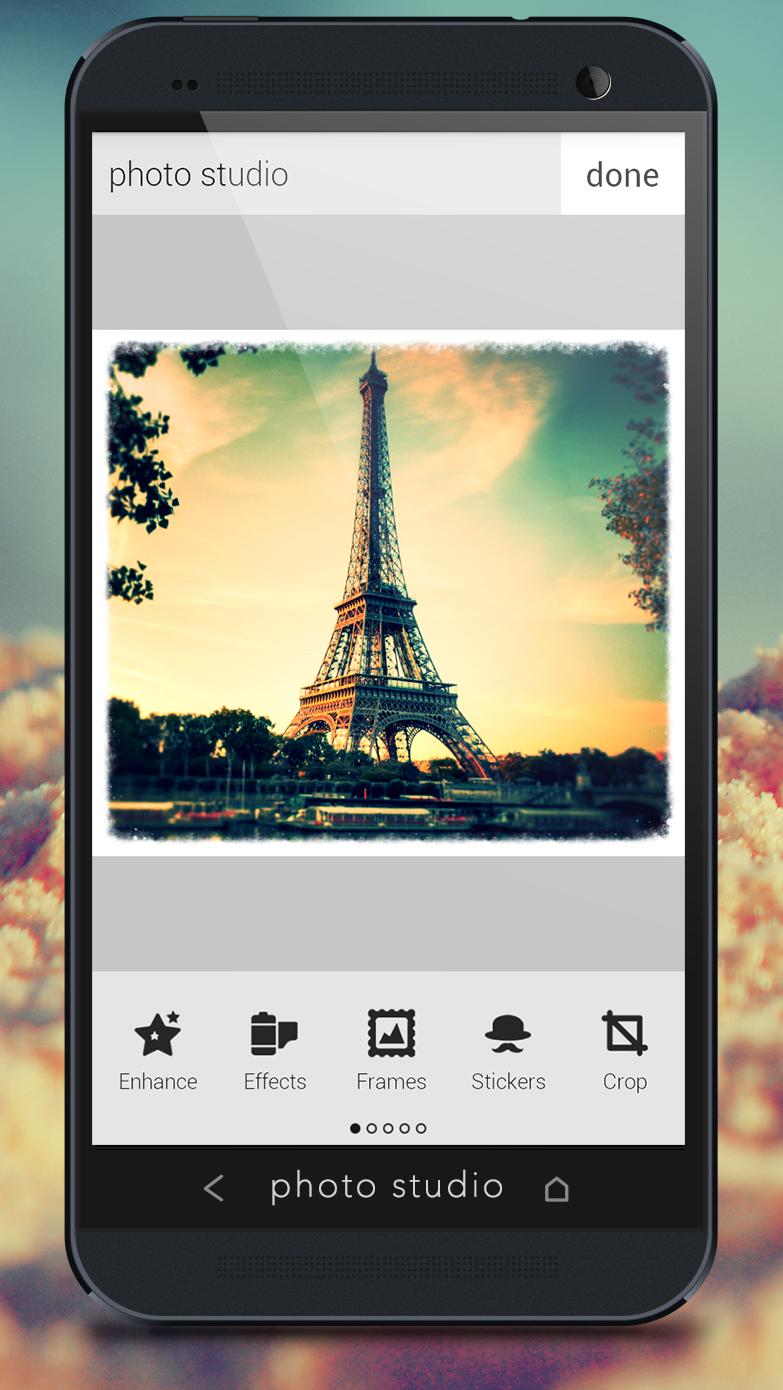
Photo Studio Pro provides tons of photo manipulations, photo masks, photo collages, photo frames, photo borders, photo stickers, photo text effects, crop, rotate, color adjust and more! We got everything for photos!
We’ve included all the photo tools you need, in a super intuitive interface so you can get right to photo editing.
INTUITIVE AND SIMPLE INTERFACE WITH A LOT OF PROFESSIONAL PHOTO EFFECTS!!!
✭ POWERFUL EDITING TOOLS ✭
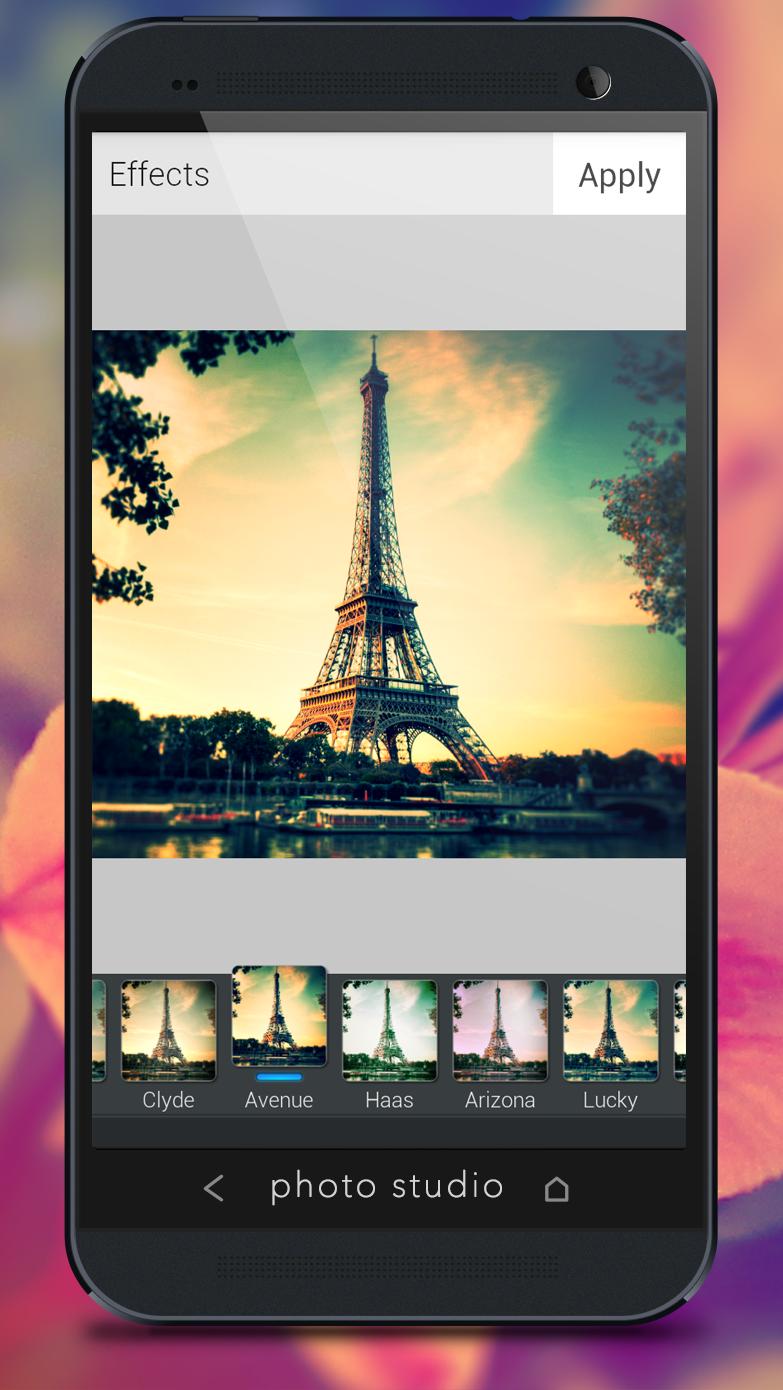
✭ AMAZING EFFECTS ✭
✭ SHARE PHOTOS INSTANTLY ✭
✭ NEW: ADD TEXT TO PHOTOS ✭
✭ MARVELOUS PHOTO FRAMES ✭
FEATURES:
• Amazing Beautifying Effects
• Hand-picked Filters and Borders
• Fun Photo Decorations
• One-tap auto photo enhance
• Gorgeous photo effects
• Minimalistic & Beautiful Interface
• Fun stickers
• Color balance
• Color Splash
• Focus (Tilt Shift)
• Create your own photo memes
• Crop or rotate your photo
• Adjust photo brightness, contrast, and saturation
• Sharpen and blur photos
• Draw and add text to photos
• Cosmetic tools: fix redeye, remove blemishes and whiten teeth
• Photo Studio saves your edited photos in FULL HIGH RESOLUTION!
• Sharing photos to Facebook, Twitter
Download PHOTO STUDIO PRO and discover your inner photo artist!!!
Visualizar
Em formação
Desenvolvedor
Lephco
Última versão
3.0.5
Ultima atualização
2014-01-21
Categoria
Fotografia
Disponível em
Google Play
Mostre mais
Como jogar Photo Studio Pro com GameLoop no PC
1. Baixe o GameLoop do site oficial e execute o arquivo exe para instalar o GameLoop.
2. Abra o GameLoop e procure por “Photo Studio Pro”, encontre Photo Studio Pro nos resultados da pesquisa e clique em “Install”.
3. Divirta-se jogando Photo Studio Pro no GameLoop.
Minimum requirements
OS
Windows 8.1 64-bit or Windows 10 64-bit
GPU
GTX 1050
CPU
i3-8300
Memory
8GB RAM
Storage
1GB available space
Recommended requirements
OS
Windows 8.1 64-bit or Windows 10 64-bit
GPU
GTX 1050
CPU
i3-9320
Memory
16GB RAM
Storage
1GB available space