Photo Editor & Background Remover para PC
kkyada
Baixe Photo Editor & Background Remover no PC com o emulador GameLoop
Photo Editor & Background Remover no PC
Photo Editor & Background Remover, vindo do desenvolvedor kkyada, está rodando no sistema Android no passado.
Agora, você pode jogar Photo Editor & Background Remover no PC com GameLoop sem problemas.
Faça o download na biblioteca GameLoop ou nos resultados da pesquisa. Chega de ficar de olho na bateria ou fazer chamadas frustrantes na hora errada.
Apenas aproveite o Photo Editor & Background Remover PC na tela grande gratuitamente!
Photo Editor & Background Remover Introdução
* Lightroom - Photo Editor & Background Remover offers everything you want to edit in your pictures.
* You can directly post your artworks to Instagram, WhatsApp, Facebook etc....
* Unlock your creativity, and edit pictures like a pro!
* This is the best background eraser which helps you automatically cut out pictures with AI tools.
* Remove background and make a transparent PNG stamp in high quality.
* With Background Eraser, your life will be easier.
* No complex photo processing skill needed.
* Photo filters, picture frames, effects for quick touch.
* Edit photo like a PRO! Free photo editor with filters.
* Magic Eraser & White Background.
* Background Eraser App & PNG Maker, Transparent Background for pictures.
* Background photo filters editor with AI Cutout picture layer and background eraser.
* There are so many interesting features wait for your discovering.
* KEY FEATURES
+ Powerful and easy photo editing tools;
+ Filters for pictures and photo effects;
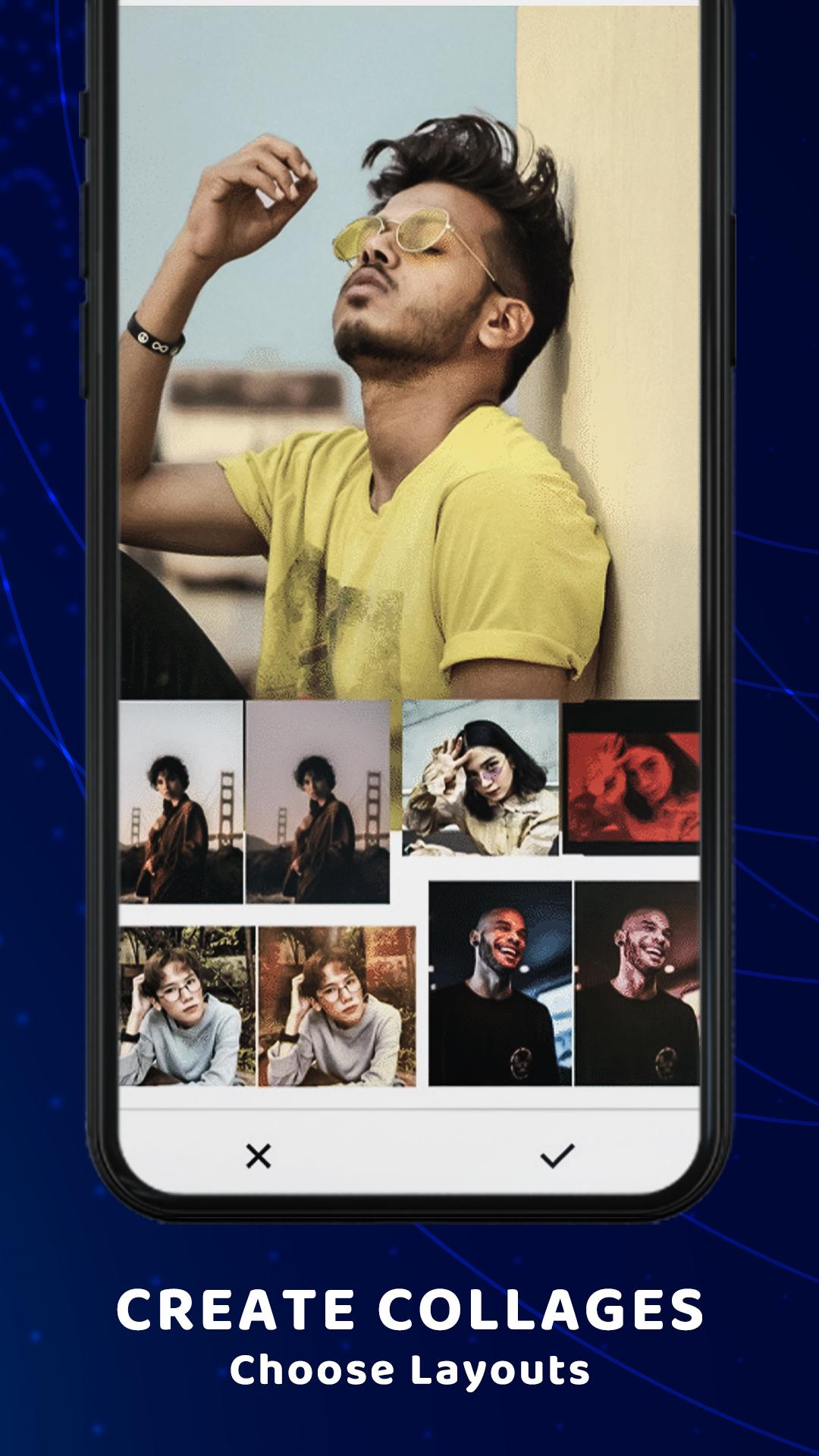
+ Massive fun stickers, backgrounds, frames, filters to choose from;
+ Draw and add text with various art fonts;
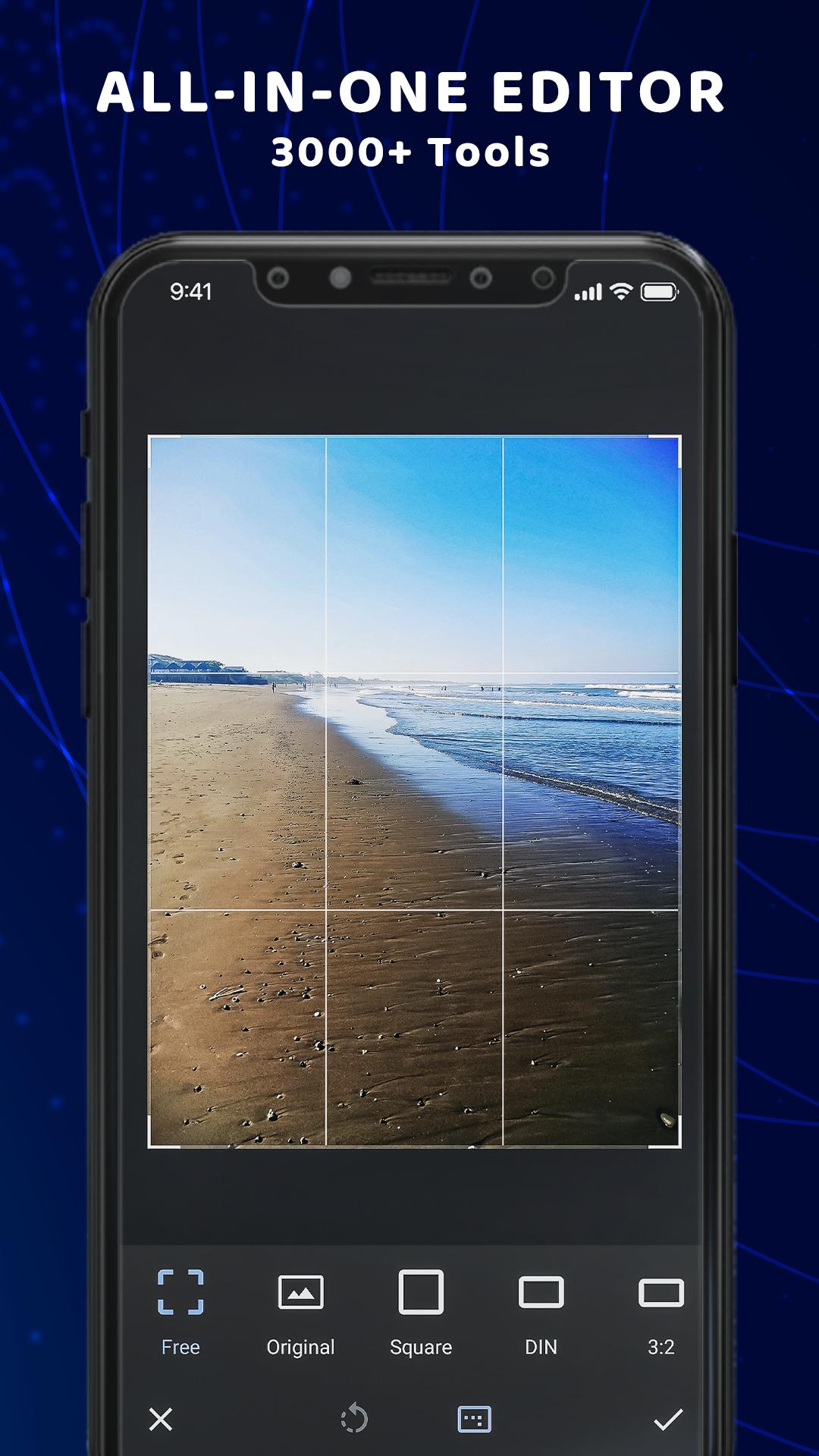
+ Crop, rotate, vertical and horizon;
+ Share pictures of high resolution to Instagram, Facebook, WhatsApp, etc...
+ Transparent background PNG picture;
+ Change background;
* From Gallery
- Choose image from gallery, Which you edit and make It like PRO!
- Crop image, add text, brush, eraser, filter, and more...
* Background remover
- This is the easiest background remover app that helps you to remove backgrounds from photos and make PNG in one second.
- Its advanced AI cutout tool will cut out your picture automatically, And it is totally for free!
- Want to change background for your photo? Try this photo editor to remove background from photos at first then you can change the background you like for it.
- many backgrounds you can downloaded from internet and set directly to image background.
* Cutout photo editor
- Use this advanced cutout photo editor, erase background perfectly with this editor.
- It is also a background photo editor and nature photo editor designed for you to make artworks easily and quickly.
* Manual Mode
- Quickly outline the object on your photo you want to cut.
- Erase and repair the cutout picture easily.
* Photo frames:
- Choose one of our beautiful frames if you need a final touch to your favorite picture.
* About our permissions:
- Lightroom asks for permissions "READ_EXTERNAL_STORAGE, WRITE_EXTERNAL_STORAGE" to read your photos so that we can edit, remove background from photos and make transparent background, share, and save photos.
- We do not use this permission for any other purpose.
Lightroom - Photo Editor & Background Remover deserves your try right away. It is the simplest but the most useful photo editor, PNG maker, background remover that erase background, add frame, and make transparent background for you. With this app your moment will be as brilliant as an artwork. If you have any problems or suggestions, feel free to let us know. Email: kkyada8154@gmail.com.
Visualizar
Em formação
Desenvolvedor
kkyada
Última versão
2.1.3
Ultima atualização
2021-03-13
Categoria
Fotografia
Disponível em
Google Play
Mostre mais
Como jogar Photo Editor & Background Remover com GameLoop no PC
1. Baixe o GameLoop do site oficial e execute o arquivo exe para instalar o GameLoop.
2. Abra o GameLoop e procure por “Photo Editor & Background Remover”, encontre Photo Editor & Background Remover nos resultados da pesquisa e clique em “Install”.
3. Divirta-se jogando Photo Editor & Background Remover no GameLoop.
Minimum requirements
OS
Windows 8.1 64-bit or Windows 10 64-bit
GPU
GTX 1050
CPU
i3-8300
Memory
8GB RAM
Storage
1GB available space
Recommended requirements
OS
Windows 8.1 64-bit or Windows 10 64-bit
GPU
GTX 1050
CPU
i3-9320
Memory
16GB RAM
Storage
1GB available space