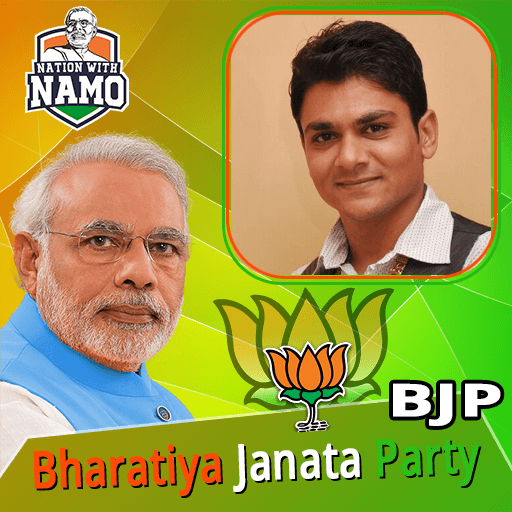
Bharatiya Janata Party BJP Photo Frame Editor 2019 para PC
Photo Frame Editor Studio
Baixe Bharatiya Janata Party BJP Photo Frame Editor 2019 no PC com o emulador GameLoop
Bharatiya Janata Party BJP Photo Frame Editor 2019 no PC
Bharatiya Janata Party BJP Photo Frame Editor 2019, vindo do desenvolvedor Photo Frame Editor Studio, está rodando no sistema Android no passado.
Agora, você pode jogar Bharatiya Janata Party BJP Photo Frame Editor 2019 no PC com GameLoop sem problemas.
Faça o download na biblioteca GameLoop ou nos resultados da pesquisa. Chega de ficar de olho na bateria ou fazer chamadas frustrantes na hora errada.
Apenas aproveite o Bharatiya Janata Party BJP Photo Frame Editor 2019 PC na tela grande gratuitamente!
Bharatiya Janata Party BJP Photo Frame Editor 2019 Introdução
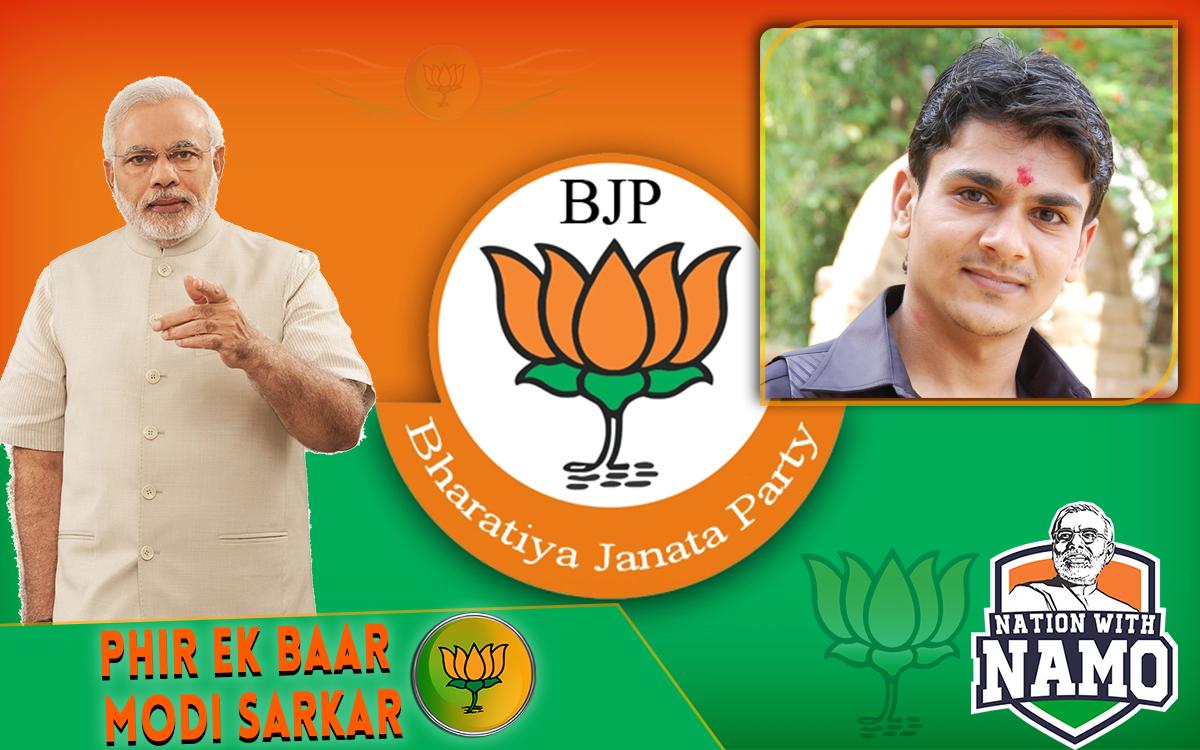
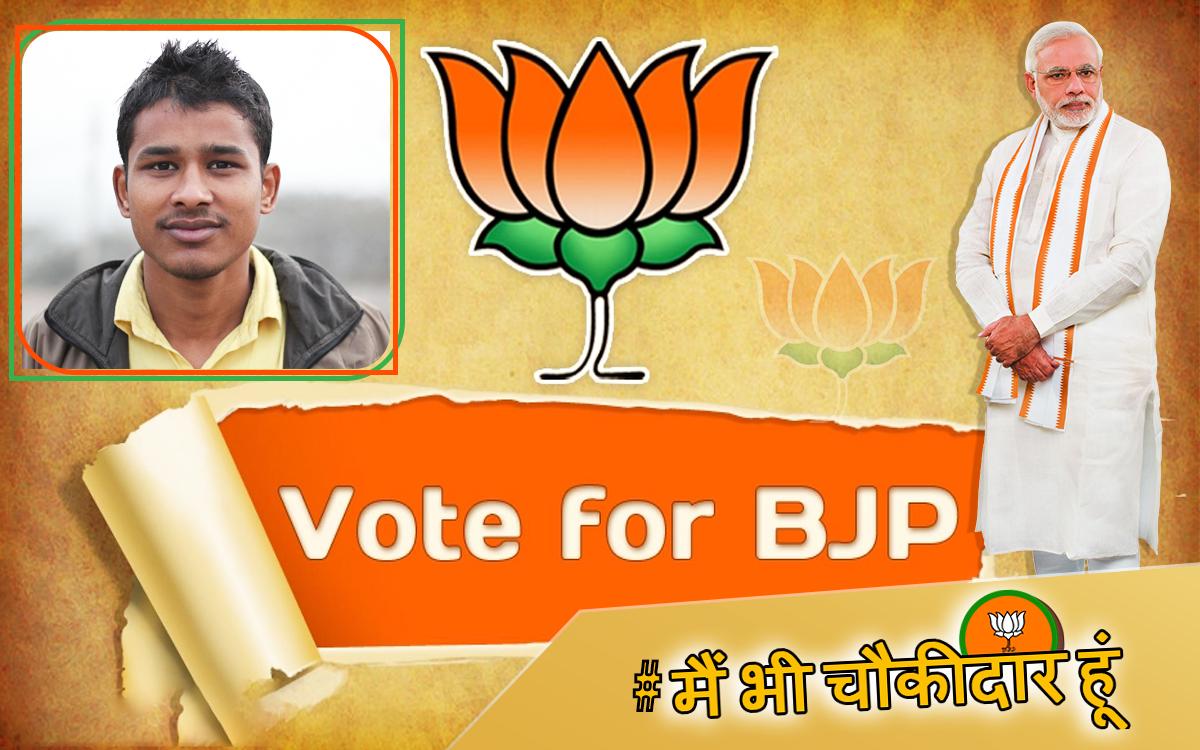
Bharatiya Janata Party BJP Flax Banner Photo Frame Editor 2019 app that fulfill your highest requirement for edit your normal photo to Bharatiya Janata Party BJP Flax Banner Photo Frame Editor 2019 to design your photos with valuable
massages and attractive stickers. This App that includes all functionalities in single app which are provided in different top downloaded apps.
In Our App Bharatiya Janata Party BJP Flax Banner Photo Frame Editor 2019 Includes Amazing Frames With awesome functionalities:
1. Different Unique Bharatiya Janata Party BJP Flax Banner Photo Frame Editor 2019 with Amazing Lovely HD EFFECTS and many more.
2. Lots of photo frame shapes.
3. Many exciting smiley and stickers.
4. Three Crop Options shape your ideas.
5. Feather Options for sharp your creativity.
6. Opacity Option for manage shine photo frames.
7. Text Option for awesome quotes.
8. Resize Option for perfect shape.
This App Gives Easy to create Unique Photo With Your True Love Family And friends.
Instructions For Use:
Step 1: Click On "Start" Button.
Step 2: Select Background i.e. "Bharatiya Janata Party BJP Flax Banner Photo Frame Editor 2019".
Step 3: Click "Add Photo" for choose your photo. Select Source Camera or Gallery.
Step 4: Choose Crop Method.*USE PEN OR STICK FOR BETTER SELECTION IN FREE HAND CROP.
Step 5: You can manage FEATHER ratio for hide crop edges.
Step 6: Resize your crop photo for perfect adjustment and place.
Note: You can set Opacity for perfect Shine.
Step 7: Add Stickers or Text as per your idea.
Step 8: SAVE and Share with your friends and family.
If you have any suggestion or doubt for Our App, Please feel free to mail Us.
Ads is supporting us and encourage for more updates.
We appreciates your valuable Comment and Full Review for Support Developers. It Help us to Develop Better and Beautiful App.
Thanking you !
ChanDiv
Visualizar
Em formação
Desenvolvedor
Photo Frame Editor Studio
Última versão
1.18
Ultima atualização
2019-03-22
Categoria
Fotografia
Disponível em
Google Play
Mostre mais
Como jogar Bharatiya Janata Party BJP Photo Frame Editor 2019 com GameLoop no PC
1. Baixe o GameLoop do site oficial e execute o arquivo exe para instalar o GameLoop.
2. Abra o GameLoop e procure por “Bharatiya Janata Party BJP Photo Frame Editor 2019”, encontre Bharatiya Janata Party BJP Photo Frame Editor 2019 nos resultados da pesquisa e clique em “Install”.
3. Divirta-se jogando Bharatiya Janata Party BJP Photo Frame Editor 2019 no GameLoop.
Minimum requirements
OS
Windows 8.1 64-bit or Windows 10 64-bit
GPU
GTX 1050
CPU
i3-8300
Memory
8GB RAM
Storage
1GB available space
Recommended requirements
OS
Windows 8.1 64-bit or Windows 10 64-bit
GPU
GTX 1050
CPU
i3-9320
Memory
16GB RAM
Storage
1GB available space