Themes App para PC
Wallpapers and Themes
Baixe Themes App no PC com o emulador GameLoop
Themes App no PC
Themes App, vindo do desenvolvedor Wallpapers and Themes, está rodando no sistema Android no passado.
Agora, você pode jogar Themes App no PC com GameLoop sem problemas.
Faça o download na biblioteca GameLoop ou nos resultados da pesquisa. Chega de ficar de olho na bateria ou fazer chamadas frustrantes na hora errada.
Apenas aproveite o Themes App PC na tela grande gratuitamente!
Themes App Introdução
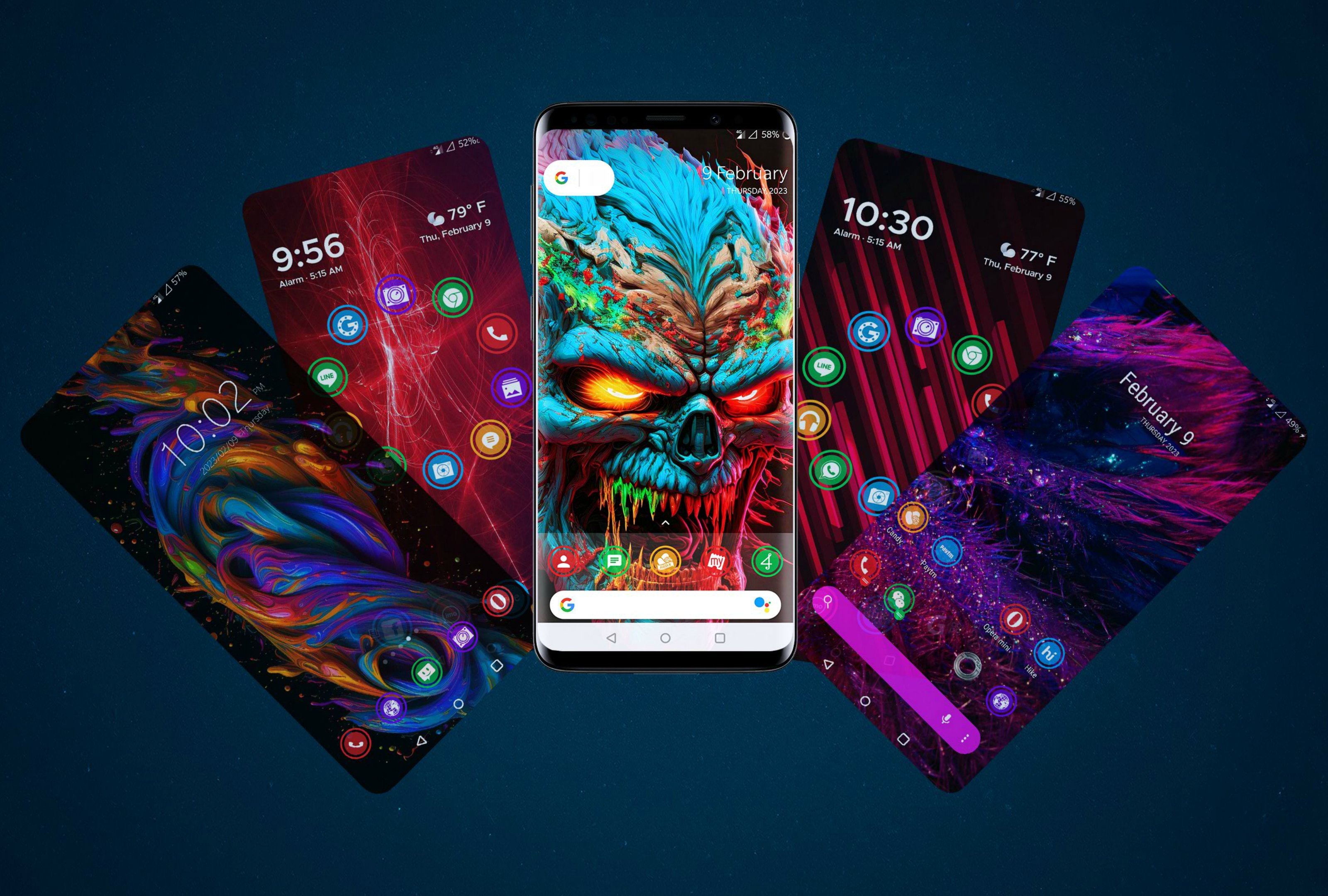
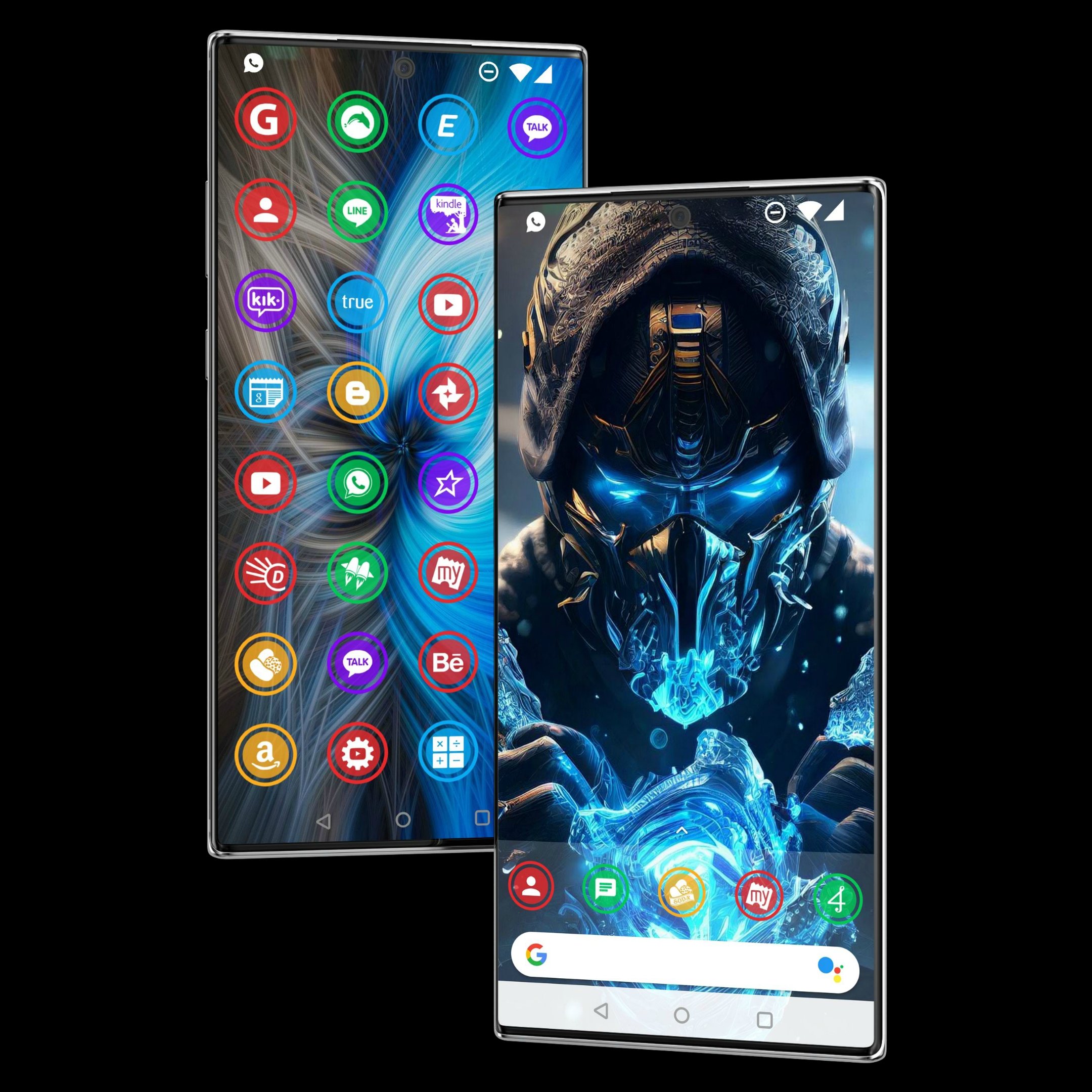
Themes app - 900+ HD icons for Android & wallpaper photos.
Change icon style easily with the themes app, download wallpaper photos and personalize Android launcher beautifully.
Themes app offer round shape beautiful HD icons & the icon pack works with all Android launcher.
Downloading wallpaper photos are super easy & make your own wallpaper collection.
Themes app supports all Android phones including Samsung, realme, oneplus & oppo phones.
Change icon style now with our beautiful themes app.
▶ How to apply theme:-
To apply themes you need to install an Android launcher like go launcher, Neox launcher, etc.
Please follow these simple steps to apply themes on Neox launcher
1. Install Neox Launcher from Play Store
2. Open Themes - click on Apply
▶ Support Us
Please support us with Ratings & Comments.
It will also inspire us to Develop More Free Themes for you.
Visualizar
Tag
PersonalizaçãoTabuleiroEm formação
Desenvolvedor
Wallpapers and Themes
Última versão
v3.6.4
Ultima atualização
2025-11-09
Categoria
Personalização
Disponível em
Google Play
Mostre mais
Como jogar Themes App com GameLoop no PC
1. Baixe o GameLoop do site oficial e execute o arquivo exe para instalar o GameLoop.
2. Abra o GameLoop e procure por “Themes App”, encontre Themes App nos resultados da pesquisa e clique em “Install”.
3. Divirta-se jogando Themes App no GameLoop.
Minimum requirements
OS
Windows 8.1 64-bit or Windows 10 64-bit
GPU
GTX 1050
CPU
i3-8300
Memory
8GB RAM
Storage
1GB available space
Recommended requirements
OS
Windows 8.1 64-bit or Windows 10 64-bit
GPU
GTX 1050
CPU
i3-9320
Memory
16GB RAM
Storage
1GB available space