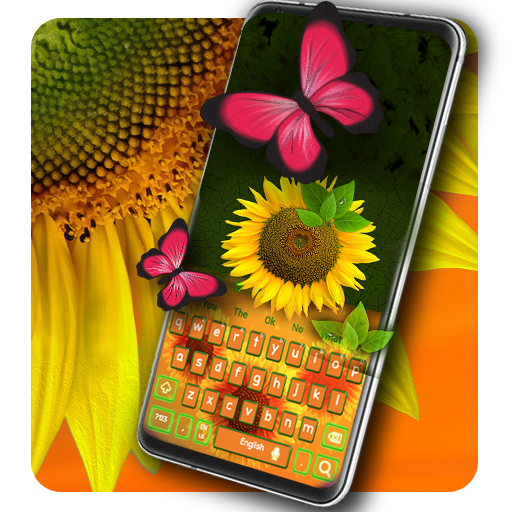
Sunflower Keyboard para PC
Luna Themes
Baixe Sunflower Keyboard no PC com o emulador GameLoop
Sunflower Keyboard no PC
Sunflower Keyboard, vindo do desenvolvedor Luna Themes, está rodando no sistema Android no passado.
Agora, você pode jogar Sunflower Keyboard no PC com GameLoop sem problemas.
Faça o download na biblioteca GameLoop ou nos resultados da pesquisa. Chega de ficar de olho na bateria ou fazer chamadas frustrantes na hora errada.
Apenas aproveite o Sunflower Keyboard PC na tela grande gratuitamente!
Sunflower Keyboard Introdução
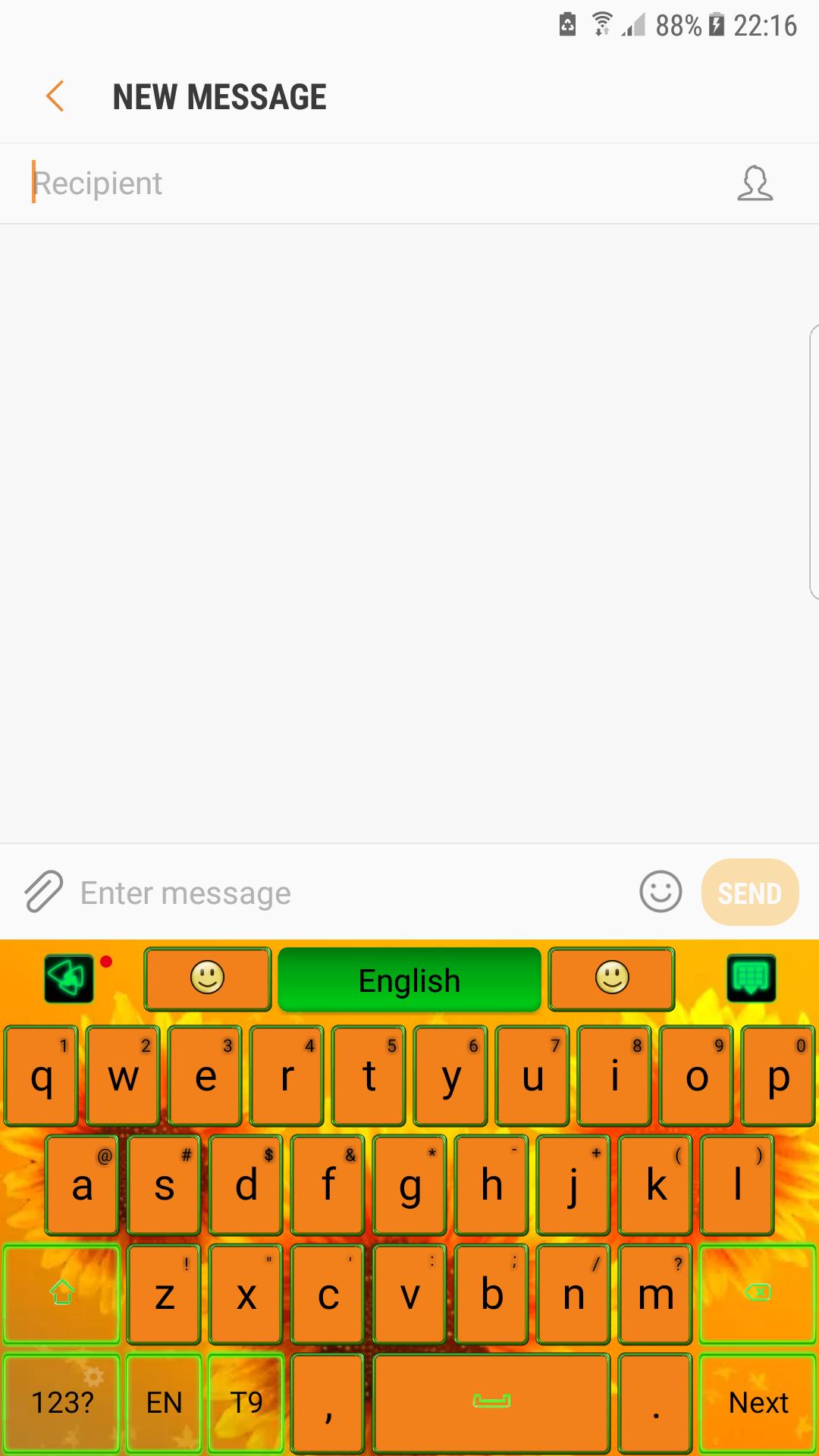
The essence of good taste and a colorful design bathed in glow sun rays, will transform your screen in irresistible gadget. 🌻
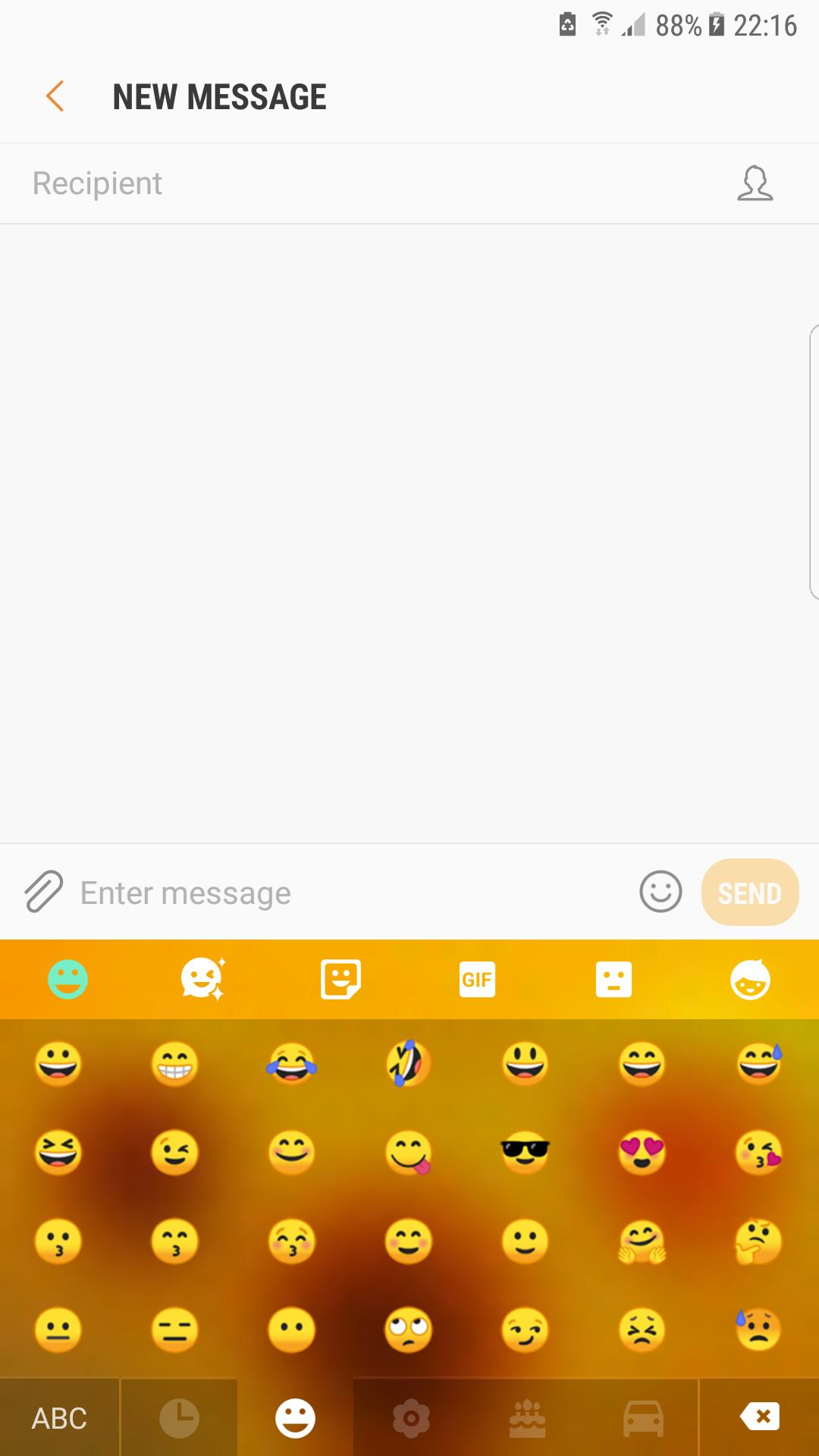
🌻 No chat without emoji😊! So expressive little smiley that helps you to tell more instantly are now on your keypad in a various forms and chic styles, ready to make the conversation more interactive.
🌻 Also gesture input has a beautiful graphic effect and helps a lot to write better and faster, just swiping on the keyboard's surface.
Features:
★Voice Input
★Popular GIFs and Memes
★Customized Fonts
★Auto-correction
★Dynamic Typing Effect
🌻 In golden rays of the sun, this flower symbolize the infinite summer and the joy. Warm shades from colors of nature, orange and green, celebrate the glow of the summer.
🌻 Inspired by the rural side and the famous paintings and artworks, the theme is dedicated to those that want a background with happiness and warmth.
🌻 Download now the sunflower keyboard and wear the beauty of the summer. Nothing compares with the mother nature and its beautiful flowers.
Visualizar
Em formação
Desenvolvedor
Luna Themes
Última versão
1.0
Ultima atualização
2019-09-18
Categoria
Personalização
Disponível em
Google Play
Mostre mais
Como jogar Sunflower Keyboard com GameLoop no PC
1. Baixe o GameLoop do site oficial e execute o arquivo exe para instalar o GameLoop.
2. Abra o GameLoop e procure por “Sunflower Keyboard”, encontre Sunflower Keyboard nos resultados da pesquisa e clique em “Install”.
3. Divirta-se jogando Sunflower Keyboard no GameLoop.
Minimum requirements
OS
Windows 8.1 64-bit or Windows 10 64-bit
GPU
GTX 1050
CPU
i3-8300
Memory
8GB RAM
Storage
1GB available space
Recommended requirements
OS
Windows 8.1 64-bit or Windows 10 64-bit
GPU
GTX 1050
CPU
i3-9320
Memory
16GB RAM
Storage
1GB available space