One-Handed Mode para PC
XDA
Baixe One-Handed Mode no PC com o emulador GameLoop
One-Handed Mode no PC
One-Handed Mode, vindo do desenvolvedor XDA, está rodando no sistema Android no passado.
Agora, você pode jogar One-Handed Mode no PC com GameLoop sem problemas.
Faça o download na biblioteca GameLoop ou nos resultados da pesquisa. Chega de ficar de olho na bateria ou fazer chamadas frustrantes na hora errada.
Apenas aproveite o One-Handed Mode PC na tela grande gratuitamente!
One-Handed Mode Introdução
One-Handed Mode by XDA-Developers is the first and only app that replicates the iOS Reachability feature without requiring root access or a custom ROM.
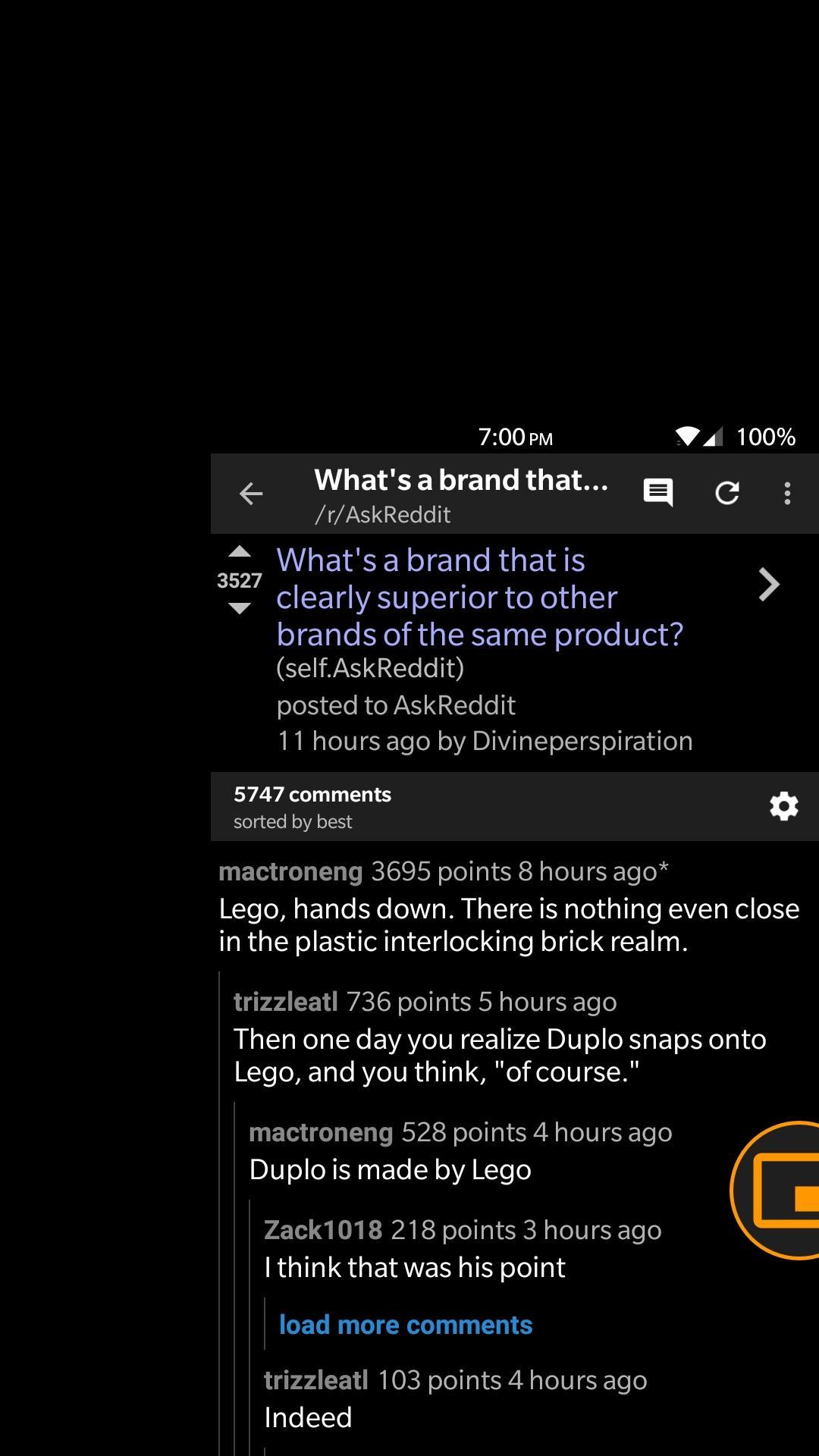
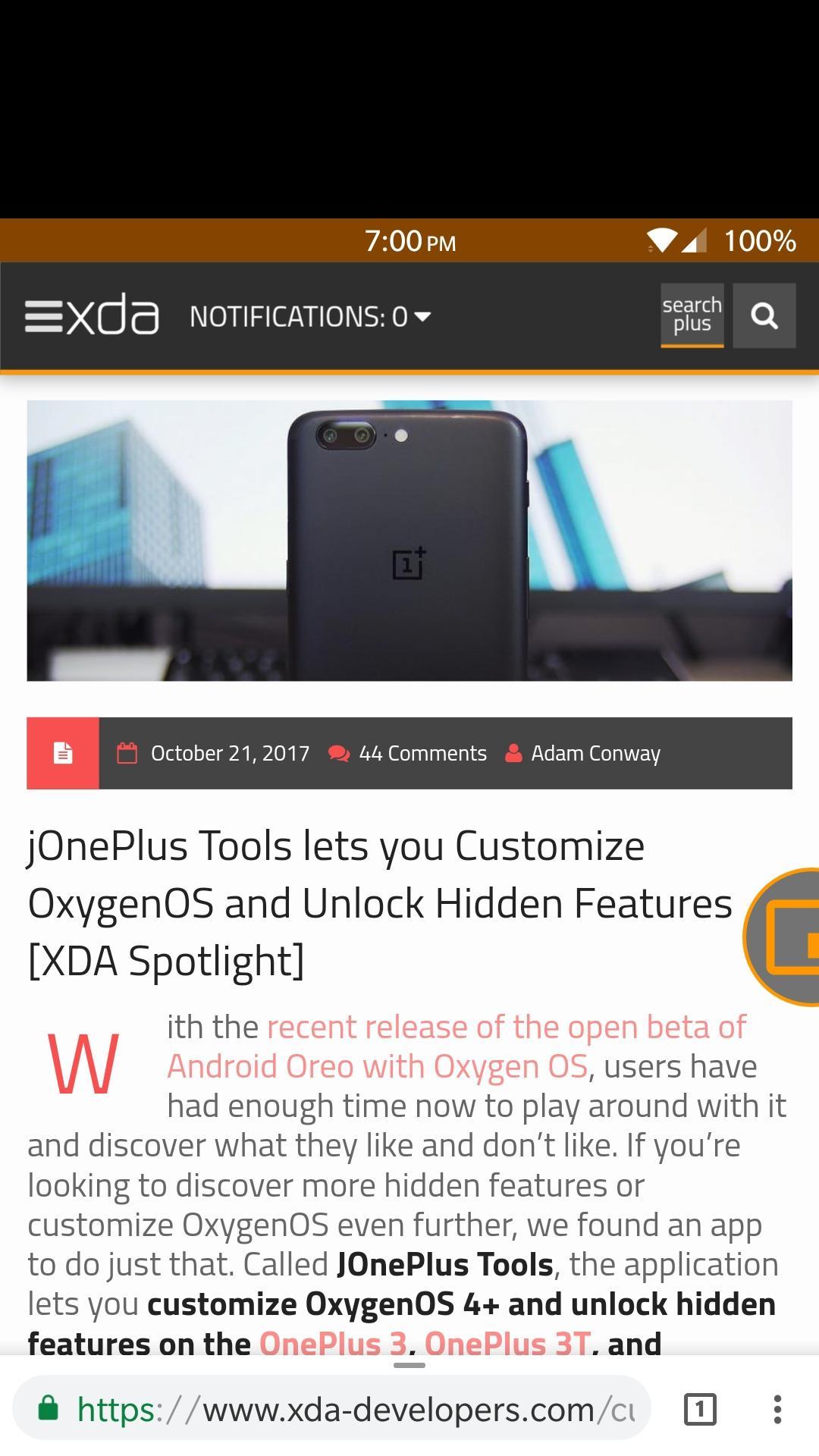
One-Handed Mode lets you reach your status bar and action bar of any app without having to stretch your hand. It does this by moving the entire screen down to a smaller window.
This app uses a floating, movable bubble that toggles One-Handed Mode whenever it is pressed. There are also other ways to toggle One-Handed Mode if you dislike the bubble.
Features
- Toggle One-Handed Mode through a Launcher Shortcut
- Toggle One-Handed Mode through a Quick Settings Tile
- Toggle One-Handed Mode through an intent
- Integration with Custom Navigation Bar app to add a navigation bar button to toggle One-Handed Mode
- Emergency reset button to safeguard your device
- Start service on boot
- Automatically adjust DPI to better fit screen contents
- Customize One-Handed Mode window, support for left-handed window
- Drag to dismiss bubble
- Disables One-Handed Mode on lock screen, when pressing home button, or when in landscape mode
Warning!
Many applications are not fully compatible with One-Handed Mode, and will show a large blank space between the status bar and the window. This happens because those applications are not built for a variable screen size, and is a limitation of Android itself and not our app. We recommend that you do not customize the One-Handed Mode window so you can avoid this problem for the most part.
Visualizar
Em formação
Desenvolvedor
XDA
Última versão
27
Ultima atualização
2017-11-26
Categoria
Personalização
Disponível em
Google Play
Mostre mais
Como jogar One-Handed Mode com GameLoop no PC
1. Baixe o GameLoop do site oficial e execute o arquivo exe para instalar o GameLoop.
2. Abra o GameLoop e procure por “One-Handed Mode”, encontre One-Handed Mode nos resultados da pesquisa e clique em “Install”.
3. Divirta-se jogando One-Handed Mode no GameLoop.
Minimum requirements
OS
Windows 8.1 64-bit or Windows 10 64-bit
GPU
GTX 1050
CPU
i3-8300
Memory
8GB RAM
Storage
1GB available space
Recommended requirements
OS
Windows 8.1 64-bit or Windows 10 64-bit
GPU
GTX 1050
CPU
i3-9320
Memory
16GB RAM
Storage
1GB available space