DashClock Widget para PC
Roman Nurik and Ian Lake
Baixe DashClock Widget no PC com o emulador GameLoop
DashClock Widget no PC
DashClock Widget, vindo do desenvolvedor Roman Nurik and Ian Lake, está rodando no sistema Android no passado.
Agora, você pode jogar DashClock Widget no PC com GameLoop sem problemas.
Faça o download na biblioteca GameLoop ou nos resultados da pesquisa. Chega de ficar de olho na bateria ou fazer chamadas frustrantes na hora errada.
Apenas aproveite o DashClock Widget PC na tela grande gratuitamente!
DashClock Widget Introdução
** NOTE: The weather extension is currently not working due to changes in the Yahoo! Weather API. Stay tuned. **
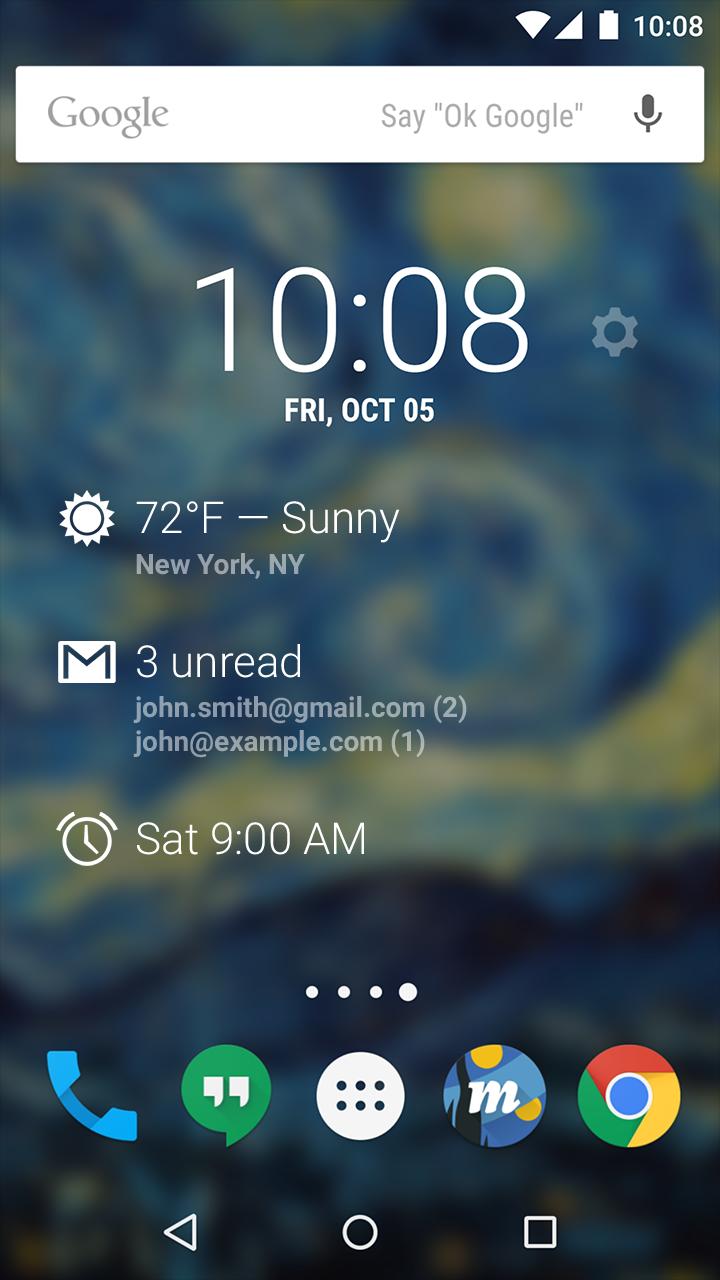
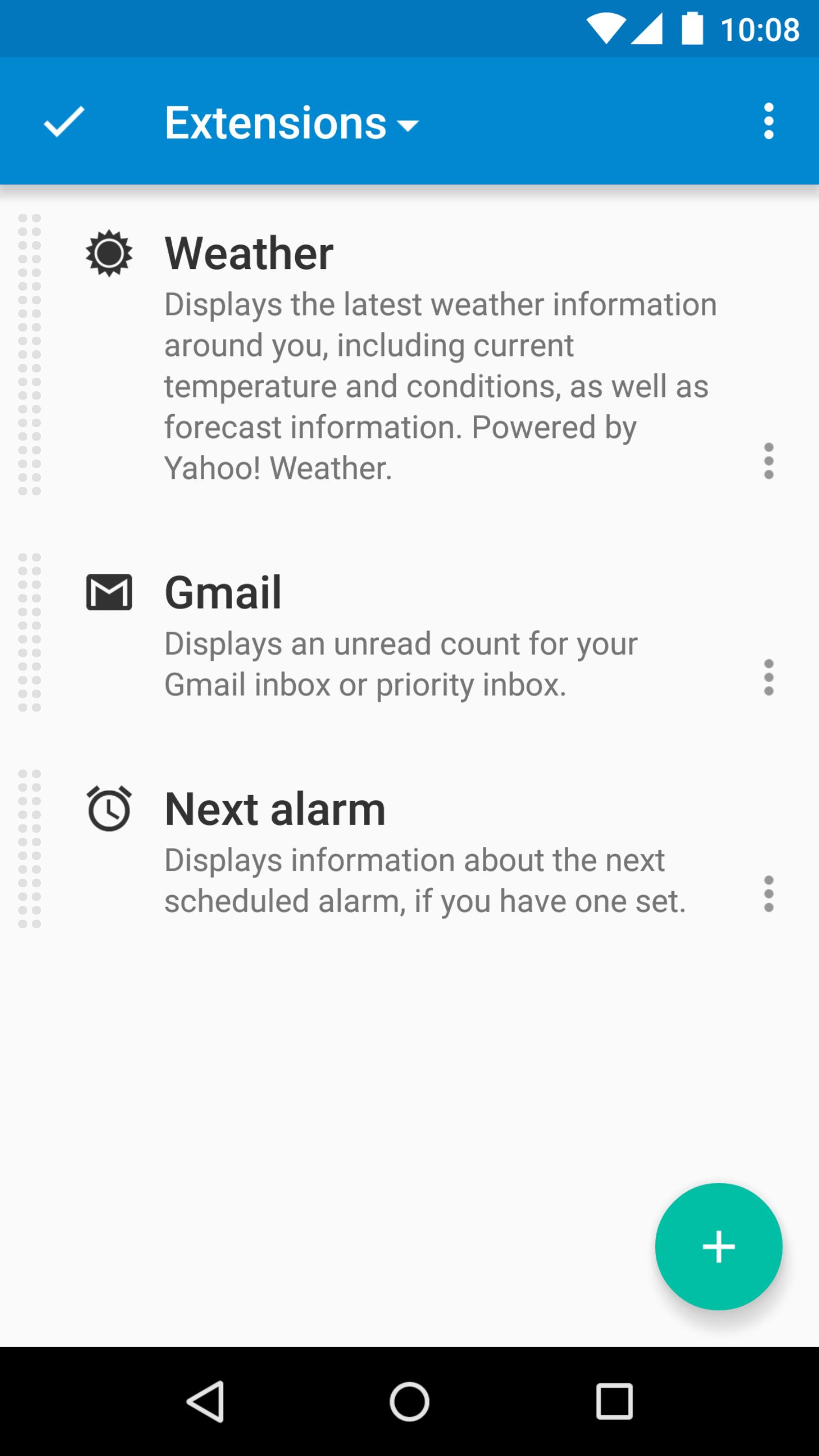
DashClock is a home screen clock widget for Android 4.2+ phones and tablets, with lock screen support for Android 4.2-4.4. It also exposes additional status items called extensions. The widget comes bundled with extensions that give you instant access to:
• Your current local weather
• Missed calls and unread text messages
• Your next calendar appointment
• Unread Gmail inbox or priority inbox conversations
• Your next scheduled alarm
To add the widget to your Android 4.2 device's lock screen, first make sure that "Enable widgets" is turned on in your security settings. Then, simply swipe to the left-most page of your lock screen and touch the "+" icon. Finally, select "DashClock" to customize and add the widget. You can make this the primary lock screen widget, replacing the default clock, by first touching-and-holding it and then dragging it horizontally to the very rightmost position.
Developers: DashClock is extensible! Visit the open source project at http://code.google.com/p/dashclock to learn more or just check out the source.
Have a bug report or feature request? Just find the issue or file a new one here: http://code.google.com/p/dashclock/issues/list
Visualizar
Em formação
Desenvolvedor
Roman Nurik and Ian Lake
Última versão
1.7.2
Ultima atualização
2016-05-11
Categoria
Personalização
Disponível em
Google Play
Mostre mais
Como jogar DashClock Widget com GameLoop no PC
1. Baixe o GameLoop do site oficial e execute o arquivo exe para instalar o GameLoop.
2. Abra o GameLoop e procure por “DashClock Widget”, encontre DashClock Widget nos resultados da pesquisa e clique em “Install”.
3. Divirta-se jogando DashClock Widget no GameLoop.
Minimum requirements
OS
Windows 8.1 64-bit or Windows 10 64-bit
GPU
GTX 1050
CPU
i3-8300
Memory
8GB RAM
Storage
1GB available space
Recommended requirements
OS
Windows 8.1 64-bit or Windows 10 64-bit
GPU
GTX 1050
CPU
i3-9320
Memory
16GB RAM
Storage
1GB available space