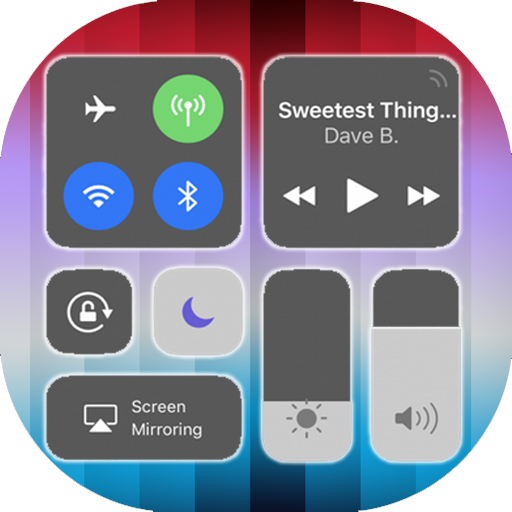
Control Center Ios 15 Style para PC
Kabadokia
Baixe Control Center Ios 15 Style no PC com o emulador GameLoop
Control Center Ios 15 Style no PC
Control Center Ios 15 Style, vindo do desenvolvedor Kabadokia, está rodando no sistema Android no passado.
Agora, você pode jogar Control Center Ios 15 Style no PC com GameLoop sem problemas.
Faça o download na biblioteca GameLoop ou nos resultados da pesquisa. Chega de ficar de olho na bateria ou fazer chamadas frustrantes na hora errada.
Apenas aproveite o Control Center Ios 15 Style PC na tela grande gratuitamente!
Control Center Ios 15 Style Introdução
iCenter iOS 15 2022- The super-easy and instant access tool for your Android phone with professional design like an Apple phone
Mi Control Center is a unique phone customiser and it will change the way you use your device. Personalise your phone to MIUI or iOS design easily with a powerful control center!
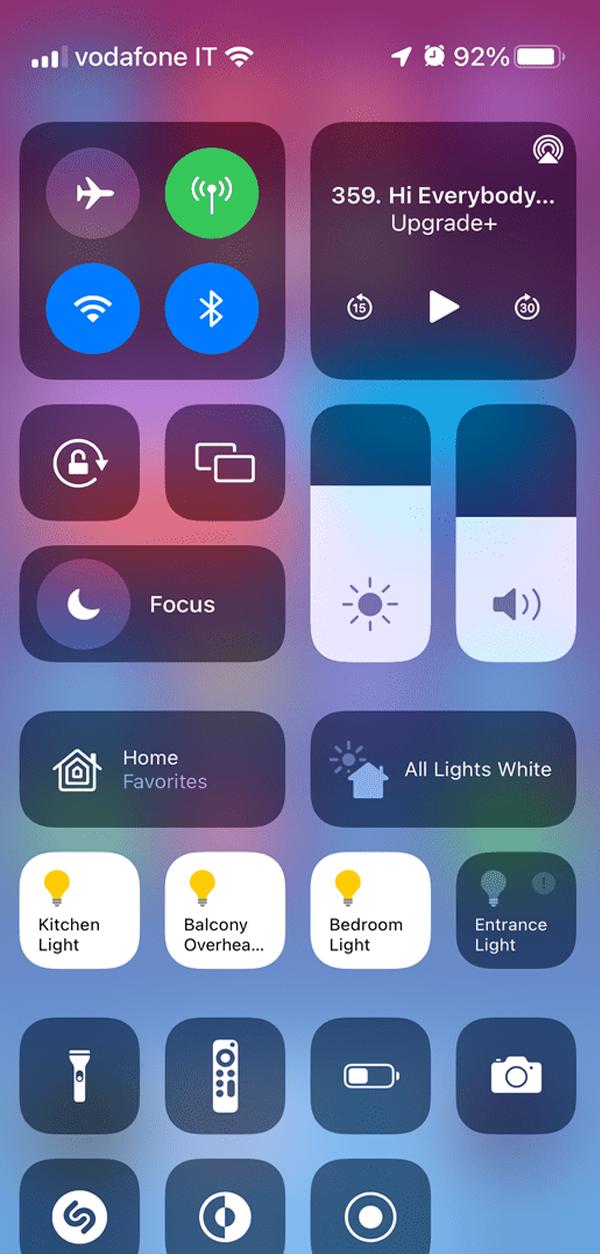
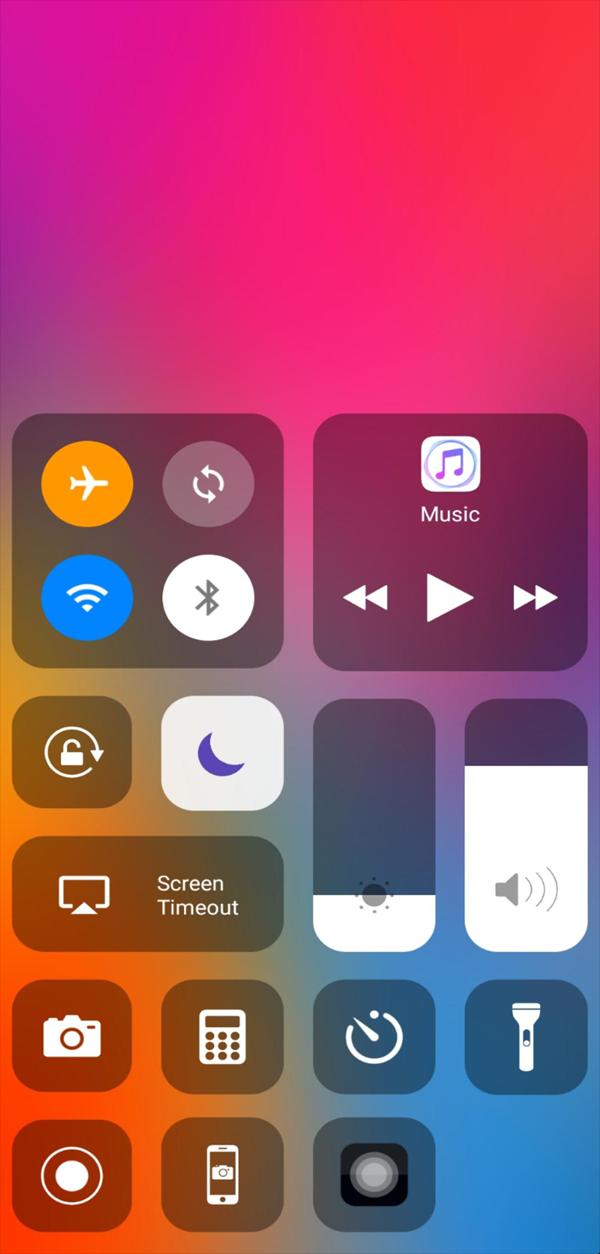
Control Center iOS 15 2022 gives you instant access to the Camera, Clock, Record the screen, Screenshot and more settings like to iOS X, iOS XS.
Control Center 2022 - quickly change settings:
- Screen recorder be like iPhone
- Screenshot, screen capture
- Wifi
- Bluetooth
- Screen rotation
- Mobile hotspot: easy to make a personal hotspot and share your internet.
- Volume controller: change volume ringtone, music, alarm, notification, and system sounds.
- Music controller
- Screen brightness
- Flashlight
- Do not disturb
- Silent, vibration, and sound
- Lock the screen (screen off)
- Night mode (night light) and take care of your eyes
- Pin favorite application in Control Center
- Screen orientation lock: let your screen rotate or lock when your phone is moved
- Do Not Disturb: by enable Do Not Disturb function all calls and notification will be silenced while your phone is locked. You also can schedule your Do Not Disturb time
- Volume adjust: quick and super-easy adjust volume by swipe up and down.
- Brightness adjust: swipe up for brighter screen and swipe down for darker screen.
- Camera: one click to get your camera, instant access to capture all your precious moments.
- Alarm & Timer: you can instantly set alarm, timer, stopwatch or check the world clock
- Flash night: using your LED flash on your camera as a flashnight when you need it by quick access
By using iCenter 2022 - iNoty iOS15 – Control Center 2022& iNoty, you definitely can have great experience like using a newest apple phone with apple home control. Easy access, quick control, convenient customization, trendy style is for your comfortable usage.
Thank you for using our app. If you like it, please rate us 5 stars.
If you have any feedback or want to have more features, please contact us via email.
We are doing our best to bring you useful app!
Visualizar
Tag
PersonalizaçãoEm formação
Desenvolvedor
Kabadokia
Última versão
1.0
Ultima atualização
2022-04-26
Categoria
Personalização
Disponível em
Google Play
Mostre mais
Como jogar Control Center Ios 15 Style com GameLoop no PC
1. Baixe o GameLoop do site oficial e execute o arquivo exe para instalar o GameLoop.
2. Abra o GameLoop e procure por “Control Center Ios 15 Style”, encontre Control Center Ios 15 Style nos resultados da pesquisa e clique em “Install”.
3. Divirta-se jogando Control Center Ios 15 Style no GameLoop.
Minimum requirements
OS
Windows 8.1 64-bit or Windows 10 64-bit
GPU
GTX 1050
CPU
i3-8300
Memory
8GB RAM
Storage
1GB available space
Recommended requirements
OS
Windows 8.1 64-bit or Windows 10 64-bit
GPU
GTX 1050
CPU
i3-9320
Memory
16GB RAM
Storage
1GB available space