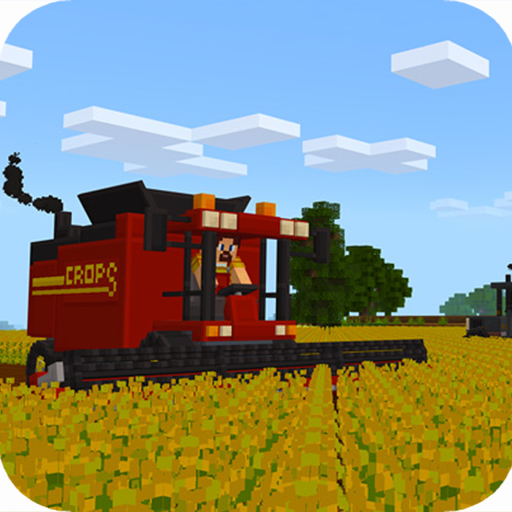
Farm Mod Addon Minecraft PE para PC
Reborn Mobile
Baixe Farm Mod Addon Minecraft PE no PC com o emulador GameLoop
Farm Mod Addon Minecraft PE no PC
Farm Mod Addon Minecraft PE, vindo do desenvolvedor Reborn Mobile, está rodando no sistema Android no passado.
Agora, você pode jogar Farm Mod Addon Minecraft PE no PC com GameLoop sem problemas.
Faça o download na biblioteca GameLoop ou nos resultados da pesquisa. Chega de ficar de olho na bateria ou fazer chamadas frustrantes na hora errada.
Apenas aproveite o Farm Mod Addon Minecraft PE PC na tela grande gratuitamente!
Farm Mod Addon Minecraft PE Introdução
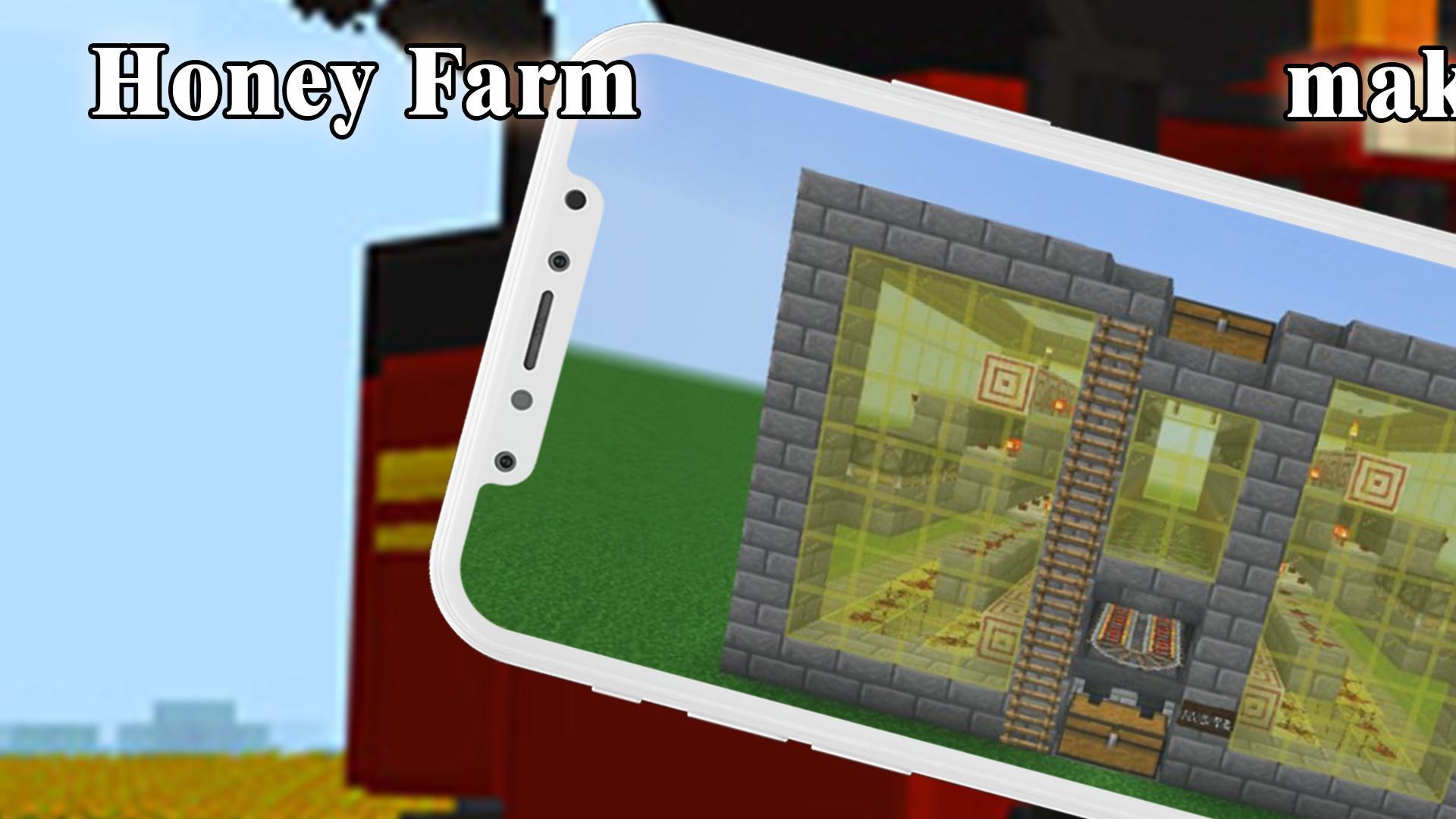
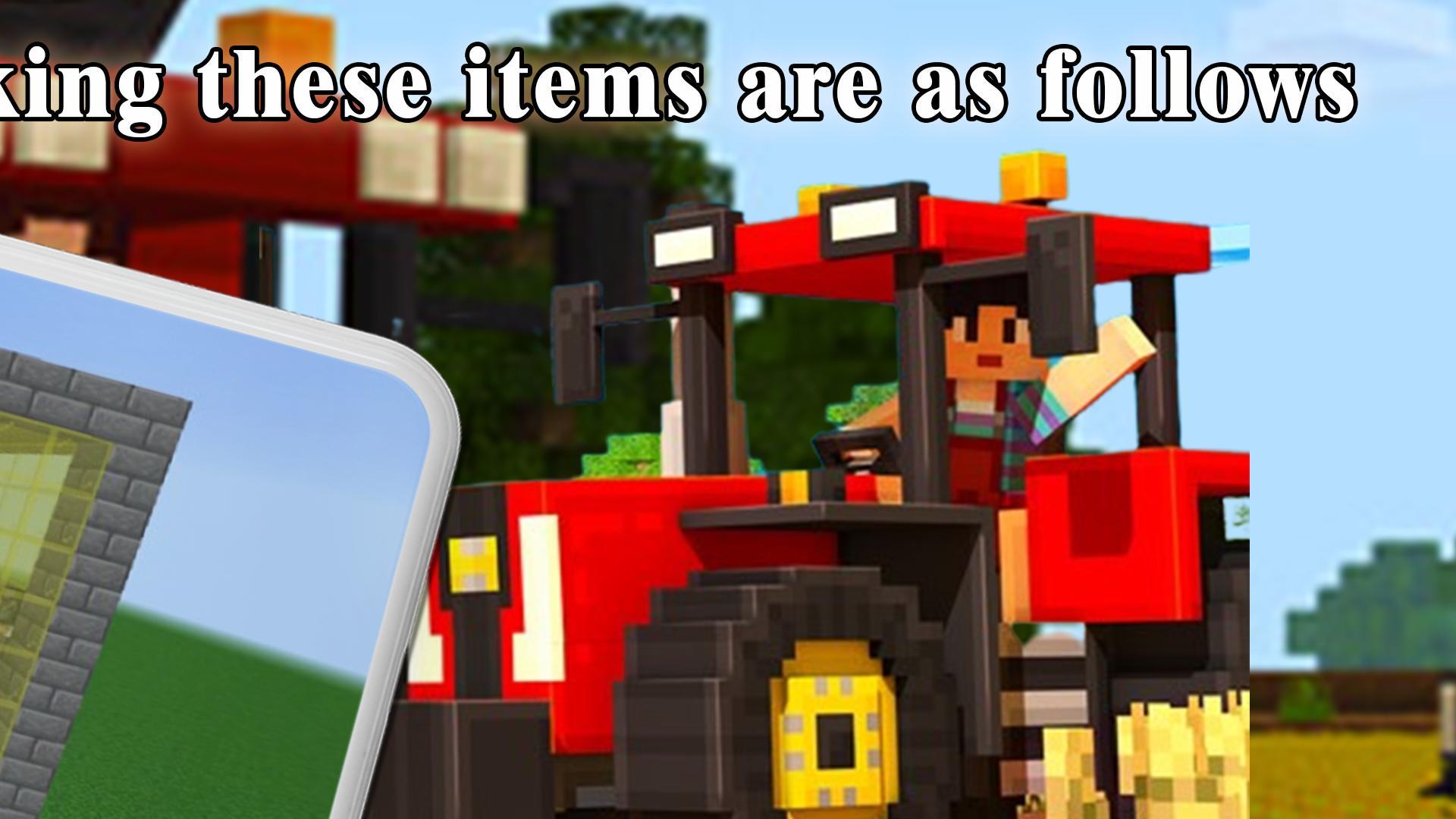
They just drop a block and spawn the farm. In this version more than 10 farms were added and now there are new mechanics, many blocks and a tool.
The builder tool is used to generate the farms and now the "Marker Tool" has been added to help define the area where the farm will be generated.
The Farm is made with a simple interface which will help you to use it quickly.
Features Of Farm
📛 High Quality created by pro minecraft gamer
📛 Click install or Save to your gallery
📛 Easy to use
📛 Work with all minecraft PE versions
Have fun and play action packed games.
DISCLAIMER:
This Farm is an unofficial application for Minecraft. This application isn't related to in any method with Mojang AB. The Minecraft Name, the Minecraft complete and also the Minecraft Assets all property of Mojang AB or their respectful owner. All rights reserved. In accordance with.
https://account.mojang.com/documents/brand_guidelines
Visualizar
Tag
PersonalizaçãoEm formação
Desenvolvedor
Reborn Mobile
Última versão
1.0
Ultima atualização
2022-08-27
Categoria
Personalização
Disponível em
Google Play
Mostre mais
Como jogar Farm Mod Addon Minecraft PE com GameLoop no PC
1. Baixe o GameLoop do site oficial e execute o arquivo exe para instalar o GameLoop.
2. Abra o GameLoop e procure por “Farm Mod Addon Minecraft PE”, encontre Farm Mod Addon Minecraft PE nos resultados da pesquisa e clique em “Install”.
3. Divirta-se jogando Farm Mod Addon Minecraft PE no GameLoop.
Minimum requirements
OS
Windows 8.1 64-bit or Windows 10 64-bit
GPU
GTX 1050
CPU
i3-8300
Memory
8GB RAM
Storage
1GB available space
Recommended requirements
OS
Windows 8.1 64-bit or Windows 10 64-bit
GPU
GTX 1050
CPU
i3-9320
Memory
16GB RAM
Storage
1GB available space