
Call Screen Theme Pro para PC
Apps World Zone
Baixe Call Screen Theme Pro no PC com o emulador GameLoop
Call Screen Theme Pro no PC
Call Screen Theme Pro, vindo do desenvolvedor Apps World Zone, está rodando no sistema Android no passado.
Agora, você pode jogar Call Screen Theme Pro no PC com GameLoop sem problemas.
Faça o download na biblioteca GameLoop ou nos resultados da pesquisa. Chega de ficar de olho na bateria ou fazer chamadas frustrantes na hora errada.
Apenas aproveite o Call Screen Theme Pro PC na tela grande gratuitamente!
Call Screen Theme Pro Introdução
Call Screen Theme Pro a fast blinking flash alert, is possible today a flash alert on call if you don’t like to listen your cell phone ringing and color flash alert can gave you a flash alert calls in a flash time .
Call Screen Theme Pro Light will customize friendly your battery and specially very easy to use for all notification and all specific app.
New Feature :-
, Caller Color Screen Light for all your incoming calls with many more best theme ,Color blinking alert on call, flash alerts second for all your incoming calls. , Color flashlight Notification Color app can be set to work in different phone modes. , Inside phone alert lights, for all you system notifications.
, Simple to set this theme to make your incoming calls different , Low battery consumption , Little user interface , Make LED blinking on calls.
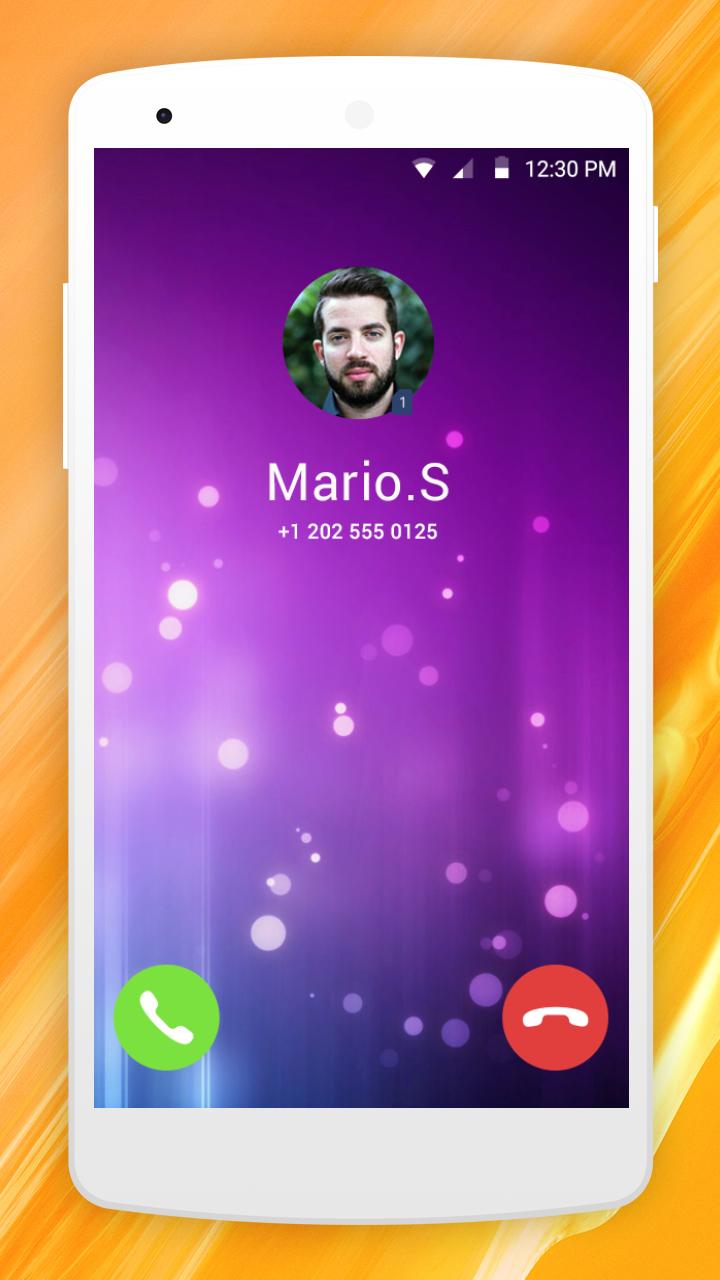
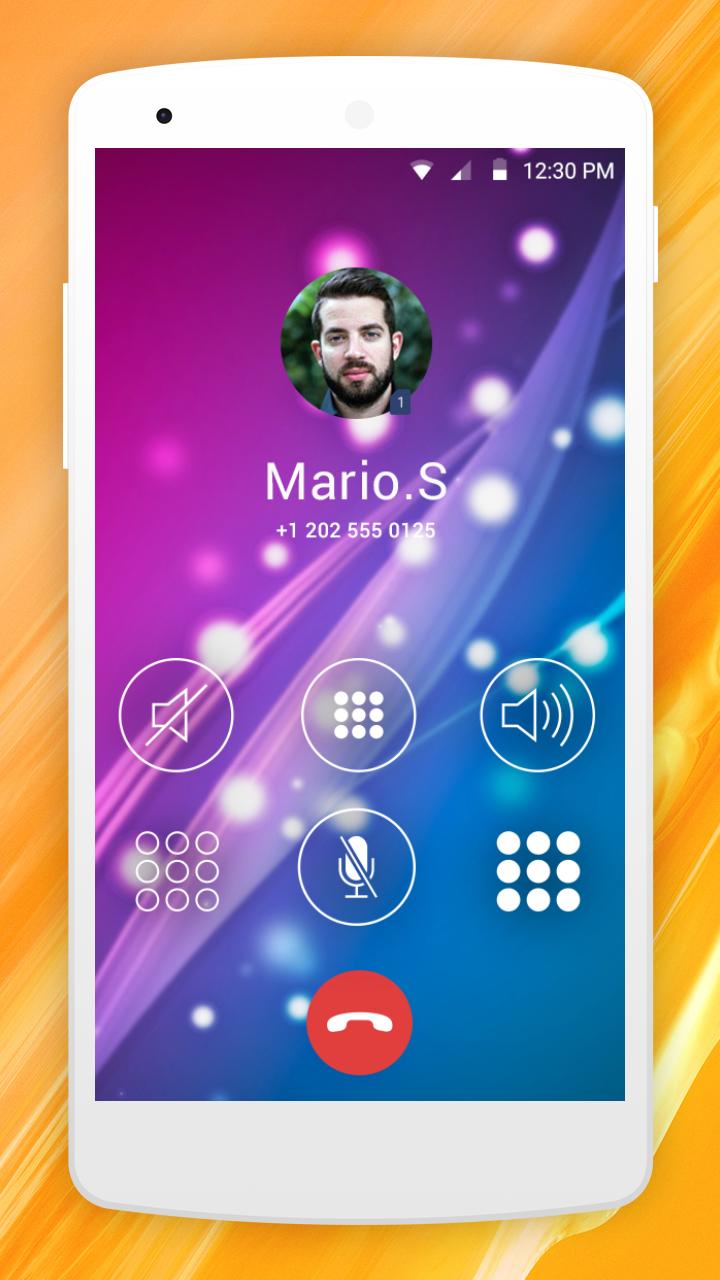
Call screen Theme Pro allows user to see caller photo if it is. Some of call screens by default has wallpaper of home screen wallpaper.
Visualizar
Em formação
Desenvolvedor
Apps World Zone
Última versão
1.0
Ultima atualização
2019-04-08
Categoria
Personalização
Disponível em
Google Play
Mostre mais
Como jogar Call Screen Theme Pro com GameLoop no PC
1. Baixe o GameLoop do site oficial e execute o arquivo exe para instalar o GameLoop.
2. Abra o GameLoop e procure por “Call Screen Theme Pro”, encontre Call Screen Theme Pro nos resultados da pesquisa e clique em “Install”.
3. Divirta-se jogando Call Screen Theme Pro no GameLoop.
Minimum requirements
OS
Windows 8.1 64-bit or Windows 10 64-bit
GPU
GTX 1050
CPU
i3-8300
Memory
8GB RAM
Storage
1GB available space
Recommended requirements
OS
Windows 8.1 64-bit or Windows 10 64-bit
GPU
GTX 1050
CPU
i3-9320
Memory
16GB RAM
Storage
1GB available space