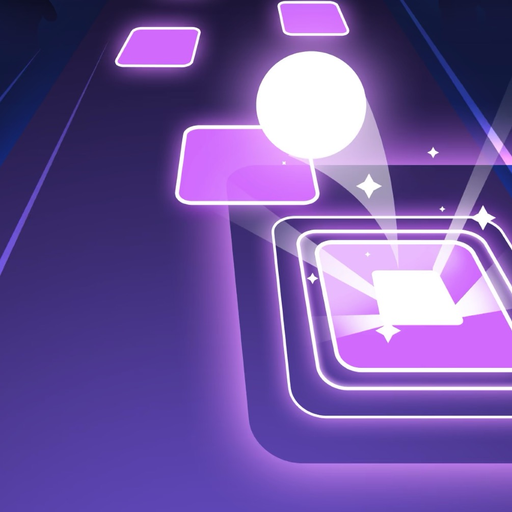
Tiles Hop Ball - EDM Rush para PC
Piano Tiles 3: Music Games, Tiles Hop, EDM Rush
Baixe Tiles Hop Ball - EDM Rush no PC com o emulador GameLoop
Tiles Hop Ball - EDM Rush no PC
Tiles Hop Ball - EDM Rush, vindo do desenvolvedor Piano Tiles 3: Music Games, Tiles Hop, EDM Rush, está rodando no sistema Android no passado.
Agora, você pode jogar Tiles Hop Ball - EDM Rush no PC com GameLoop sem problemas.
Faça o download na biblioteca GameLoop ou nos resultados da pesquisa. Chega de ficar de olho na bateria ou fazer chamadas frustrantes na hora errada.
Apenas aproveite o Tiles Hop Ball - EDM Rush PC na tela grande gratuitamente!
Tiles Hop Ball - EDM Rush Introdução
Have you ever heard “Tiles Hop Ball - EDM Rush”? It will be your favorite EDM game to relax yourself and kill time after busy works. Let’s play & enjoy the music on the go EDM Tiles. We suggest using headphones to feel the beats.
How to play “Tiles Hop Ball - EDM Rush”
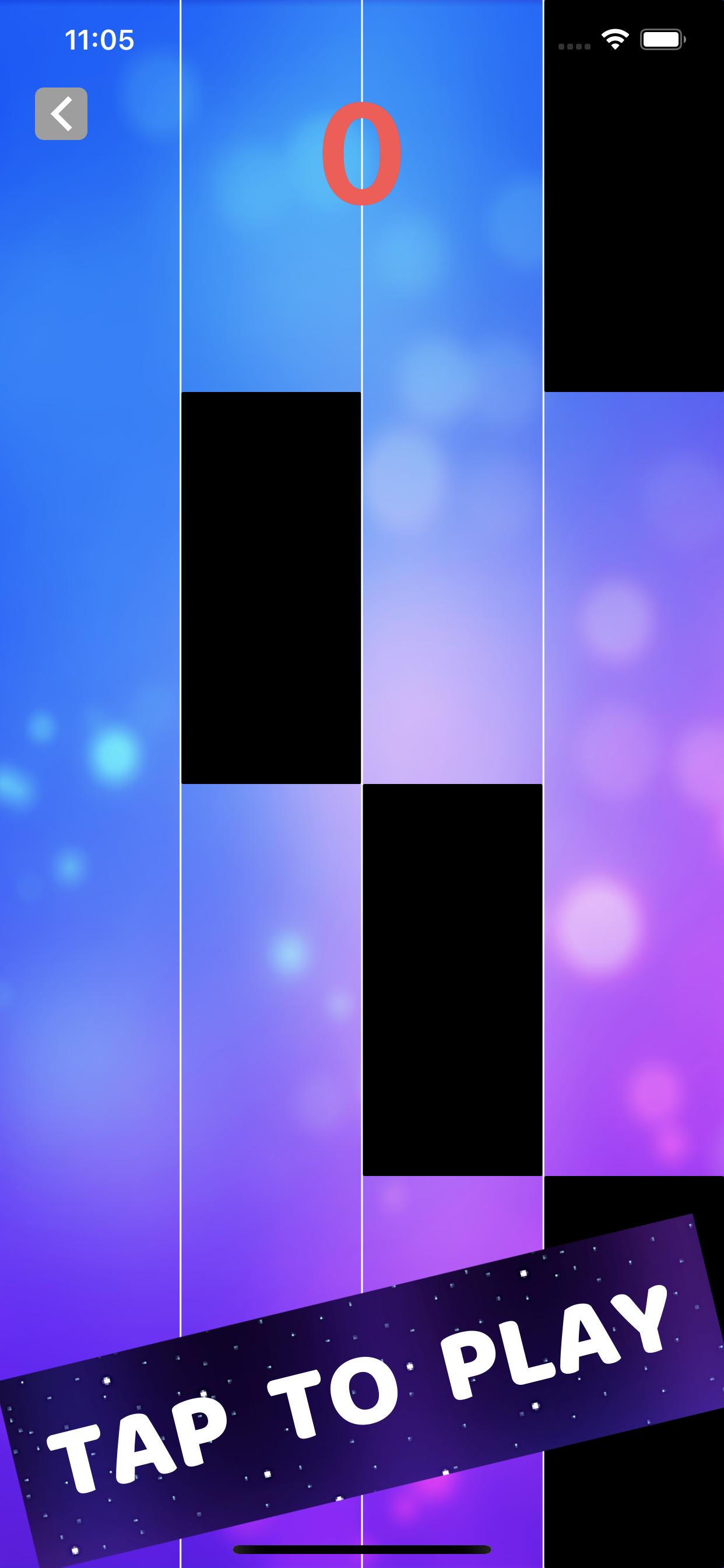
1.Hold & Drag to control the ball.
2.Hop on the tiles.
3.Don’t miss tiles.
4.You can upload your own local song to play.
The Neon Ball will jump on the Beats Drop from slow to fast. Then listen to the music beat, follow the rhythm and use your musical reflexes to guide the ball from tiles to tiles. Don’t tap! This is not a Tap Tap game. Don’t forget to make insane combos!
“Tiles Hop Ball - EDM Rush” has attractive and addictive Game features!
-Auto-generated content: upload your favorite songs to the music
-One-button control, easy to play
-Breathtaking 3D visual effects and effects
-The ever-changing backgrounds will truly bring you a new experience in every scene!
-Collect beautiful skins for the prom
-Keep breaking your highest scores
What’s new?
New popular music songs added. Now you can play various types of music online, from the best rhythm Piano to guitar songs, Pop, Rock and EDM.
“Tiles Hop Ball - EDM Rush” is totally free now! Let’s enjoy this EDM music rush game now!
“Tiles Hop Ball - EDM Rush” is very easy to play and extremely enjoyable. Come in and join the music adventure in tiles hop universe with us.
Visualizar
Em formação
Desenvolvedor
Piano Tiles 3: Music Games, Tiles Hop, EDM Rush
Última versão
1.0.0
Ultima atualização
2021-01-12
Categoria
Música
Disponível em
Google Play
Mostre mais
Como jogar Tiles Hop Ball - EDM Rush com GameLoop no PC
1. Baixe o GameLoop do site oficial e execute o arquivo exe para instalar o GameLoop.
2. Abra o GameLoop e procure por “Tiles Hop Ball - EDM Rush”, encontre Tiles Hop Ball - EDM Rush nos resultados da pesquisa e clique em “Install”.
3. Divirta-se jogando Tiles Hop Ball - EDM Rush no GameLoop.
Minimum requirements
OS
Windows 8.1 64-bit or Windows 10 64-bit
GPU
GTX 1050
CPU
i3-8300
Memory
8GB RAM
Storage
1GB available space
Recommended requirements
OS
Windows 8.1 64-bit or Windows 10 64-bit
GPU
GTX 1050
CPU
i3-9320
Memory
16GB RAM
Storage
1GB available space