
BLACKPINK on Piano Tiles para PC
ROTORBEAN CLEW
Baixe BLACKPINK on Piano Tiles no PC com o emulador GameLoop
BLACKPINK on Piano Tiles no PC
BLACKPINK on Piano Tiles, vindo do desenvolvedor ROTORBEAN CLEW, está rodando no sistema Android no passado.
Agora, você pode jogar BLACKPINK on Piano Tiles no PC com GameLoop sem problemas.
Faça o download na biblioteca GameLoop ou nos resultados da pesquisa. Chega de ficar de olho na bateria ou fazer chamadas frustrantes na hora errada.
Apenas aproveite o BLACKPINK on Piano Tiles PC na tela grande gratuitamente!
BLACKPINK on Piano Tiles Introdução
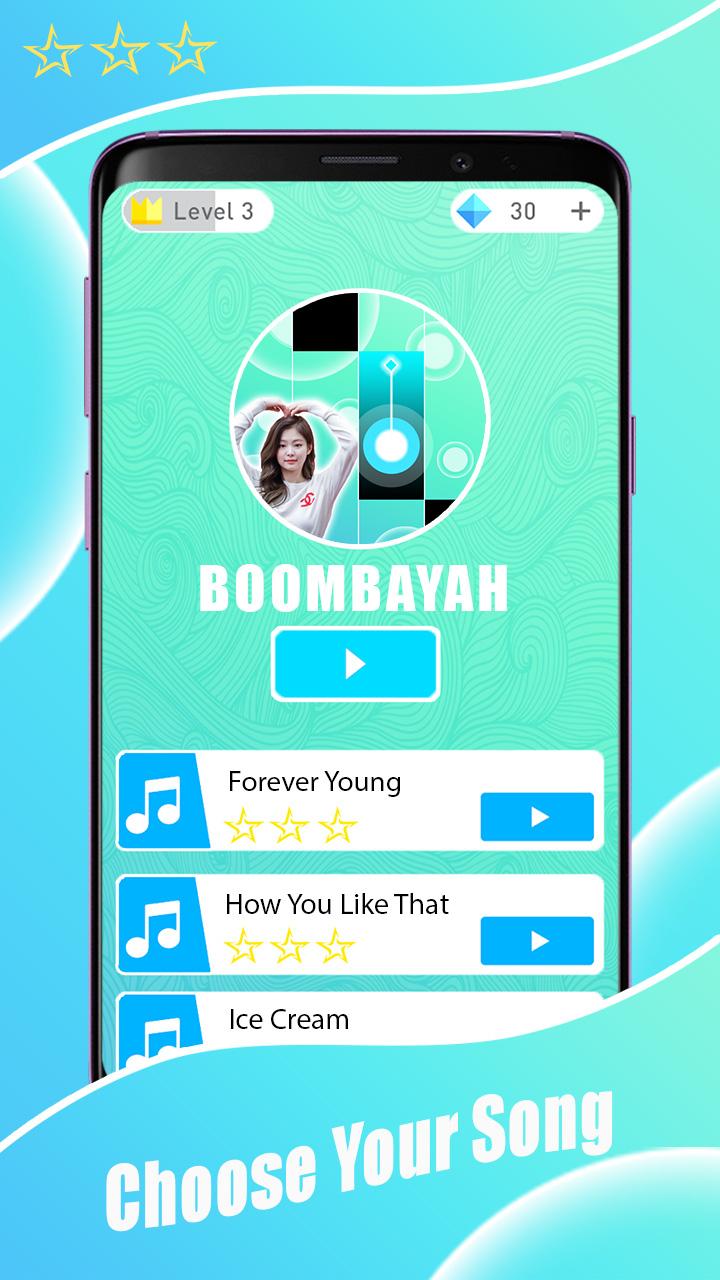
Welcome to BLACKPINK piano game with new album.
Game BLACKPINK Piano Tiles Finally Released!
Contains BLACKPINK song, Play Them All!
- Play your favorite BLACKPINK songs!
- Challenge your friends and beat their score!
- This is the best app to share our love and passion for BLACKPINK!
How to play:
- Touch the black piano piano several times to play the piano.
- Simple to play, but hard to master.
- Getting all the black bricks in this high-speed music game is definitely not easy!
Game features:
- Excellent game design and flat graphics
- High quality piano music
- There is a large collection ofBLACKPINK songs
- Gaming experience smoother
- Get experience.
- 100% free music game
- You can share games.
DISCLAIMER :
This is an unofficial fan-made application. It is not affiliated with or endorsed by BLACKPINK,
their management teams, or their record labels.
Visualizar

Tag
MúsicaEm formação
Desenvolvedor
ROTORBEAN CLEW
Última versão
2.0
Ultima atualização
2020-12-22
Categoria
Música
Disponível em
Google Play
Mostre mais
Como jogar BLACKPINK on Piano Tiles com GameLoop no PC
1. Baixe o GameLoop do site oficial e execute o arquivo exe para instalar o GameLoop.
2. Abra o GameLoop e procure por “BLACKPINK on Piano Tiles”, encontre BLACKPINK on Piano Tiles nos resultados da pesquisa e clique em “Install”.
3. Divirta-se jogando BLACKPINK on Piano Tiles no GameLoop.
Minimum requirements
OS
Windows 8.1 64-bit or Windows 10 64-bit
GPU
GTX 1050
CPU
i3-8300
Memory
8GB RAM
Storage
1GB available space
Recommended requirements
OS
Windows 8.1 64-bit or Windows 10 64-bit
GPU
GTX 1050
CPU
i3-9320
Memory
16GB RAM
Storage
1GB available space