SoundBot Player para PC
SoundBot
Baixe SoundBot Player no PC com o emulador GameLoop
SoundBot Player no PC
SoundBot Player, vindo do desenvolvedor SoundBot, está rodando no sistema Android no passado.
Agora, você pode jogar SoundBot Player no PC com GameLoop sem problemas.
Faça o download na biblioteca GameLoop ou nos resultados da pesquisa. Chega de ficar de olho na bateria ou fazer chamadas frustrantes na hora errada.
Apenas aproveite o SoundBot Player PC na tela grande gratuitamente!
SoundBot Player Introdução
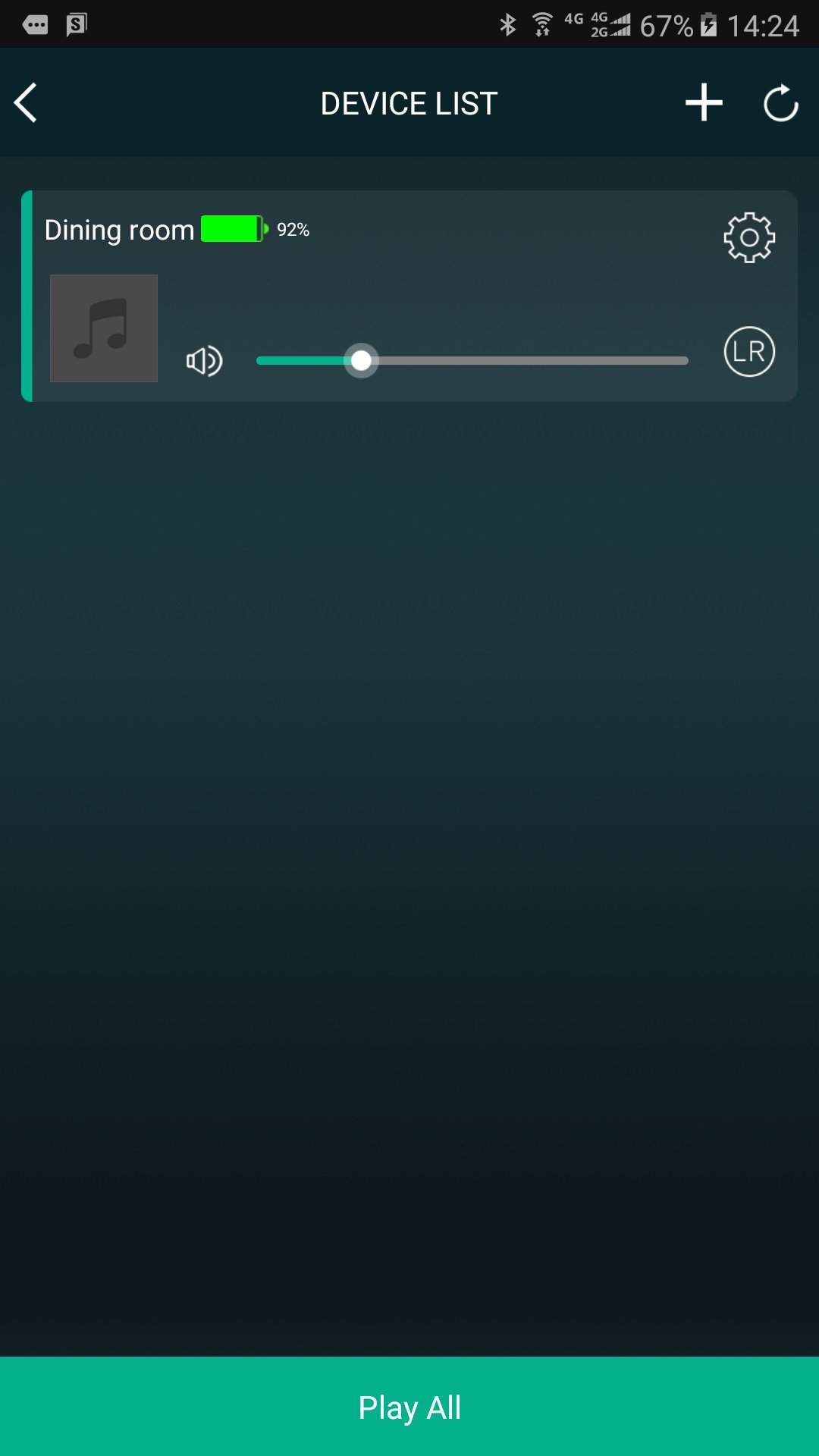
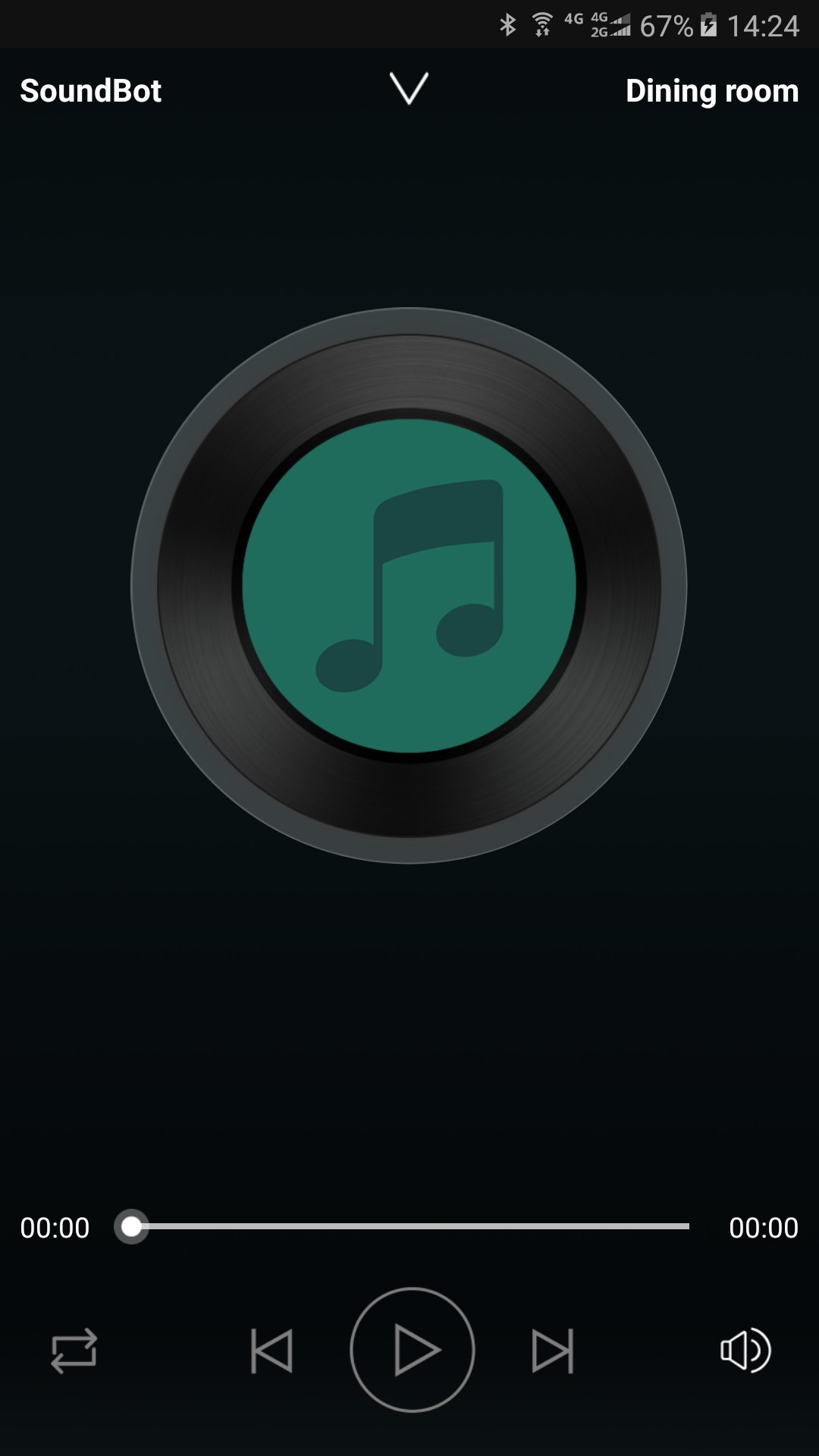
SoundBot controls your music from your phone to all SoundBot speaker.
Group and ungroup speakers, manage your stations and presets, control volume, use the intercom, and more.
Enjoy listening to your music from cloud music service providers and online radio without connecting your phone to speakers. Just connect SoundBot speaker and use the SoundBot player app to play music wirelessly over your WiFi Network.
Stay Tuned
We will be updating the app regularly to introduce new music service providers and features. Sign up your email address to get updates at www.soundbot.com.
Visualizar
Em formação
Desenvolvedor
SoundBot
Última versão
2.9.0.170927.d2ab14
Ultima atualização
2017-10-16
Categoria
Music-audio
Disponível em
Google Play
Mostre mais
Como jogar SoundBot Player com GameLoop no PC
1. Baixe o GameLoop do site oficial e execute o arquivo exe para instalar o GameLoop.
2. Abra o GameLoop e procure por “SoundBot Player”, encontre SoundBot Player nos resultados da pesquisa e clique em “Install”.
3. Divirta-se jogando SoundBot Player no GameLoop.
Minimum requirements
OS
Windows 8.1 64-bit or Windows 10 64-bit
GPU
GTX 1050
CPU
i3-8300
Memory
8GB RAM
Storage
1GB available space
Recommended requirements
OS
Windows 8.1 64-bit or Windows 10 64-bit
GPU
GTX 1050
CPU
i3-9320
Memory
16GB RAM
Storage
1GB available space