
AlfaOBD Demo para PC
AlfaOBD Soft
Baixe AlfaOBD Demo no PC com o emulador GameLoop
AlfaOBD Demo no PC
AlfaOBD Demo, vindo do desenvolvedor AlfaOBD Soft, está rodando no sistema Android no passado.
Agora, você pode jogar AlfaOBD Demo no PC com GameLoop sem problemas.
Faça o download na biblioteca GameLoop ou nos resultados da pesquisa. Chega de ficar de olho na bateria ou fazer chamadas frustrantes na hora errada.
Apenas aproveite o AlfaOBD Demo PC na tela grande gratuitamente!
AlfaOBD Demo Introdução
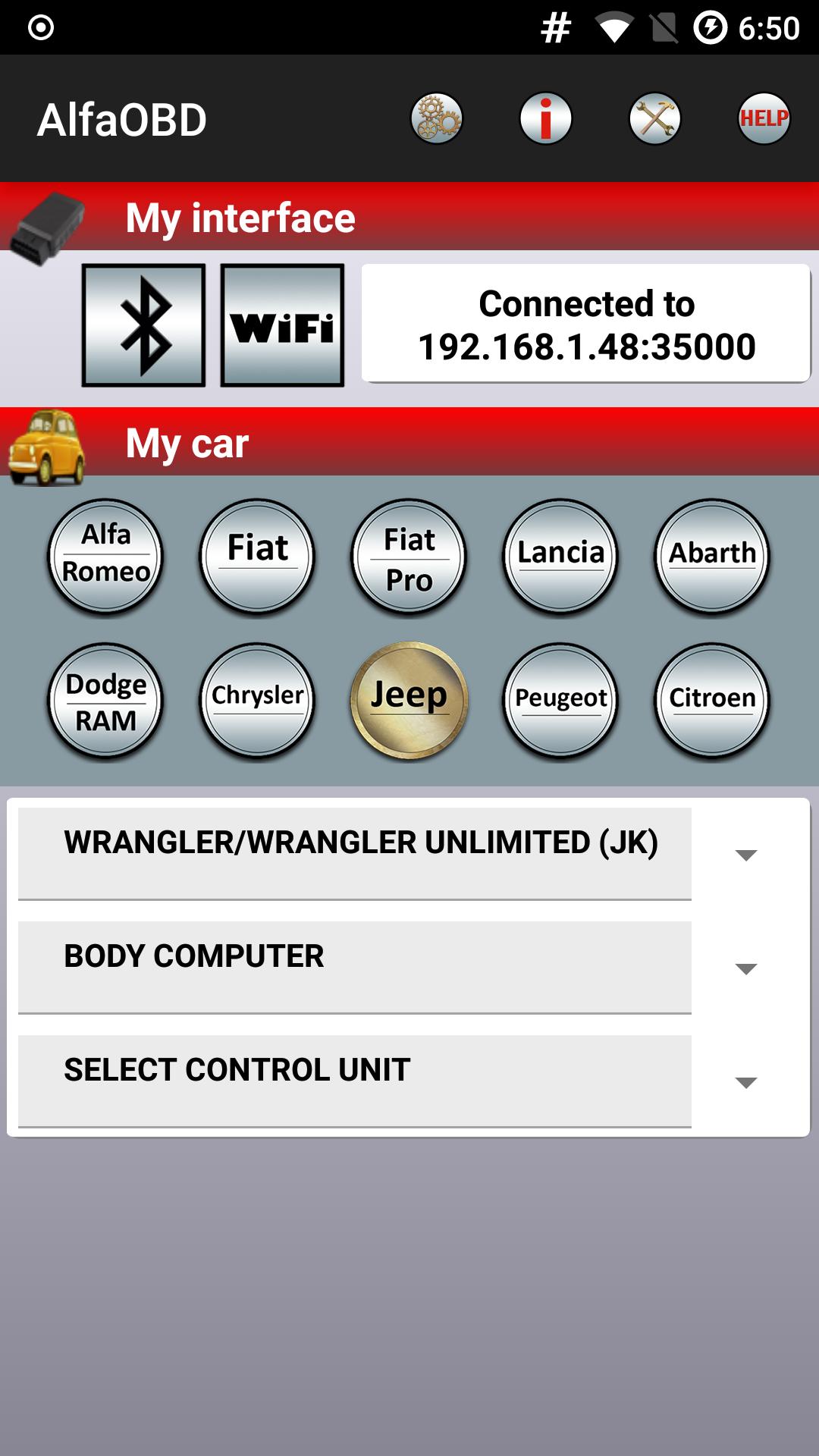
Demo version of AlfaOBD software for diagnostics of the cars produced by Stellantis: Alfa-Romeo, Fiat, Lancia, Dodge, RAM, Chrysler, Jeep. Peugeot (Boxer), Citroen (Jumper) are also covered. Although the software is primarily targeted for car owners, it provides the features of professional scanners. Many dealer-level diagnostic and configuration procedures are available in the full version.
NOTE: if your Android device is not in the list of compatible devices on Google Play and you cannot install or upgrade your installation please contact info@alfaobd.com.
Make sure you have a compatible OBD interface. For the list of supported OBD interfaces see www.alfaobd.com.
NOTE: If AlfaOBD can not connect to a car ECU with the message "Interface reports NO DATA" or "Interface reports CAN ERROR" it most probably means your interface is not compatible or defective.
For the details of configuration of connection to interface and car see application help available on http://www.alfaobd.com/AlfaOBD_Android_Help.pdf
AlfaOBD features include:
- native support of Electronic control units used in Fiat group cars. Native support differs AlfaOBD from many other diagnostic applications providing only limited generic OBDII support of Fiat group cars.
- monitoring various dynamic parameters of engine, gearbox, ABS, climate control ECUs and graphical presentation as plots
- reading of static data: ECU identification, system status, fault codes with probable causes and environment information where applicable
- clearing of fault codes
- (Full version only) active diagnostics and configuration procedures for various equipment controlled by engine, gearbox, body computer, climate control, ABS, airbag, code control and other ECUs
- (Full version only) electronic key and RF remote control programming
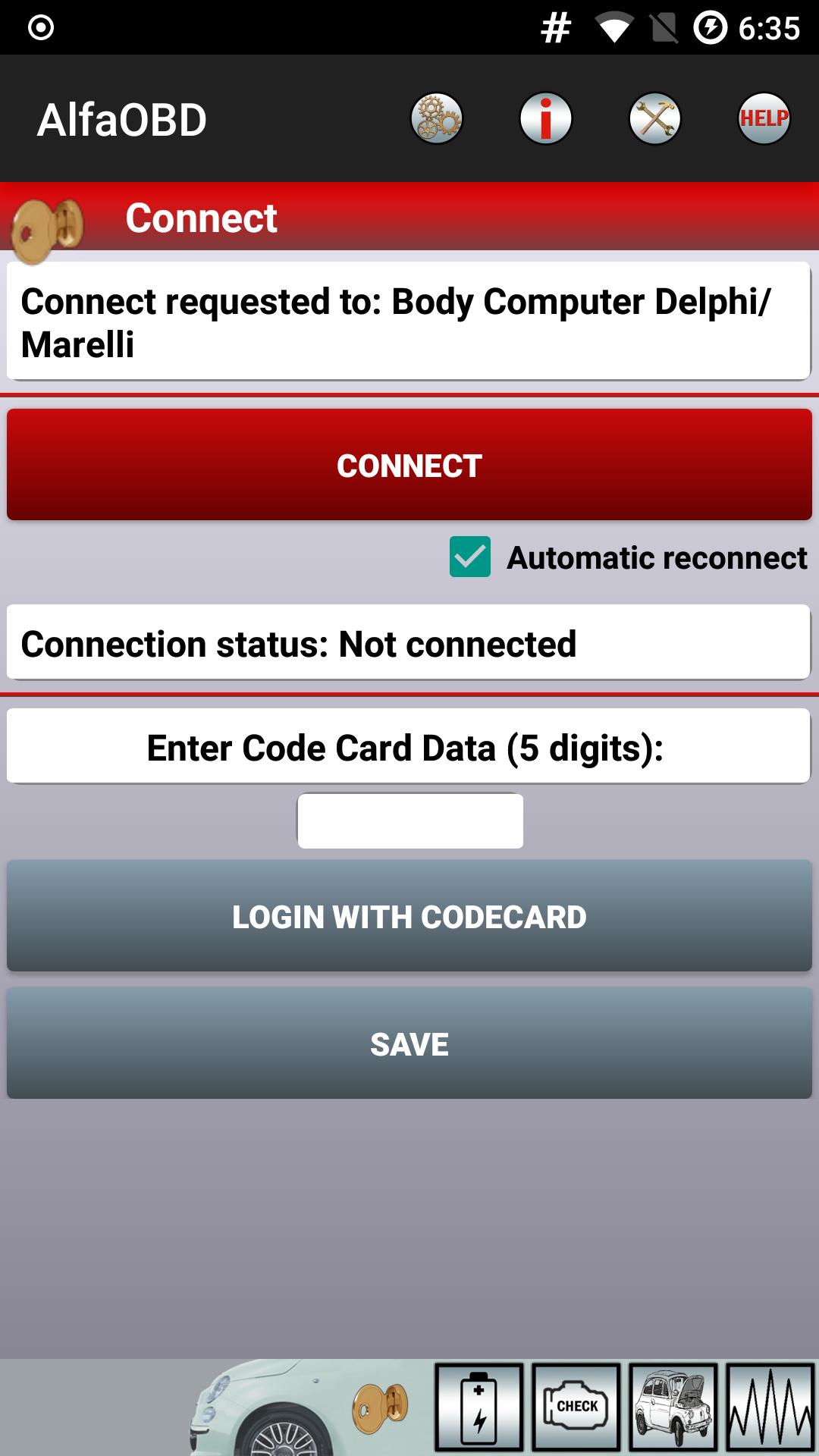
AlfaOBD supports ELM327 and OBDKey Bluetooth interfaces on all Bluetooth-enabled Android devices and ELM327/OBDKey WLAN interfaces on rooted devices only. For details of configuration of connection to interface and car see application help.
Application available in Czech, English, French, German, Hungarian, Italian, Polish, Portuguese, Russian, Turkish, and Spanish. Languages are selectable via Setting.
The limitations of the demo version are:
- Application run time limit of 15 minutes. Application reverts back to the first screen after 15 minutes of connection to a control unit.
- No active diagnostic procedures available
- The number of scanned gauges is limited by four
- The number of monitored parameters is limited by four
All other features are operational. No time limit is imposed on the application.
NOTE: If plots are not updated, make sure that "Force GPU rendering" is off in "Settings"->"Developer Option".
Visualizar
Tag
Maps-&Em formação
Desenvolvedor
AlfaOBD Soft
Última versão
2.4.4.0
Ultima atualização
2025-08-25
Categoria
Maps-navigation
Disponível em
Google Play
Mostre mais
Como jogar AlfaOBD Demo com GameLoop no PC
1. Baixe o GameLoop do site oficial e execute o arquivo exe para instalar o GameLoop.
2. Abra o GameLoop e procure por “AlfaOBD Demo”, encontre AlfaOBD Demo nos resultados da pesquisa e clique em “Install”.
3. Divirta-se jogando AlfaOBD Demo no GameLoop.
Minimum requirements
OS
Windows 8.1 64-bit or Windows 10 64-bit
GPU
GTX 1050
CPU
i3-8300
Memory
8GB RAM
Storage
1GB available space
Recommended requirements
OS
Windows 8.1 64-bit or Windows 10 64-bit
GPU
GTX 1050
CPU
i3-9320
Memory
16GB RAM
Storage
1GB available space