
Noke para PC
Noke LLC
Baixe Noke no PC com o emulador GameLoop
Noke no PC
Noke, vindo do desenvolvedor Noke LLC, está rodando no sistema Android no passado.
Agora, você pode jogar Noke no PC com GameLoop sem problemas.
Faça o download na biblioteca GameLoop ou nos resultados da pesquisa. Chega de ficar de olho na bateria ou fazer chamadas frustrantes na hora errada.
Apenas aproveite o Noke PC na tela grande gratuitamente!
Noke Introdução
The Nokē app is used to operate and manage Bluetooth enabled Nokē smart-locks to eliminate the hassle of keys and combinations forever. With Nokē, convenience is key.
Its features include:
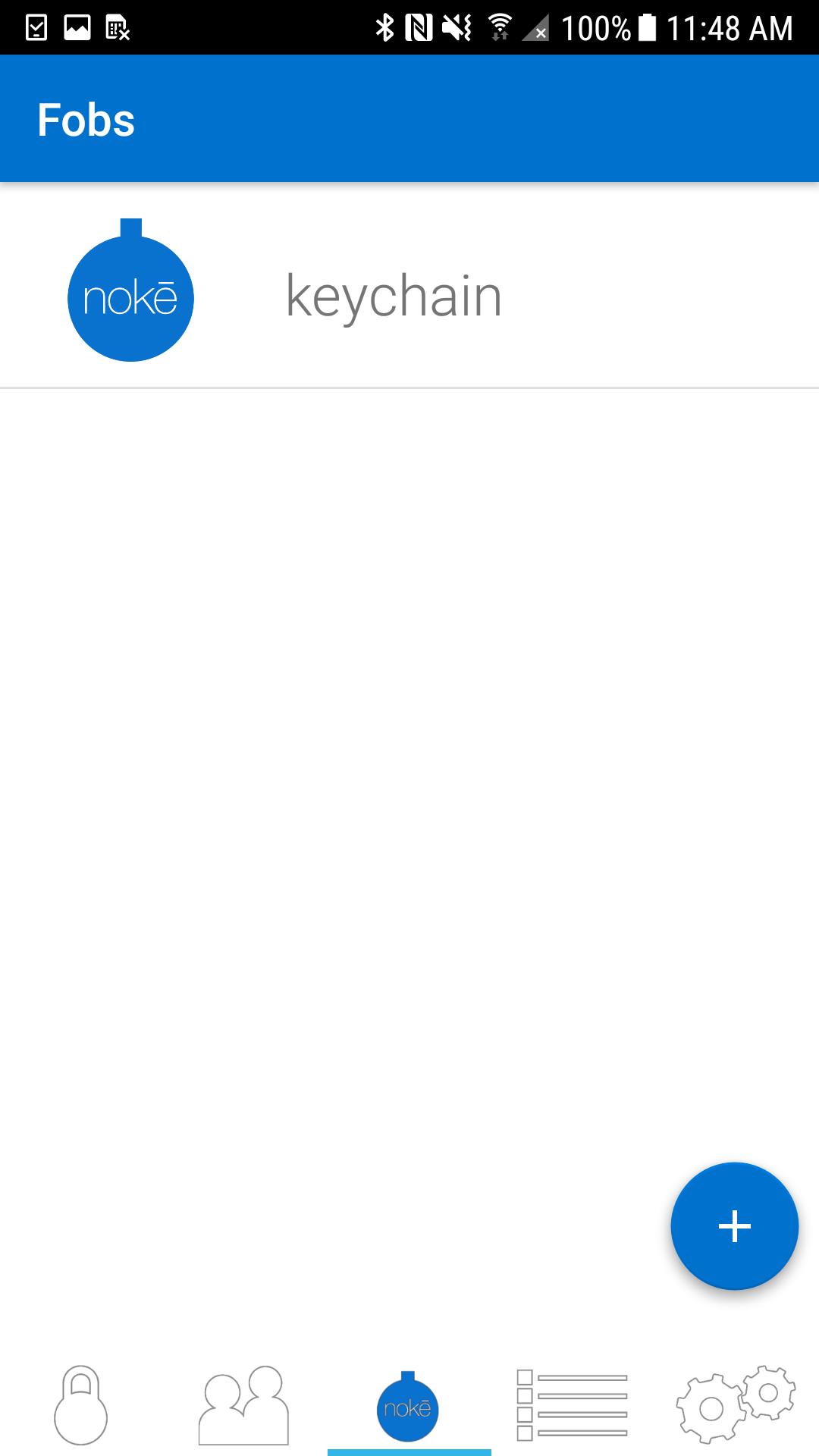
Locking: Once you’ve downloaded the Nokē app, you can simply and safely lock and unlock your Nokē smart-lock using Bluetooth 4.0 technology. The lock will sense your approach and can instantly unlock without you having to turn on your phone.
Sharing: Invite family and friends to have access to your lock using their own Bluetooth device. Within the Nokē app, you can share and revoke access with custom settings including day, time, or individual usage. For example, you can give unlimited access to your spouse, while giving just Monday afternoon access to your gardener.
GPS Location: Track where your lock is being used and view activity location on a map with the unique Nokē GPS feature.
History: The Nokē app provides you with an activity log so you can easily see who’s used your lock and exactly when and where they did.
For more information, or to buy a Nokē smart-lock, visit www.noke.com
Visualizar
Tag
Estilo de vidaEm formação
Desenvolvedor
Noke LLC
Última versão
2.1.3
Ultima atualização
2022-03-31
Categoria
Estilo de vida
Disponível em
Google Play
Mostre mais
Como jogar Noke com GameLoop no PC
1. Baixe o GameLoop do site oficial e execute o arquivo exe para instalar o GameLoop.
2. Abra o GameLoop e procure por “Noke”, encontre Noke nos resultados da pesquisa e clique em “Install”.
3. Divirta-se jogando Noke no GameLoop.
Minimum requirements
OS
Windows 8.1 64-bit or Windows 10 64-bit
GPU
GTX 1050
CPU
i3-8300
Memory
8GB RAM
Storage
1GB available space
Recommended requirements
OS
Windows 8.1 64-bit or Windows 10 64-bit
GPU
GTX 1050
CPU
i3-9320
Memory
16GB RAM
Storage
1GB available space