How To Draw Hands para PC
WhiteStore
Baixe How To Draw Hands no PC com o emulador GameLoop
How To Draw Hands no PC
How To Draw Hands, vindo do desenvolvedor WhiteStore, está rodando no sistema Android no passado.
Agora, você pode jogar How To Draw Hands no PC com GameLoop sem problemas.
Faça o download na biblioteca GameLoop ou nos resultados da pesquisa. Chega de ficar de olho na bateria ou fazer chamadas frustrantes na hora errada.
Apenas aproveite o How To Draw Hands PC na tela grande gratuitamente!
How To Draw Hands Introdução
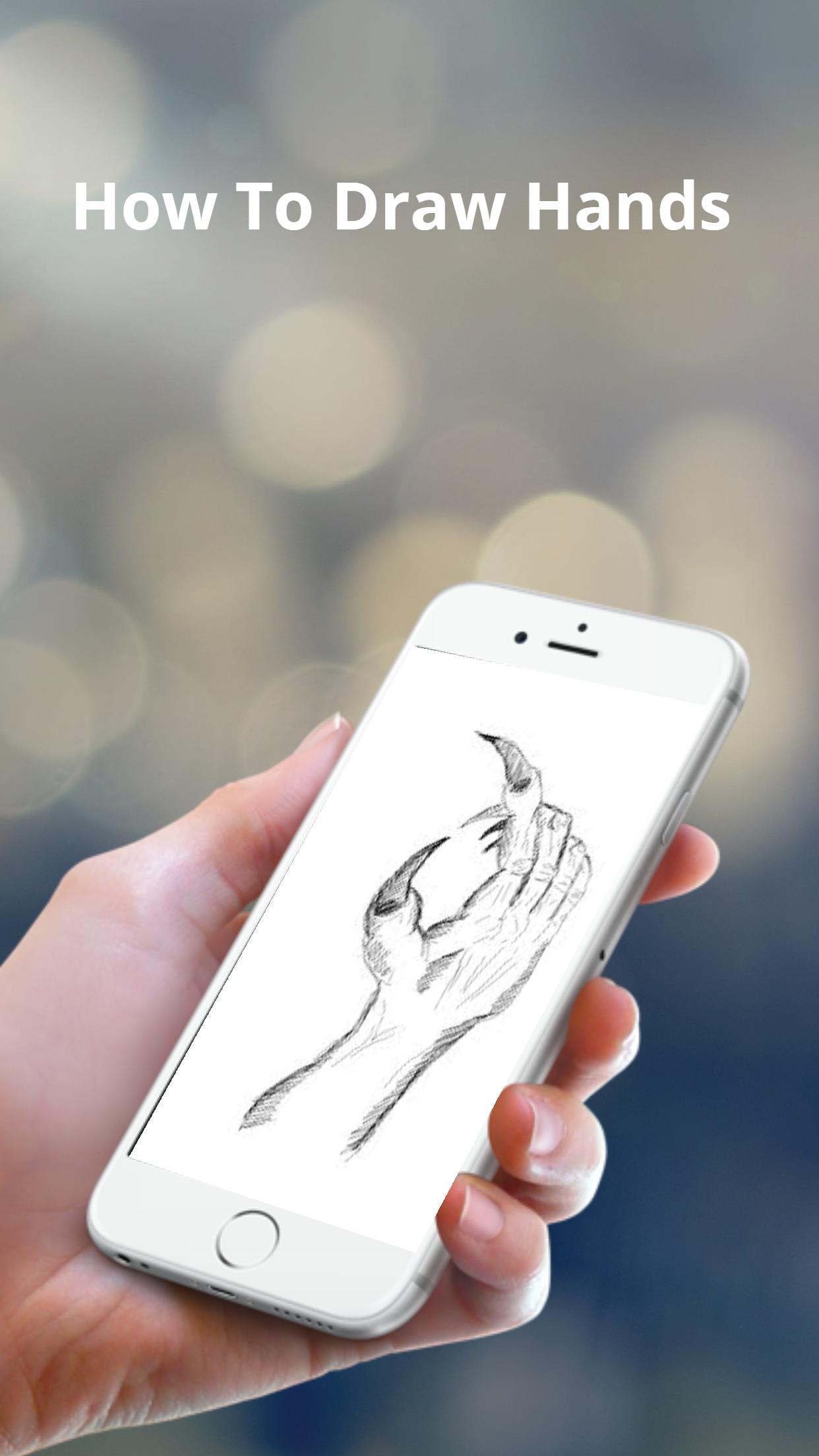
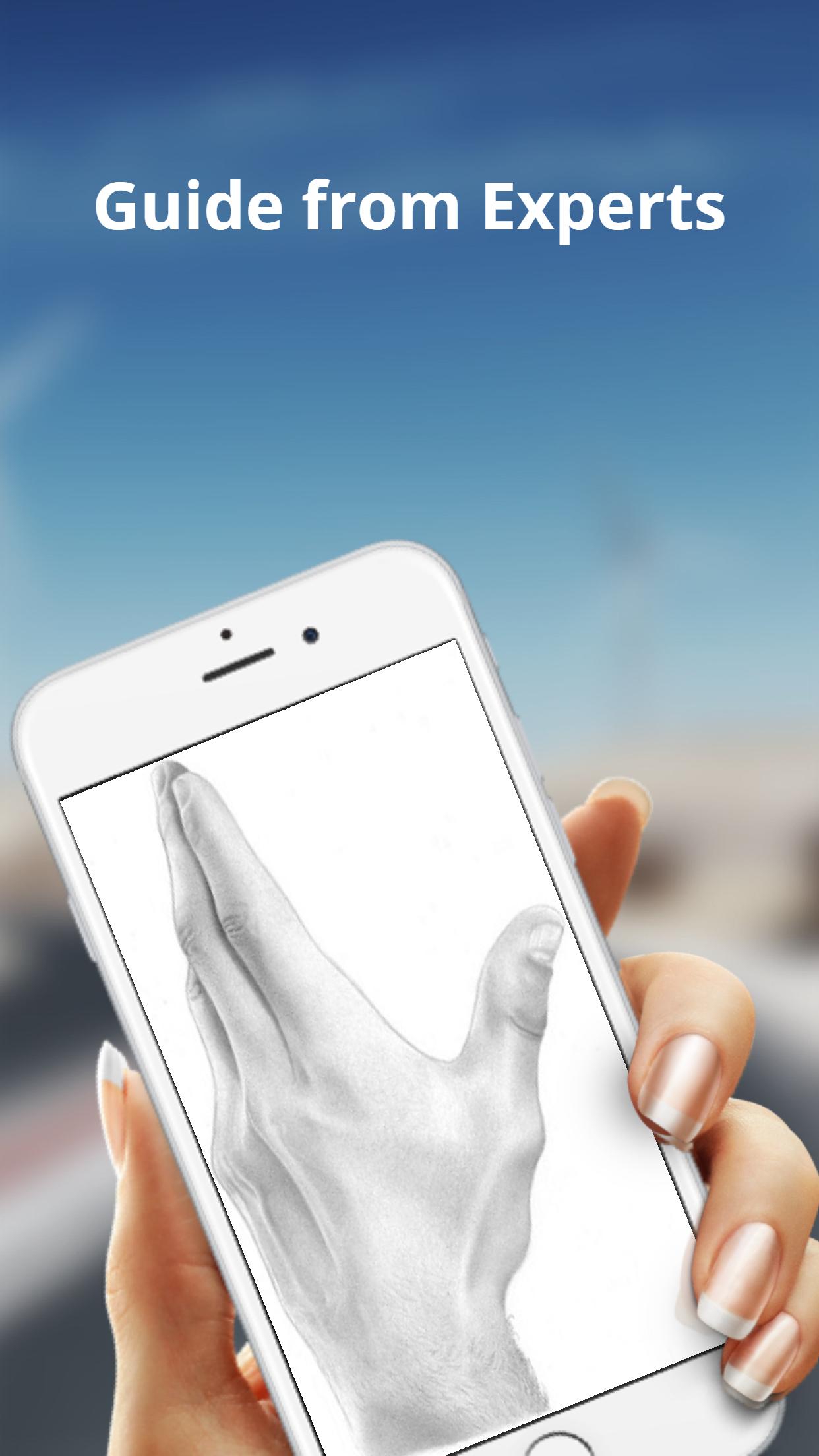
The basic shapes of a hand are not perfectly square or parallel so it is easy to get them wrong. When spread, the fingers all point in different directions.
Because the fingers’ points of origin and lengths are different, the joints do not line up in a straight line.
Note that the thumb moves in a different direction than the rest of the fingers.
To make bending possible, the skin is relatively loose and thin at the joints.
The bending marks on the palm side do not necessarily line up with the joints.
These lines might not be visible in simple drawing styles, but knowing where they are and where the skin overlaps can help when drawing the fingers bent.
Visualizar
Tag
Estilo de vidaEm formação
Desenvolvedor
WhiteStore
Última versão
1.0.4
Ultima atualização
2022-07-26
Categoria
Estilo de vida
Disponível em
Google Play
Mostre mais
Como jogar How To Draw Hands com GameLoop no PC
1. Baixe o GameLoop do site oficial e execute o arquivo exe para instalar o GameLoop.
2. Abra o GameLoop e procure por “How To Draw Hands”, encontre How To Draw Hands nos resultados da pesquisa e clique em “Install”.
3. Divirta-se jogando How To Draw Hands no GameLoop.
Minimum requirements
OS
Windows 8.1 64-bit or Windows 10 64-bit
GPU
GTX 1050
CPU
i3-8300
Memory
8GB RAM
Storage
1GB available space
Recommended requirements
OS
Windows 8.1 64-bit or Windows 10 64-bit
GPU
GTX 1050
CPU
i3-9320
Memory
16GB RAM
Storage
1GB available space