
iTOUCH Home Automation para PC
Connected Switchgear
Baixe iTOUCH Home Automation no PC com o emulador GameLoop
iTOUCH Home Automation no PC
iTOUCH Home Automation, vindo do desenvolvedor Connected Switchgear, está rodando no sistema Android no passado.
Agora, você pode jogar iTOUCH Home Automation no PC com GameLoop sem problemas.
Faça o download na biblioteca GameLoop ou nos resultados da pesquisa. Chega de ficar de olho na bateria ou fazer chamadas frustrantes na hora errada.
Apenas aproveite o iTOUCH Home Automation PC na tela grande gratuitamente!
iTOUCH Home Automation Introdução
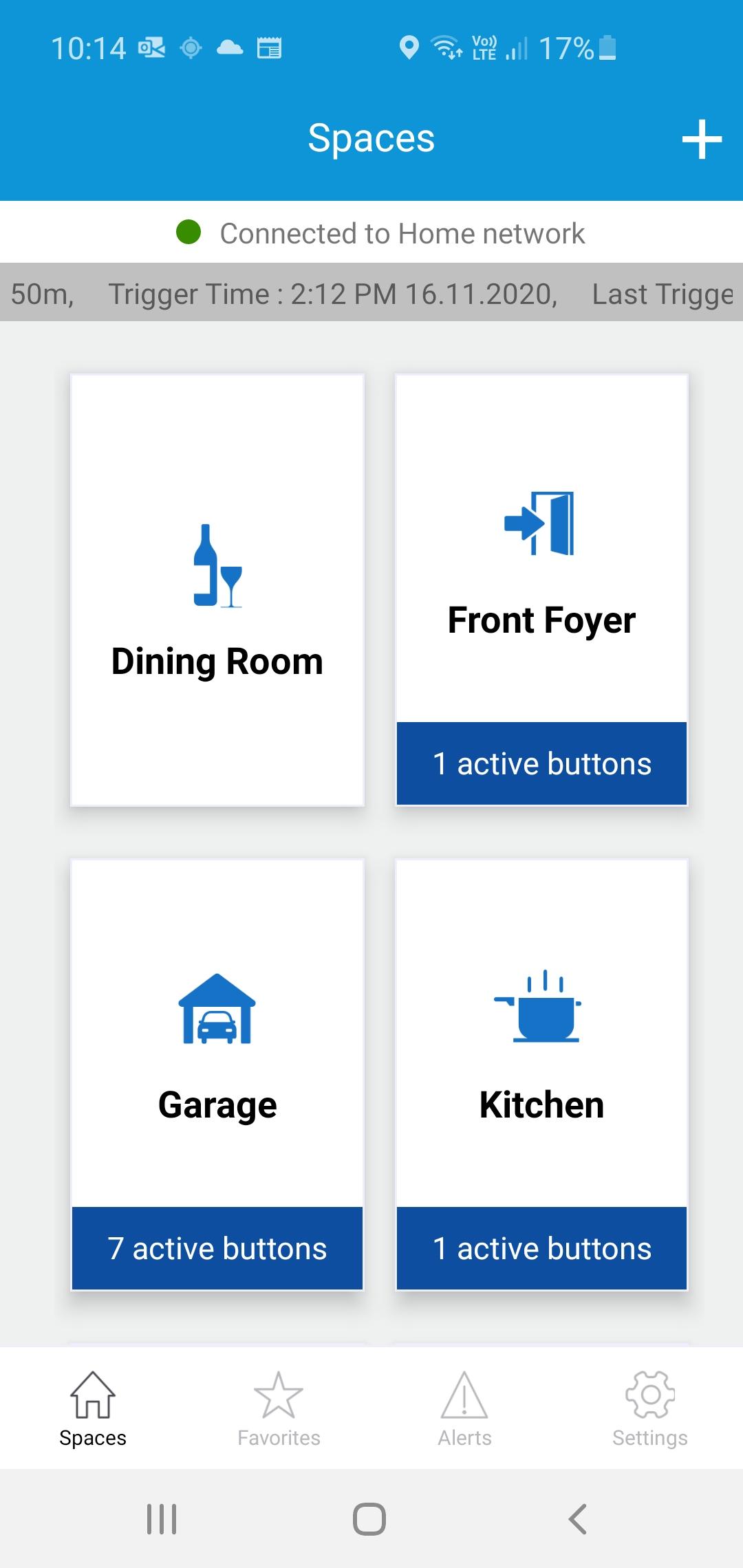
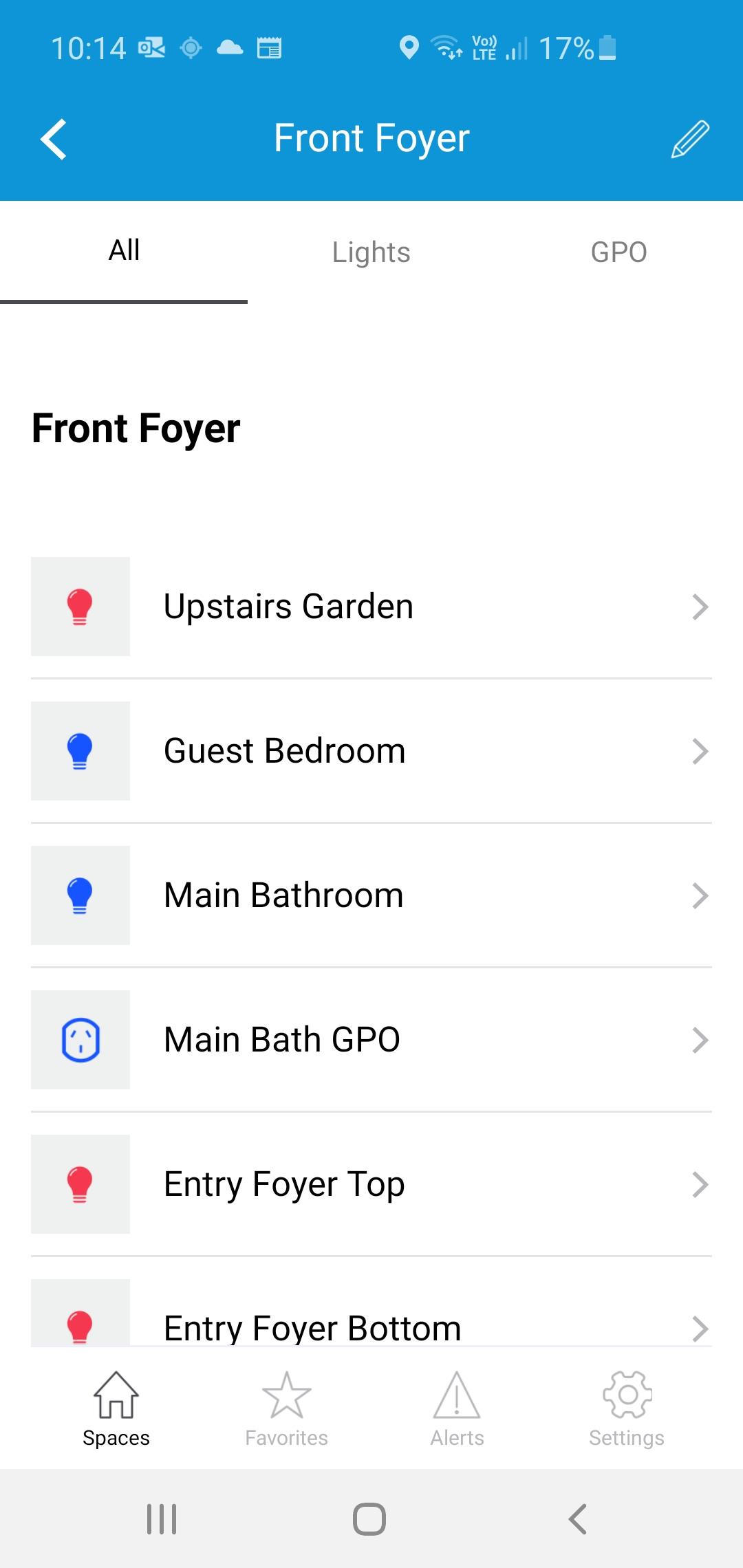
The iTOUCH Home Automation App places configuration and control of your iTOUCH Home Automation System onto your mobile device. Personalize your system by creating spaces and naming individual panels and buttons. Set up timers, ambient light triggers and group control multiple buttons using a buttons double tap feature. Issue global commands such as Home, Away, Goodnight or Good Morning. Check the state of your whole home. Assign users, access levels and passwords. Turn on or off global timers and synchronize time across the whole system. Set up Geo-Fence feature to trigger global commands using the devices GPS proximately to the installation.
Visualizar
Tag
House-&Em formação
Desenvolvedor
Connected Switchgear
Última versão
2.0.1
Ultima atualização
2021-11-19
Categoria
House-home
Disponível em
Google Play
Mostre mais
Como jogar iTOUCH Home Automation com GameLoop no PC
1. Baixe o GameLoop do site oficial e execute o arquivo exe para instalar o GameLoop.
2. Abra o GameLoop e procure por “iTOUCH Home Automation”, encontre iTOUCH Home Automation nos resultados da pesquisa e clique em “Install”.
3. Divirta-se jogando iTOUCH Home Automation no GameLoop.
Minimum requirements
OS
Windows 8.1 64-bit or Windows 10 64-bit
GPU
GTX 1050
CPU
i3-8300
Memory
8GB RAM
Storage
1GB available space
Recommended requirements
OS
Windows 8.1 64-bit or Windows 10 64-bit
GPU
GTX 1050
CPU
i3-9320
Memory
16GB RAM
Storage
1GB available space