
Sticker Meme Pentol Lucu For W para PC
Figurinhas
Baixe Sticker Meme Pentol Lucu For W no PC com o emulador GameLoop
Sticker Meme Pentol Lucu For W no PC
Sticker Meme Pentol Lucu For W, vindo do desenvolvedor Figurinhas, está rodando no sistema Android no passado.
Agora, você pode jogar Sticker Meme Pentol Lucu For W no PC com GameLoop sem problemas.
Faça o download na biblioteca GameLoop ou nos resultados da pesquisa. Chega de ficar de olho na bateria ou fazer chamadas frustrantes na hora errada.
Apenas aproveite o Sticker Meme Pentol Lucu For W PC na tela grande gratuitamente!
Sticker Meme Pentol Lucu For W Introdução
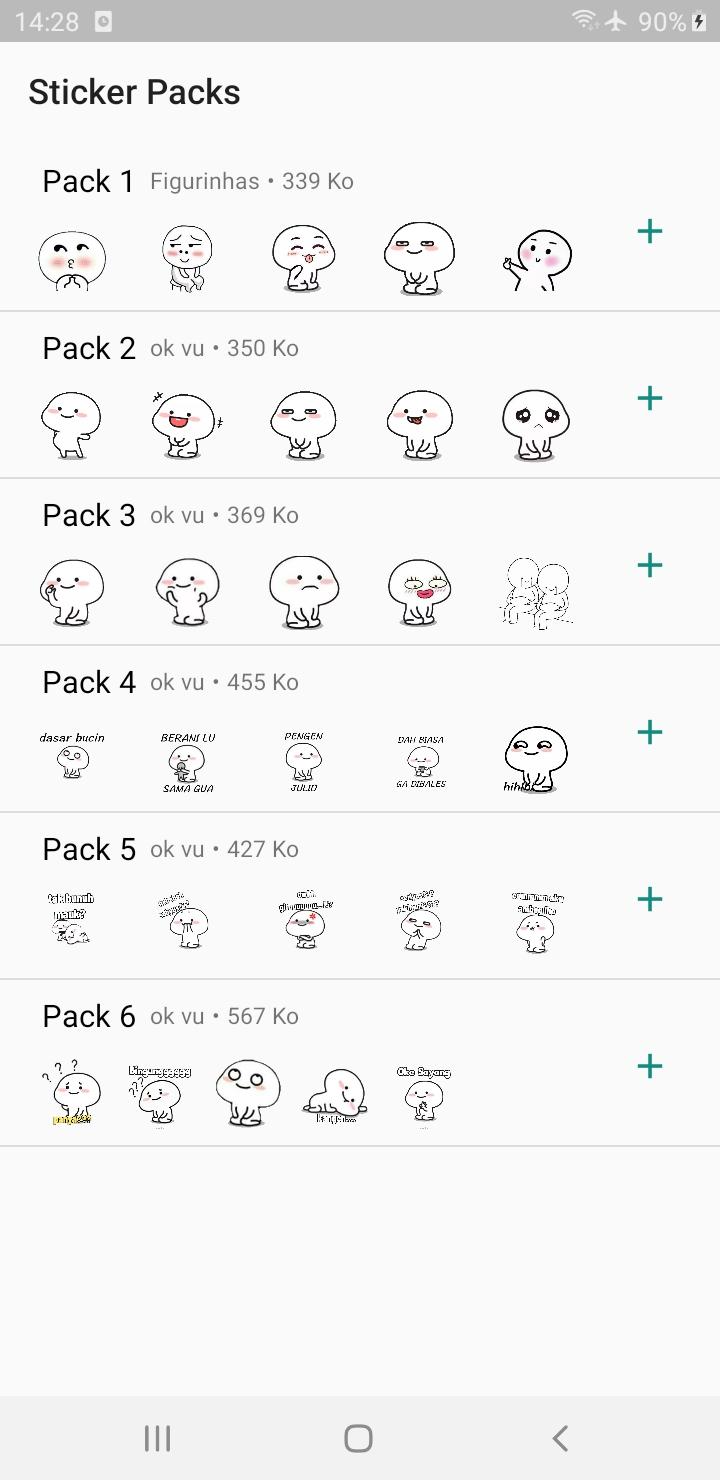
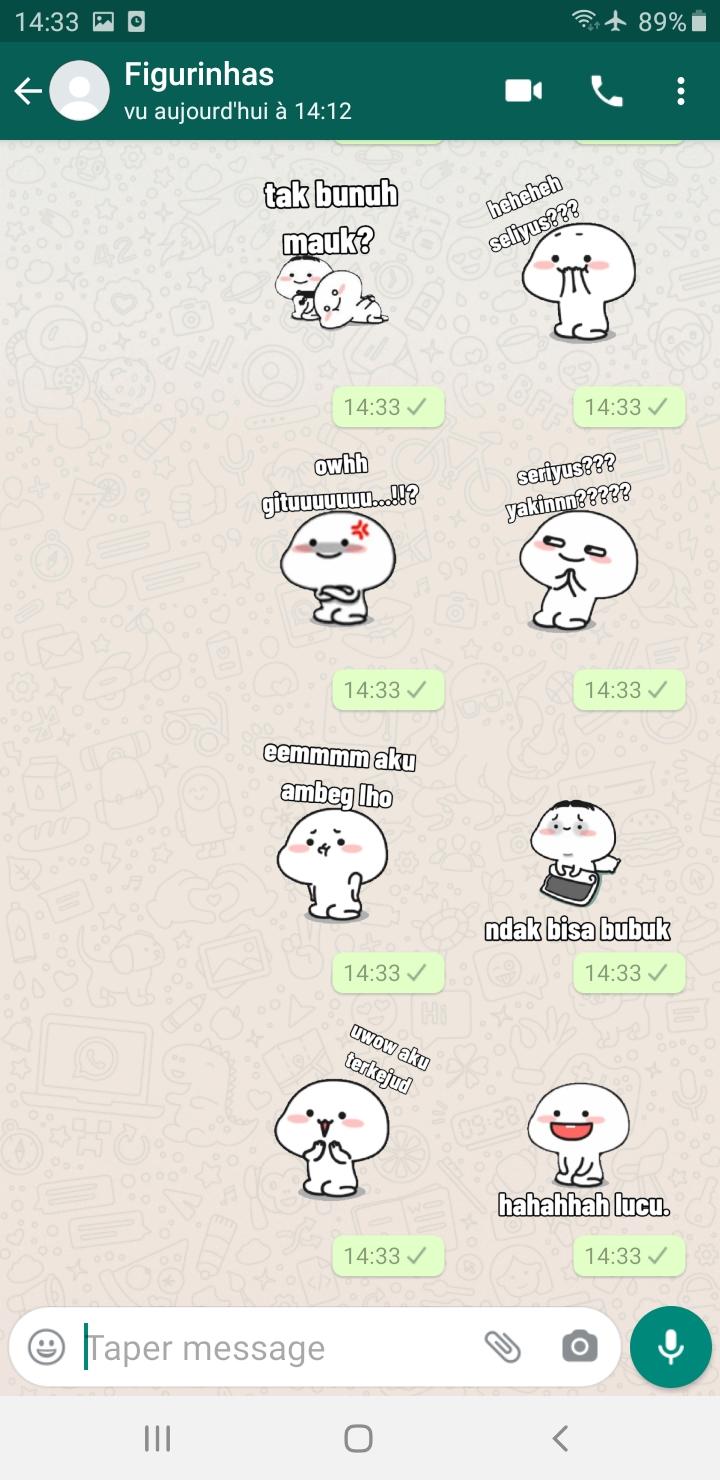
Meme Sticker Pentol Lucu For WAStickerApps adalah sebuah aplikasi yang menyediakan berbagai macam kumpulan sticker dengan kualitas terbaik.
Pada aplikasi Meme Sticker Pentol Lucu For WAStickerApps tidak diragukan lagi dengan kualitas stiker terbaiknya.
Untuk menggunakan stiker:
1. Buka chat individual atau grup.
2. Di sebelah bidang input teks, ketuk Emoji > Stiker.
3. Untuk menambahkan paket stiker, ketuk Tambah
4. Di popup Stiker yang ditampilkan, ketuk Unduh di samping paket stiker yang ingin Anda unduh. Jika diminta, ketuk UNDUH • {ukuran file}.
*Tanda centang akan ditampilkan setelah pengunduhan selesai.
5. Ketuk Kembali.
6. Cari dan ketuk stiker yang ingin Anda kirim.
*Harap diperhatikan bahwa saat Anda mengetuk stiker, stiker tersebut akan dikirim secara otomatis.
Unduh aplikasi Meme Sticker Pentol Lucu For WAStickerApps agar chat kamu semakin menyenangkan.
Visualizar
Tag
EntretenimentoEm formação
Desenvolvedor
Figurinhas
Última versão
1.0
Ultima atualização
2022-10-07
Categoria
Entretenimento
Disponível em
Google Play
Mostre mais
Como jogar Sticker Meme Pentol Lucu For W com GameLoop no PC
1. Baixe o GameLoop do site oficial e execute o arquivo exe para instalar o GameLoop.
2. Abra o GameLoop e procure por “Sticker Meme Pentol Lucu For W”, encontre Sticker Meme Pentol Lucu For W nos resultados da pesquisa e clique em “Install”.
3. Divirta-se jogando Sticker Meme Pentol Lucu For W no GameLoop.
Minimum requirements
OS
Windows 8.1 64-bit or Windows 10 64-bit
GPU
GTX 1050
CPU
i3-8300
Memory
8GB RAM
Storage
1GB available space
Recommended requirements
OS
Windows 8.1 64-bit or Windows 10 64-bit
GPU
GTX 1050
CPU
i3-9320
Memory
16GB RAM
Storage
1GB available space