Run Healthy Walkthrough para PC
LTD. Dyson
Baixe Run Healthy Walkthrough no PC com o emulador GameLoop
Run Healthy Walkthrough no PC
Run Healthy Walkthrough, vindo do desenvolvedor LTD. Dyson, está rodando no sistema Android no passado.
Agora, você pode jogar Run Healthy Walkthrough no PC com GameLoop sem problemas.
Faça o download na biblioteca GameLoop ou nos resultados da pesquisa. Chega de ficar de olho na bateria ou fazer chamadas frustrantes na hora errada.
Apenas aproveite o Run Healthy Walkthrough PC na tela grande gratuitamente!
Run Healthy Walkthrough Introdução
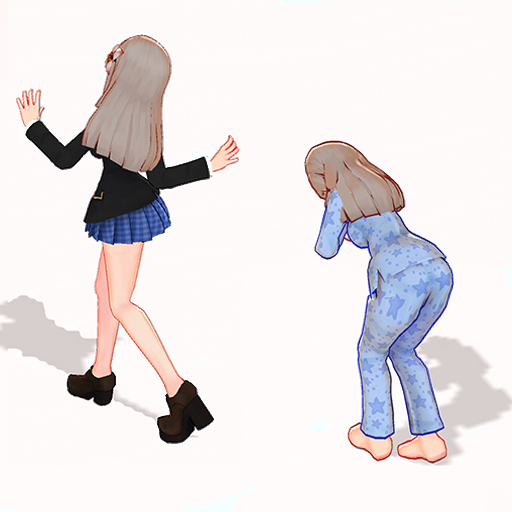
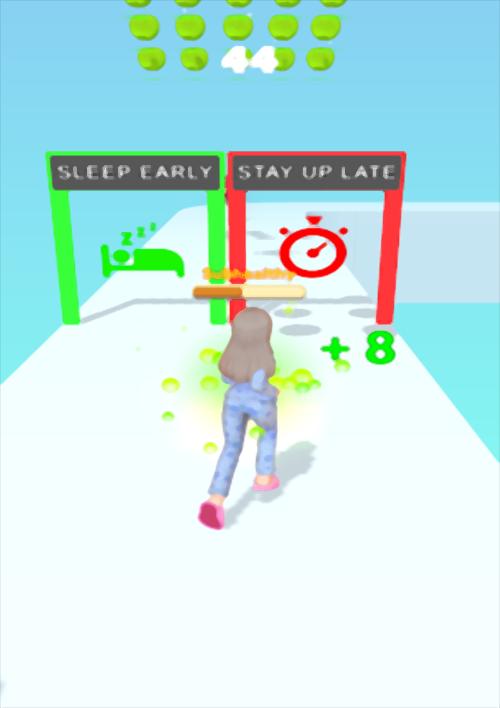
This app is just a guide that show you step by step how play like a professional in Run Healthy.
Run Healthy Walkthrough is not a game. It's just an application providing information about Run Healthy.
The sick player is running on the way to health, choose a healthy lifestyle and you will overcome the disease.
DISCLAIMER - Legal Notice
1. This is an app not a game.
2. All other Trade Names and Trademarks are the properties of their respective owners.
3. The images in this application are collected from videos, if we violate copyright, let us know and we will immediately delete them.
4. This application is made by fans of free games to help other players win the game; this is NOT a game or an official application.
5. This is an unofficial Tips Guide For Run Healthy, application complies with the United States copyright law for "fair use."
Visualizar

Em formação
Desenvolvedor
LTD. Dyson
Última versão
1.0
Ultima atualização
2021-08-12
Categoria
Entretenimento
Disponível em
Google Play
Mostre mais
Como jogar Run Healthy Walkthrough com GameLoop no PC
1. Baixe o GameLoop do site oficial e execute o arquivo exe para instalar o GameLoop.
2. Abra o GameLoop e procure por “Run Healthy Walkthrough”, encontre Run Healthy Walkthrough nos resultados da pesquisa e clique em “Install”.
3. Divirta-se jogando Run Healthy Walkthrough no GameLoop.
Minimum requirements
OS
Windows 8.1 64-bit or Windows 10 64-bit
GPU
GTX 1050
CPU
i3-8300
Memory
8GB RAM
Storage
1GB available space
Recommended requirements
OS
Windows 8.1 64-bit or Windows 10 64-bit
GPU
GTX 1050
CPU
i3-9320
Memory
16GB RAM
Storage
1GB available space