
Rice Purity Test - Easy to use Purity Test App! para PC
CkEnterprises
Baixe Rice Purity Test - Easy to use Purity Test App! no PC com o emulador GameLoop
Rice Purity Test - Easy to use Purity Test App! no PC
Rice Purity Test - Easy to use Purity Test App!, vindo do desenvolvedor CkEnterprises, está rodando no sistema Android no passado.
Agora, você pode jogar Rice Purity Test - Easy to use Purity Test App! no PC com GameLoop sem problemas.
Faça o download na biblioteca GameLoop ou nos resultados da pesquisa. Chega de ficar de olho na bateria ou fazer chamadas frustrantes na hora errada.
Apenas aproveite o Rice Purity Test - Easy to use Purity Test App! PC na tela grande gratuitamente!
Rice Purity Test - Easy to use Purity Test App! Introdução
The Purity Test has historically served as a segue from O-week to true college life at Rice.
It's a voluntary opportunity for O-week groups to bond, and for students to track the maturation of their experiences throughout college.
❗️Disclaimer: This is not a bucket list. Completion of all items on this test will likely result in death. ❗️
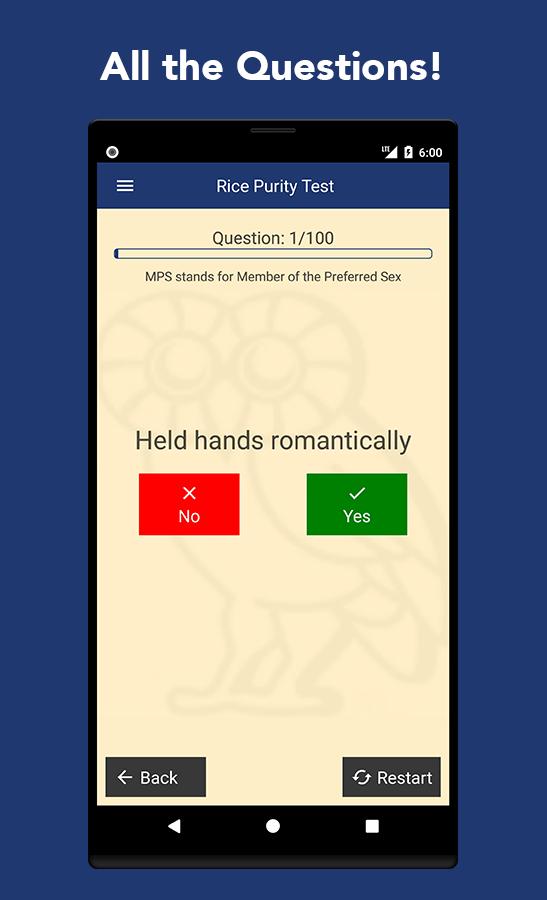
Simply press Yes or No for all questions depending on whether you have done the item or not!
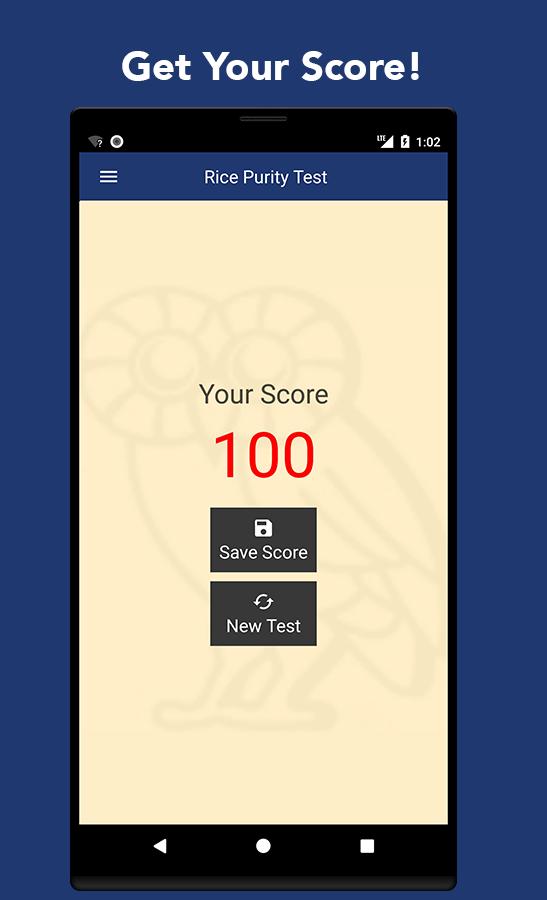
Your progress is saved in case you accidentally close the app!
Always open to feedback!
Thanks for checking us out!
Never have I ever
Quiz Game
Visualizar
Em formação
Desenvolvedor
CkEnterprises
Última versão
1.1
Ultima atualização
2019-06-03
Categoria
Entretenimento
Disponível em
Google Play
Mostre mais
Como jogar Rice Purity Test - Easy to use Purity Test App! com GameLoop no PC
1. Baixe o GameLoop do site oficial e execute o arquivo exe para instalar o GameLoop.
2. Abra o GameLoop e procure por “Rice Purity Test - Easy to use Purity Test App!”, encontre Rice Purity Test - Easy to use Purity Test App! nos resultados da pesquisa e clique em “Install”.
3. Divirta-se jogando Rice Purity Test - Easy to use Purity Test App! no GameLoop.
Minimum requirements
OS
Windows 8.1 64-bit or Windows 10 64-bit
GPU
GTX 1050
CPU
i3-8300
Memory
8GB RAM
Storage
1GB available space
Recommended requirements
OS
Windows 8.1 64-bit or Windows 10 64-bit
GPU
GTX 1050
CPU
i3-9320
Memory
16GB RAM
Storage
1GB available space