Game Updates para PC
CProductions
Baixe Game Updates no PC com o emulador GameLoop
Game Updates no PC
Game Updates, vindo do desenvolvedor CProductions, está rodando no sistema Android no passado.
Agora, você pode jogar Game Updates no PC com GameLoop sem problemas.
Faça o download na biblioteca GameLoop ou nos resultados da pesquisa. Chega de ficar de olho na bateria ou fazer chamadas frustrantes na hora errada.
Apenas aproveite o Game Updates PC na tela grande gratuitamente!
Game Updates Introdução
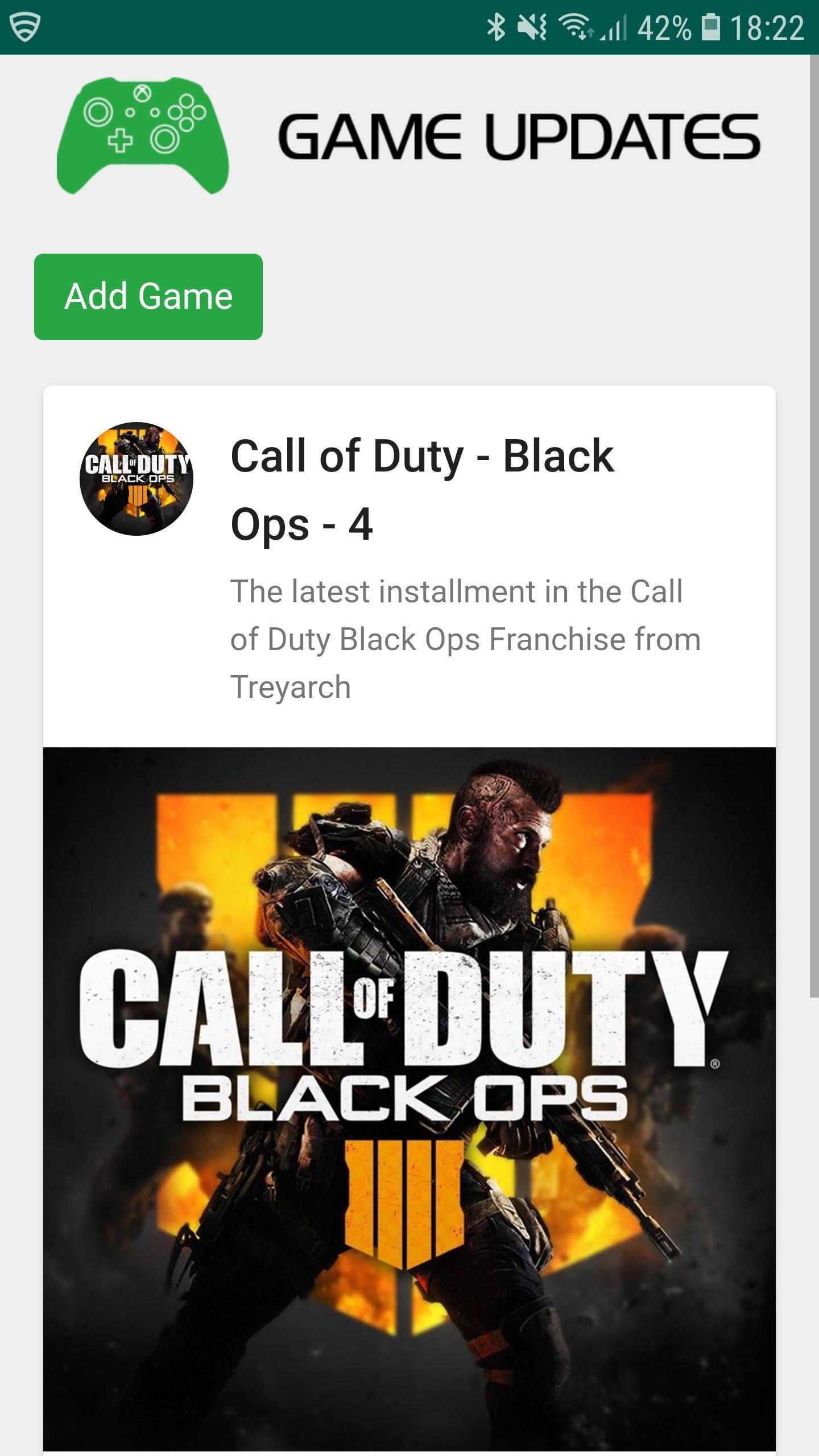
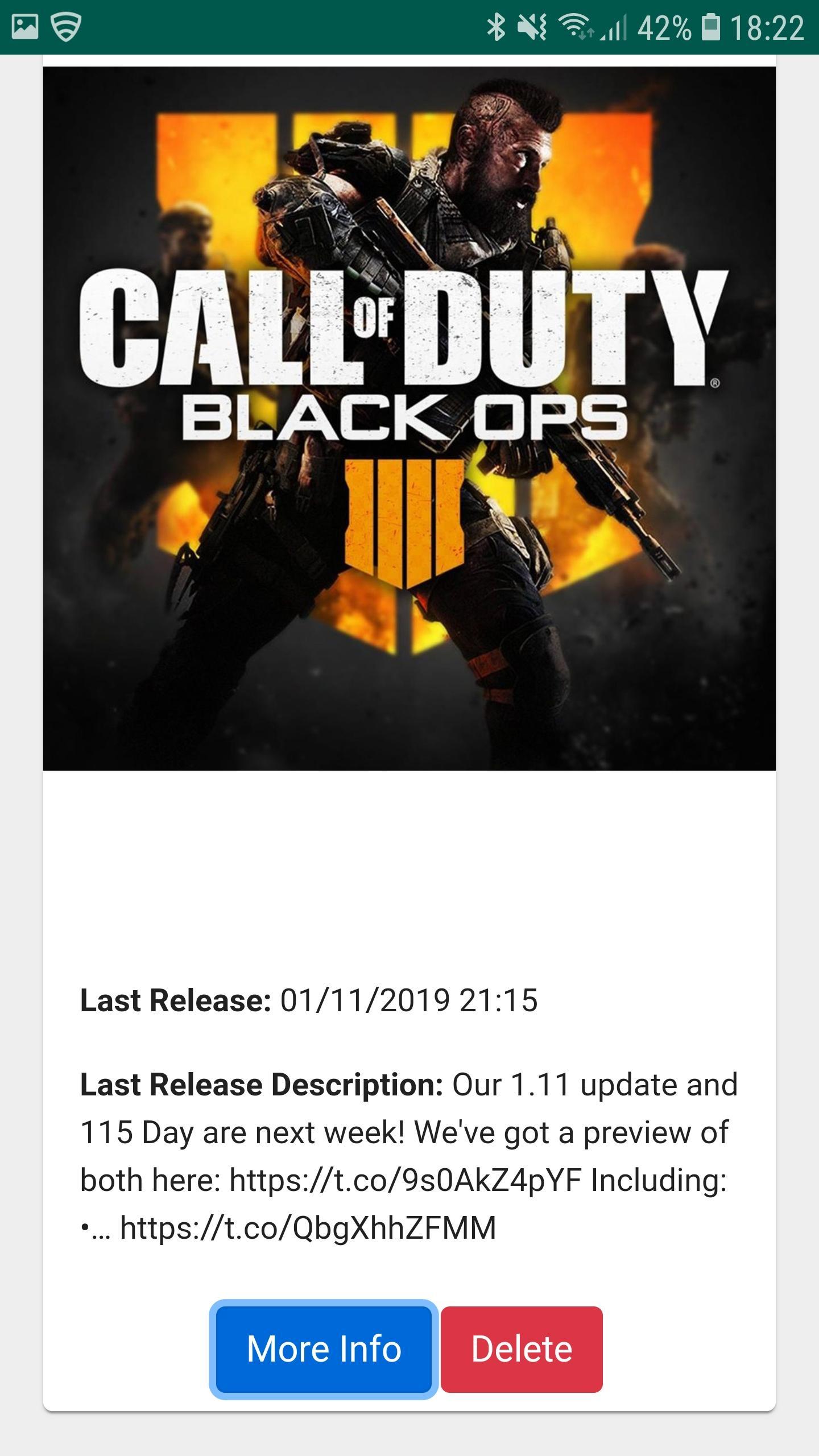
Game Updates shows you patch notes, change logs, update dates from your favourite games, all in one easy to see app.
Simply choose your favourite games and Game Updates will do the rest, showing you a list of your games along with when the last patch was released and what was included (bug fixes and features) allowing you to stay better informed about updates to your favourite games.
Fed up of waiting for your playstation, xbox or pc to download updates? Now you can plan when to update your game by being notified when game updates have been published - which maximises your game play time. Don't waste your valuable game play time by waiting for game updates.
1. Be Notified of your Game being updated via Game Updates App.
2. Turn on your Console / PC to Update your favourite game whilst you make some bacon and coffee.
3. Eat bacon and drink coffee.
4. Return to Console / PC to enjoy your updated game.
Download Game Updates today and never miss a PS4, Xbox One, Nintendo Switch, PC or Console Game Update again.
Visualizar
Em formação
Desenvolvedor
CProductions
Última versão
1.2
Ultima atualização
2019-05-19
Categoria
Entretenimento
Disponível em
Google Play
Mostre mais
Como jogar Game Updates com GameLoop no PC
1. Baixe o GameLoop do site oficial e execute o arquivo exe para instalar o GameLoop.
2. Abra o GameLoop e procure por “Game Updates”, encontre Game Updates nos resultados da pesquisa e clique em “Install”.
3. Divirta-se jogando Game Updates no GameLoop.
Minimum requirements
OS
Windows 8.1 64-bit or Windows 10 64-bit
GPU
GTX 1050
CPU
i3-8300
Memory
8GB RAM
Storage
1GB available space
Recommended requirements
OS
Windows 8.1 64-bit or Windows 10 64-bit
GPU
GTX 1050
CPU
i3-9320
Memory
16GB RAM
Storage
1GB available space