OS 5 Keyboard para PC
Brio Arc.
Baixe OS 5 Keyboard no PC com o emulador GameLoop
OS 5 Keyboard no PC
OS 5 Keyboard, vindo do desenvolvedor Brio Arc., está rodando no sistema Android no passado.
Agora, você pode jogar OS 5 Keyboard no PC com GameLoop sem problemas.
Faça o download na biblioteca GameLoop ou nos resultados da pesquisa. Chega de ficar de olho na bateria ou fazer chamadas frustrantes na hora errada.
Apenas aproveite o OS 5 Keyboard PC na tela grande gratuitamente!
OS 5 Keyboard Introdução
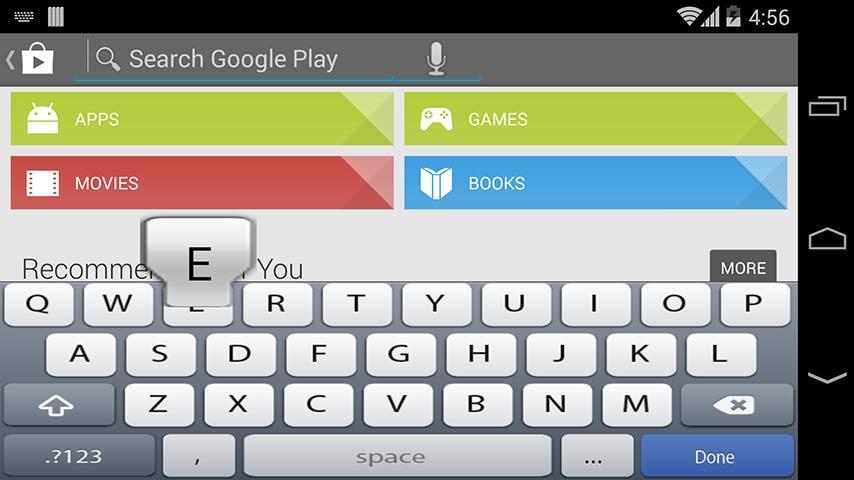
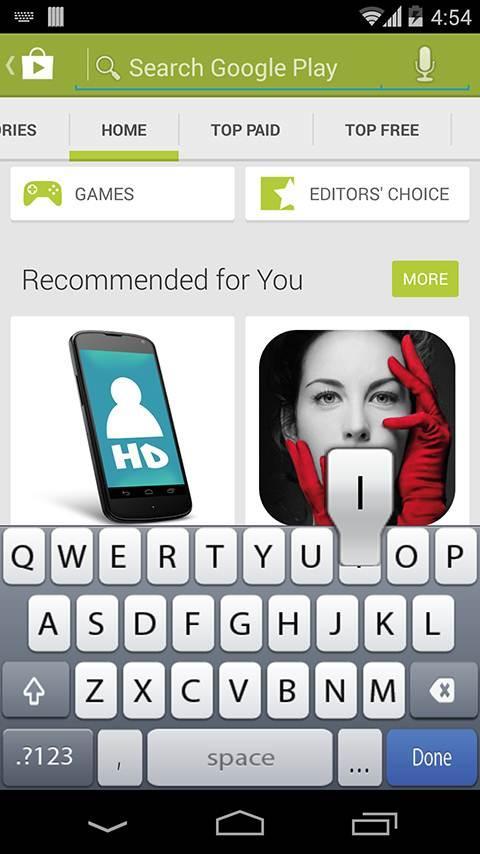
OS 5 Keyboard Forget about the boring stock of keyboards, It's time for something new!!
OS 5 Keyboard theme will make your mobile device unique and awesome.
# Type faster and easier with an OS 5 Keyboard layout, while enjoying the cool features of the android OS. Fool your friends and everyone that your phone is OS 5 using OS 5 Keyboard free application. OS 5 Keyboard lets you emulate OS 5 Keyboard on any android phone.
# Take command of your android device's touch pad with a perfect and smart keyboard “OS 5 Keyboard “for android.
“OS 5 Keyboard " lets you use custom dictionaries and adjust the keyboard's vibration density. In short it allows you to setup your android device's touch pad keyboard so that it works best for you.
# Keyboard Settings.
* Vibrate when typing.
* Auto suggestion.
* Sound when typing.
* Auto capitalization.
* Share (share with your family, friends, and colleagues).
# Take time to rate and comment after you install, your opinion will help us to improve our work.
-- Disclaimer --
All images and ideas are registered trademarks of their respective owners
Visualizar
Em formação
Desenvolvedor
Brio Arc.
Última versão
1.0.4
Ultima atualização
2017-03-22
Categoria
Entretenimento
Disponível em
Google Play
Mostre mais
Como jogar OS 5 Keyboard com GameLoop no PC
1. Baixe o GameLoop do site oficial e execute o arquivo exe para instalar o GameLoop.
2. Abra o GameLoop e procure por “OS 5 Keyboard”, encontre OS 5 Keyboard nos resultados da pesquisa e clique em “Install”.
3. Divirta-se jogando OS 5 Keyboard no GameLoop.
Minimum requirements
OS
Windows 8.1 64-bit or Windows 10 64-bit
GPU
GTX 1050
CPU
i3-8300
Memory
8GB RAM
Storage
1GB available space
Recommended requirements
OS
Windows 8.1 64-bit or Windows 10 64-bit
GPU
GTX 1050
CPU
i3-9320
Memory
16GB RAM
Storage
1GB available space