Voice Changer para PC
Creative Photo Tools
Baixe Voice Changer no PC com o emulador GameLoop
Voice Changer no PC
Voice Changer, vindo do desenvolvedor Creative Photo Tools, está rodando no sistema Android no passado.
Agora, você pode jogar Voice Changer no PC com GameLoop sem problemas.
Faça o download na biblioteca GameLoop ou nos resultados da pesquisa. Chega de ficar de olho na bateria ou fazer chamadas frustrantes na hora errada.
Apenas aproveite o Voice Changer PC na tela grande gratuitamente!
Voice Changer Introdução
Voice Changer
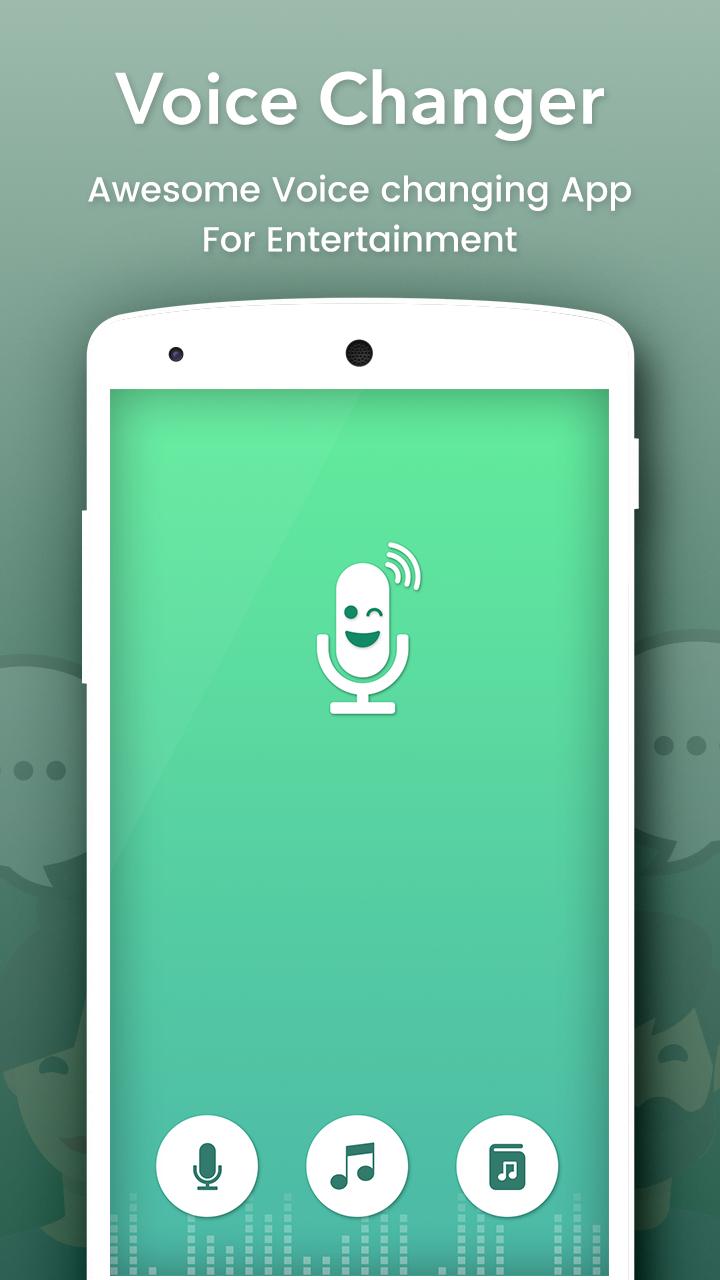
Change your voice and have fun listening to your modified voice. Record your voice, apply effects, and share them with your friends.
This is the best app for changing your voice by applying effects on the audios. It is very simple to use and can generate fantastic and funny effects.
INCLUDES FOLLOWING EFFECTS:
• Normal
• Helium
• Hexafluoride
• Robot
• Space mutant
• Backwards
• Monster
• Small creature
• Telephone
• Dragon
• Nervous
• Extraterrestrial
• Cathedral
• Cyborg
• Android
• Drunk
• Giant
• Squirrel
• Grand Canyon
• Fly
• Zombie
• Child
• Underwater
• Evil puppet
• Battery low
• Shrinking
• Devil
• Fan
• Ghost
• Alien
• Small alien
• Villain
• Death
• Everything is spinning
• Poltergeist
• Skull mask
FEATURES :
- Amazing effects: normal, helium, hexafluoride, fast, slow, cave, chipmunk, monster, alien, big sound, small sound, bee, death…
- Custom sound with effects: echo, reverb, pitch, tempo, volume, bass, mid, treble
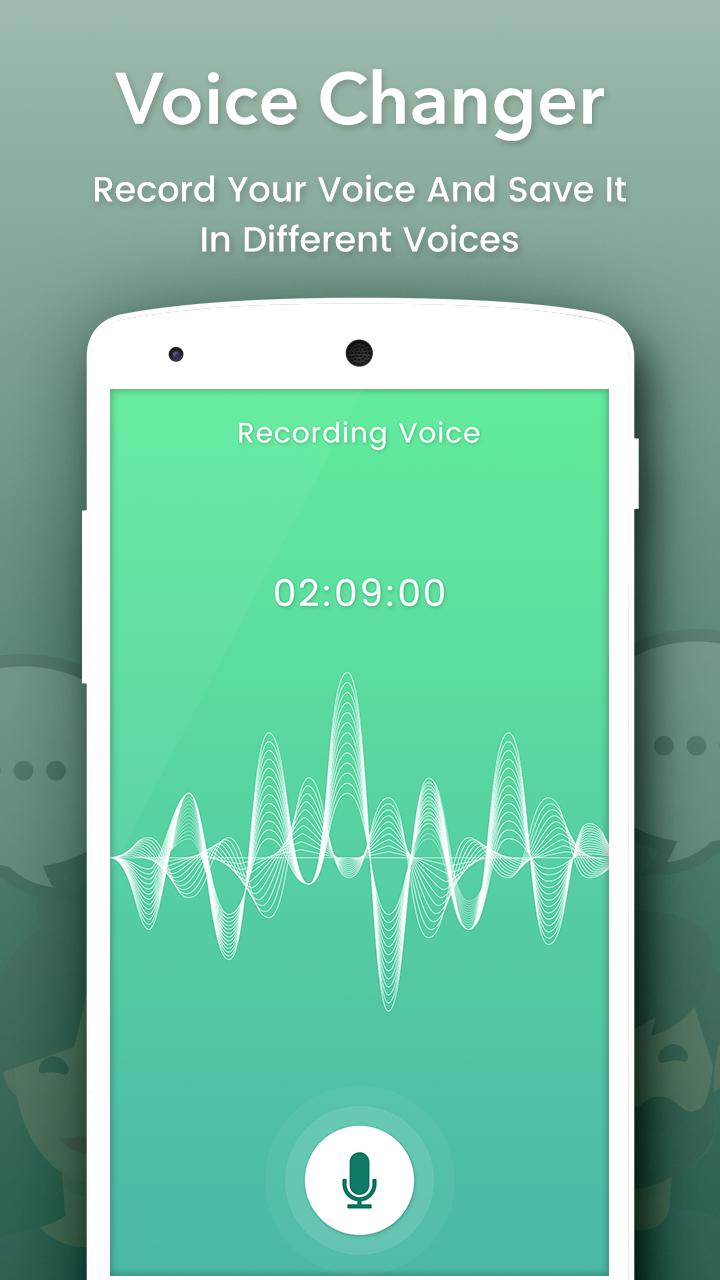
- Record and change your voice Directly.
- Import sound, song, audio files, add effects and change them
- Save, share, set as ringtone by your records
- Amazing quality.
- Nice User Interface and Easy to Use.
- View in Album.
- View, edit the saved audios.
- Share the saved audios to your friends via bluetooth, or social networks.
Visualizar
Em formação
Desenvolvedor
Creative Photo Tools
Última versão
1.4
Ultima atualização
2018-07-11
Categoria
Entretenimento
Disponível em
Google Play
Mostre mais
Como jogar Voice Changer com GameLoop no PC
1. Baixe o GameLoop do site oficial e execute o arquivo exe para instalar o GameLoop.
2. Abra o GameLoop e procure por “Voice Changer”, encontre Voice Changer nos resultados da pesquisa e clique em “Install”.
3. Divirta-se jogando Voice Changer no GameLoop.
Minimum requirements
OS
Windows 8.1 64-bit or Windows 10 64-bit
GPU
GTX 1050
CPU
i3-8300
Memory
8GB RAM
Storage
1GB available space
Recommended requirements
OS
Windows 8.1 64-bit or Windows 10 64-bit
GPU
GTX 1050
CPU
i3-9320
Memory
16GB RAM
Storage
1GB available space