Bruno Mars Fake call para PC
PRETTY RAINBOW
Baixe Bruno Mars Fake call no PC com o emulador GameLoop
Bruno Mars Fake call no PC
Bruno Mars Fake call, vindo do desenvolvedor PRETTY RAINBOW, está rodando no sistema Android no passado.
Agora, você pode jogar Bruno Mars Fake call no PC com GameLoop sem problemas.
Faça o download na biblioteca GameLoop ou nos resultados da pesquisa. Chega de ficar de olho na bateria ou fazer chamadas frustrantes na hora errada.
Apenas aproveite o Bruno Mars Fake call PC na tela grande gratuitamente!
Bruno Mars Fake call Introdução
Welcome to Bruno Mars Fake call
,you will get prank call and video call from Bruno Mars
This Call is going to be a funny you know! are you ready enough to get a call from Bruno Mars?
Features of Bruno Mars Fake call :
- Prank calling from Bruno Mars
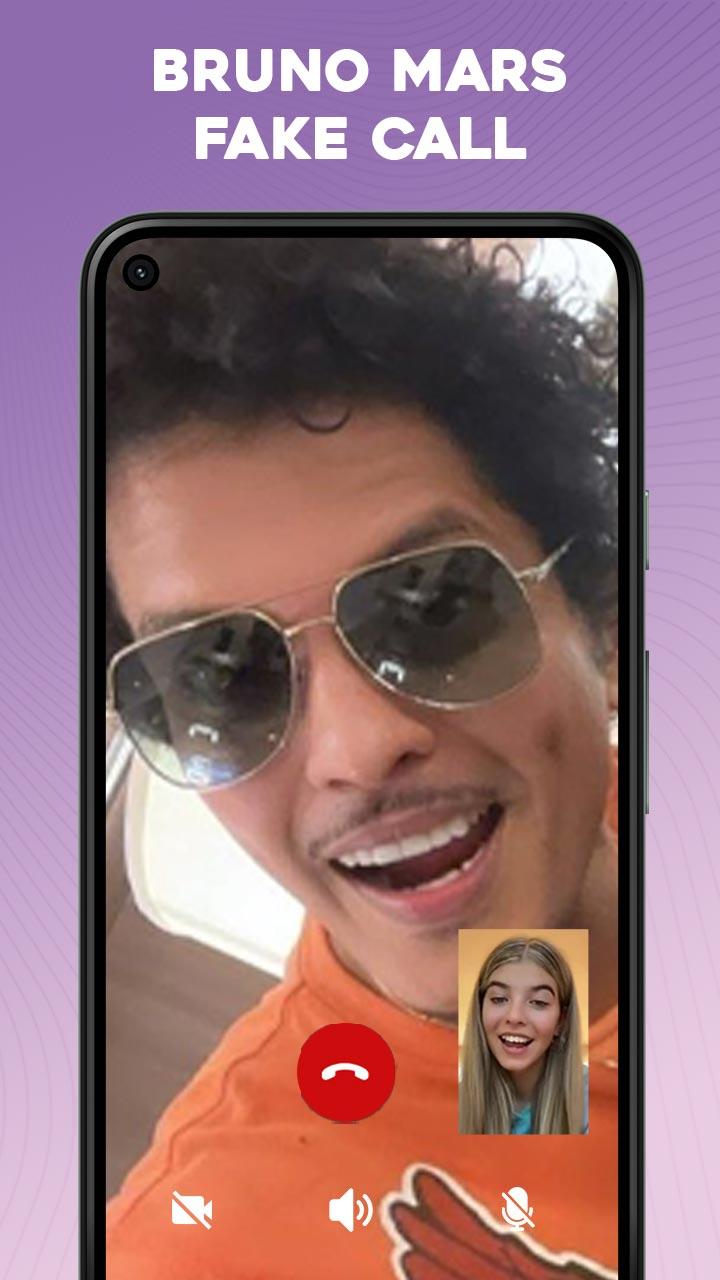
- Prank video call from Bruno Mars
- Chatting with Bruno Mars
- Set timming and theme
- Easy and simple to use
- Clean audio and video
- Realistic chat with Bruno Mars
Prank your friend and amaze them with the call from Bruno Mars, set the timming and theme to get call from Bruno Mars
you can show the Bruno Mars Fake call to your friend. Have fun and enjoy the boring time with your friend
IMPORTANT DISCLAIMER:
This prank calling app is made for fun purpose and doesn’t receive real calls. The copyrighted used in this app is the
authorized copyrights of ‘Bruno Mars’ We respect his copyrights and not competing them in anyway.
Visualizar

Tag
EntretenimentoEm formação
Desenvolvedor
PRETTY RAINBOW
Última versão
1.0
Ultima atualização
2023-06-13
Categoria
Entretenimento
Disponível em
Google Play
Mostre mais
Como jogar Bruno Mars Fake call com GameLoop no PC
1. Baixe o GameLoop do site oficial e execute o arquivo exe para instalar o GameLoop.
2. Abra o GameLoop e procure por “Bruno Mars Fake call”, encontre Bruno Mars Fake call nos resultados da pesquisa e clique em “Install”.
3. Divirta-se jogando Bruno Mars Fake call no GameLoop.
Minimum requirements
OS
Windows 8.1 64-bit or Windows 10 64-bit
GPU
GTX 1050
CPU
i3-8300
Memory
8GB RAM
Storage
1GB available space
Recommended requirements
OS
Windows 8.1 64-bit or Windows 10 64-bit
GPU
GTX 1050
CPU
i3-9320
Memory
16GB RAM
Storage
1GB available space