
Aphmau Funny Videos para PC
Melonground Games
Baixe Aphmau Funny Videos no PC com o emulador GameLoop
Aphmau Funny Videos no PC
Aphmau Funny Videos, vindo do desenvolvedor Melonground Games, está rodando no sistema Android no passado.
Agora, você pode jogar Aphmau Funny Videos no PC com GameLoop sem problemas.
Faça o download na biblioteca GameLoop ou nos resultados da pesquisa. Chega de ficar de olho na bateria ou fazer chamadas frustrantes na hora errada.
Apenas aproveite o Aphmau Funny Videos PC na tela grande gratuitamente!
Aphmau Funny Videos Introdução
My name is Aphmau – that’s my online alias. My real name is Jess; feel free to call me whichever you prefer! Come frolic along with me in this internet world of gaming! I play games every day of the week. Wee!
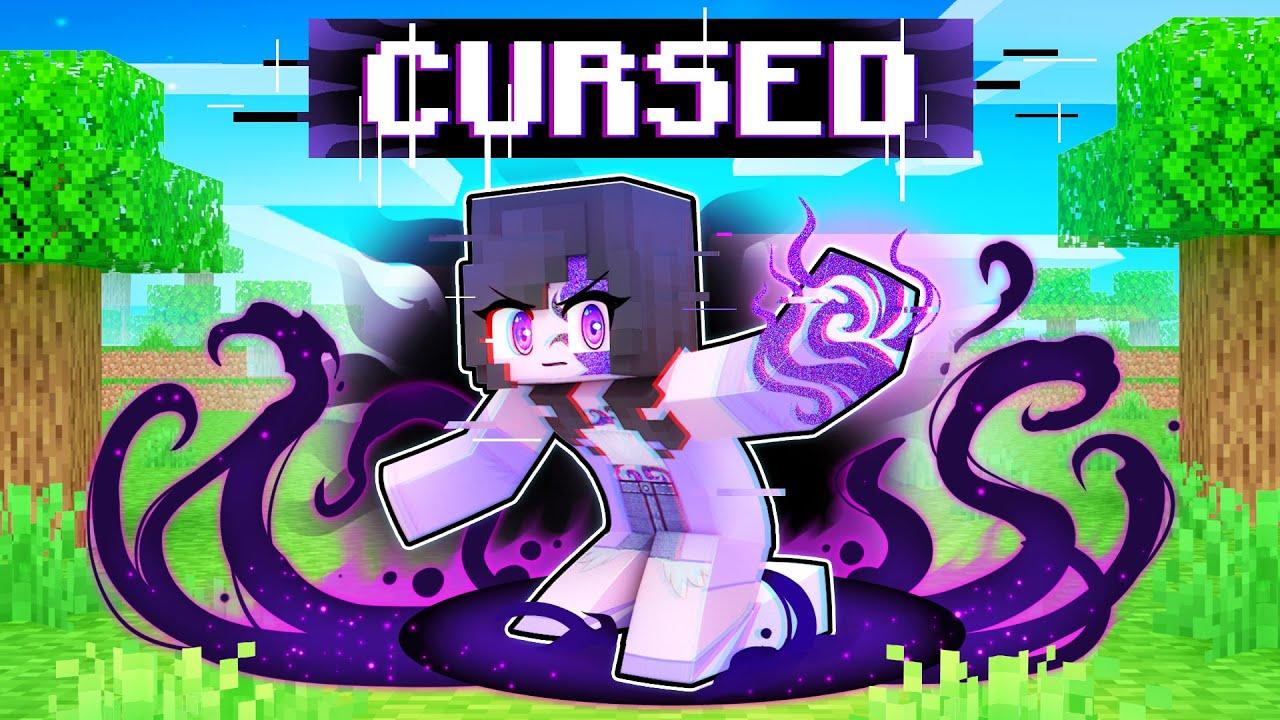
In this App that posts a wide variety of gaming content from 2012-2020, it's primary game has mostly been Minecraft, but the most popular videos have been a mix of Snipper Clips, Mini-Games, Human Fall Flat, and Animations.
DISCLAIMER
The content provided in this application is available free on public domains.
We are just providing the way to stream videos in an easy way.
All the content provided in this application is displayed using YouTube's public API.
We do not host any of these videos/content.
All the content provided in this application has the copyrights of their respective owners.
If you are the owner of any songs or videos listed in the app and need them to be removed,
please send an email to the developer email provided.
Visualizar

Tag
EntretenimentoEm formação
Desenvolvedor
Melonground Games
Última versão
6.0.0
Ultima atualização
2022-06-29
Categoria
Entretenimento
Disponível em
Google Play
Mostre mais
Como jogar Aphmau Funny Videos com GameLoop no PC
1. Baixe o GameLoop do site oficial e execute o arquivo exe para instalar o GameLoop.
2. Abra o GameLoop e procure por “Aphmau Funny Videos”, encontre Aphmau Funny Videos nos resultados da pesquisa e clique em “Install”.
3. Divirta-se jogando Aphmau Funny Videos no GameLoop.
Minimum requirements
OS
Windows 8.1 64-bit or Windows 10 64-bit
GPU
GTX 1050
CPU
i3-8300
Memory
8GB RAM
Storage
1GB available space
Recommended requirements
OS
Windows 8.1 64-bit or Windows 10 64-bit
GPU
GTX 1050
CPU
i3-9320
Memory
16GB RAM
Storage
1GB available space