Zing Games para PC
Zing Performance
Baixe Zing Games no PC com o emulador GameLoop
Zing Games no PC
Zing Games, vindo do desenvolvedor Zing Performance, está rodando no sistema Android no passado.
Agora, você pode jogar Zing Games no PC com GameLoop sem problemas.
Faça o download na biblioteca GameLoop ou nos resultados da pesquisa. Chega de ficar de olho na bateria ou fazer chamadas frustrantes na hora errada.
Apenas aproveite o Zing Games PC na tela grande gratuitamente!
Zing Games Introdução
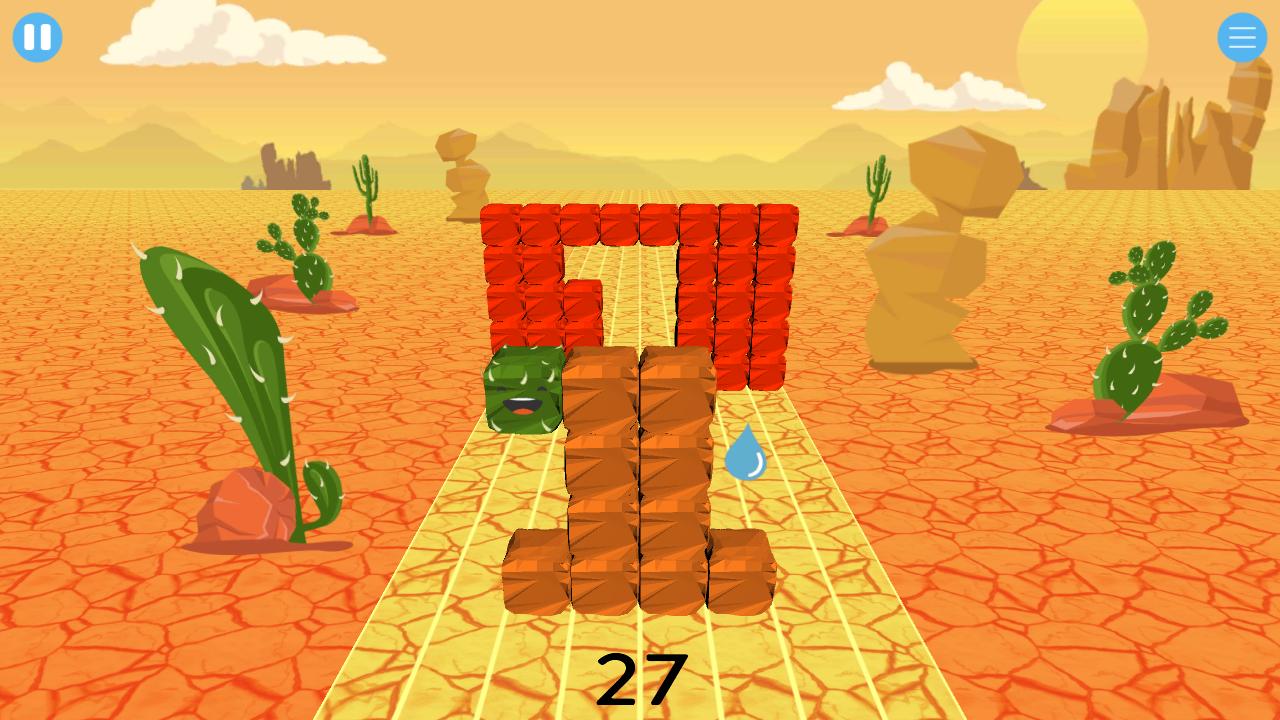
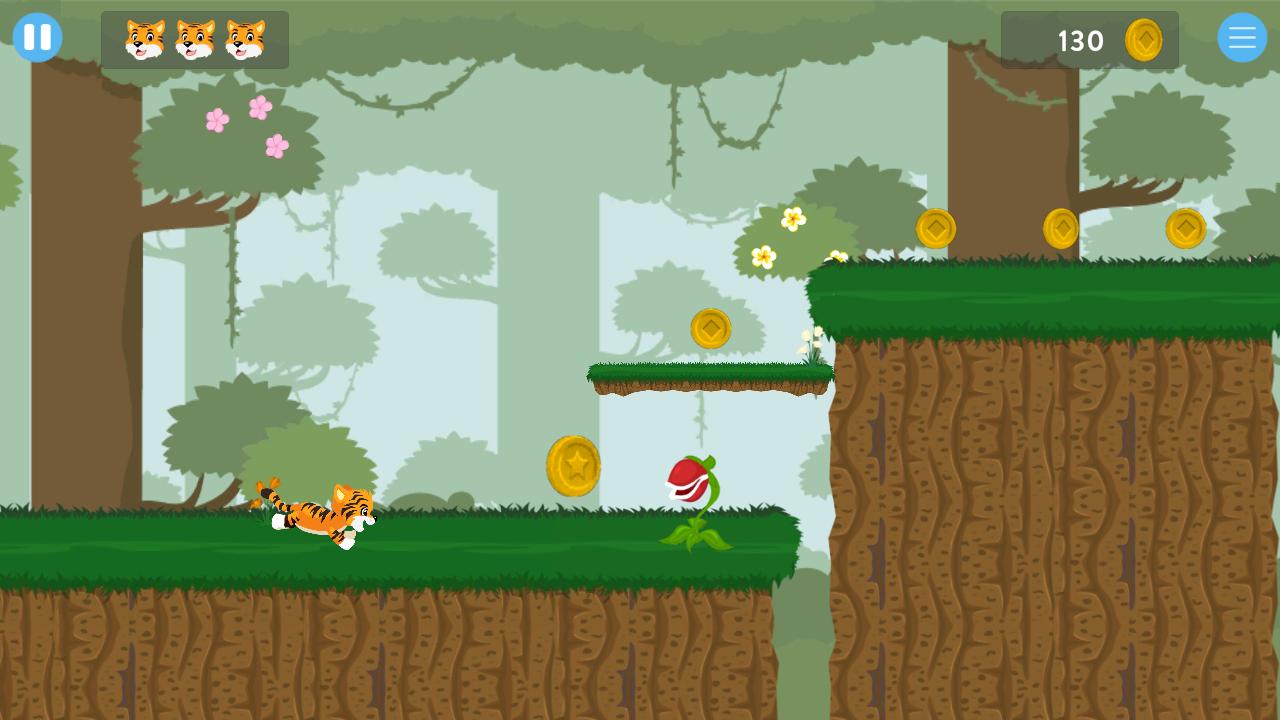
To continue challenging your brain in-between sessions we have created an app which contains fun, engaging games to keep your brain active. These games will increase in difficulty as you get better and have leader boards to keep track of how you’re doing.
Neuroscience is constantly evolving to show us how to increase our brainpower. At Zing Performance we’re passionate about bringing this possibility to EVERYONE.
The Zing Performance programs are made up of on-screen skill tests and a personalized range of simple physical activities, that together, are designed to support and strengthen key parts of your brain.
For more information on our programs, visit our website www.zingperformance.com.
Visualizar
Tag
EducacionalEm formação
Desenvolvedor
Zing Performance
Última versão
1.40.003
Ultima atualização
2022-10-11
Categoria
Educacional
Disponível em
Google Play
Mostre mais
Como jogar Zing Games com GameLoop no PC
1. Baixe o GameLoop do site oficial e execute o arquivo exe para instalar o GameLoop.
2. Abra o GameLoop e procure por “Zing Games”, encontre Zing Games nos resultados da pesquisa e clique em “Install”.
3. Divirta-se jogando Zing Games no GameLoop.
Minimum requirements
OS
Windows 8.1 64-bit or Windows 10 64-bit
GPU
GTX 1050
CPU
i3-8300
Memory
8GB RAM
Storage
1GB available space
Recommended requirements
OS
Windows 8.1 64-bit or Windows 10 64-bit
GPU
GTX 1050
CPU
i3-9320
Memory
16GB RAM
Storage
1GB available space