BabyTV - Kids Videos & Songs para PC
BabyTV
Baixe BabyTV - Kids Videos & Songs no PC com o emulador GameLoop
BabyTV - Kids Videos & Songs no PC
BabyTV - Kids Videos & Songs, vindo do desenvolvedor BabyTV, está rodando no sistema Android no passado.
Agora, você pode jogar BabyTV - Kids Videos & Songs no PC com GameLoop sem problemas.
Faça o download na biblioteca GameLoop ou nos resultados da pesquisa. Chega de ficar de olho na bateria ou fazer chamadas frustrantes na hora errada.
Apenas aproveite o BabyTV - Kids Videos & Songs PC na tela grande gratuitamente!
BabyTV - Kids Videos & Songs Introdução
Join millions of families and discover BabyTV’s award-winning kids videos and nursery rhymes app, designed for little ones and 100% ad-free! BabyTV is the world’s leading TV channel for babies, toddlers and their parents, created to support preschool children in their early years. Our app offers quality kids’ videos in a safe, child-friendly environment, introducing your little one to the world around them with BabyTV’s beloved characters and educational content.
Age Rating
Perfect for toddlers and kids aged 5 & under, and BabyTV fans of all ages.
Kids Videos
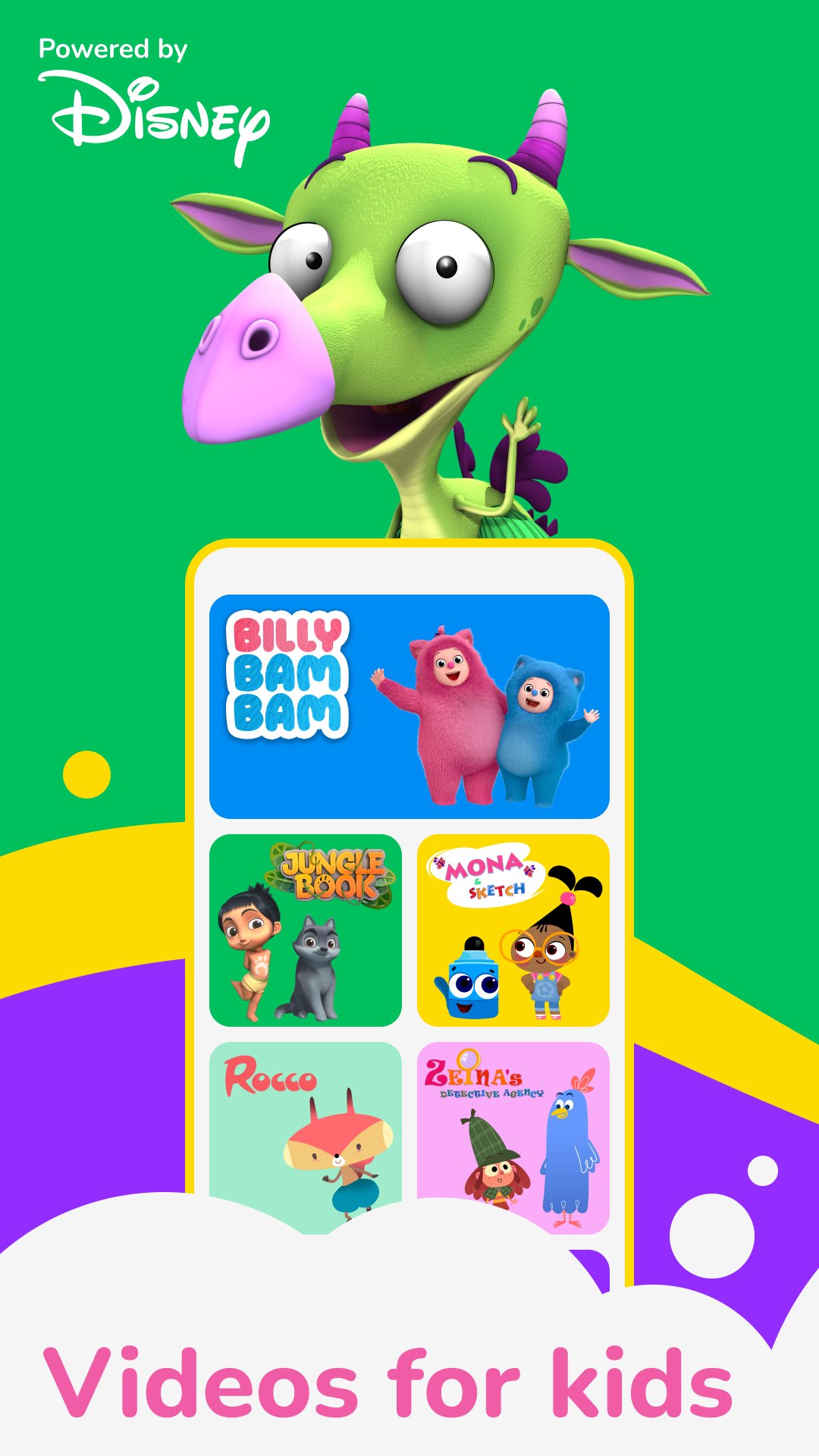
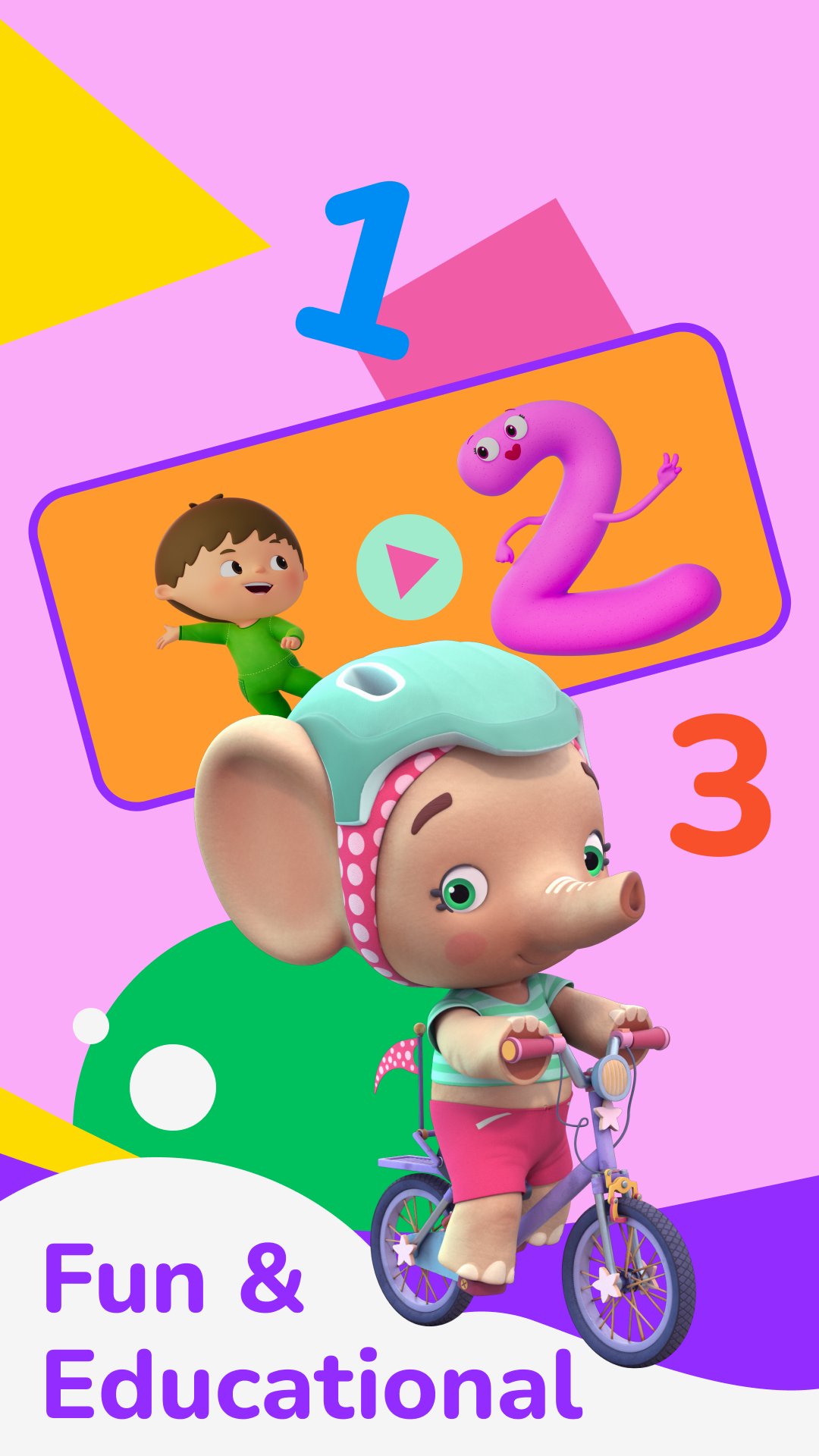
Our app features hundreds of kids videos, including nursery rhymes, baby songs, and baby cartoon videos. Enjoy full episodes of BabyTV shows like "Charlie and the Numbers," "Billy Bam Bam," "The BabyTV Jungle Book," "Oliver," and more!
All-time Favorite Kids Songs & Nursery Rhymes
Enjoy all your favorite nursery rhymes and kids songs, such as "Morning Song," "Brother John," "Down by the Bay," and "Little Green Frog." Sing along with BabyTV’s top songs like "The Tiny Bunch," "ABC’s and 123’s," "Shapes Song with Charlie," and more.
Relaxing & Bedtime Content
Our bedtime series includes relaxing baby videos and songs to help your little ones sleep peacefully. Explore popular content such as "BabyTV Relaxing Videos," "BabyTV Songs for Sleep," and calming shows with soothing episodes your child will love.
Toddler Games & Fun Activities
Our app includes toddler games that introduce early concepts in a fun way. Help your child discover colors with Oliver, explore different animals with Lola, and recognize shapes and numbers with Charlie. Our games ensure your child is entertained while discovering new things.
Watch Offline
Download videos and watch offline at home or on the go!
Create Your Own Playlist
Quickly and easily create a playlist with your child's favorite episodes and songs for quick access. Use shuffle mode to enjoy a variety of content.
Why BabyTV is Great for Kids Ages 5 & Under:
100% ad-free, kid-safe environment
Created with experts for quality kids videos and content
Download videos to watch offline
Hours of fun episodes, baby songs, and relaxing bedtime content
Trusted characters and cartoons suitable for all ages
New content added weekly
Available in 15 languages (English, Spanish, Mandarin, Dutch, Polish, French & more)
Subscription
This service is offered as a renewed paid subscription over these plans:
Monthly Subscription - $5.99
6 Month Subscription - $29.99 (Save 1 Month!)
12 Month Subscription - $59.99 (Save 2 Months!)
Privacy & Safety
Your child’s privacy and safety is our top priority. That’s why there are no ads in our toddler & preschool kids’ TV app or on our channel. We will never share your personal information with 3rd parties or sell it. For more information, visit https://www.babytv.com/privacy-policy.
Visualizar
Tag
EducaçãoCriar os filhosEm formação
Desenvolvedor
BabyTV
Última versão
9.3.5
Ultima atualização
2025-12-21
Categoria
Educação
Disponível em
Google Play
Mostre mais
Como jogar BabyTV - Kids Videos & Songs com GameLoop no PC
1. Baixe o GameLoop do site oficial e execute o arquivo exe para instalar o GameLoop.
2. Abra o GameLoop e procure por “BabyTV - Kids Videos & Songs”, encontre BabyTV - Kids Videos & Songs nos resultados da pesquisa e clique em “Install”.
3. Divirta-se jogando BabyTV - Kids Videos & Songs no GameLoop.
Minimum requirements
OS
Windows 8.1 64-bit or Windows 10 64-bit
GPU
GTX 1050
CPU
i3-8300
Memory
8GB RAM
Storage
1GB available space
Recommended requirements
OS
Windows 8.1 64-bit or Windows 10 64-bit
GPU
GTX 1050
CPU
i3-9320
Memory
16GB RAM
Storage
1GB available space