
Before/After: Learn sequences para PC
NOMO Lab
Baixe Before/After: Learn sequences no PC com o emulador GameLoop
Before/After: Learn sequences no PC
Before/After: Learn sequences, vindo do desenvolvedor NOMO Lab, está rodando no sistema Android no passado.
Agora, você pode jogar Before/After: Learn sequences no PC com GameLoop sem problemas.
Faça o download na biblioteca GameLoop ou nos resultados da pesquisa. Chega de ficar de olho na bateria ou fazer chamadas frustrantes na hora errada.
Apenas aproveite o Before/After: Learn sequences PC na tela grande gratuitamente!
Before/After: Learn sequences Introdução
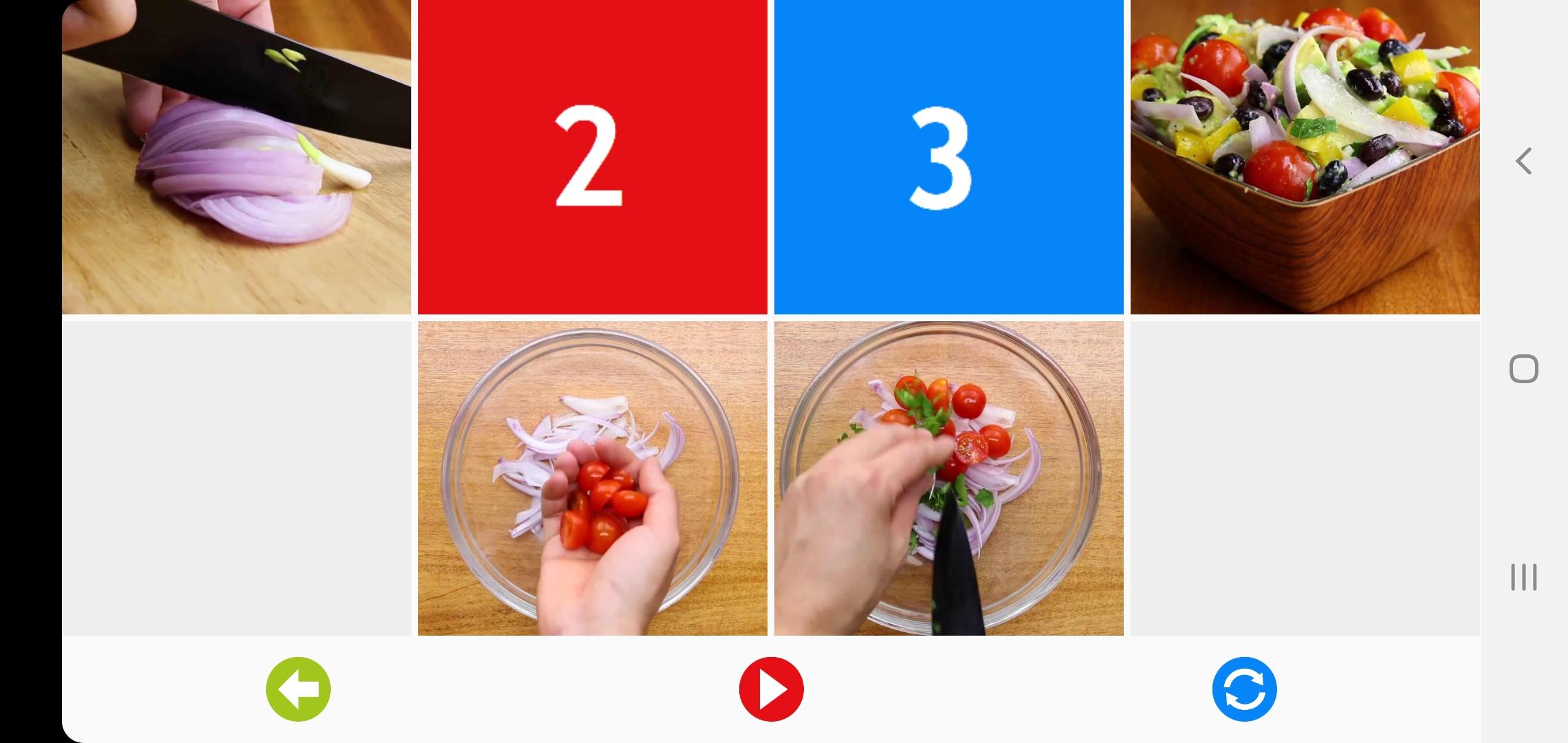
The purpose of this mobile application is to teach children understanding of cause/effect and chronological sequences of events. The application contains images of different stages for the same process. Once a child manages to put the images in the correct order he is able to see a short movie, illustrating the whole story.
The sequences are presented in a variety of indoor and outdoor contexts, providing excellent opportunities for language work including syntax, grammar, vocabulary and time concepts.
Some unexpected twists within the sequences add fun and provide opportunities for discussion.
There are 4 level of complexity: 2-3-4-5 steps sequences
Intended for use in educational settings and/or therapy contexts under the supervision of an adult. This is not just a game.
Visualizar

Tag
EducaçãoEm formação
Desenvolvedor
NOMO Lab
Última versão
1.50beta
Ultima atualização
2022-01-29
Categoria
Educação
Disponível em
Google Play
Mostre mais
Como jogar Before/After: Learn sequences com GameLoop no PC
1. Baixe o GameLoop do site oficial e execute o arquivo exe para instalar o GameLoop.
2. Abra o GameLoop e procure por “Before/After: Learn sequences”, encontre Before/After: Learn sequences nos resultados da pesquisa e clique em “Install”.
3. Divirta-se jogando Before/After: Learn sequences no GameLoop.
Minimum requirements
OS
Windows 8.1 64-bit or Windows 10 64-bit
GPU
GTX 1050
CPU
i3-8300
Memory
8GB RAM
Storage
1GB available space
Recommended requirements
OS
Windows 8.1 64-bit or Windows 10 64-bit
GPU
GTX 1050
CPU
i3-9320
Memory
16GB RAM
Storage
1GB available space