
Web Cloner- Dual App Scanner para PC
Riki Apps Developer
Baixe Web Cloner- Dual App Scanner no PC com o emulador GameLoop
Web Cloner- Dual App Scanner no PC
Web Cloner- Dual App Scanner, vindo do desenvolvedor Riki Apps Developer, está rodando no sistema Android no passado.
Agora, você pode jogar Web Cloner- Dual App Scanner no PC com GameLoop sem problemas.
Faça o download na biblioteca GameLoop ou nos resultados da pesquisa. Chega de ficar de olho na bateria ou fazer chamadas frustrantes na hora errada.
Apenas aproveite o Web Cloner- Dual App Scanner PC na tela grande gratuitamente!
Web Cloner- Dual App Scanner Introdução
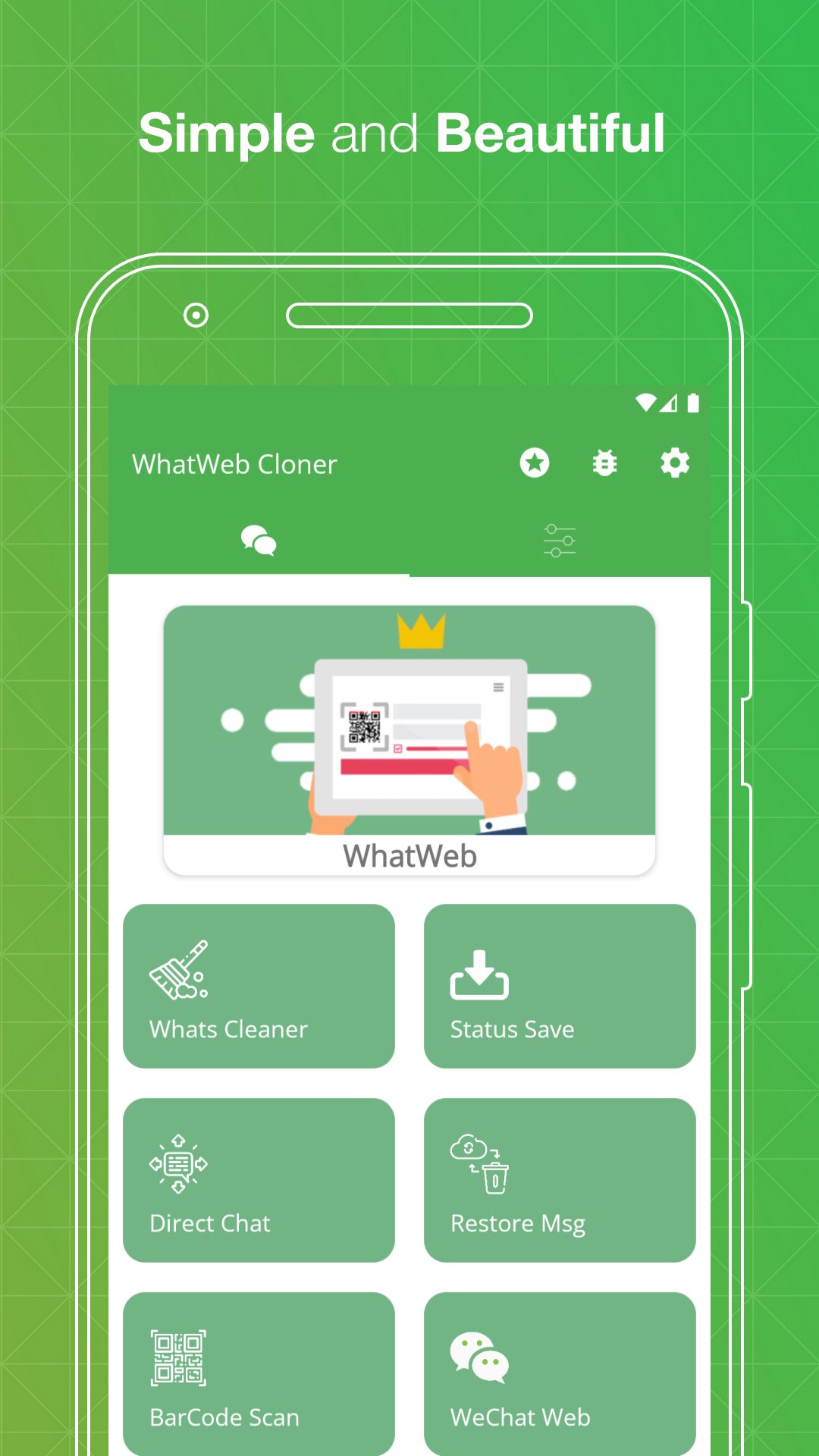
Web Cloner & Clonapp Messenger – the all-in-one dual app and web scanner for managing multiple accounts on one device.
Scan the QR code, sync your chats instantly, and stay connected from any phone or tablet. Fast, stable, and secure — Web Cloner avoids unexpected logouts and keeps your messages synced in real time.
Whether you need dual accounts on a single phone or the same account on multiple devices, Web Cloner makes it effortless with just one click.
🔗 Web Scanner & Clone Messenger
Open and manage multiple accounts using our powerful web scanner. Scan the QR code from linked devices and instantly mirror all your conversations. Web Cloner delivers a fast, stable connection so you never miss a message.
👥 Dual Accounts & Multiple Devices
Use two numbers on the same phone or access one account across multiple devices. Perfect for separating work and personal chats without switching phones. Web Cloner is your ultimate dual app solution.
💬 Recover Deleted Messages
Never lose important conversations again. Web Cloner restores deleted text messages, photos, videos, voice notes, and documents — works like WAMR and Auto RDM.
⏬ Status Saver & Downloader
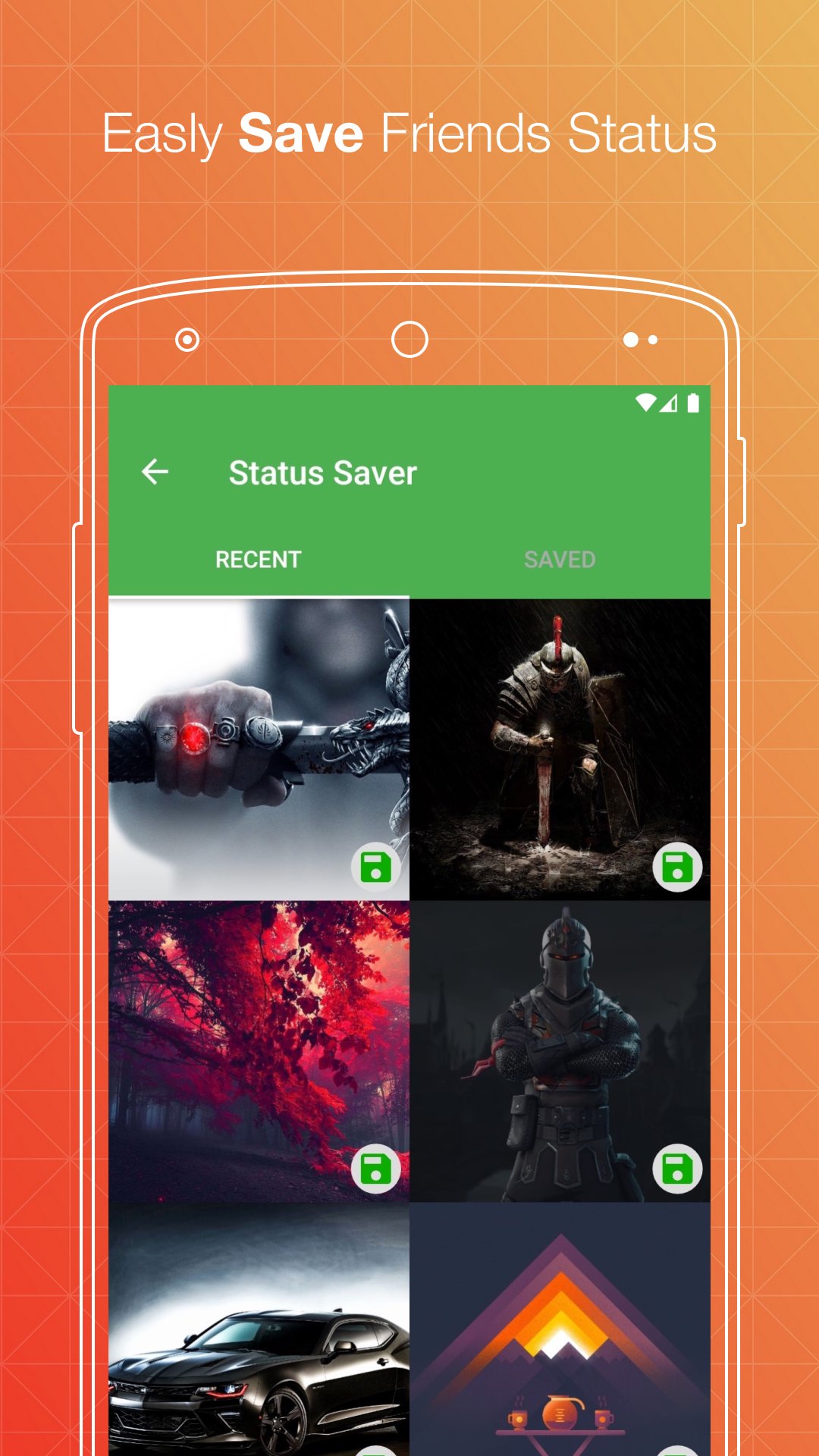
Save and download any image, GIF, or video status directly to your device. Repost or share saved statuses with friends on any platform.
📱 Direct Chat
Send messages to any number without saving it to your contacts. Start conversations instantly on your favorite chat apps or business accounts.
🧹 Cleaner – Free Up Space
Remove old media, junk files, and unnecessary downloads to free up storage. Keep your device running fast and clean.
🔒 Secret Text Tool
Hide one message inside another for private sharing. Send confidential messages that only the intended recipient can read.
🔁 Text Repeater
Generate and send repeated text with one tap. Great for fun messages, announcements, or creative texts.
📷 QR & Barcode Scanner
Scan, save, and manage any QR code or barcode. Works instantly with your camera — no extra app needed.
📁 Manage Saved Files
All downloaded files from cloned accounts are organized in one place. View, share, or delete images, videos, and documents easily.
📝 How to Use Web Cloner
Step 1: Open Web Cloner on your device
Step 2: Go to your chat app → Tap Settings → Linked Devices
Step 3: Tap "Link a Device" and scan the QR code shown in Web Cloner
Step 4: Done! All messages sync instantly. Read, reply, and download anytime.
✨ Why Choose Web Cloner?
✔ Fast, simple, and easy-to-use web scanner
✔ Clone and dual accounts with one click
✔ Automatically sync all messages in real time
✔ Recover deleted messages and media
✔ Free status saver and downloader
✔ Lightweight, secure, and battery-friendly
✔ Works perfectly on smartphones and tablets
✔ Dark mode supported
⚖️ Legal Notice:
Web Cloner is an independent application developed by Riki Apps Developer Inc. It is not affiliated with, endorsed by, or connected to WhatsApp Inc., Meta Platforms, or any third-party messaging service. All trademarks belong to their respective owners.
Visualizar
Tag
ComunicaçãoEm formação
Desenvolvedor
Riki Apps Developer
Última versão
4.5
Ultima atualização
2026-03-25
Categoria
Comunicação
Disponível em
Google Play
Mostre mais
Como jogar Web Cloner- Dual App Scanner com GameLoop no PC
1. Baixe o GameLoop do site oficial e execute o arquivo exe para instalar o GameLoop.
2. Abra o GameLoop e procure por “Web Cloner- Dual App Scanner”, encontre Web Cloner- Dual App Scanner nos resultados da pesquisa e clique em “Install”.
3. Divirta-se jogando Web Cloner- Dual App Scanner no GameLoop.
Minimum requirements
OS
Windows 8.1 64-bit or Windows 10 64-bit
GPU
GTX 1050
CPU
i3-8300
Memory
8GB RAM
Storage
1GB available space
Recommended requirements
OS
Windows 8.1 64-bit or Windows 10 64-bit
GPU
GTX 1050
CPU
i3-9320
Memory
16GB RAM
Storage
1GB available space