
Embee Meter AX para PC
Embee Mobile
Baixe Embee Meter AX no PC com o emulador GameLoop
Embee Meter AX no PC
Embee Meter AX, vindo do desenvolvedor Embee Mobile, está rodando no sistema Android no passado.
Agora, você pode jogar Embee Meter AX no PC com GameLoop sem problemas.
Faça o download na biblioteca GameLoop ou nos resultados da pesquisa. Chega de ficar de olho na bateria ou fazer chamadas frustrantes na hora errada.
Apenas aproveite o Embee Meter AX PC na tela grande gratuitamente!
Embee Meter AX Introdução
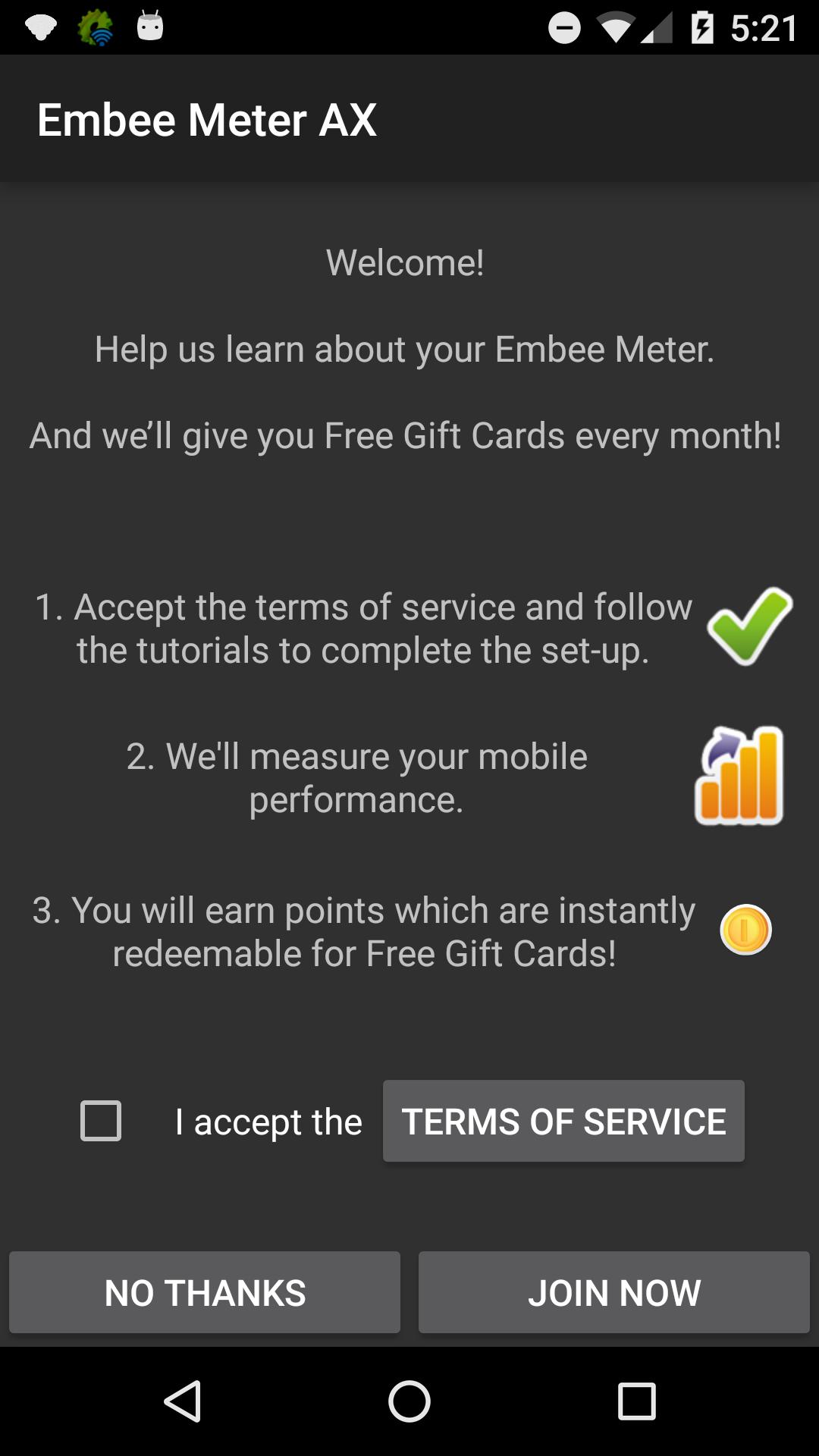
Install Embee Meter AX and get Paid
How does it work?
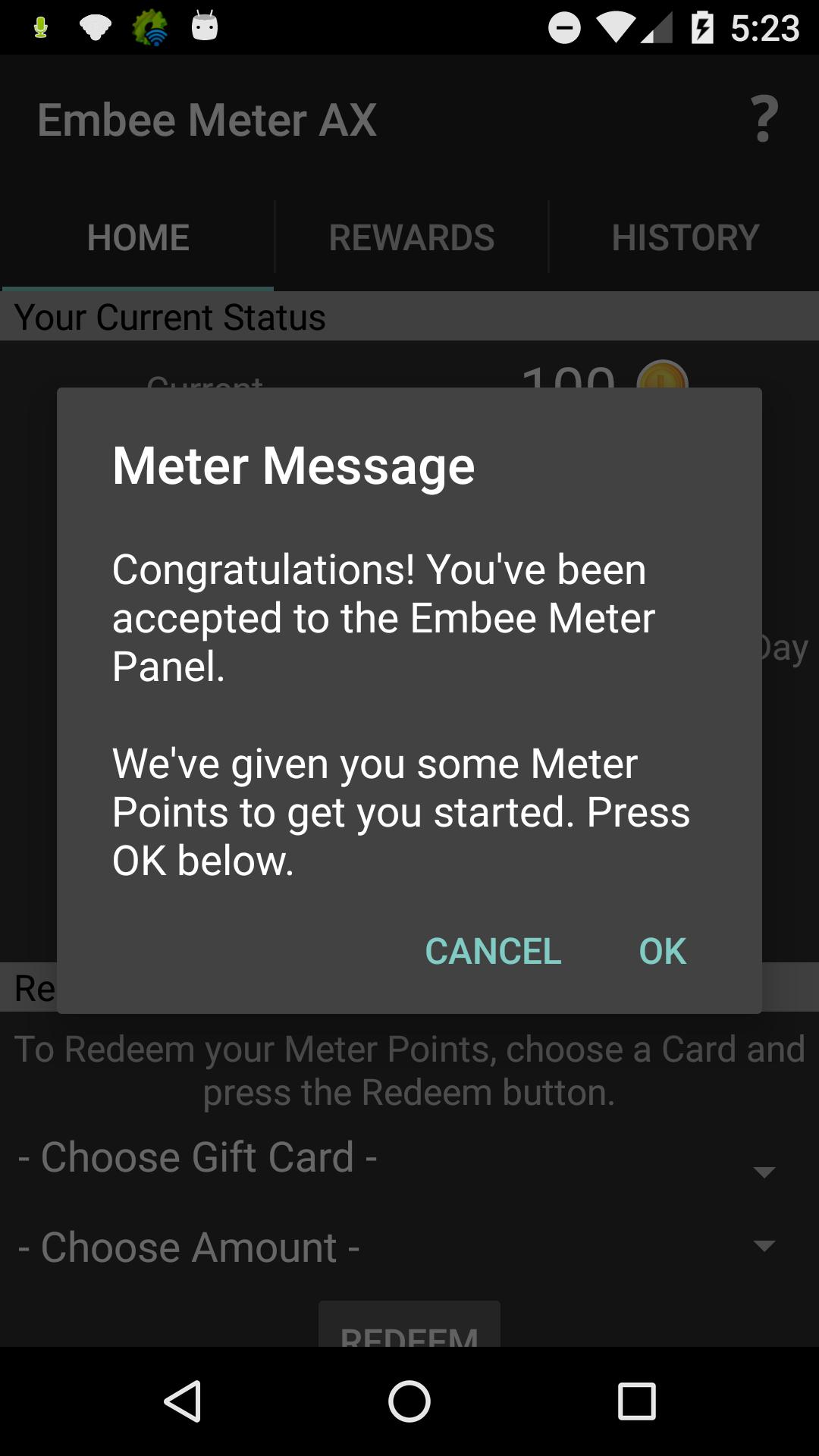
After you click "Join Now" and turn on the Meter, you automatically earn “Meter Points” every day just for using your phone normally. You can also earn bonus points for answering really simple surveys that take only a few seconds. Answer a few surveys a day, and you'll get "Meter Points" even faster.
Within only a few days, you can cash out your “Meter Points” for cash through Paypal, Gift Cards or Mobile Airtime (Depending on country).
That's it! There's no ads. No videos to watch. Nothing to click on. You don't have to enter any personal information or anything like that.
The app does exactly what it says. You get paid cash just for using your phone. The longer you leave the app installed, the more money you earn.
Its that easy.
If you want more information, feel free to visit our website to view the privacy policy and learn more.
Visualizar
Em formação
Desenvolvedor
Embee Mobile
Última versão
1.1.2
Ultima atualização
2016-11-17
Categoria
Comunicação
Disponível em
Google Play
Mostre mais
Como jogar Embee Meter AX com GameLoop no PC
1. Baixe o GameLoop do site oficial e execute o arquivo exe para instalar o GameLoop.
2. Abra o GameLoop e procure por “Embee Meter AX”, encontre Embee Meter AX nos resultados da pesquisa e clique em “Install”.
3. Divirta-se jogando Embee Meter AX no GameLoop.
Minimum requirements
OS
Windows 8.1 64-bit or Windows 10 64-bit
GPU
GTX 1050
CPU
i3-8300
Memory
8GB RAM
Storage
1GB available space
Recommended requirements
OS
Windows 8.1 64-bit or Windows 10 64-bit
GPU
GTX 1050
CPU
i3-9320
Memory
16GB RAM
Storage
1GB available space