
Bit Browser para PC
RVEGO
Baixe Bit Browser no PC com o emulador GameLoop
Bit Browser no PC
Bit Browser, vindo do desenvolvedor RVEGO, está rodando no sistema Android no passado.
Agora, você pode jogar Bit Browser no PC com GameLoop sem problemas.
Faça o download na biblioteca GameLoop ou nos resultados da pesquisa. Chega de ficar de olho na bateria ou fazer chamadas frustrantes na hora errada.
Apenas aproveite o Bit Browser PC na tela grande gratuitamente!
Bit Browser Introdução
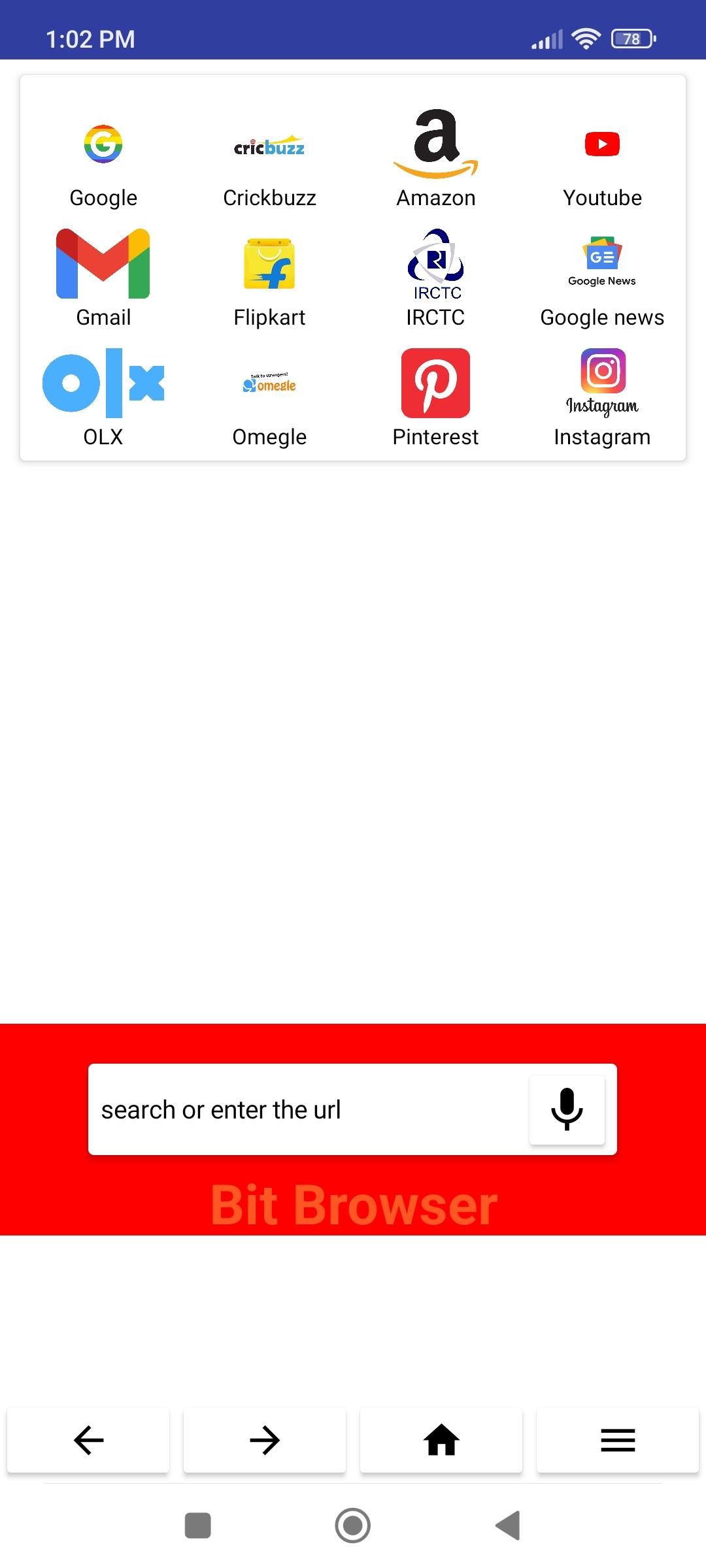
Bit Browser is a very less size browser which gives you much more facilities than other browsers like - Ads Blocking , fast net serving , data saving , smooth performance , simple & professional graphics and much more. The main function of this browser is to provide much more fast serving than any other applications.
So download & enjoy Bit Browser.
Bit browser
Privately browse the internet, for free! The Bit Browser App is your fast, secure, and private web browser with ad blocker and pop-up blocker. Privately browse and search the internet without being tracked by advertisers, malware and pop-ups.
Download the best AdBlock private web browser app for Android today!
🔒 Fast & Secure Web Browser
No external plugins or settings! Bit Browser privacy browser simply provides the most secure, lightning fast internet browser for Android. Enjoy free private browsing and a private search engine without popups (pop up blocker), ads (ad blocker), malware and other annoyances.
🙈 Private Browsing App
Enjoy fast, secure, private browsing. Get free adblocker to block ads, anonymous browsing history, personalized private search, and private tabs for incognito private browsing. Browse the internet without saving your history.
🚀 Browse Faster
Bit Browser is a fast web browser! Bit Browser reduces page loading times, improves web browser performance and blocks ads infected with malware. Bit Browser Privacy App shows a 2x to 4x speed increase on Android, saving your battery and data.
🚫 AdBlock Web Browser
The Bit Browser App is designed with a free built-in AdBlocker (pop up blocker). Bit Browser's free adBlocker protects you from ads which track you as you browse the mobile web, securing your privacy and private browsing history.
🙈 Automatic Privacy - AdBlock Browser Protection
The Bit Browser App also protects you with leading privacy and security features such as HTTPS Everywhere (encrypted data traffic), script blocking, 3rd party cookie blocking and incognito private tabs.
App Features
* Free incognito private internet browser
* Free built-in AdBlocker
* Private internet browser with pop up blocker (blocks ads)
* Safe private browsing
* Saves data and battery
* Invasive Ad free web browser
* Sync Bookmarks securely
* Free tracking protection web browser
* Https Everywhere (for security)
* Script Blocker
* 3rd party cookie blocker
* Private bookmarks
* Browsing history
* Recent and private tabs
* Fast, free, private search engine using Bit Browser Search
★ Super Fast
Very smooth and fast.
★ Ad Blocking
Super ad blocking ability, helping you to remove 80% of malicious ads. Support importing and subscribing to third-party blocking rules.
★ Video Sniffing
Super video sniffing capability, easy to save Internet videos.
★ Security and Privacy
Only very few permissions are requested, no background residency services, no push services, and very many security and privacy options are provided.
★ Personalized Customization
Provide a large number of personalization options, appearance, gestures, shortcuts, etc. Can be adjusted according to your preference.
Features -
* Optimized Loading Pages
* Speed Up Downloading
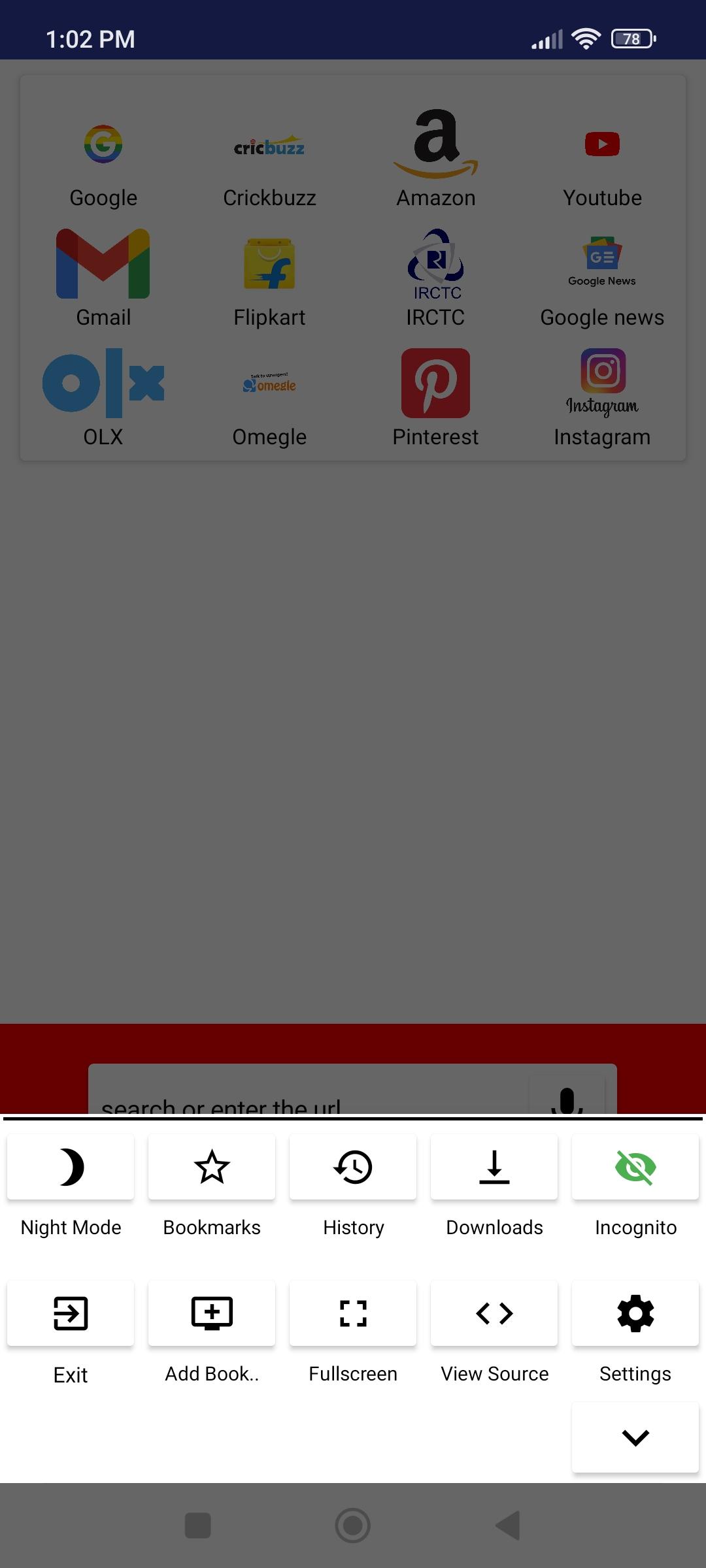
* Best Incognito Mode
* Night Mode Features
Visualizar
Tag
ComunicaçãoEm formação
Desenvolvedor
RVEGO
Última versão
1.0
Ultima atualização
2022-05-03
Categoria
Comunicação
Disponível em
Google Play
Mostre mais
Como jogar Bit Browser com GameLoop no PC
1. Baixe o GameLoop do site oficial e execute o arquivo exe para instalar o GameLoop.
2. Abra o GameLoop e procure por “Bit Browser”, encontre Bit Browser nos resultados da pesquisa e clique em “Install”.
3. Divirta-se jogando Bit Browser no GameLoop.
Minimum requirements
OS
Windows 8.1 64-bit or Windows 10 64-bit
GPU
GTX 1050
CPU
i3-8300
Memory
8GB RAM
Storage
1GB available space
Recommended requirements
OS
Windows 8.1 64-bit or Windows 10 64-bit
GPU
GTX 1050
CPU
i3-9320
Memory
16GB RAM
Storage
1GB available space