
Lights Out para PC
OruPro
Baixe Lights Out no PC com o emulador GameLoop
Lights Out no PC
Lights Out, vindo do desenvolvedor OruPro, está rodando no sistema Android no passado.
Agora, você pode jogar Lights Out no PC com GameLoop sem problemas.
Faça o download na biblioteca GameLoop ou nos resultados da pesquisa. Chega de ficar de olho na bateria ou fazer chamadas frustrantes na hora errada.
Apenas aproveite o Lights Out PC na tela grande gratuitamente!
Lights Out Introdução
Bored while commuting, standing in a long queue, nothing interesting on social media or the music gets too old.........Well, why not give 'Lights Out' a go, the new trending time killer.
It's super fun, super challenging(Work those neurons) and best of all free game that will allow you to challenge yourselves and compete with your friends by sharing scores through social media.
Features:
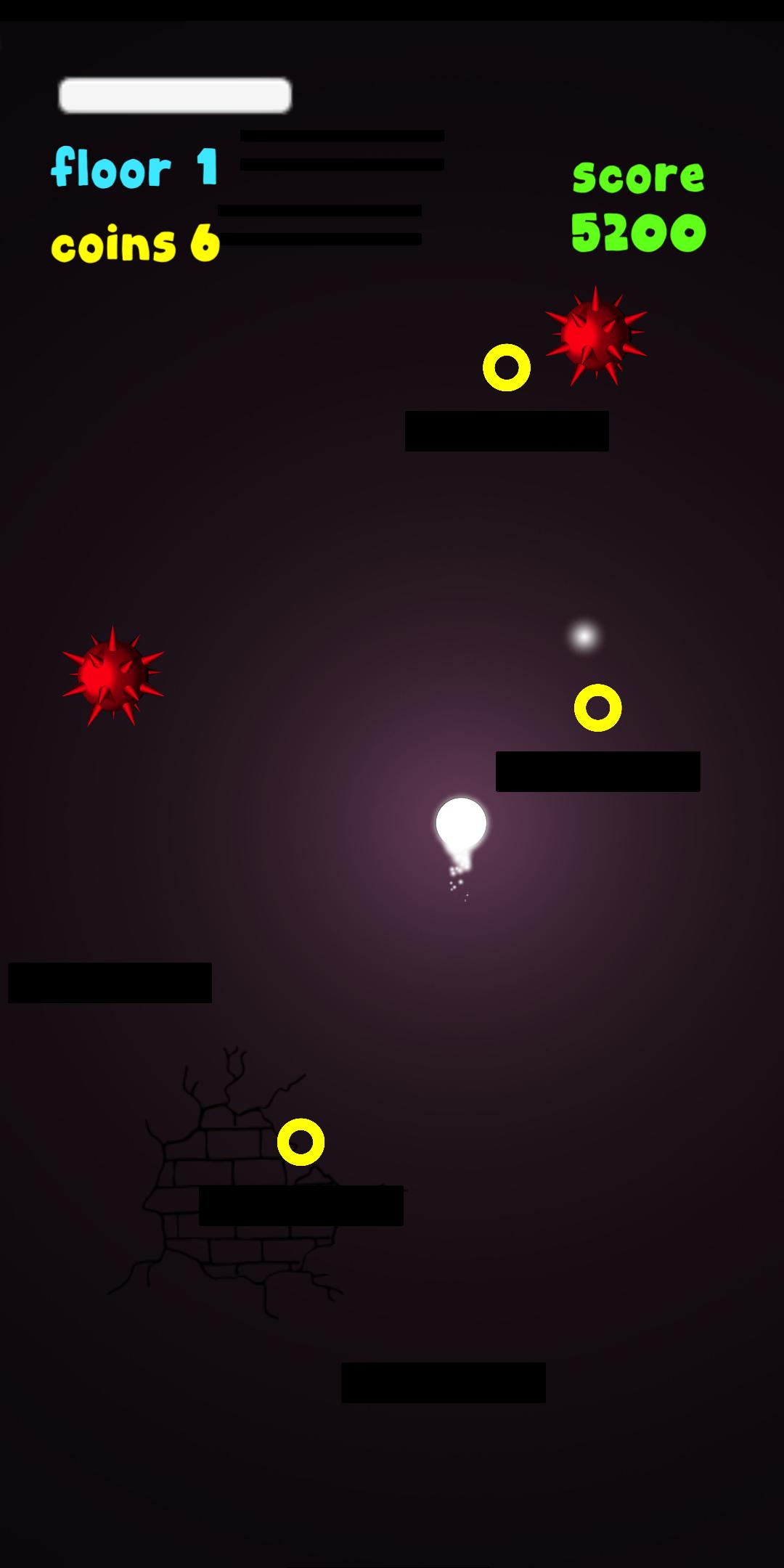
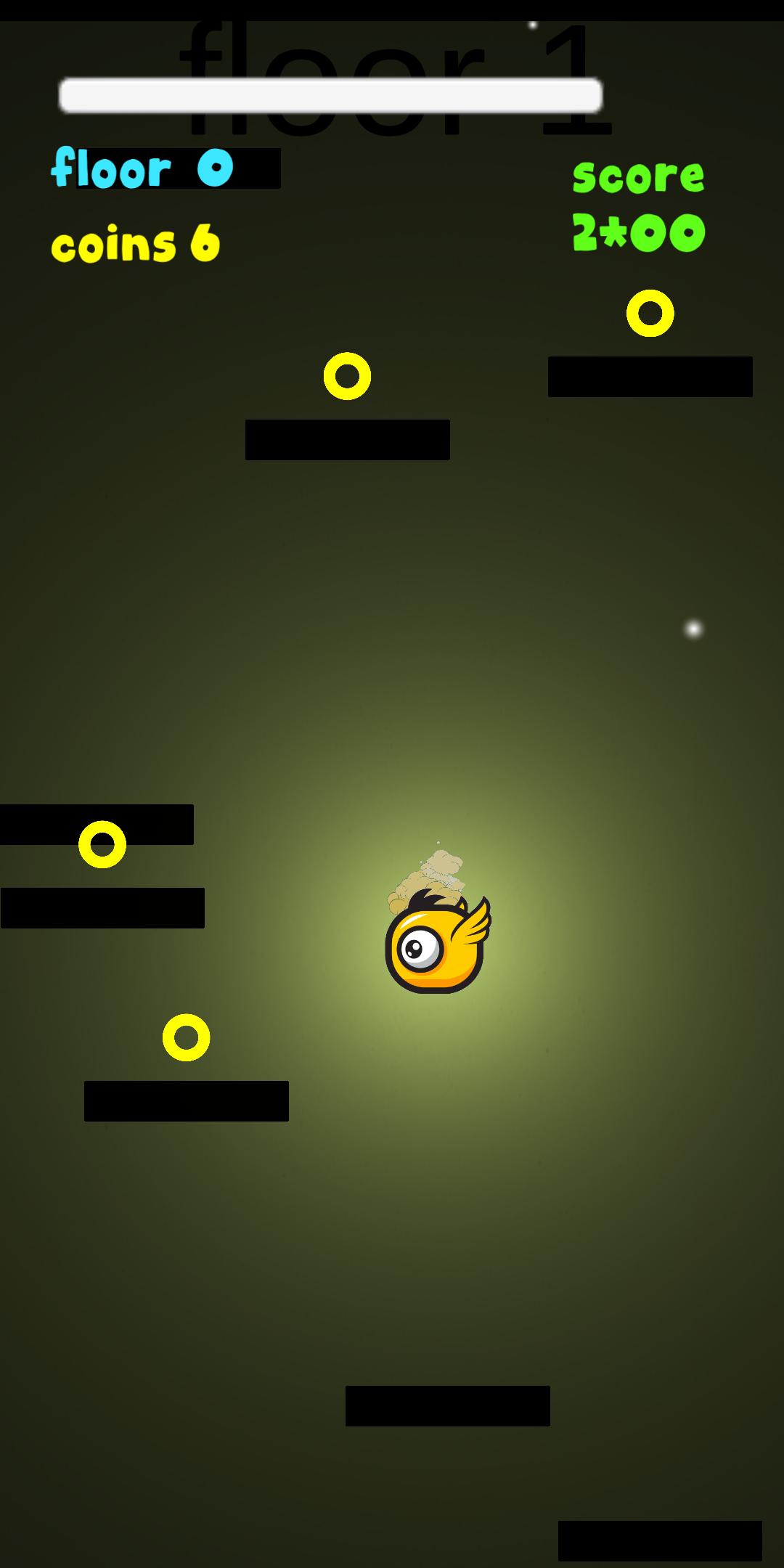
Guide the glow through each floor in the darkness with different types of tiles as your footing all the while stacking coins,avoiding spikes, recharging your light with different colors and unlocking new skins as proof to your skills.
The game is highly addictive(You have been warned) and not for quitters.
How to play:
Tilt the mobile phone to move left or right.
Collect lights as you go higher, places are dark without light.
Avoid spikes.
Try to catch the golden platform for boost jump.
Features:
Buy new skins in the game
Unlock new skins with reaching higher floors
Visualizar
Tag
CasualEm formação
Desenvolvedor
OruPro
Última versão
0.3
Ultima atualização
2019-02-19
Categoria
Casual
Disponível em
Google Play
Mostre mais
Como jogar Lights Out com GameLoop no PC
1. Baixe o GameLoop do site oficial e execute o arquivo exe para instalar o GameLoop.
2. Abra o GameLoop e procure por “Lights Out”, encontre Lights Out nos resultados da pesquisa e clique em “Install”.
3. Divirta-se jogando Lights Out no GameLoop.
Minimum requirements
OS
Windows 8.1 64-bit or Windows 10 64-bit
GPU
GTX 1050
CPU
i3-8300
Memory
8GB RAM
Storage
1GB available space
Recommended requirements
OS
Windows 8.1 64-bit or Windows 10 64-bit
GPU
GTX 1050
CPU
i3-9320
Memory
16GB RAM
Storage
1GB available space