Domino 3D para PC
El Barco Software
Baixe Domino 3D no PC com o emulador GameLoop
Domino 3D no PC
Domino 3D, vindo do desenvolvedor El Barco Software, está rodando no sistema Android no passado.
Agora, você pode jogar Domino 3D no PC com GameLoop sem problemas.
Faça o download na biblioteca GameLoop ou nos resultados da pesquisa. Chega de ficar de olho na bateria ou fazer chamadas frustrantes na hora errada.
Apenas aproveite o Domino 3D PC na tela grande gratuitamente!
Domino 3D Introdução
Domino 3D is a 3D domino game with basic rules that are used in most countries.
With graphics technology three-dimensional (3D) one can see the game from different angles offering a more complete vision of the game that facilitates concentration.
Move around the table by dragging your finger up, down, left and right of the screen. Perform a zoom "pinching" the screen.
Change the game camera clicking on the button "3D camera". There are two types of static cameras and two types of dynamic cameras to automatically enjoy a tour around the table of game.
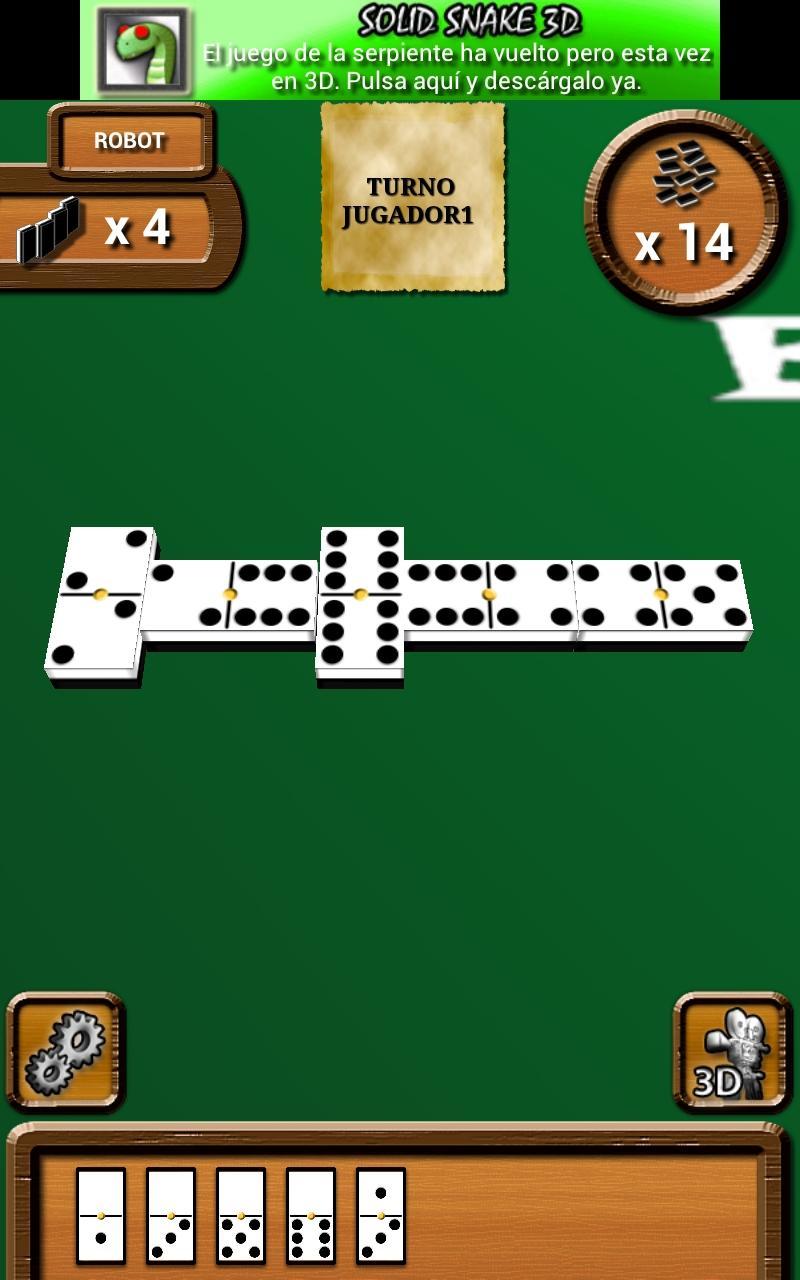
To make a run drag the tab to where you want it. You will know it is a right move because you will be shown a white wake around the tile.
You can also rearrange your tiles in the order that you want.
When you do not have to pull tabs should click on the lot to get new (located in upper right corner).
Besides being able to play with the screen in vertical (portrait mode) can also play in horizontal (landscape mode) can change modes at any time by turning the screen.
RULES
Once both players have collected seven tiles each, move first the one with the double six.
Considering that on the table will like leftover fourteen tiles which are in possession of the players, it may be that none of them has the double six, in this course will play the one with the five double or, failing that, the one with the double major. If given the chance that no player has a double, would the holder of 6-5, and so on.
* The player who has not left a tile then you will marry some points of the half of the tile is placed on the table.
* If you have no case, steal from the stock that has been on the table, until I get one that allows you to play. If stealing despite all tabs not find plenty to play with, and will be the other player who continue the game. Naturally, it will be at considerable disadvantage to have accumulated all the tiles from the stock.
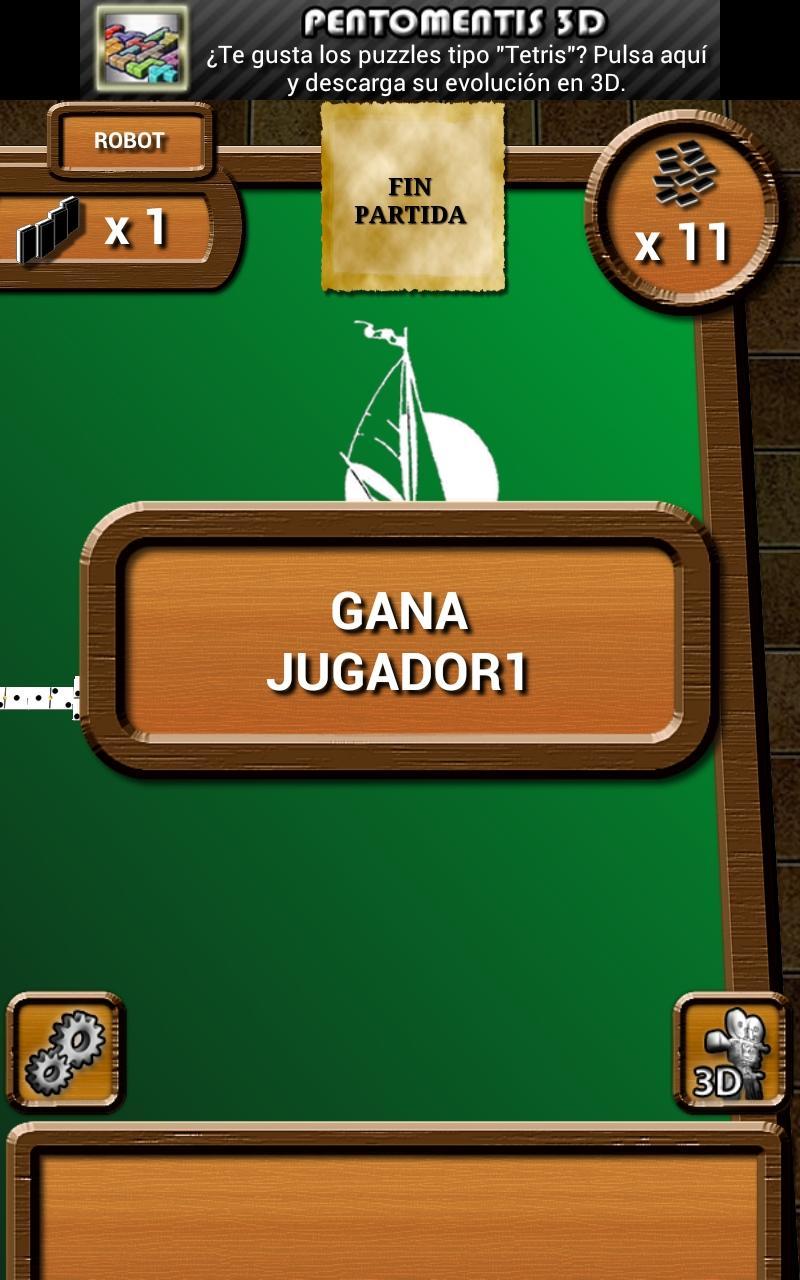
* The game ends when one player put on the table all of their tiles, or the game is closed, ie when neither can pull.
* In the first case the points are counted the tiles the player who has lost and is entered in the account of the winner. In the second, the player that adds fewer points with the tiles that have been put up at closing. The winner will score in your account then the sum of the scores of tiles is not placed on any of the two players.
* Is initially set amount of points you get, after the necessary games, counting by units.
Visualizar
Em formação
Desenvolvedor
El Barco Software
Última versão
1.0.12
Ultima atualização
2018-03-14
Categoria
Cartas
Disponível em
Google Play
Mostre mais
Como jogar Domino 3D com GameLoop no PC
1. Baixe o GameLoop do site oficial e execute o arquivo exe para instalar o GameLoop.
2. Abra o GameLoop e procure por “Domino 3D”, encontre Domino 3D nos resultados da pesquisa e clique em “Install”.
3. Divirta-se jogando Domino 3D no GameLoop.
Minimum requirements
OS
Windows 8.1 64-bit or Windows 10 64-bit
GPU
GTX 1050
CPU
i3-8300
Memory
8GB RAM
Storage
1GB available space
Recommended requirements
OS
Windows 8.1 64-bit or Windows 10 64-bit
GPU
GTX 1050
CPU
i3-9320
Memory
16GB RAM
Storage
1GB available space