
Ooma Office - Business Phone para PC
Ooma
Baixe Ooma Office - Business Phone no PC com o emulador GameLoop
Ooma Office - Business Phone no PC
Ooma Office - Business Phone, vindo do desenvolvedor Ooma, está rodando no sistema Android no passado.
Agora, você pode jogar Ooma Office - Business Phone no PC com GameLoop sem problemas.
Faça o download na biblioteca GameLoop ou nos resultados da pesquisa. Chega de ficar de olho na bateria ou fazer chamadas frustrantes na hora errada.
Apenas aproveite o Ooma Office - Business Phone PC na tela grande gratuitamente!
Ooma Office - Business Phone Introdução
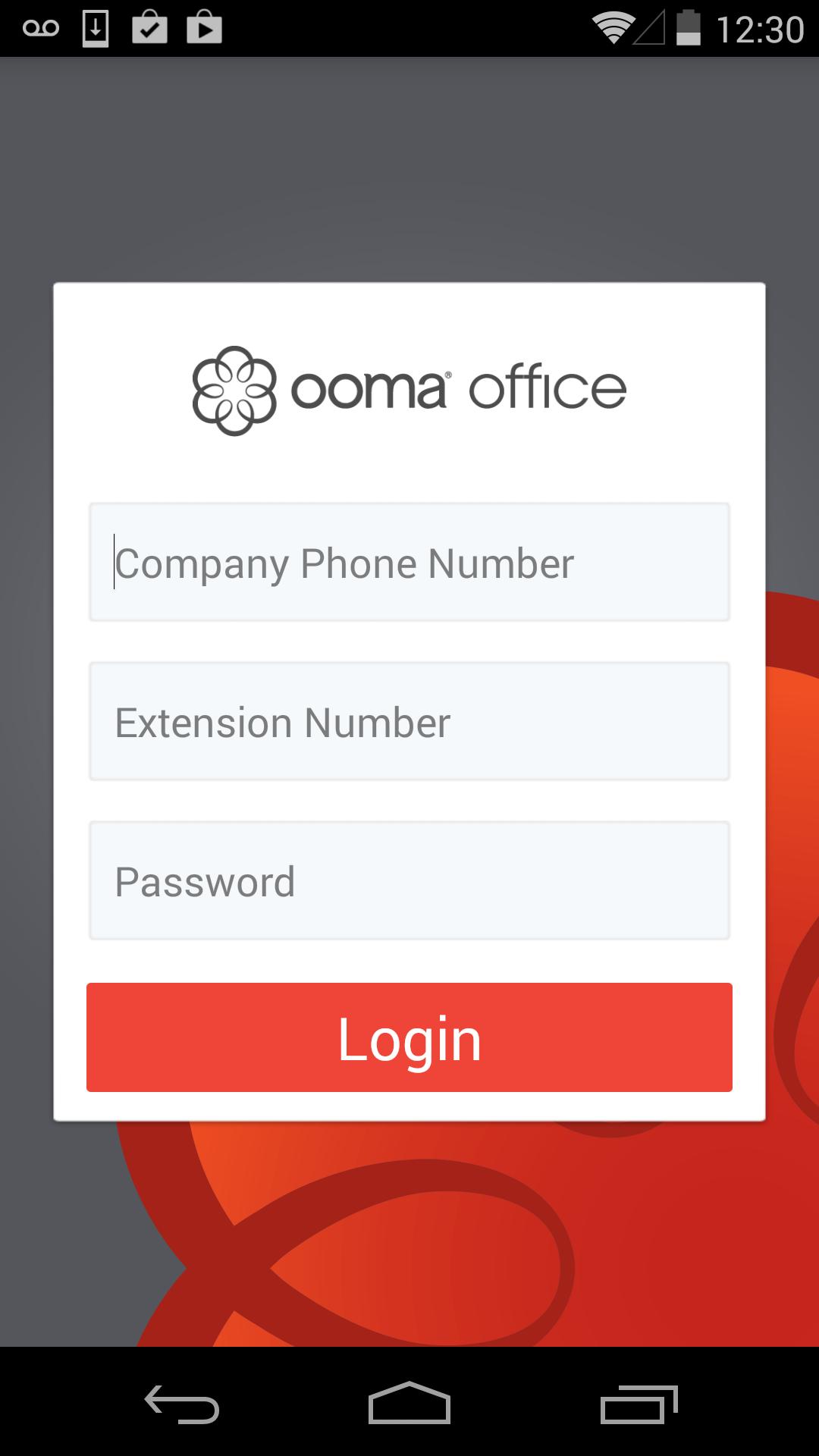
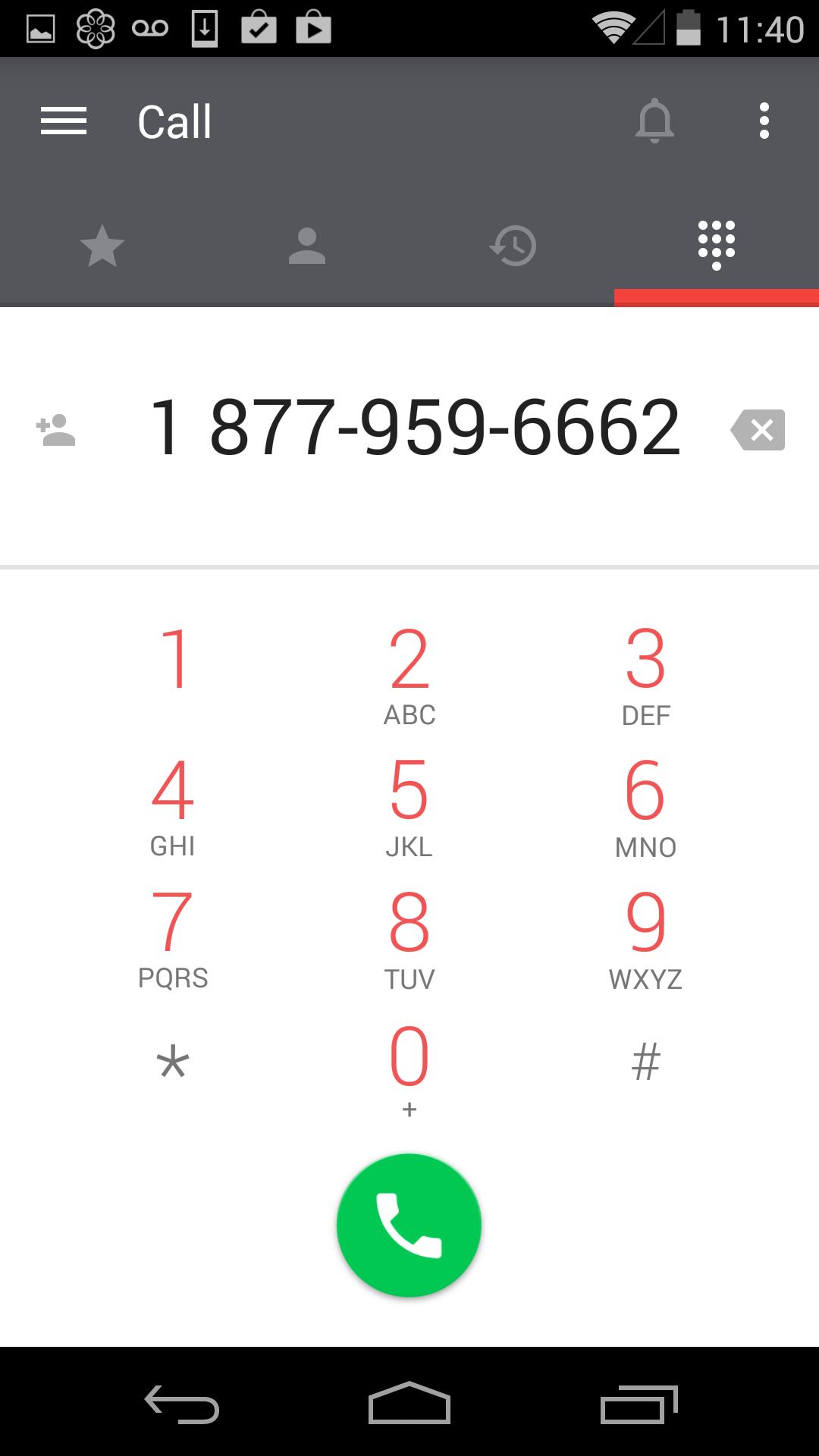
Ooma Office mobile app is a calling app that works like a hard-wired business phone. Get features like a virtual receptionist, extension dialing, conferencing, and music-on-hold. You can also manage voicemails and transfer calls to other extensions.
SIGN UP FOR A 30 DAY FREE TRIAL (FOR MOBILE ONLY)
Create your account and choose your number. Login to the app or sign up for an account.
KEEP YOUR CURRENT NUMBER
Keep your current number or choose your number from any available area code. Toll-free numbers available.
BE PROFESSIONAL
Calls made using the app show your Ooma Office phone number so people will know that you’re calling for work.
NEVER MISS A CALL
The Ooma Office mobile app can be set up to ring whenever someone dials your Ooma Office number or extension.
ACCESS YOUR ACCOUNT
Check voicemail and update your account preferences from the app.
KEEP CONNECTED ON THE GO
Easily transfer calls to another extension, to your work voicemail, or to a coworker’s voicemail.
TALK ON WI-FI
Make and receive calls when you are connected to Wi-Fi. No cellular service required. This even works when you’re traveling abroad so you can avoid expensive roaming charges.
HAVE A QUESTION?
We are happy to help you solve any Ooma Office issues. Call us at 888-711-6662 for customer support.
***** IMPORTANT NOTICES - PLEASE READ *****
The Ooma Office app works with Android devices running 4.0.3 and higher.
Be aware that some mobile network operators prohibit or restrict the use of VoIP (Voice over Internet Protocol) over their network. They may prohibit the use of VoIP over their network or impose additional fees and/or charges when using VoIP over their network. By using Ooma Office over 3G/4G/LTE, you agree to familiarize yourself with and abide by any restrictions your cellular carrier imposes and agree that Ooma will not be held liable for any charges, fees or liability imposed by your carrier for using Ooma Office over their 3G/4G/LTE network.
Visualizar
Em formação
Desenvolvedor
Ooma
Última versão
1.11
Ultima atualização
2016-03-03
Categoria
Negócios
Disponível em
Google Play
Mostre mais
Como jogar Ooma Office - Business Phone com GameLoop no PC
1. Baixe o GameLoop do site oficial e execute o arquivo exe para instalar o GameLoop.
2. Abra o GameLoop e procure por “Ooma Office - Business Phone”, encontre Ooma Office - Business Phone nos resultados da pesquisa e clique em “Install”.
3. Divirta-se jogando Ooma Office - Business Phone no GameLoop.
Minimum requirements
OS
Windows 8.1 64-bit or Windows 10 64-bit
GPU
GTX 1050
CPU
i3-8300
Memory
8GB RAM
Storage
1GB available space
Recommended requirements
OS
Windows 8.1 64-bit or Windows 10 64-bit
GPU
GTX 1050
CPU
i3-9320
Memory
16GB RAM
Storage
1GB available space