Emotn H1 Mini Projector Setup para PC
Vindes79
Baixe Emotn H1 Mini Projector Setup no PC com o emulador GameLoop
Emotn H1 Mini Projector Setup no PC
Emotn H1 Mini Projector Setup, vindo do desenvolvedor Vindes79, está rodando no sistema Android no passado.
Agora, você pode jogar Emotn H1 Mini Projector Setup no PC com GameLoop sem problemas.
Faça o download na biblioteca GameLoop ou nos resultados da pesquisa. Chega de ficar de olho na bateria ou fazer chamadas frustrantes na hora errada.
Apenas aproveite o Emotn H1 Mini Projector Setup PC na tela grande gratuitamente!
Emotn H1 Mini Projector Setup Introdução
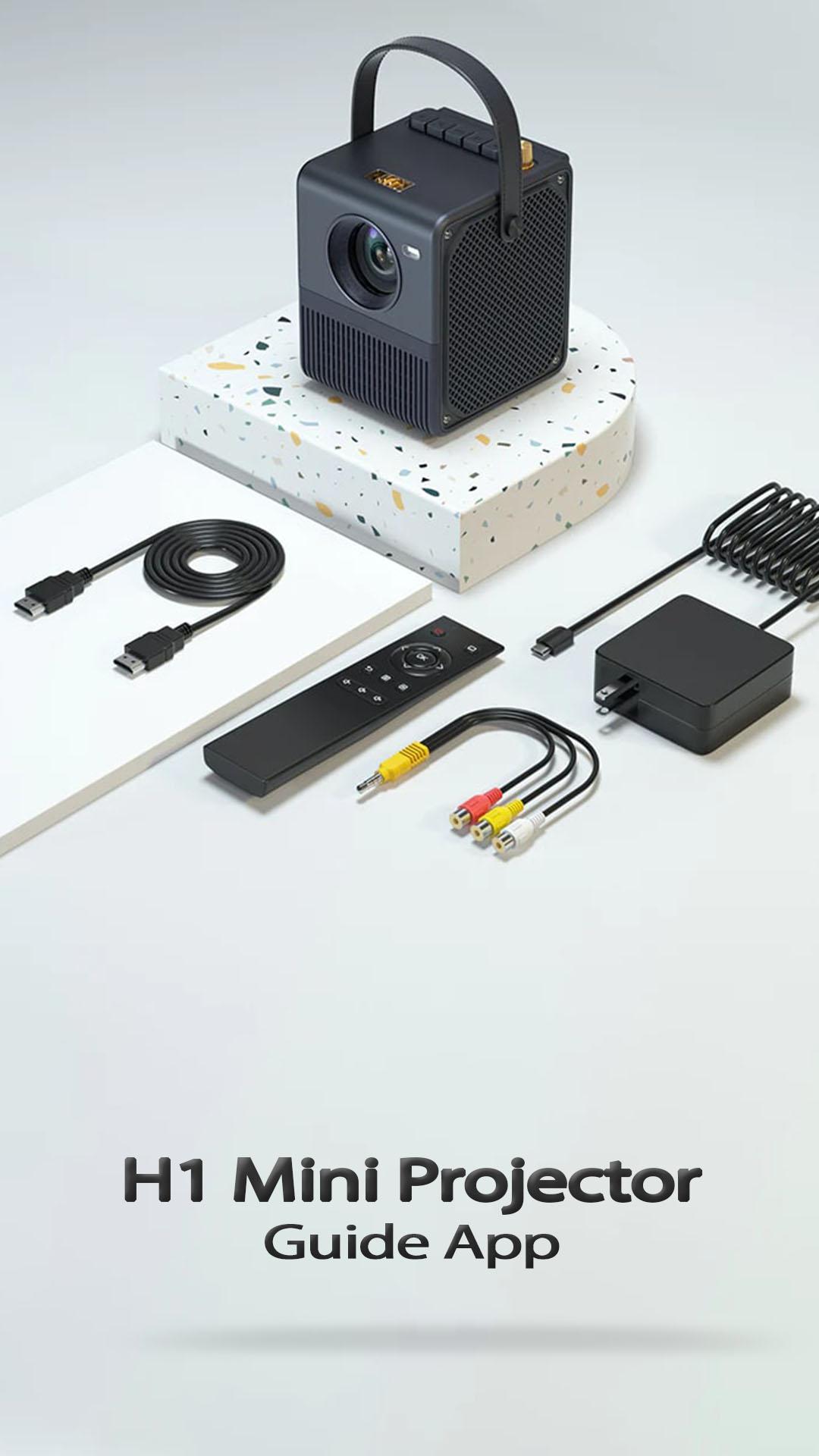
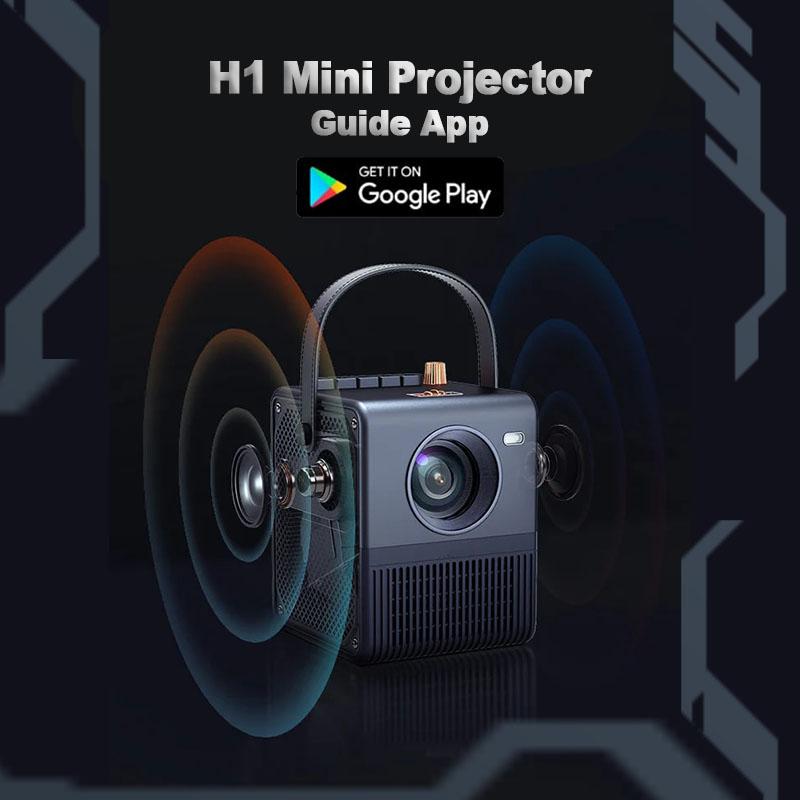
This guide application provides quite good information regarding how to connect emotn h1 to a speaker and how to fix screen mirroring failure, below is a summary description of the product.
High quality LED light source with strict quality control and a fully sealed light machine to avoid dust from falling into the screen and producing black spots, which affects the picture quality of the projector; at the same time, it effectively protects the light machine and the life of the light source can reach 50,000 hours.
Disclaimer:
Not an official application. is just an educational application that will help friends better understand guide for emotn h1 mini projector. The information we provide from various trusted sources
By downloading, installing and using this app, you agree to our Policy Policy (https://apkfile.website/vindes/mtnprj9/pp.html).
Hope it is useful!
Visualizar
Tag
Books-&Em formação
Desenvolvedor
Vindes79
Última versão
v1
Ultima atualização
2022-08-30
Categoria
Books-reference
Disponível em
Google Play
Mostre mais
Como jogar Emotn H1 Mini Projector Setup com GameLoop no PC
1. Baixe o GameLoop do site oficial e execute o arquivo exe para instalar o GameLoop.
2. Abra o GameLoop e procure por “Emotn H1 Mini Projector Setup”, encontre Emotn H1 Mini Projector Setup nos resultados da pesquisa e clique em “Install”.
3. Divirta-se jogando Emotn H1 Mini Projector Setup no GameLoop.
Minimum requirements
OS
Windows 8.1 64-bit or Windows 10 64-bit
GPU
GTX 1050
CPU
i3-8300
Memory
8GB RAM
Storage
1GB available space
Recommended requirements
OS
Windows 8.1 64-bit or Windows 10 64-bit
GPU
GTX 1050
CPU
i3-9320
Memory
16GB RAM
Storage
1GB available space