
Photo Video Editor With Transitions para PC
Apps Impulses
Baixe Photo Video Editor With Transitions no PC com o emulador GameLoop
Photo Video Editor With Transitions no PC
Photo Video Editor With Transitions, vindo do desenvolvedor Apps Impulses, está rodando no sistema Android no passado.
Agora, você pode jogar Photo Video Editor With Transitions no PC com GameLoop sem problemas.
Faça o download na biblioteca GameLoop ou nos resultados da pesquisa. Chega de ficar de olho na bateria ou fazer chamadas frustrantes na hora errada.
Apenas aproveite o Photo Video Editor With Transitions PC na tela grande gratuitamente!
Photo Video Editor With Transitions Introdução
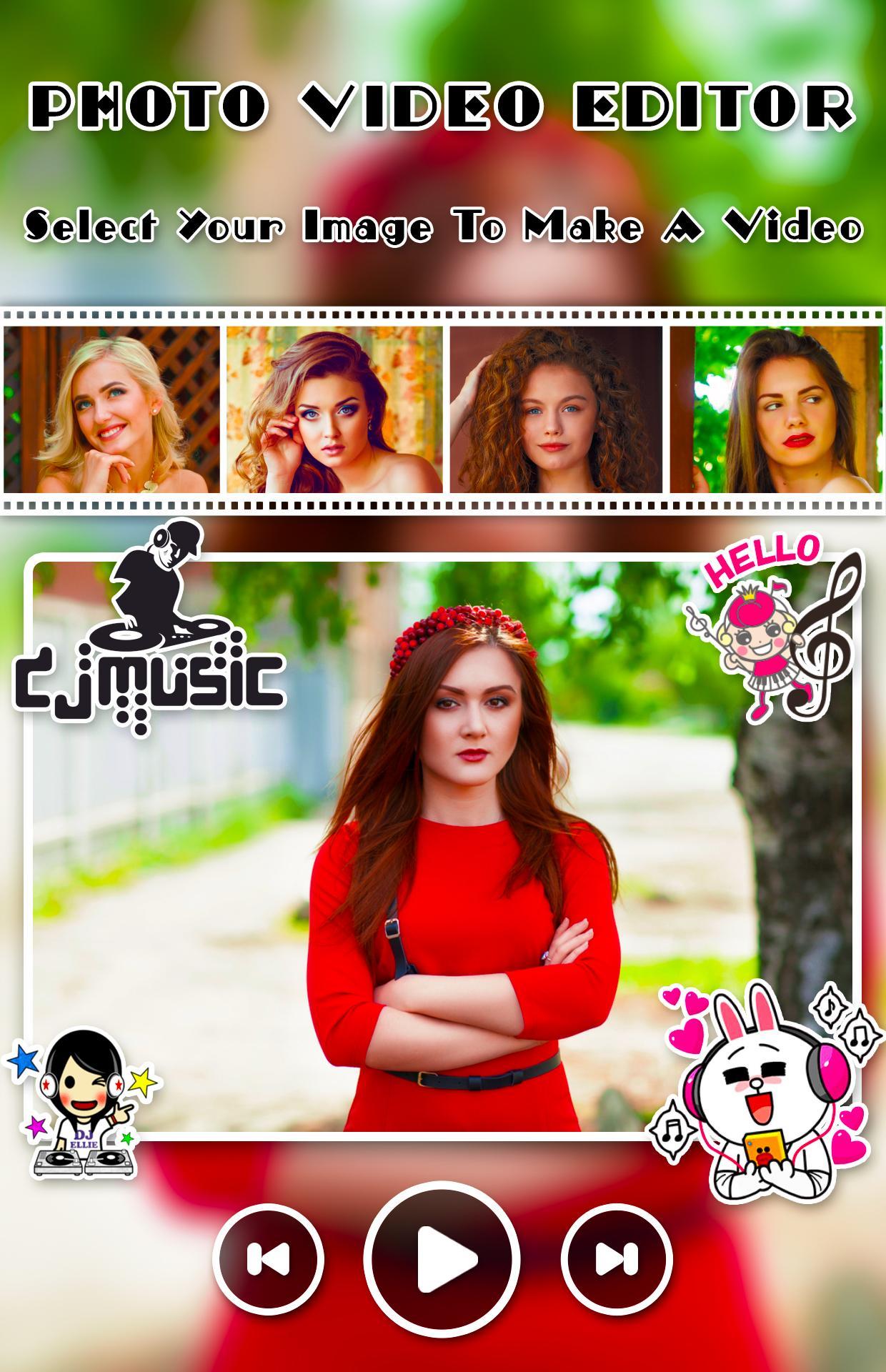
Creating and editing video from images, music and share amazing music video story
Create amazing movie with your photos, music and amazing animation effects. Photo Video Editor With Transitionsprovide nice animation effect, predefined sounds to give better effect.
Photo Video Editor With Transitions app helps you to make videos with you and your loved one photos with adding a song and convert them into a beautiful video. Create your own greetings with beautiful and lovely themes that are available in this app to integrate it with multiple photos and share it with your loved ones.
Photo Video Editor With Transitions is one of the power full video maker application. Everything you need to make an awesome video
Application Freatures
- Add music to video and pictures, adjust the volume of music
- GIF maker from picture and video
- Text on video editor: write on video and edit font & color with text to video maker function.
- Add subtitle to video easily in slideshow with music maker app
- Add sticker in video sticker editor function and draw on video
- Crop and trim video, merge videos together editor
- Video cut and join and add music to video
- Zoom, video rotation, copy, rewind
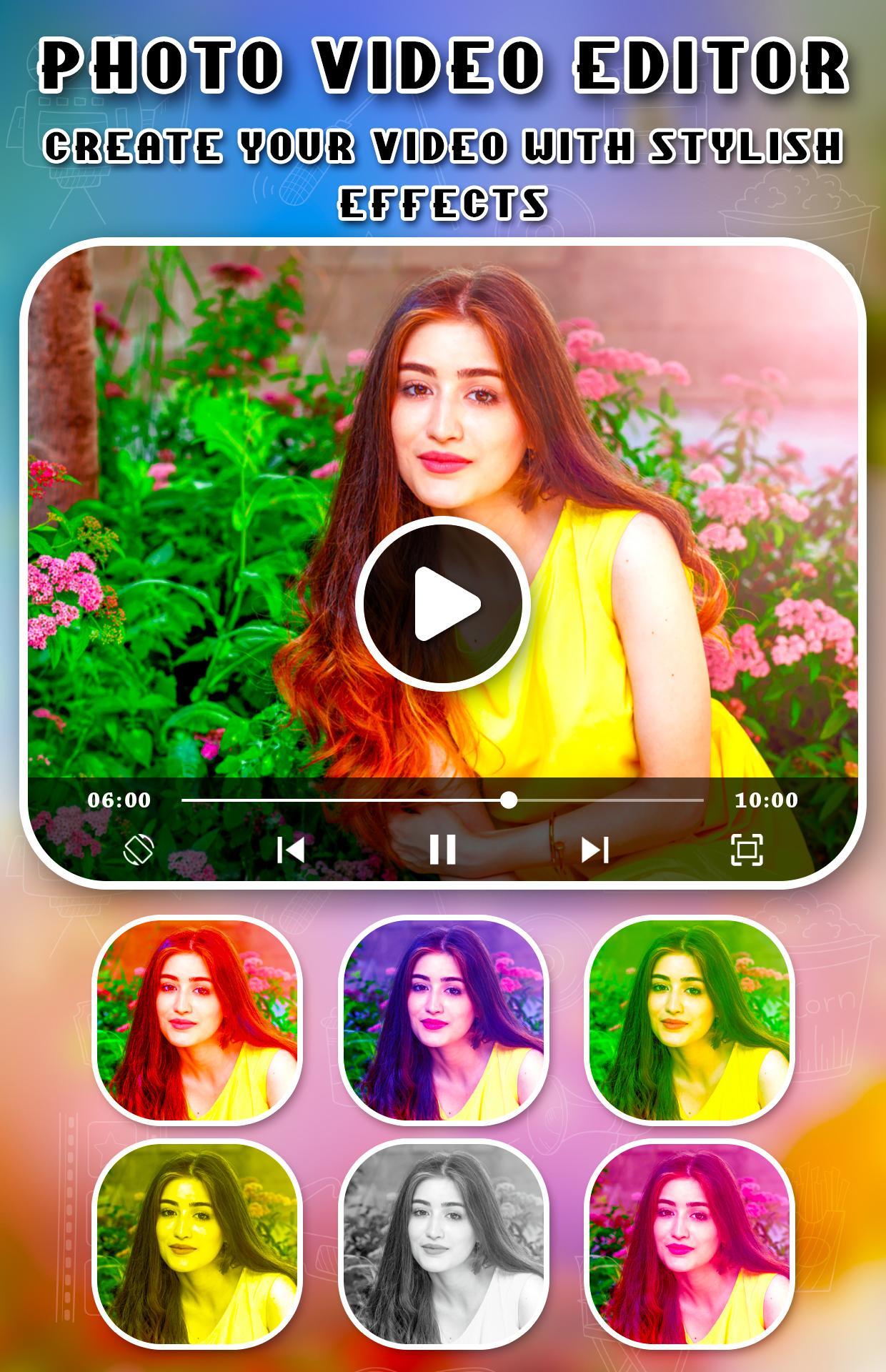
- Over 30 different video filters for you
- Add your voice to video or mute voice
- Over 20 video transition effects
- Add lightning or foam effect to video
Visualizar
Em formação
Desenvolvedor
Apps Impulses
Última versão
1.1
Ultima atualização
2019-07-20
Categoria
Beleza
Disponível em
Google Play
Mostre mais
Como jogar Photo Video Editor With Transitions com GameLoop no PC
1. Baixe o GameLoop do site oficial e execute o arquivo exe para instalar o GameLoop.
2. Abra o GameLoop e procure por “Photo Video Editor With Transitions”, encontre Photo Video Editor With Transitions nos resultados da pesquisa e clique em “Install”.
3. Divirta-se jogando Photo Video Editor With Transitions no GameLoop.
Minimum requirements
OS
Windows 8.1 64-bit or Windows 10 64-bit
GPU
GTX 1050
CPU
i3-8300
Memory
8GB RAM
Storage
1GB available space
Recommended requirements
OS
Windows 8.1 64-bit or Windows 10 64-bit
GPU
GTX 1050
CPU
i3-9320
Memory
16GB RAM
Storage
1GB available space