Abstracted Motion – Mural in AR para PC
Google Fiber Inc.
Baixe Abstracted Motion – Mural in AR no PC com o emulador GameLoop
Abstracted Motion – Mural in AR no PC
Abstracted Motion – Mural in AR, vindo do desenvolvedor Google Fiber Inc., está rodando no sistema Android no passado.
Agora, você pode jogar Abstracted Motion – Mural in AR no PC com GameLoop sem problemas.
Faça o download na biblioteca GameLoop ou nos resultados da pesquisa. Chega de ficar de olho na bateria ou fazer chamadas frustrantes na hora errada.
Apenas aproveite o Abstracted Motion – Mural in AR PC na tela grande gratuitamente!
Abstracted Motion – Mural in AR Introdução
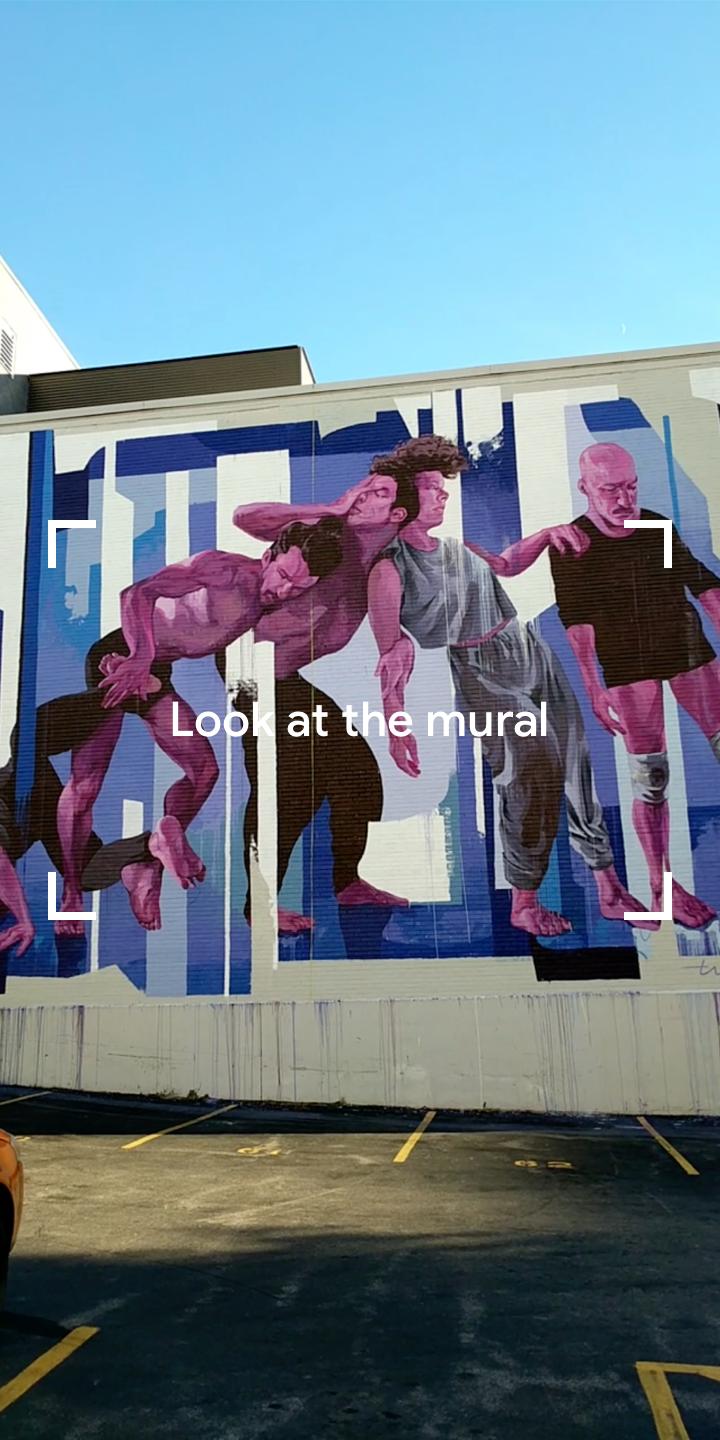
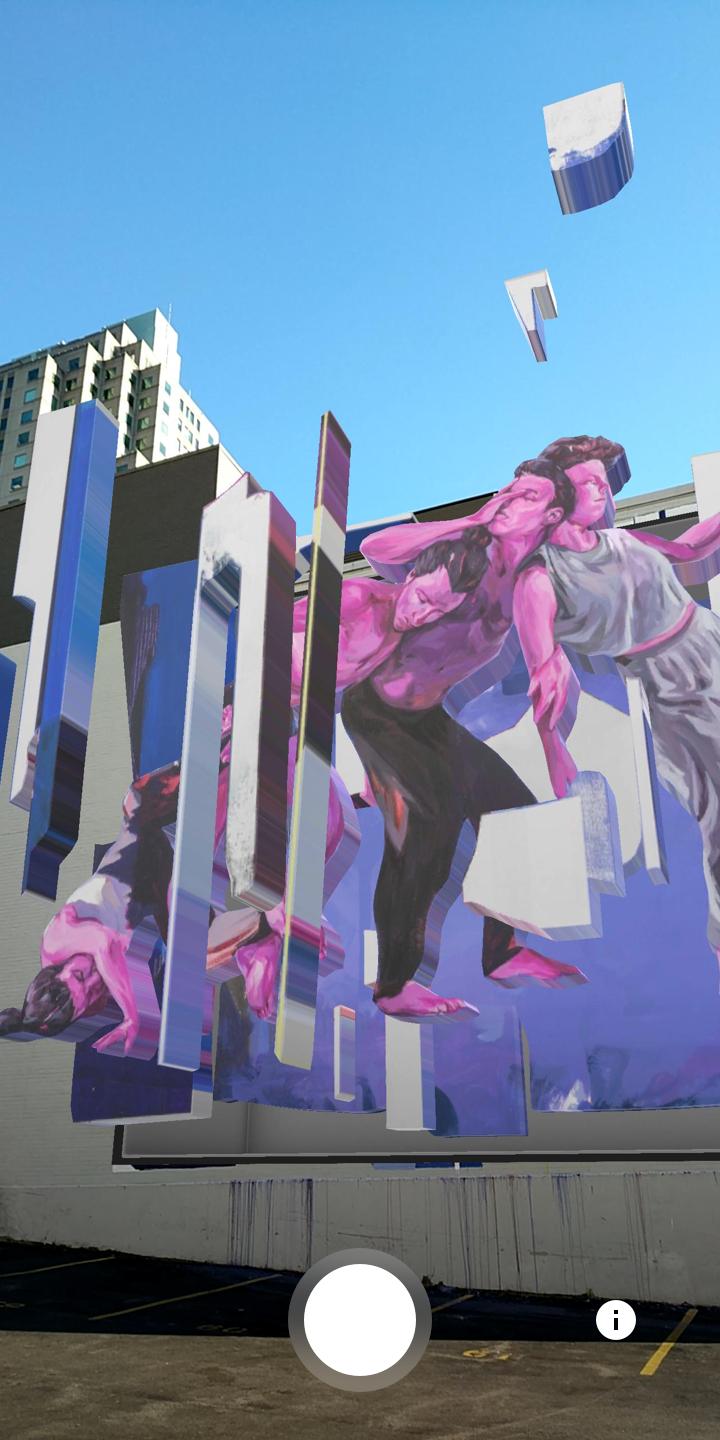
The AR app that lets you experience Taylor White’s mural, Abstracted Motion, in a whole new way. When viewed through the app, pieces of the mural break free from the wall, allowing you to view her art from a variety of perspectives. Uncover layers of the artist’s process, capture videos of your experience and share them with the world.
Taylor White’s mural was commissioned for the people of Raleigh to enjoy. We welcome anyone and everyone to explore Taylor’s art in augmented reality at 410 S Salisbury Street. You can’t miss it.
Permissions Notice
Camera: Needed to let you recognize the mural, capture stills, and record videos.
Photos/Media/Files: Needed to let you save stills and videos on your device.
Visualizar
Tag
Art-&Em formação
Desenvolvedor
Google Fiber Inc.
Última versão
1.0
Ultima atualização
2019-01-24
Categoria
Art-design
Disponível em
Google Play
Mostre mais
Como jogar Abstracted Motion – Mural in AR com GameLoop no PC
1. Baixe o GameLoop do site oficial e execute o arquivo exe para instalar o GameLoop.
2. Abra o GameLoop e procure por “Abstracted Motion – Mural in AR”, encontre Abstracted Motion – Mural in AR nos resultados da pesquisa e clique em “Install”.
3. Divirta-se jogando Abstracted Motion – Mural in AR no GameLoop.
Minimum requirements
OS
Windows 8.1 64-bit or Windows 10 64-bit
GPU
GTX 1050
CPU
i3-8300
Memory
8GB RAM
Storage
1GB available space
Recommended requirements
OS
Windows 8.1 64-bit or Windows 10 64-bit
GPU
GTX 1050
CPU
i3-9320
Memory
16GB RAM
Storage
1GB available space