
Tapping Dash Arcade Clicker para PC
Icestone
Baixe Tapping Dash Arcade Clicker no PC com o emulador GameLoop
Tapping Dash Arcade Clicker no PC
Tapping Dash Arcade Clicker, vindo do desenvolvedor Icestone, está rodando no sistema Android no passado.
Agora, você pode jogar Tapping Dash Arcade Clicker no PC com GameLoop sem problemas.
Faça o download na biblioteca GameLoop ou nos resultados da pesquisa. Chega de ficar de olho na bateria ou fazer chamadas frustrantes na hora errada.
Apenas aproveite o Tapping Dash Arcade Clicker PC na tela grande gratuitamente!
Tapping Dash Arcade Clicker Introdução
Get ready for a crazy tap tap dash! Idle games are fun, but this free clicker will become your favorite speed tapping game. Tap the dot, earn money and upgrade.
Features:
∞ Fast-paced 2D tapping game
∞ Smooth minimalistic design
∞ Time killer with countless levels
∞ Fun clicker to play offline and online
∞ Free arcade that challenges your reaction
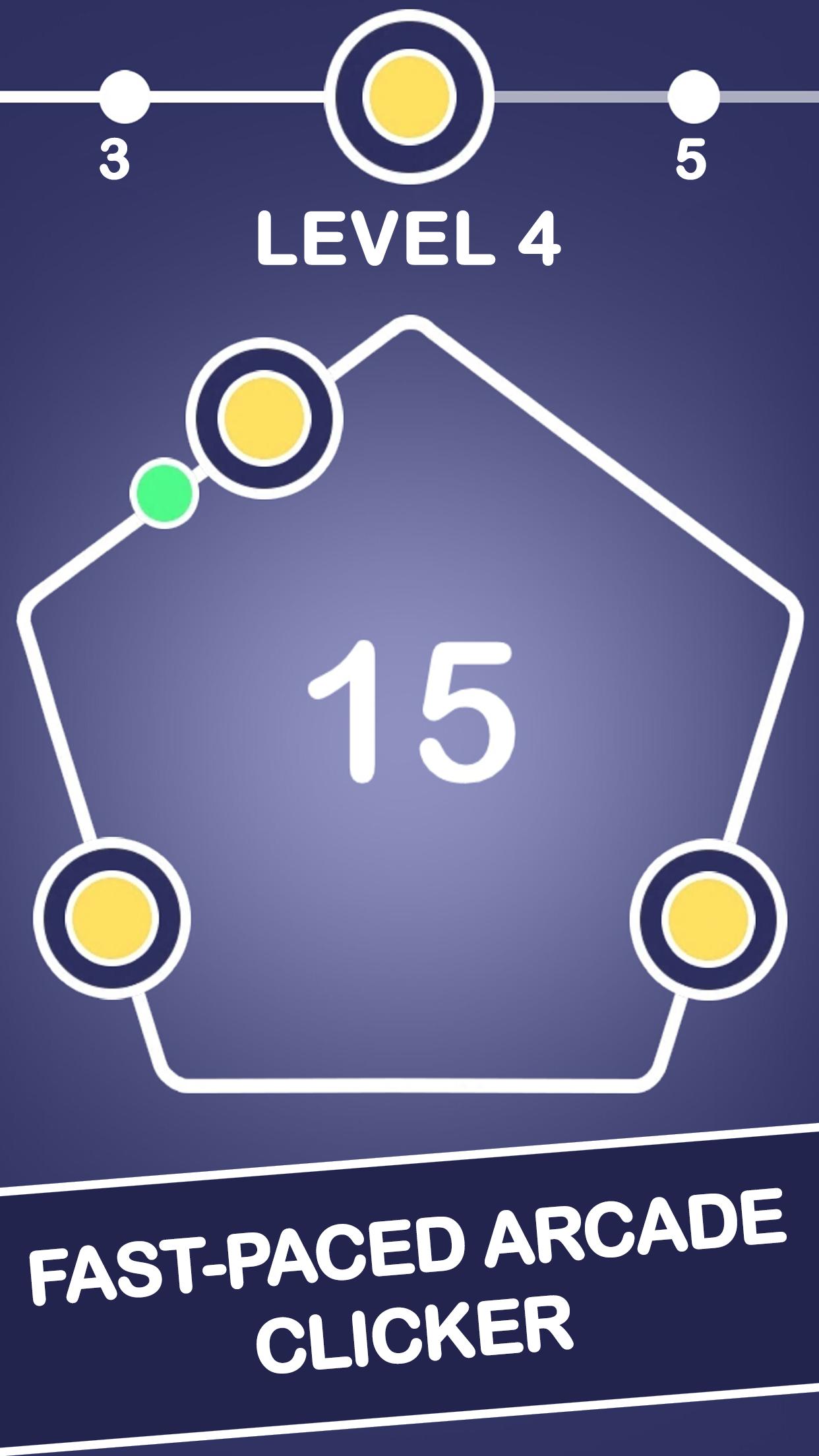
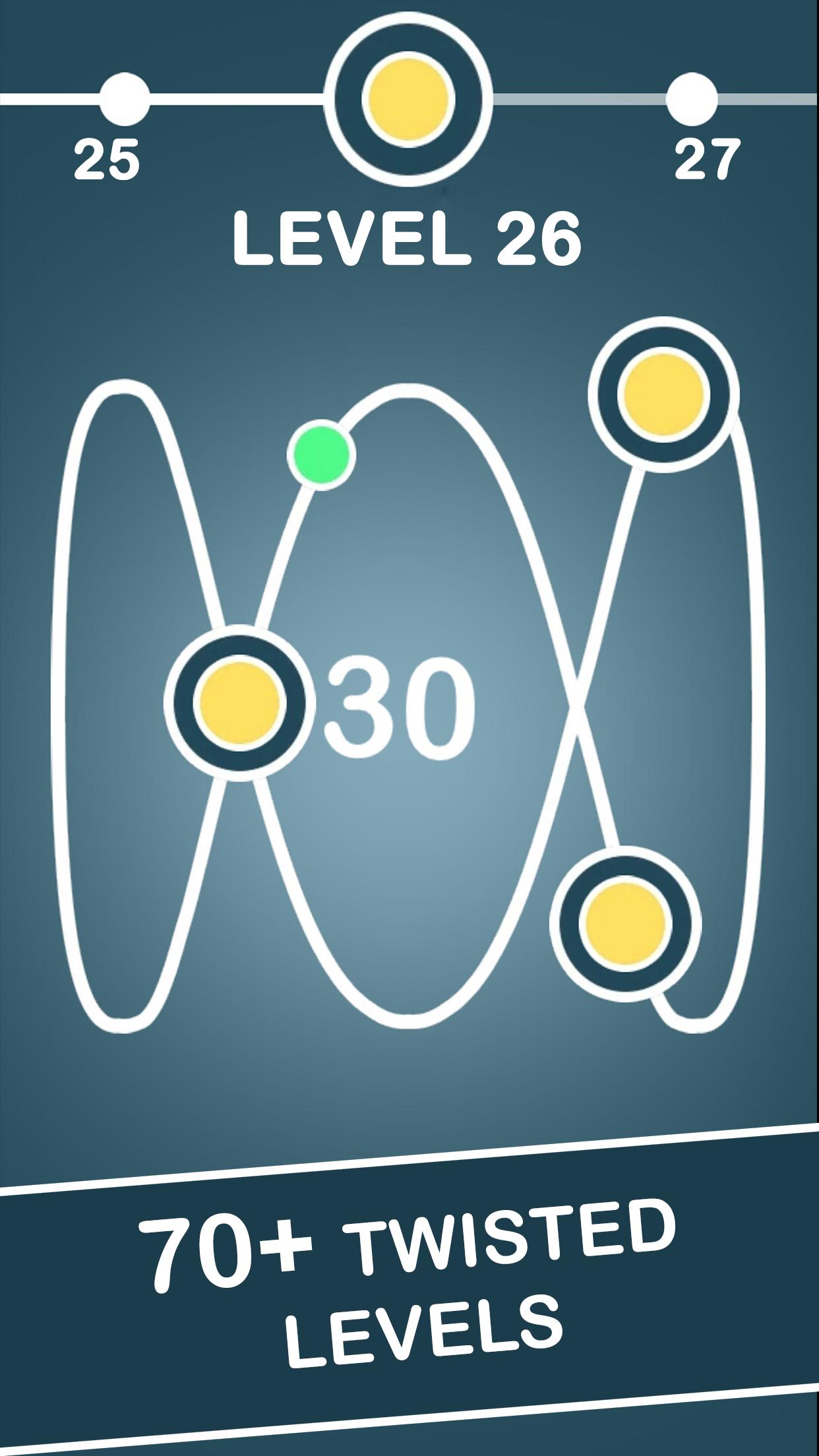
Tap it fast in an addicting arcade clicking game. Tap the glowing dot as it races along the infinity loop and other impossible figures. Hearts, diamonds, triangles, squares... Discover yet more geometric patterns as you unlock all new levels of this cool clicker game. The number inside the infinity shapes indicates how many targets you have to hit to advance. This free online tapping game is indeed challenging!
However this clicking arcade is the game you may play off-line. Moreover, you may even earn money while you are away. While you strive to become a tapping tycoon, use spend the coins earned to upgrade. For instance, enhance your hit power to pass levels easier. Become the one of those taptap heroes to squeeze through! This free clicker promises to become the best tapping game for android 2018. So, start your tapping adventure now!
Visualizar
Tag
CasualEm formação
Desenvolvedor
Icestone
Última versão
1.1.5
Ultima atualização
2018-08-23
Categoria
Arcade
Disponível em
Google Play
Mostre mais
Como jogar Tapping Dash Arcade Clicker com GameLoop no PC
1. Baixe o GameLoop do site oficial e execute o arquivo exe para instalar o GameLoop.
2. Abra o GameLoop e procure por “Tapping Dash Arcade Clicker”, encontre Tapping Dash Arcade Clicker nos resultados da pesquisa e clique em “Install”.
3. Divirta-se jogando Tapping Dash Arcade Clicker no GameLoop.
Minimum requirements
OS
Windows 8.1 64-bit or Windows 10 64-bit
GPU
GTX 1050
CPU
i3-8300
Memory
8GB RAM
Storage
1GB available space
Recommended requirements
OS
Windows 8.1 64-bit or Windows 10 64-bit
GPU
GTX 1050
CPU
i3-9320
Memory
16GB RAM
Storage
1GB available space