
1001 Games para PC
Cloud Games B.V.
Baixe 1001 Games no PC com o emulador GameLoop
1001 Games no PC
1001 Games, vindo do desenvolvedor Cloud Games B.V., está rodando no sistema Android no passado.
Agora, você pode jogar 1001 Games no PC com GameLoop sem problemas.
Faça o download na biblioteca GameLoop ou nos resultados da pesquisa. Chega de ficar de olho na bateria ou fazer chamadas frustrantes na hora errada.
Apenas aproveite o 1001 Games PC na tela grande gratuitamente!
1001 Games Introdução
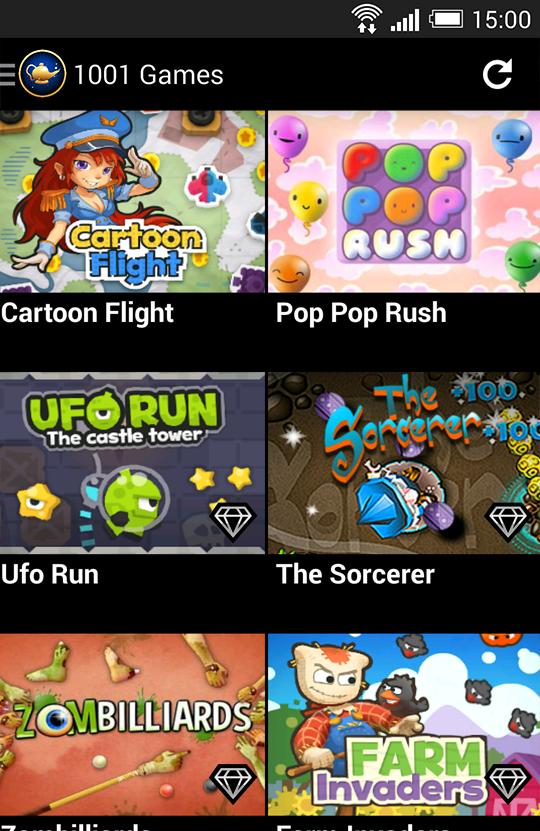
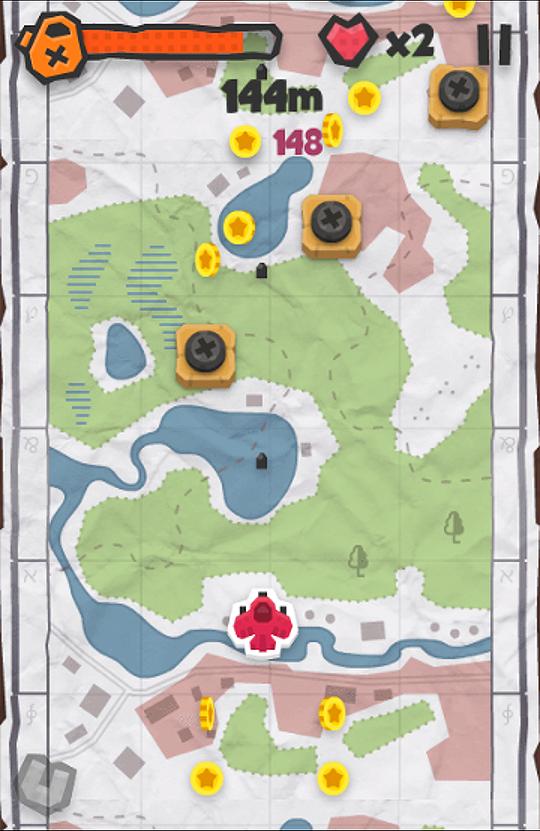
Play up to 100 great games in one app! One new game every week. Check out the video and screenshots. Enjoy!
Please note: Though this is a free application, 1001 Games contains a paid subscription service that you can purchase inside the application (safely via Google). The subscription unlocks all games and removes all ads. You can always play two games for free without subscribing. You could also share games on Facebook to try any one of them for free.
As a VIP subscriber you get all of these cool things:
- Play all games without limits
- We add one new game every week, which will be automatically unlocked for VIP members!
- Browse game categories, like cars/girls/action/puzzle/kids games
- Play without ads :)
- We will add more cool stuff in the future!
We hope you enjoy the app. Having so many games in 1 app requires really new technology. Some games require a bit newer hardware, but many games run fine on virtually al devices. Feedback is always welcome. You can contact us on Google Plus +CloudGames or on Facebook /CloudGames!
Visualizar
Em formação
Desenvolvedor
Cloud Games B.V.
Última versão
1.6.3
Ultima atualização
2014-09-25
Categoria
Arcade
Disponível em
Google Play
Mostre mais
Como jogar 1001 Games com GameLoop no PC
1. Baixe o GameLoop do site oficial e execute o arquivo exe para instalar o GameLoop.
2. Abra o GameLoop e procure por “1001 Games”, encontre 1001 Games nos resultados da pesquisa e clique em “Install”.
3. Divirta-se jogando 1001 Games no GameLoop.
Minimum requirements
OS
Windows 8.1 64-bit or Windows 10 64-bit
GPU
GTX 1050
CPU
i3-8300
Memory
8GB RAM
Storage
1GB available space
Recommended requirements
OS
Windows 8.1 64-bit or Windows 10 64-bit
GPU
GTX 1050
CPU
i3-9320
Memory
16GB RAM
Storage
1GB available space