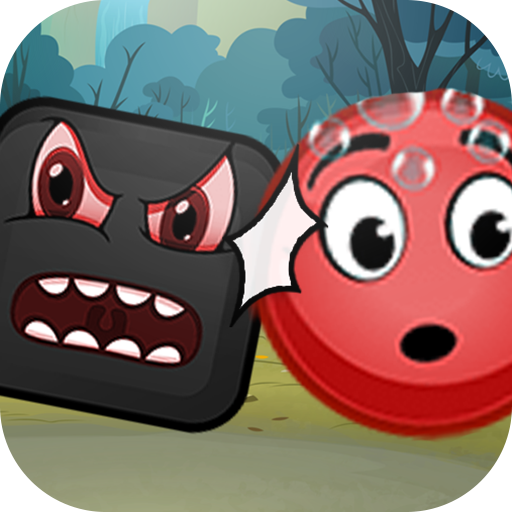
Red Ball Adventure - Ball Bounce Game para PC
Dreamtiiw Apps
Baixe Red Ball Adventure - Ball Bounce Game no PC com o emulador GameLoop
Red Ball Adventure - Ball Bounce Game no PC
Red Ball Adventure - Ball Bounce Game, vindo do desenvolvedor Dreamtiiw Apps, está rodando no sistema Android no passado.
Agora, você pode jogar Red Ball Adventure - Ball Bounce Game no PC com GameLoop sem problemas.
Faça o download na biblioteca GameLoop ou nos resultados da pesquisa. Chega de ficar de olho na bateria ou fazer chamadas frustrantes na hora errada.
Apenas aproveite o Red Ball Adventure - Ball Bounce Game PC na tela grande gratuitamente!
Red Ball Adventure - Ball Bounce Game Introdução
Are you crazy fans of adventure game red ball or blue ball ?
Are you love bounce ball classic game ?
This game made for you : "Red Ball Adventure : Ball Bounce Game"
Also all kind bounce game fans may love the red ball.
Red ball is a little character and hero ball in his own world.
One day redball realizes that the tree in front of his house is lost. Go with redball in this world and find the truth behind the lost tree.
In this game, red ball need fight with Bad Guy and completed adventure. Red Ball can solve this problem with your help. The New version of old classic Red Ball Adventures from 1990.
"Red Ball Adventure : Ball Bounce Game" designed to fit both mobile phones and tablets with Hd resolution.
Visualizar
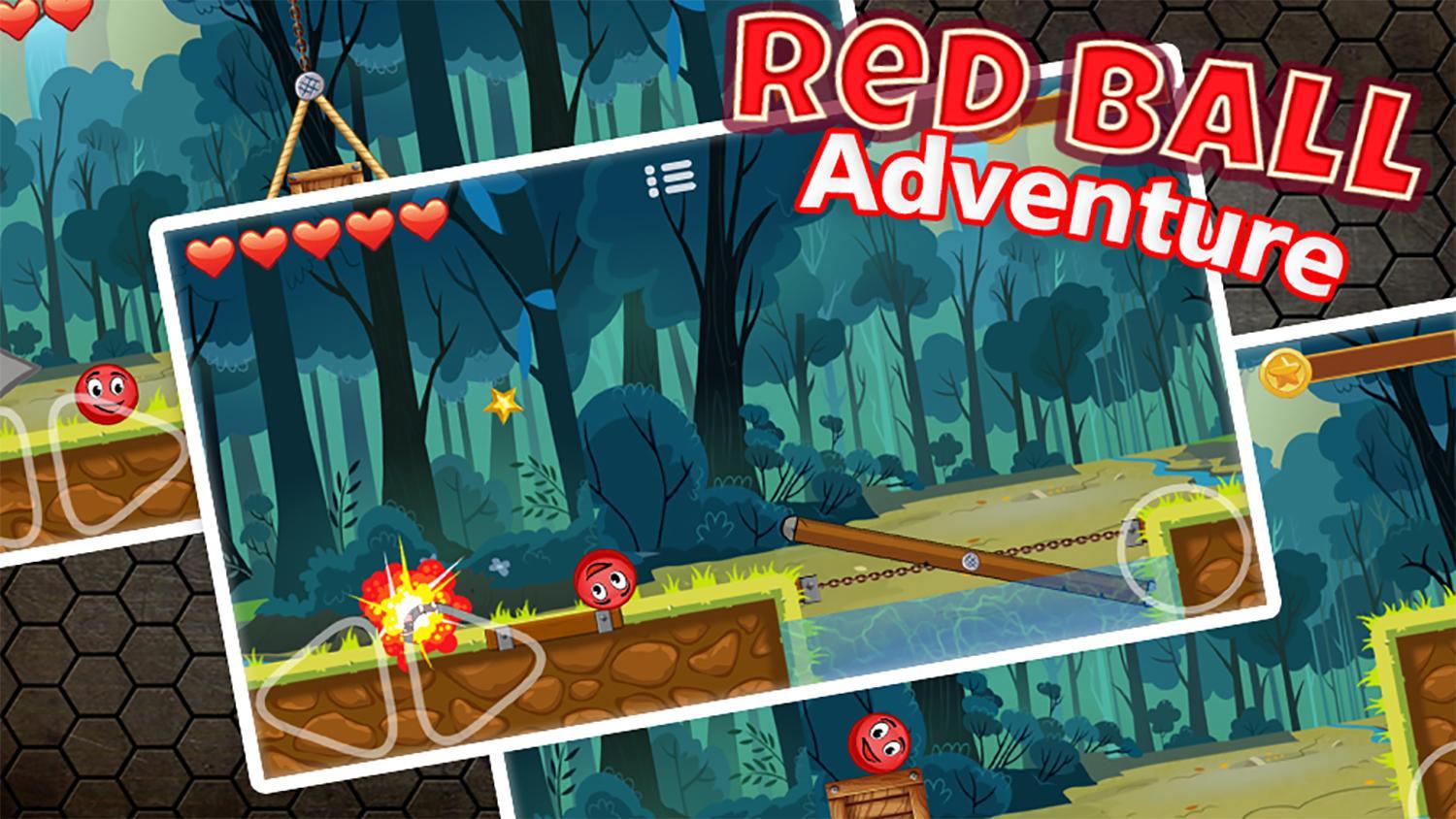
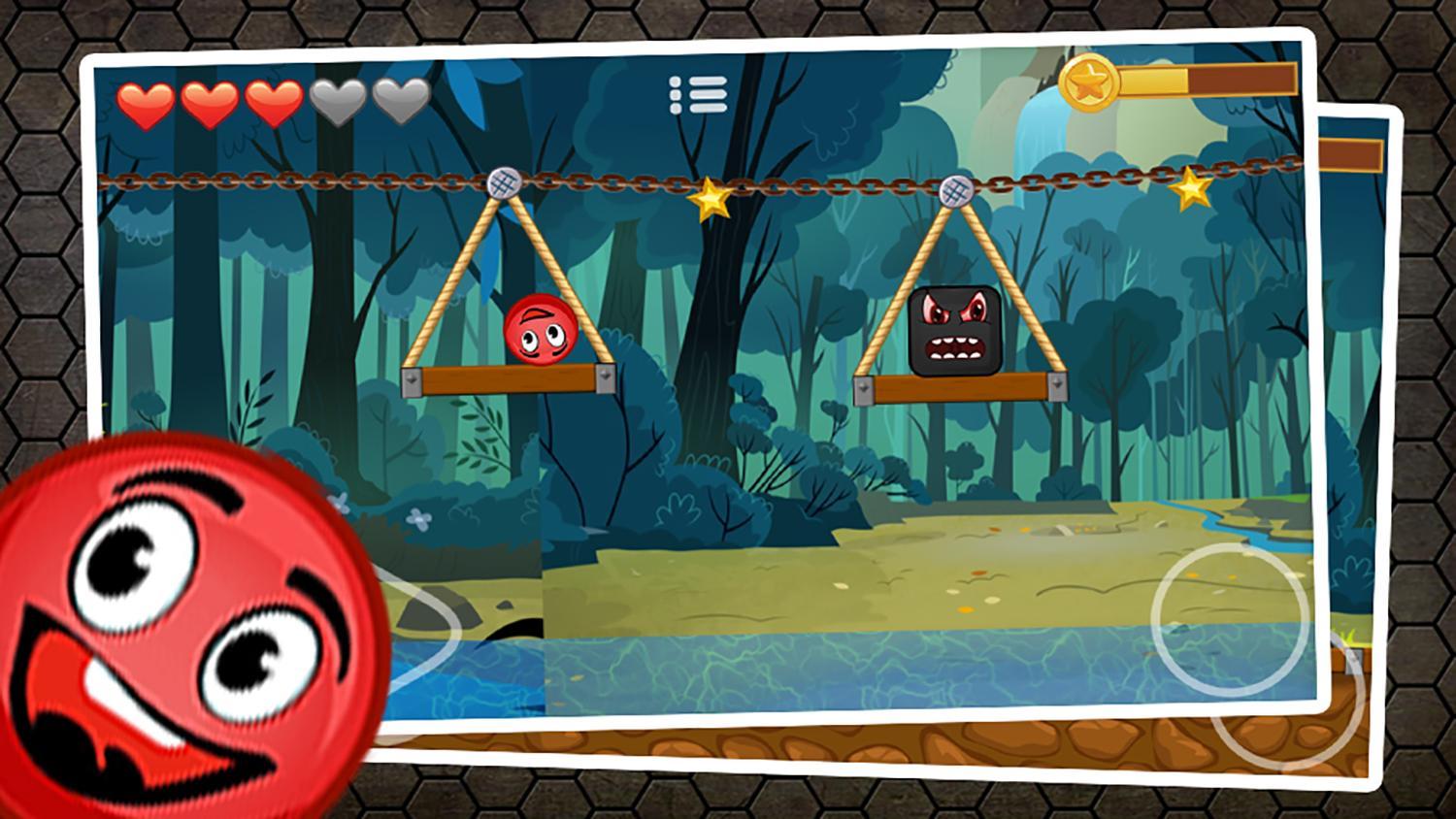
Em formação
Desenvolvedor
Dreamtiiw Apps
Última versão
1.0
Ultima atualização
2017-11-30
Categoria
Aventura
Disponível em
Google Play
Mostre mais
Como jogar Red Ball Adventure - Ball Bounce Game com GameLoop no PC
1. Baixe o GameLoop do site oficial e execute o arquivo exe para instalar o GameLoop.
2. Abra o GameLoop e procure por “Red Ball Adventure - Ball Bounce Game”, encontre Red Ball Adventure - Ball Bounce Game nos resultados da pesquisa e clique em “Install”.
3. Divirta-se jogando Red Ball Adventure - Ball Bounce Game no GameLoop.
Minimum requirements
OS
Windows 8.1 64-bit or Windows 10 64-bit
GPU
GTX 1050
CPU
i3-8300
Memory
8GB RAM
Storage
1GB available space
Recommended requirements
OS
Windows 8.1 64-bit or Windows 10 64-bit
GPU
GTX 1050
CPU
i3-9320
Memory
16GB RAM
Storage
1GB available space