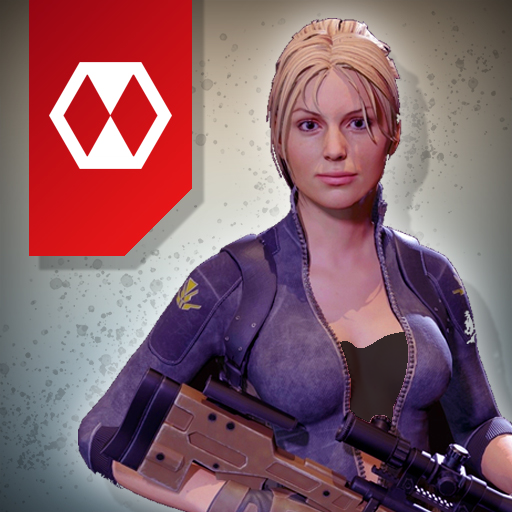
Legends Royale para PC
Ludos Game
Baixe Legends Royale no PC com o emulador GameLoop
Legends Royale no PC
Legends Royale, vindo do desenvolvedor Ludos Game, está rodando no sistema Android no passado.
Agora, você pode jogar Legends Royale no PC com GameLoop sem problemas.
Faça o download na biblioteca GameLoop ou nos resultados da pesquisa. Chega de ficar de olho na bateria ou fazer chamadas frustrantes na hora errada.
Apenas aproveite o Legends Royale PC na tela grande gratuitamente!
Legends Royale Introdução
Welcome to the Legends Royale game!
Multiplayer first-person shooter game.
Fast gameplay, a lot of action, a lot of prizes and unlimited fun!
Load up your loadout and start fighting with other players.
You can fight with your team on Warline, play deathmatch mode, enjoy defend mode or join unlimited jump to die mode.
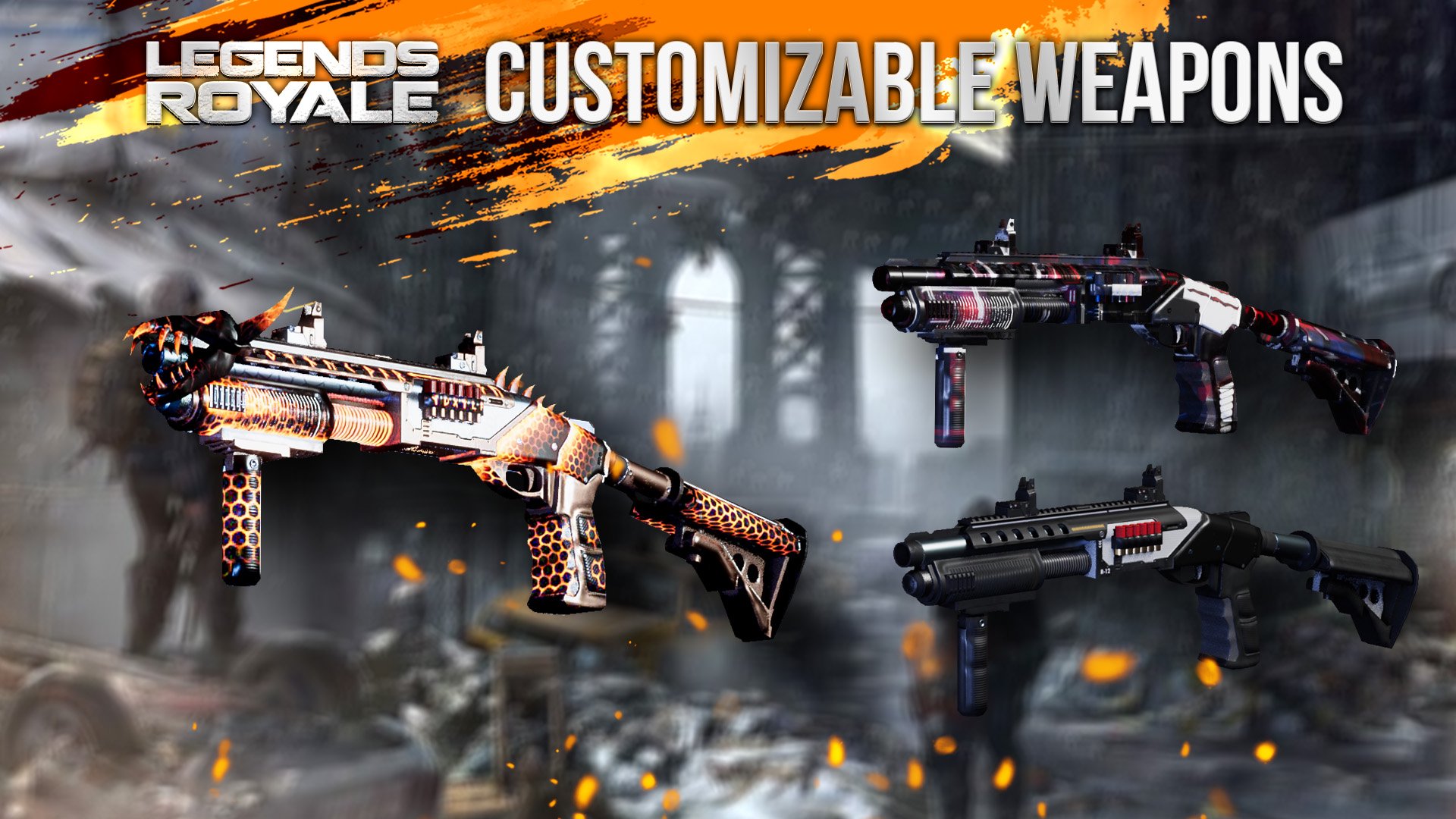
Your weapon is designed by real weapon references and the bullet physic is calculated from a real-world bullet mechanics.
You can discover 5 different battle zone, 3 different modes and unlimited customizations. You can create your own loadout or you can join weapon rush mode.
Come to the battleground, and dominate your opponents now!
Battlezone waiting for you!
Visualizar

Tag
AçãoEm formação
Desenvolvedor
Ludos Game
Última versão
0.1212202001
Ultima atualização
2020-12-19
Categoria
Ação
Disponível em
Google Play
Mostre mais
Como jogar Legends Royale com GameLoop no PC
1. Baixe o GameLoop do site oficial e execute o arquivo exe para instalar o GameLoop.
2. Abra o GameLoop e procure por “Legends Royale”, encontre Legends Royale nos resultados da pesquisa e clique em “Install”.
3. Divirta-se jogando Legends Royale no GameLoop.
Minimum requirements
OS
Windows 8.1 64-bit or Windows 10 64-bit
GPU
GTX 1050
CPU
i3-8300
Memory
8GB RAM
Storage
1GB available space
Recommended requirements
OS
Windows 8.1 64-bit or Windows 10 64-bit
GPU
GTX 1050
CPU
i3-9320
Memory
16GB RAM
Storage
1GB available space