
🎮 Genesis & PCE Emulator - Play Retro Games Free para PC
Play Retro Classic Games Studio
Baixe 🎮 Genesis & PCE Emulator - Play Retro Games Free no PC com o emulador GameLoop
🎮 Genesis & PCE Emulator - Play Retro Games Free no PC
🎮 Genesis & PCE Emulator - Play Retro Games Free, vindo do desenvolvedor Play Retro Classic Games Studio, está rodando no sistema Android no passado.
Agora, você pode jogar 🎮 Genesis & PCE Emulator - Play Retro Games Free no PC com GameLoop sem problemas.
Faça o download na biblioteca GameLoop ou nos resultados da pesquisa. Chega de ficar de olho na bateria ou fazer chamadas frustrantes na hora errada.
Apenas aproveite o 🎮 Genesis & PCE Emulator - Play Retro Games Free PC na tela grande gratuitamente!
🎮 Genesis & PCE Emulator - Play Retro Games Free Introdução
🎮 Retro video game emulator for Sega Mega Drive (Sega Genesis).
Retro classic game emulator for PC Engine.
Supports more than 12000+ games for perfect compatibility.
Emulator Supported:
> Sega Genesis Emulator
> Sega MegaDrive Emulator
> Sega MD Emulator
> PC Engine Emulator
> PCE Emulator
> Sega Sega Master System Emulator
> Sega SMS Emulator
Key Features:
- Hand-crafted optimized code to save battery life
- Physical controllers supported
- XPeria Play support
- Cheat feature support
- Customizable buttons (size and position)
- Easy to use, clean GUI
- Save state supported
Visualizar
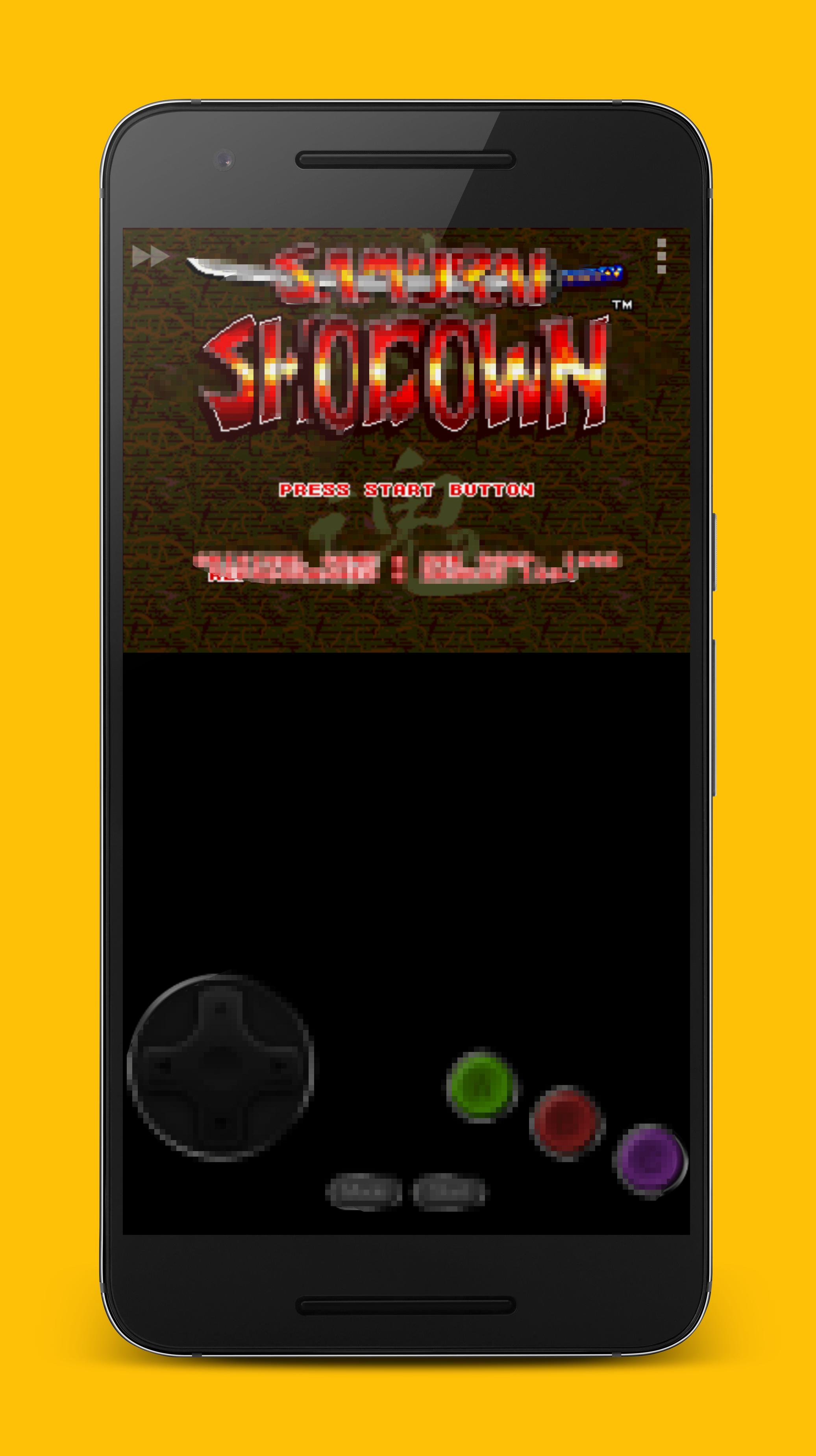
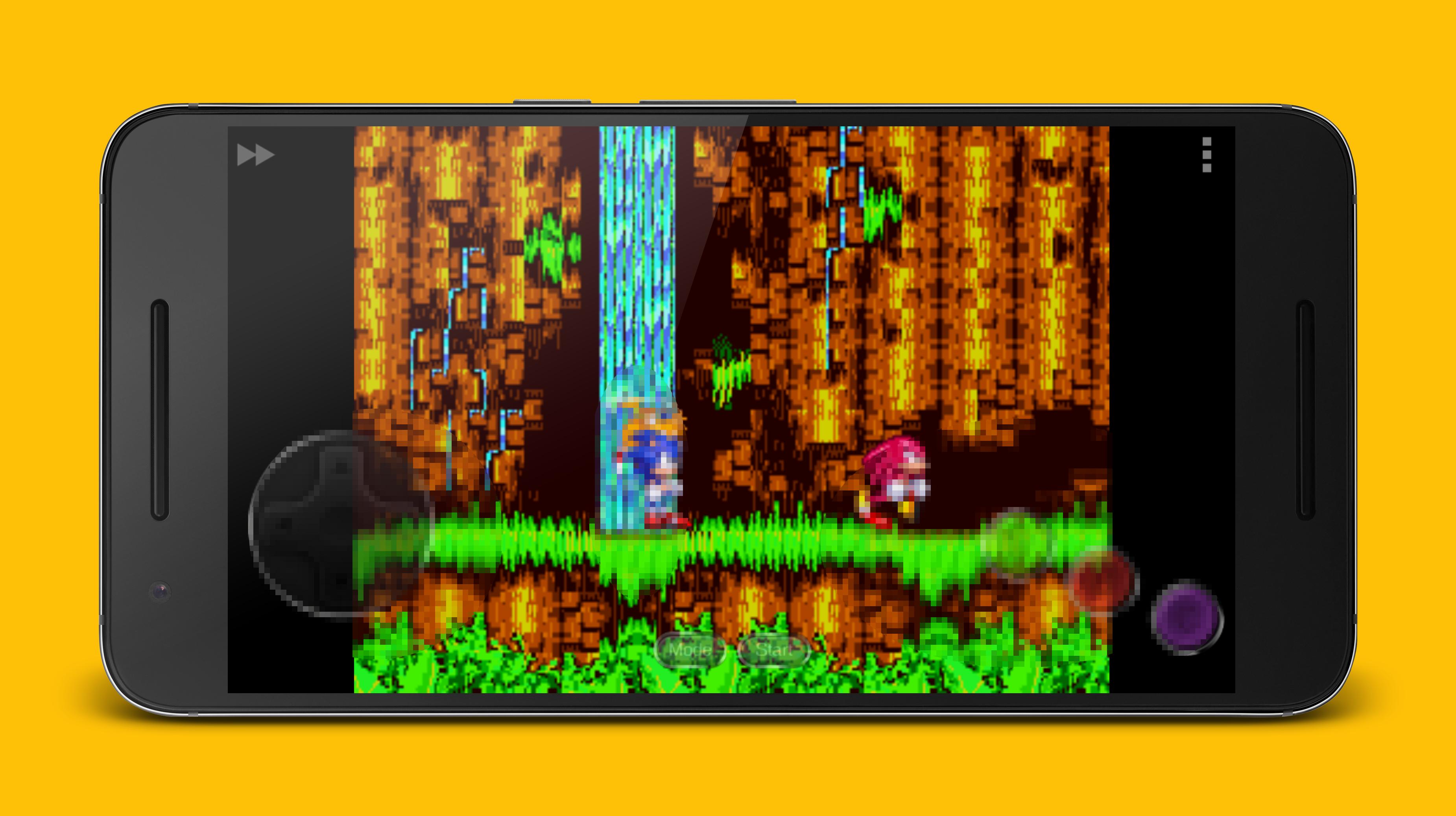
Em formação
Desenvolvedor
Play Retro Classic Games Studio
Última versão
3.3.0
Ultima atualização
2019-10-22
Categoria
Ação
Disponível em
Google Play
Mostre mais
Como jogar 🎮 Genesis & PCE Emulator - Play Retro Games Free com GameLoop no PC
1. Baixe o GameLoop do site oficial e execute o arquivo exe para instalar o GameLoop.
2. Abra o GameLoop e procure por “🎮 Genesis & PCE Emulator - Play Retro Games Free”, encontre 🎮 Genesis & PCE Emulator - Play Retro Games Free nos resultados da pesquisa e clique em “Install”.
3. Divirta-se jogando 🎮 Genesis & PCE Emulator - Play Retro Games Free no GameLoop.
Minimum requirements
OS
Windows 8.1 64-bit or Windows 10 64-bit
GPU
GTX 1050
CPU
i3-8300
Memory
8GB RAM
Storage
1GB available space
Recommended requirements
OS
Windows 8.1 64-bit or Windows 10 64-bit
GPU
GTX 1050
CPU
i3-9320
Memory
16GB RAM
Storage
1GB available space