
Tide Charts para PC
7th Gear
Descarga Tide Charts en PC con GameLoop Emulator
Tide Charts en PC
Tide Charts, proveniente del desarrollador 7th Gear, se ejecuta en el sistema Android en el pasado.
Ahora, puedes jugar Tide Charts en PC con GameLoop sin problemas.
Descárgalo en la biblioteca de GameLoop o en los resultados de búsqueda. No más mirar la batería o llamadas frustrantes en el momento equivocado nunca más.
Simplemente disfrute de Tide Charts PC en la pantalla grande de forma gratuita!
Tide Charts Introducción
Finally a beautiful and simple way to view tides on your mobile device! In addition to worldwide tidal estimates at tide stations, you can see the lunar data, weather forecast, and current radar making your next outdoor adventure as easy to plan as possible.
By default, the application will pick the closest tide station to you, but picking a different tide or weather station is as easy as viewing a map of your current location. You can also setup and quickly switch between many stored favorite stations if you need to.
No internet access while outdoors? No problem. This app has been designed to give you tidal and lunar predictions without internet access!
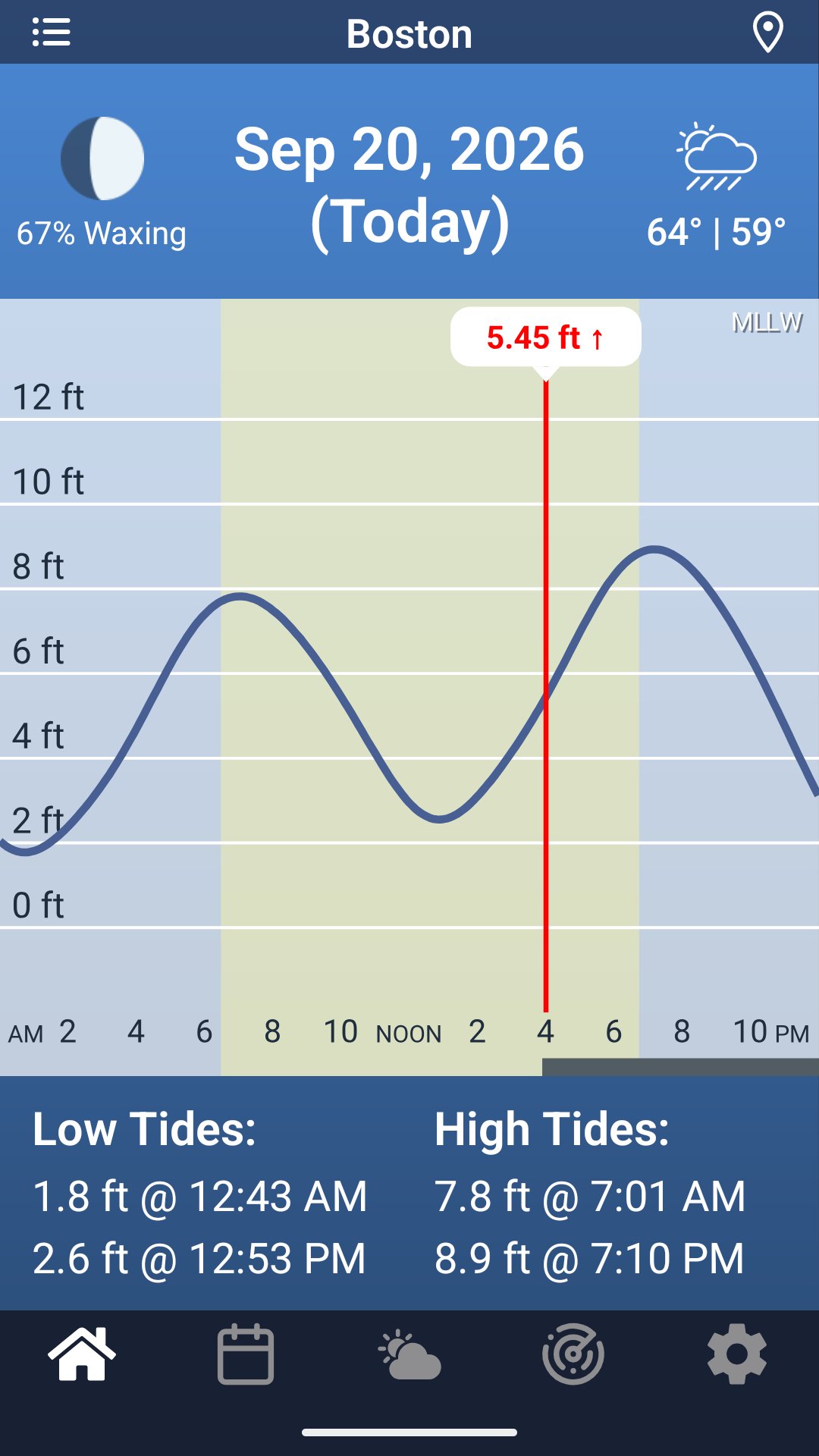
Tides at a glance
• A clear chart of the whole day, with the current height marked and daylight hours shaded (lunar rise and set is the small gray bar on the bottom)
• The times and heights of every high and low tide
• Swipe left or right to move through the days, or pick a date on the calendar
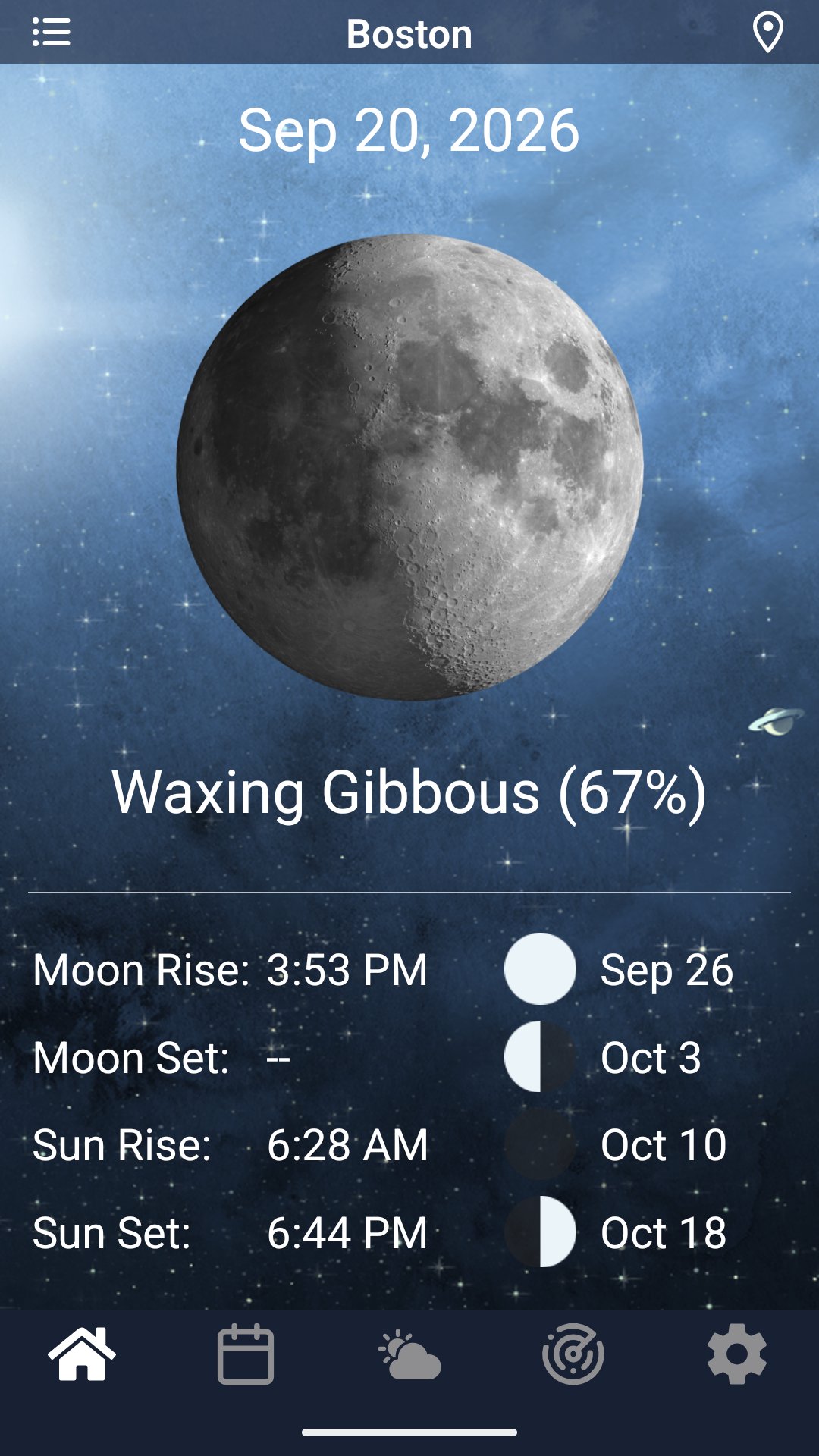
• Swipe down to see sunrise, sunset, moonrise, moonset and the phase of the moon
• Subscribe for tide alerts that notify you before a chosen high or low tide
• Home screen widgets with today's tides and the next tide
Worldwide Tidal Stations
• Nearly 8,000 stations, from the coasts of the United States and Canada to Europe, Japan, Korea, Taiwan, Southeast Asia, Australia, New Zealand, South America and the Pacific islands
• Find the nearest station with one tap, search by name, or browse the map, with satellite imagery when you want it
• Keep your favorites one tap away
Adjustable Height to Match Your Local Tide Table
• Heights use the datum your local charts and tables use: MLLW in the United States, chart datum in Canada, Japan and Korea, LAT in Europe and Australia, MLWS in Peru and Ecuador (or you can choose your own from Mean Sea Level, MLLW, MLW, MLWS or LAT)
Weather and Radar
• Weather forecast is included for the station's location, with wind, temp, precipitation, and the day's high and low
• Animated rain radar with a scrubber, so you can see what is coming
Wear OS
• A full-screen tide chart on your Wear OS watch: turn the crown to step through highs, lows, sunrise, sunset and moon times, or drag to scrub through the next 30 days
• Complications for your watch face and a tile with a chart of the next 24 hours
• Your favorite and nearby stations, with the current height and the next tide
Tides is free with ads, however we do offer a one-time purchase to remove them if you would rather a clean distraction free experience.
Avance
Etiquetas
ClimaInformación
Desarrollador
7th Gear
La última versión
3.1.0
Última actualización
2026-09-29
Categoría
Clima
Disponible en
Google Play
Mostrar más
Cómo jugar Tide Charts con GameLoop en PC
1. Descargue GameLoop desde el sitio web oficial, luego ejecute el archivo exe para instalar GameLoop.
2. Abra GameLoop y busque "Tide Charts", busque Tide Charts en los resultados de búsqueda y haga clic en "Instalar".
3. Disfruta jugando Tide Charts en GameLoop.
Minimum requirements
OS
Windows 8.1 64-bit or Windows 10 64-bit
GPU
GTX 1050
CPU
i3-8300
Memory
8GB RAM
Storage
1GB available space
Recommended requirements
OS
Windows 8.1 64-bit or Windows 10 64-bit
GPU
GTX 1050
CPU
i3-9320
Memory
16GB RAM
Storage
1GB available space