Video Player 2023 para PC
The AppKnight
Descarga Video Player 2023 en PC con GameLoop Emulator
Video Player 2023 en PC
Video Player 2023, proveniente del desarrollador The AppKnight, se ejecuta en el sistema Android en el pasado.
Ahora, puedes jugar Video Player 2023 en PC con GameLoop sin problemas.
Descárgalo en la biblioteca de GameLoop o en los resultados de búsqueda. No más mirar la batería o llamadas frustrantes en el momento equivocado nunca más.
Simplemente disfrute de Video Player 2023 PC en la pantalla grande de forma gratuita!
Video Player 2023 Introducción
2023 Video Player all format with Music Player
Powerful, play all video formats & Best video player app with awesome HD video playback on phones, tablets & Android TV devices with a built-in Music Player
Download video player 2023 app & play all your viral videos with ease.
🎥🎥 Best Media Player & Video Player
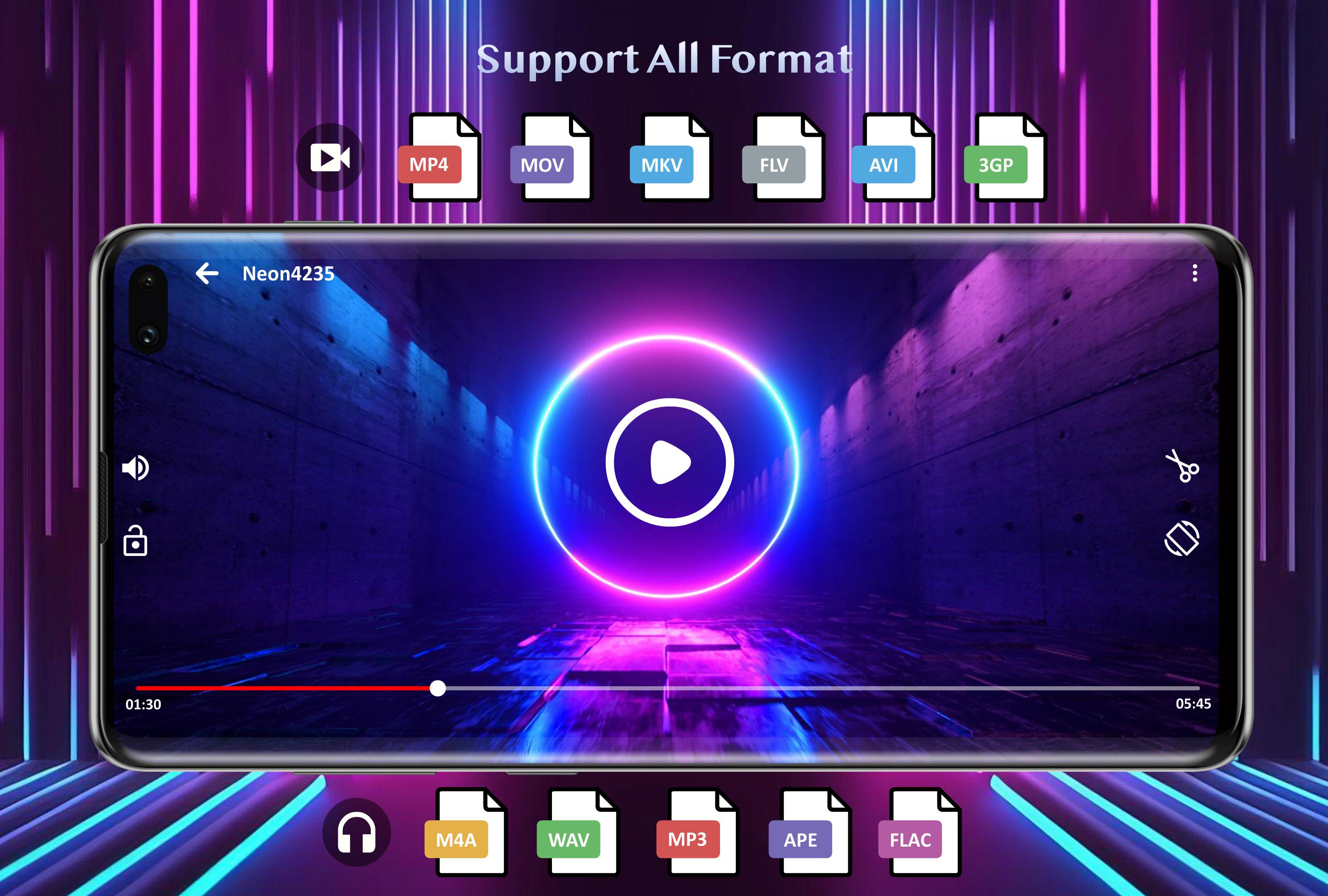
▪️ 4K video player, Play all video formats like MKV, MP4, AVI, MOV, 3GP, WMV, FLV, etc
▪️ Multi audio track and Multi subtitles support
▪️ Keep your kids entertained with Kids' lock
▪️ Play 4K - ultra HD video files
▪️ Play videos from your computer/server/NAS (SMB, UPnP)
▪️ Manually adjust audio/video synchronization
▪️ Folder playback option with recently added and recently played list
🎥🎥 Audio Player
▪️ Free music player 2023 with built-in Equalizer
▪️ Quick search for your favorite audio, mp3
▪️ Discover mp3 songs by album, artist, genres
▪️ Share, Delete, or set as ringtone option
▪️ Download free music app for Android ™ and enjoy your offline mp3 songs
🎥🎥 Playback Options:
▪️ Play video in a pop-up window
▪️ Set Audio Delay
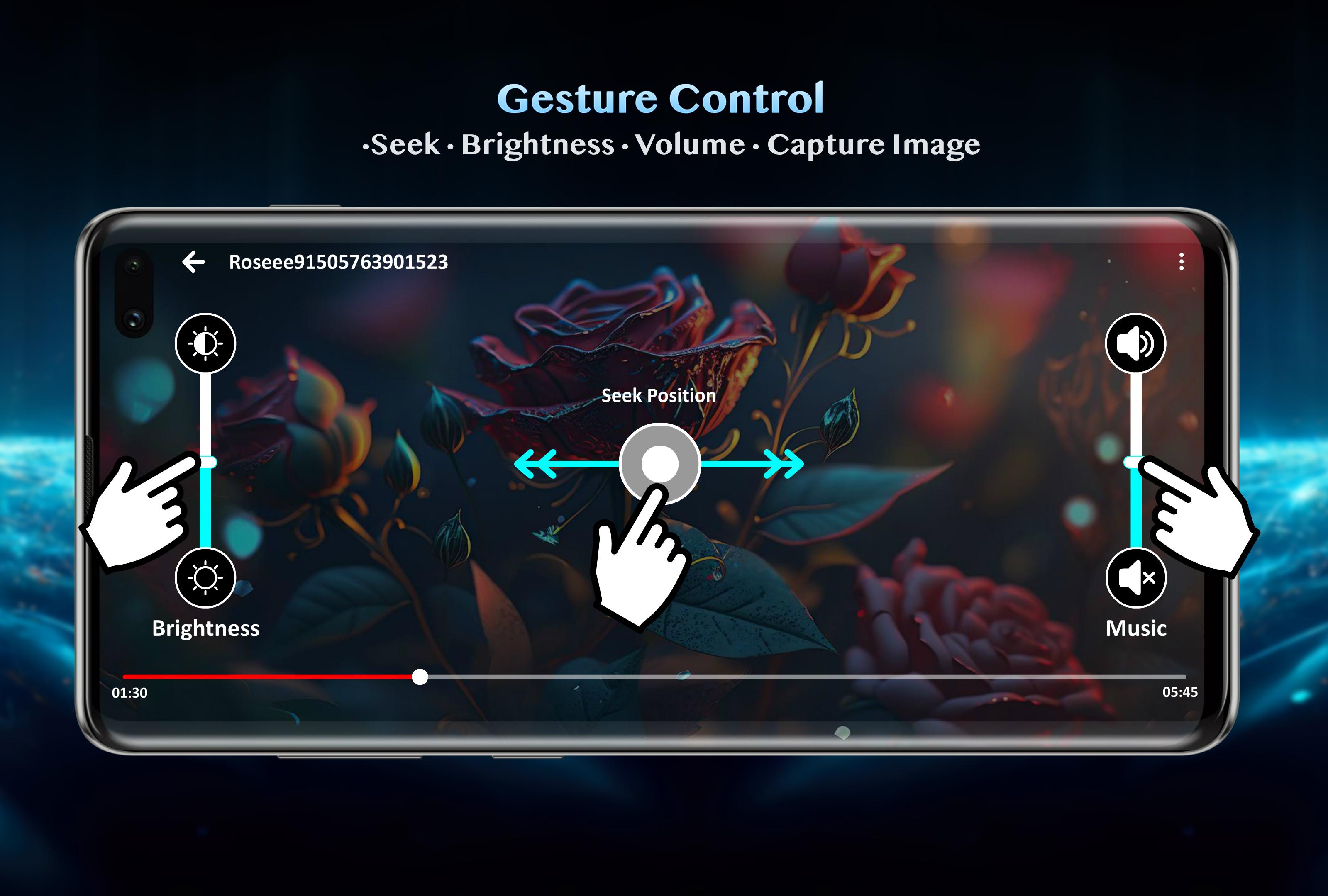
▪️ Gestures to control volume, brightness, and seeking.
🎥🎥 Android TV Support:
▪️ Best Video player app for Android TV
▪️ Dedicated Leanback user interface for Android TV
▪️▪️▪️ Permission Details ▪️▪️▪️
"READ_EXTERNAL_STORAGE" permission is required in order to read your media files in your primary & secondary storages.
"WRITE_EXTERNAL_STORAGE" permission is required in order to rename or deletion of files and to store the downloaded subtitles.
"ACCESS_NETWORK_STATE" and "ACCESS_WIFI_STATE" permissions are required in order to get the network status which is required for various activities like license checking, update checking, etc.
"INTERNET" permission is required in order to play internet streams.
"SYSTEM_ALERT_WINDOW" permission is required in order to block some keys when Kids Lock is used.
"WAKE_LOCK" permission is required in order to prevent your phone from sleeping while watching any media.
Please let us know if you have any issues or any suggestions, please feel free to contact us at gameonplayonn@gmail.com
🎥🎥 Support Us:
Without your support we are nothing. Please support us by living Ratings & Comments.
It will also inspire us to Develop More Free Apps For You.
Avance
Etiquetas
Video-PlayersInformación
Desarrollador
The AppKnight
La última versión
v2.0.1
Última actualización
2023-07-04
Categoría
Video-players-editors
Disponible en
Google Play
Mostrar más
Cómo jugar Video Player 2023 con GameLoop en PC
1. Descargue GameLoop desde el sitio web oficial, luego ejecute el archivo exe para instalar GameLoop.
2. Abra GameLoop y busque "Video Player 2023", busque Video Player 2023 en los resultados de búsqueda y haga clic en "Instalar".
3. Disfruta jugando Video Player 2023 en GameLoop.
Minimum requirements
OS
Windows 8.1 64-bit or Windows 10 64-bit
GPU
GTX 1050
CPU
i3-8300
Memory
8GB RAM
Storage
1GB available space
Recommended requirements
OS
Windows 8.1 64-bit or Windows 10 64-bit
GPU
GTX 1050
CPU
i3-9320
Memory
16GB RAM
Storage
1GB available space