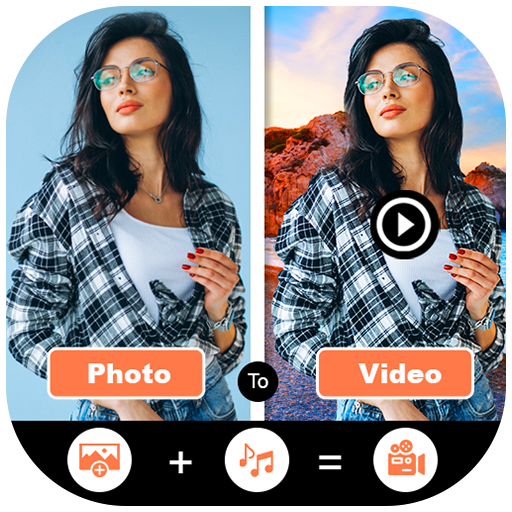
DigiVideo Background and Music para PC
Photo Collage Photo Editor
Descarga DigiVideo Background and Music en PC con GameLoop Emulator
DigiVideo Background and Music en PC
DigiVideo Background and Music, proveniente del desarrollador Photo Collage Photo Editor, se ejecuta en el sistema Android en el pasado.
Ahora, puedes jugar DigiVideo Background and Music en PC con GameLoop sin problemas.
Descárgalo en la biblioteca de GameLoop o en los resultados de búsqueda. No más mirar la batería o llamadas frustrantes en el momento equivocado nunca más.
Simplemente disfrute de DigiVideo Background and Music PC en la pantalla grande de forma gratuita!
DigiVideo Background and Music Introducción
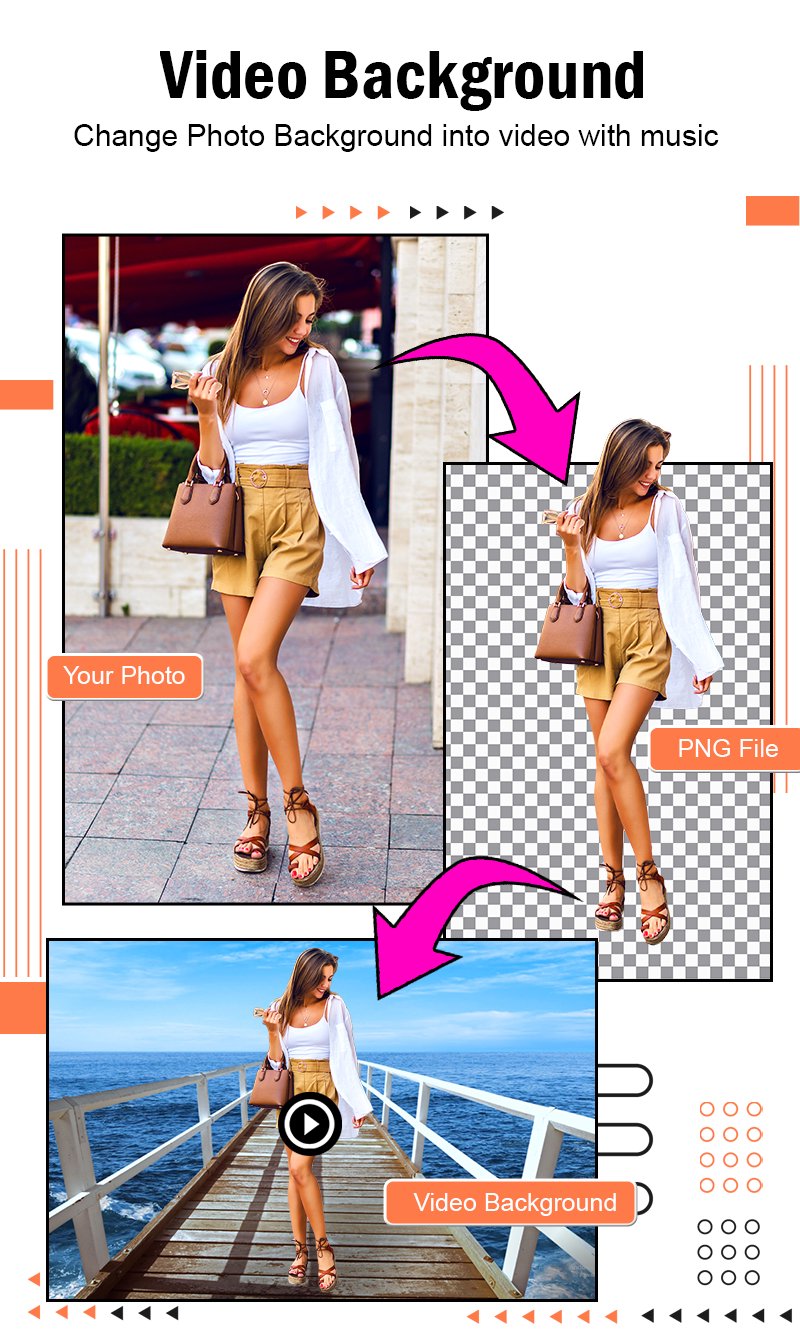
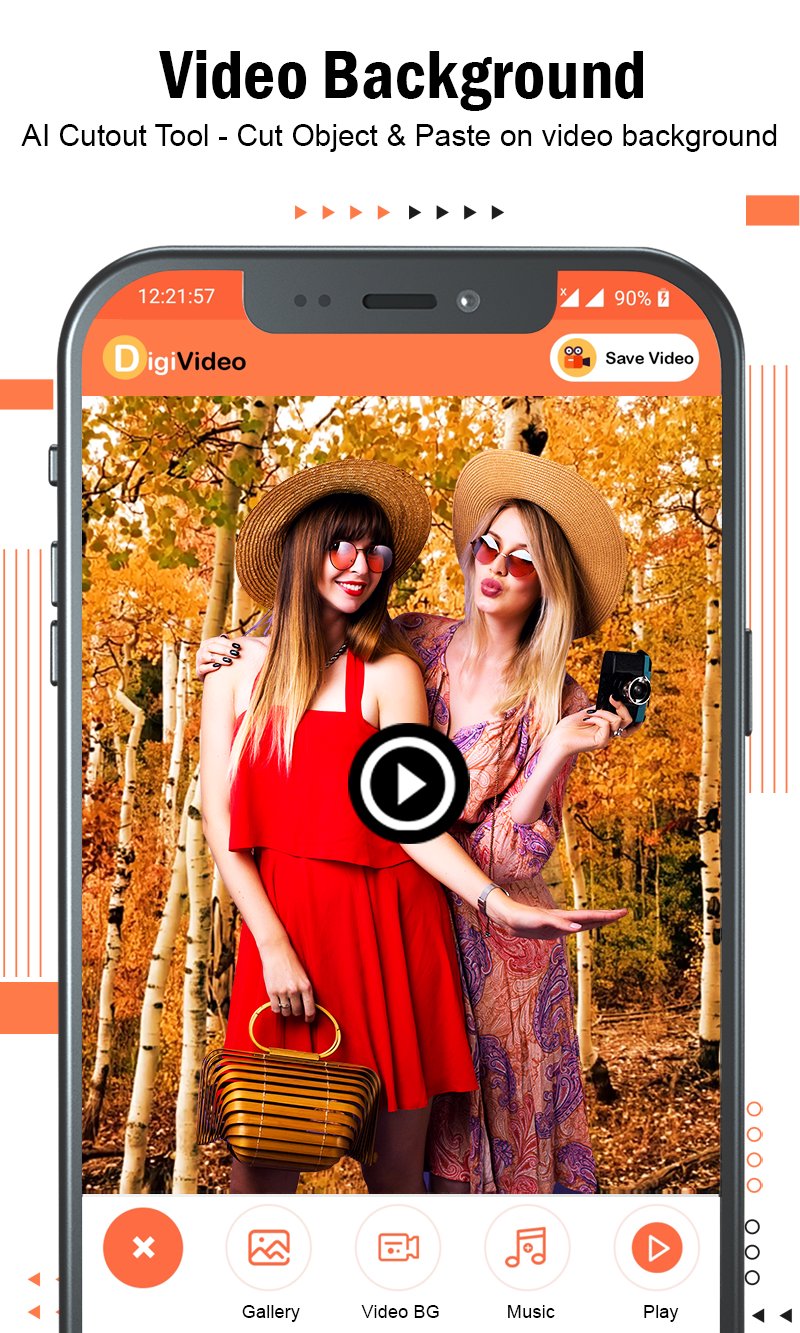
DigiVideo is a free-to-use 100% free photo editor app that contain AI intelligent cutout - cut objects and paste on video background with music.
Change photo background automatically in 1 click into Video Background with Music.
Convert photo background into video that provides HD Video Background with editing tools including 3D Flimix Video Background, add music, photo adjustments. Simple & easy photo to video background changer as photo to video maker.
Powerful video editor - synthesis function, seamlessly synthesize video, providing large amount video backgrounds for you to choose. Each one is the effect of shooting a large film in a studio as video frame.
Photo to video maker with music offers fully licensed music to make your video popular. You can pick all the trendy music you like to make an impressive video.
Video editor provides 720P/1080P HD export with no quality loss and no duration limit. You can save the video frame to your draft or album at any time.
Easily sharing your video frames to Facebook, YouTube, Instagram, Whatsapp and more.
DigiVideo : Video Background with Music has different categories video background. It only takes one tap to create an awesome music video and make you look vivacious. Video Maker & Video Editor makes it easy for you to grab attention and gain more followers and likes on social media.
With this DigiVideo : Video Maker, creating a video with photos, music, and other elements become easy and fun. You can beautify your videos with almost anything you want in a creative and personalized way.
Rate us and give your valuable comment for this awesome DigiVideo Background and Music to create more cool application like this.
If you find anything wrong or any copyright things then mail us. We would love to hear everyone.
If you like this DigiVideo Background and Music application then share with your friends and family member.
Enjoy.
Happy to help you.
Avance
Etiquetas
Video-PlayersInformación
Desarrollador
Photo Collage Photo Editor
La última versión
1.45
Última actualización
2025-09-03
Categoría
Video-players-editors
Disponible en
Google Play
Mostrar más
Cómo jugar DigiVideo Background and Music con GameLoop en PC
1. Descargue GameLoop desde el sitio web oficial, luego ejecute el archivo exe para instalar GameLoop.
2. Abra GameLoop y busque "DigiVideo Background and Music", busque DigiVideo Background and Music en los resultados de búsqueda y haga clic en "Instalar".
3. Disfruta jugando DigiVideo Background and Music en GameLoop.
Minimum requirements
OS
Windows 8.1 64-bit or Windows 10 64-bit
GPU
GTX 1050
CPU
i3-8300
Memory
8GB RAM
Storage
1GB available space
Recommended requirements
OS
Windows 8.1 64-bit or Windows 10 64-bit
GPU
GTX 1050
CPU
i3-9320
Memory
16GB RAM
Storage
1GB available space