
Video and Music Editor para PC
United Developers Studio
Descarga Video and Music Editor en PC con GameLoop Emulator
Video and Music Editor en PC
Video and Music Editor, proveniente del desarrollador United Developers Studio, se ejecuta en el sistema Android en el pasado.
Ahora, puedes jugar Video and Music Editor en PC con GameLoop sin problemas.
Descárgalo en la biblioteca de GameLoop o en los resultados de búsqueda. No más mirar la batería o llamadas frustrantes en el momento equivocado nunca más.
Simplemente disfrute de Video and Music Editor PC en la pantalla grande de forma gratuita!
Video and Music Editor Introducción
video editing application
edit videos and edit audio files without internet connection.
Now, simply, with a professional video editing application that gives you a lot of options to edit or convert video to mp3 audio and share it with friends.
using this application you will be able to edit videos , cut videos , merge videos also to loop videos.
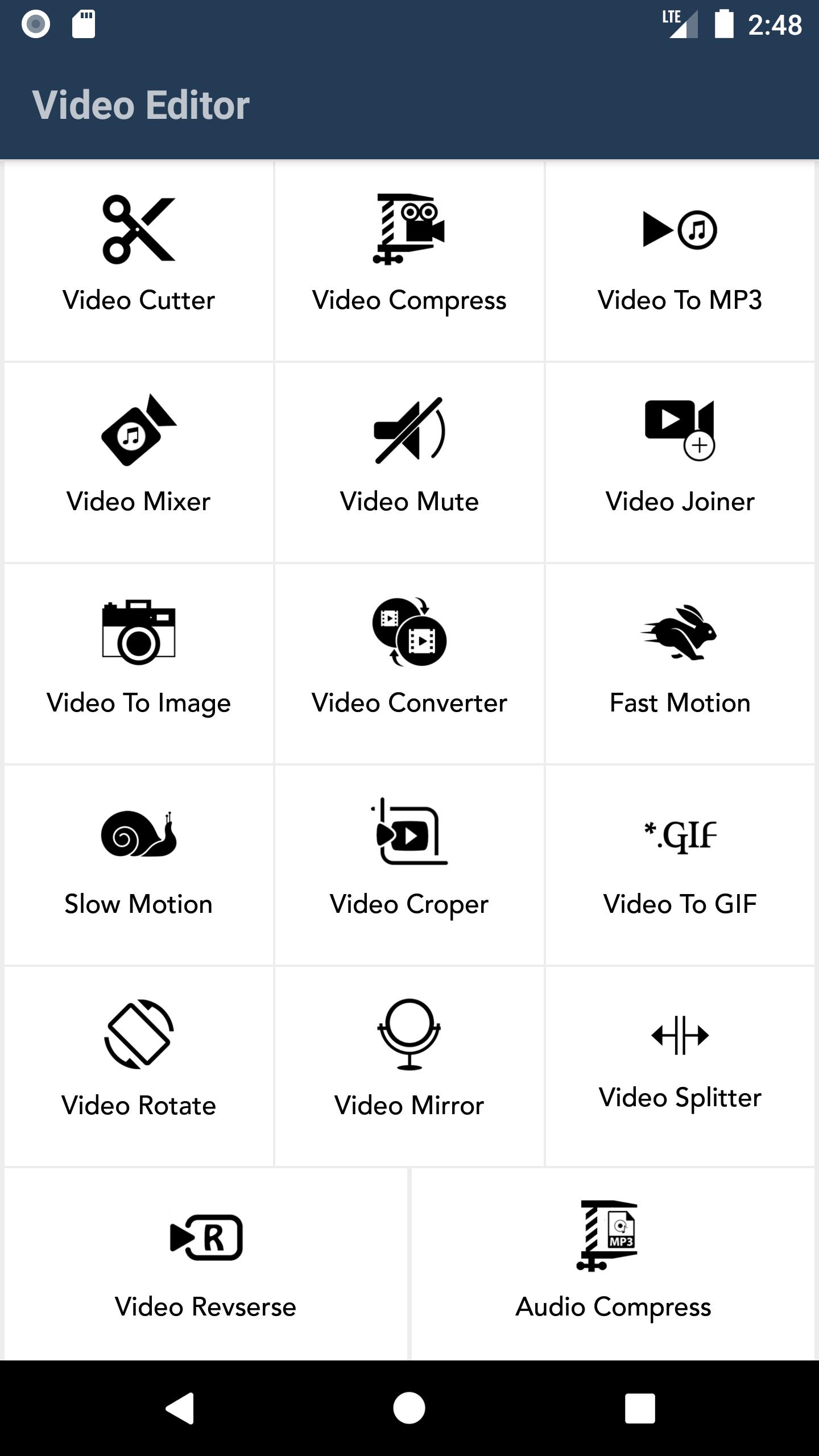
There are many options that can be used, including:
- Cut, edit, save or share videos Easily compress video to multiple sizes
- Convert video to MP3 or Acc audio
- Add audio to video, control the duration of the audio, and merge videos with songs
- Video mute feature Merge videos
- Convert video to images
- Convert video format to flv, mkv, wmv, 3gp
- Speed up or slow down the videos
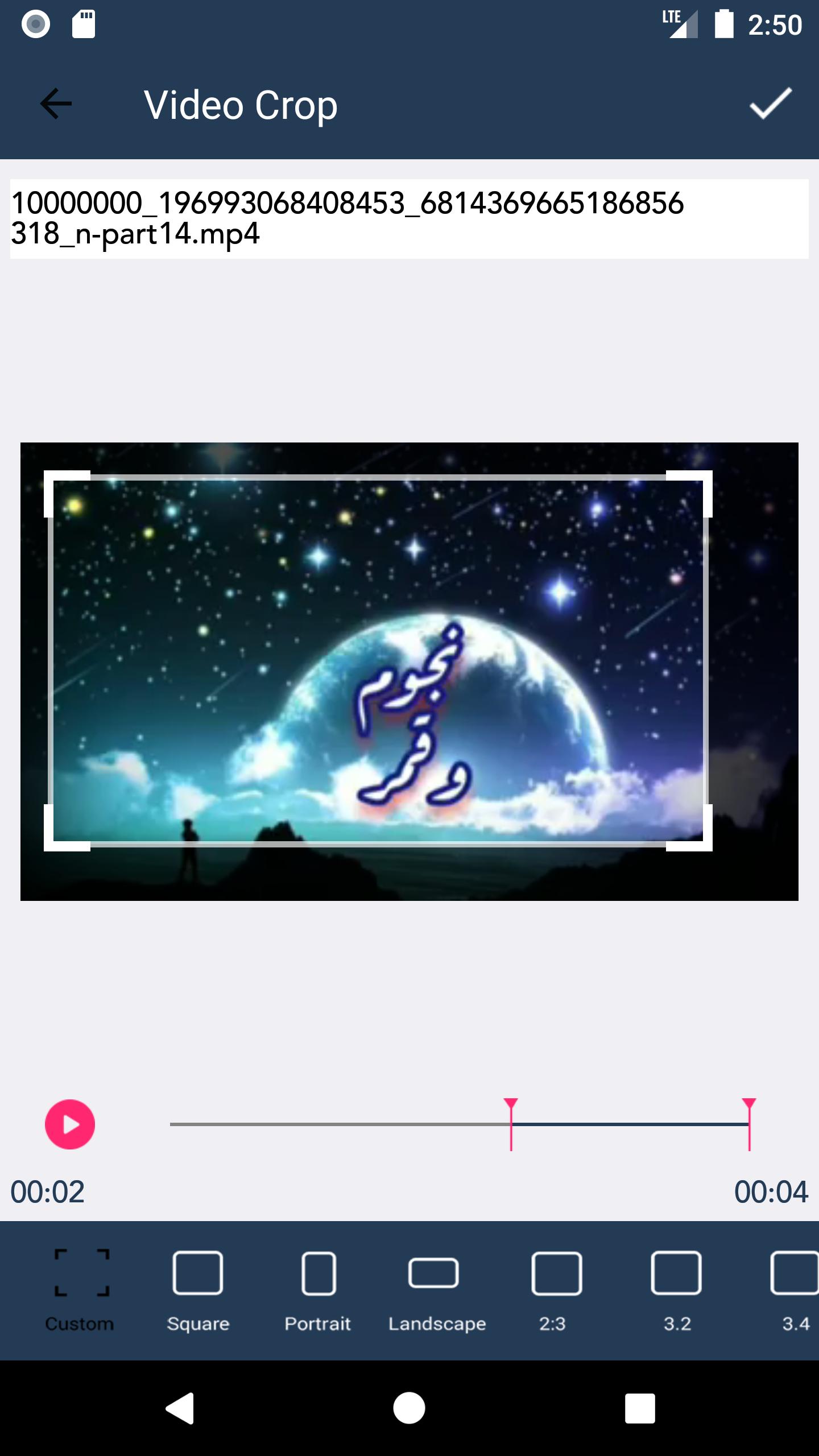
- Crop a frame from the video
- Convert a video clip to gif and share it
- Rotate the video to 180, 90, 270, or any other degree
- Reverse the direction of the video
- Cut the video into parts according to a period of time
- Reverse the video from end to beginning
- Compress audio files
- Merge audio
- Cut the sound
And more great features and options inside this video and audio editing program
get video editor and audio editor and use it now without internet connection.
Avance
Etiquetas
Video-PlayersInformación
Desarrollador
United Developers Studio
La última versión
1.2
Última actualización
2021-12-10
Categoría
Video-players-editors
Disponible en
Google Play
Mostrar más
Cómo jugar Video and Music Editor con GameLoop en PC
1. Descargue GameLoop desde el sitio web oficial, luego ejecute el archivo exe para instalar GameLoop.
2. Abra GameLoop y busque "Video and Music Editor", busque Video and Music Editor en los resultados de búsqueda y haga clic en "Instalar".
3. Disfruta jugando Video and Music Editor en GameLoop.
Minimum requirements
OS
Windows 8.1 64-bit or Windows 10 64-bit
GPU
GTX 1050
CPU
i3-8300
Memory
8GB RAM
Storage
1GB available space
Recommended requirements
OS
Windows 8.1 64-bit or Windows 10 64-bit
GPU
GTX 1050
CPU
i3-9320
Memory
16GB RAM
Storage
1GB available space