Change Video & Audio Format para PC
Desa Technology
Descarga Change Video & Audio Format en PC con GameLoop Emulator
Change Video & Audio Format en PC
Change Video & Audio Format, proveniente del desarrollador Desa Technology, se ejecuta en el sistema Android en el pasado.
Ahora, puedes jugar Change Video & Audio Format en PC con GameLoop sin problemas.
Descárgalo en la biblioteca de GameLoop o en los resultados de búsqueda. No más mirar la batería o llamadas frustrantes en el momento equivocado nunca más.
Simplemente disfrute de Change Video & Audio Format PC en la pantalla grande de forma gratuita!
Change Video & Audio Format Introducción
Media Converter is a powerful tool for converting video, audio and image formats. Instantly convert your movies, music and images in the fastest way and completely free. Save media files in any format for any device or platform.
In addition to the basic functions of changing file formats, Media Converter also has advanced conversion tools between media files such as converting video to audio, converting video to image, converting audio to video, converting image to video, and more.
During the process of changing video and audio formats, you can also use video and audio editing tools such as changing video resolution, reducing video size, changing audio quality, etc.
Video Format Converter
- Convert video in any format to any format.
- Convert video in any format to MP4 format.
- Convert video to audio.
- Extract audio from video.
- Convert video to GIF animation.
- Convert video to JPG image.
- Extract any frame from video.
- Choose custom resolution for output video.
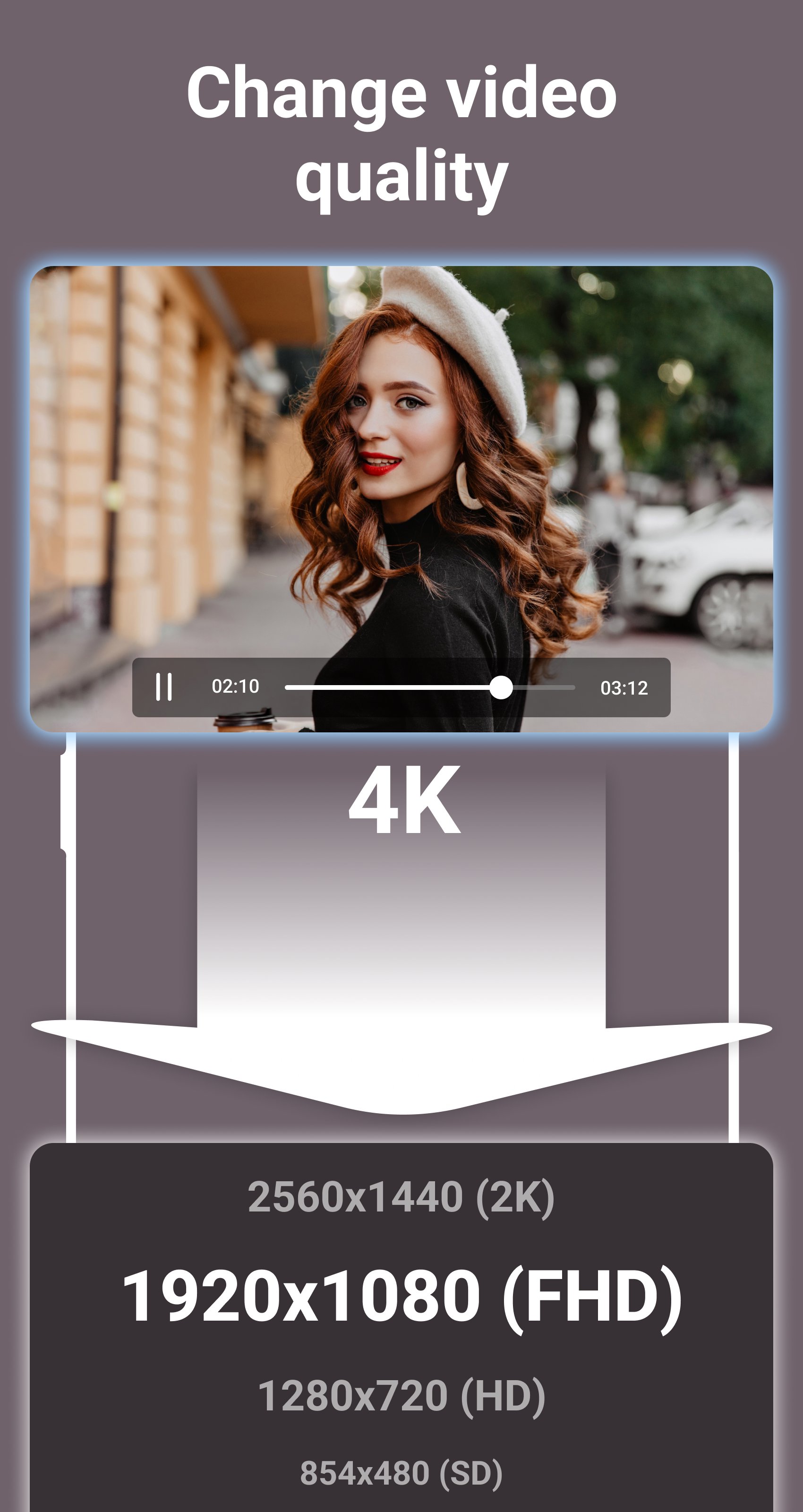
- Compress video to 2K, Full HD, HD, SD resolutions.
- Reduce video file size.
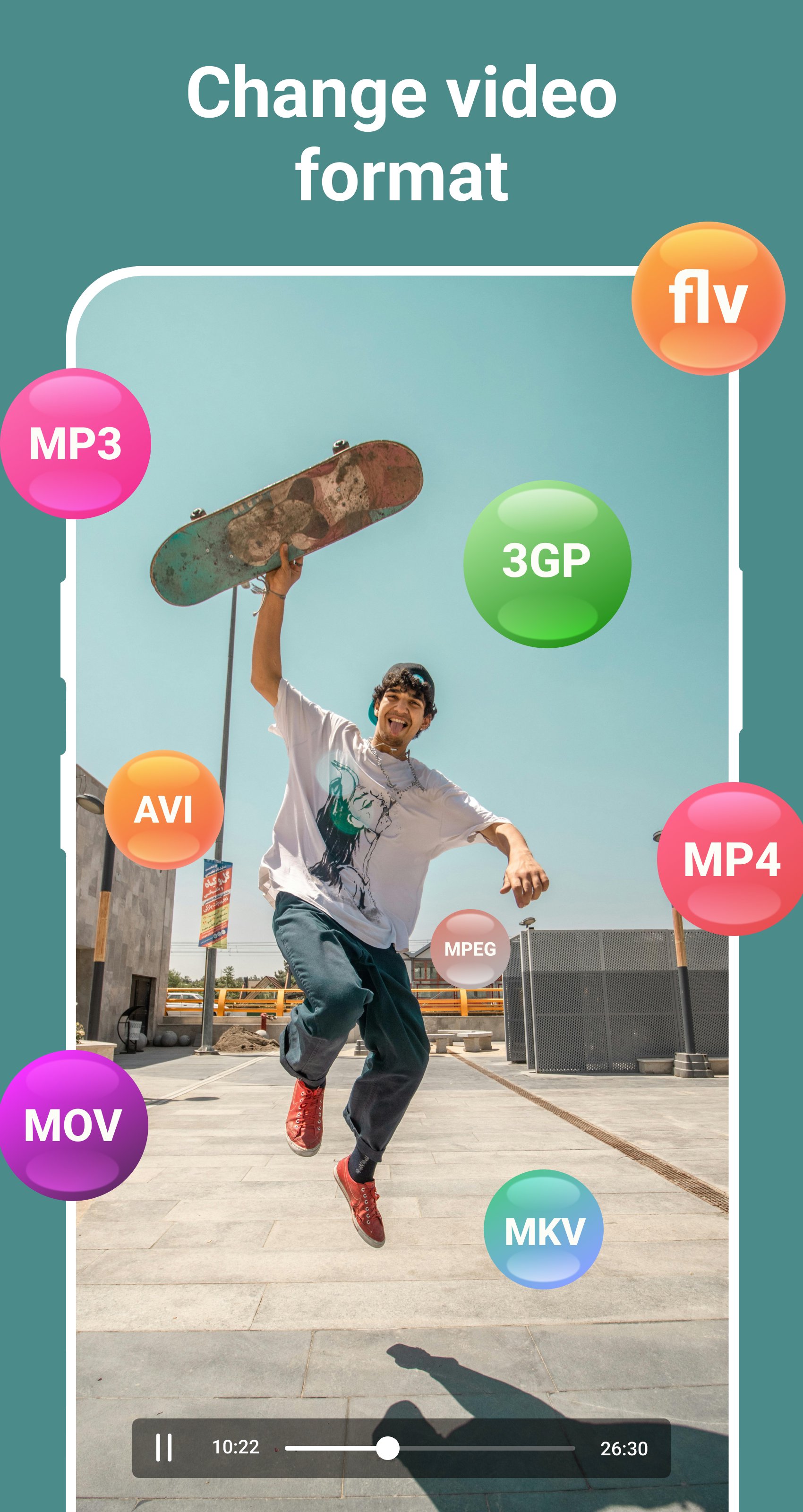
- Support all popular video formats, such as: MP4, MPEG, WEBM, WMV, MOV, MKV, FLV, AVI, 3GP, etc.
Audio and Music Format Converter
- Convert audio and music in any format to any format.
- Convert audio in any format to MP3 format.
- Convert audio to video.
- Choose custom bitrate for output audio.
- Compress audio to 320kbps, 256kbps, 192kbps, 128kbps, 96kbps, 64kbps, 32kbps qualities.
- Reduce audio file size.
- Support all popular audio formats, such as: MP3, OGG, WAV, WMA, M4B, M4A, FLAC, AMR, ALAC, AAC, etc.
Image Format Converter
- Convert images in any format to JPG format.
- Convert images in any format to PNG format.
- Convert GIF animations to video.
- Convert GIF animations to JPG images.
- Extract any frame from GIF animation.
- Reduce image file size.
- Support all popular image formats, such as: JPG, JPEG, PNG, RAW, TIFF, WEBP, XCF, ICO, HEIF, GIF, BMP, etc.
Do you like this app? Please leave your reviews and suggestions, it will help us to improve this app in the next versions! Thank you!
Avance
Etiquetas
Video-PlayersInformación
Desarrollador
Desa Technology
La última versión
2.1
Última actualización
2025-09-25
Categoría
Video-players-editors
Disponible en
Google Play
Mostrar más
Cómo jugar Change Video & Audio Format con GameLoop en PC
1. Descargue GameLoop desde el sitio web oficial, luego ejecute el archivo exe para instalar GameLoop.
2. Abra GameLoop y busque "Change Video & Audio Format", busque Change Video & Audio Format en los resultados de búsqueda y haga clic en "Instalar".
3. Disfruta jugando Change Video & Audio Format en GameLoop.
Minimum requirements
OS
Windows 8.1 64-bit or Windows 10 64-bit
GPU
GTX 1050
CPU
i3-8300
Memory
8GB RAM
Storage
1GB available space
Recommended requirements
OS
Windows 8.1 64-bit or Windows 10 64-bit
GPU
GTX 1050
CPU
i3-9320
Memory
16GB RAM
Storage
1GB available space