
Creative Video Maker para PC
Photo Video Music Team
Descarga Creative Video Maker en PC con GameLoop Emulator
Creative Video Maker en PC
Creative Video Maker, proveniente del desarrollador Photo Video Music Team, se ejecuta en el sistema Android en el pasado.
Ahora, puedes jugar Creative Video Maker en PC con GameLoop sin problemas.
Descárgalo en la biblioteca de GameLoop o en los resultados de búsqueda. No más mirar la batería o llamadas frustrantes en el momento equivocado nunca más.
Simplemente disfrute de Creative Video Maker PC en la pantalla grande de forma gratuita!
Creative Video Maker Introducción
Creative Video Maker is the perfect app for anyone who wants to create amazing videos quickly and easily. Whether you're a professional videographer or just starting out, this app has everything you need to make your videos look great.
With Creative Video Maker, you can easily select your favorite photos, and then turn your favorite memories into beautiful music videos with photo to video maker – the ultimate video creation app!
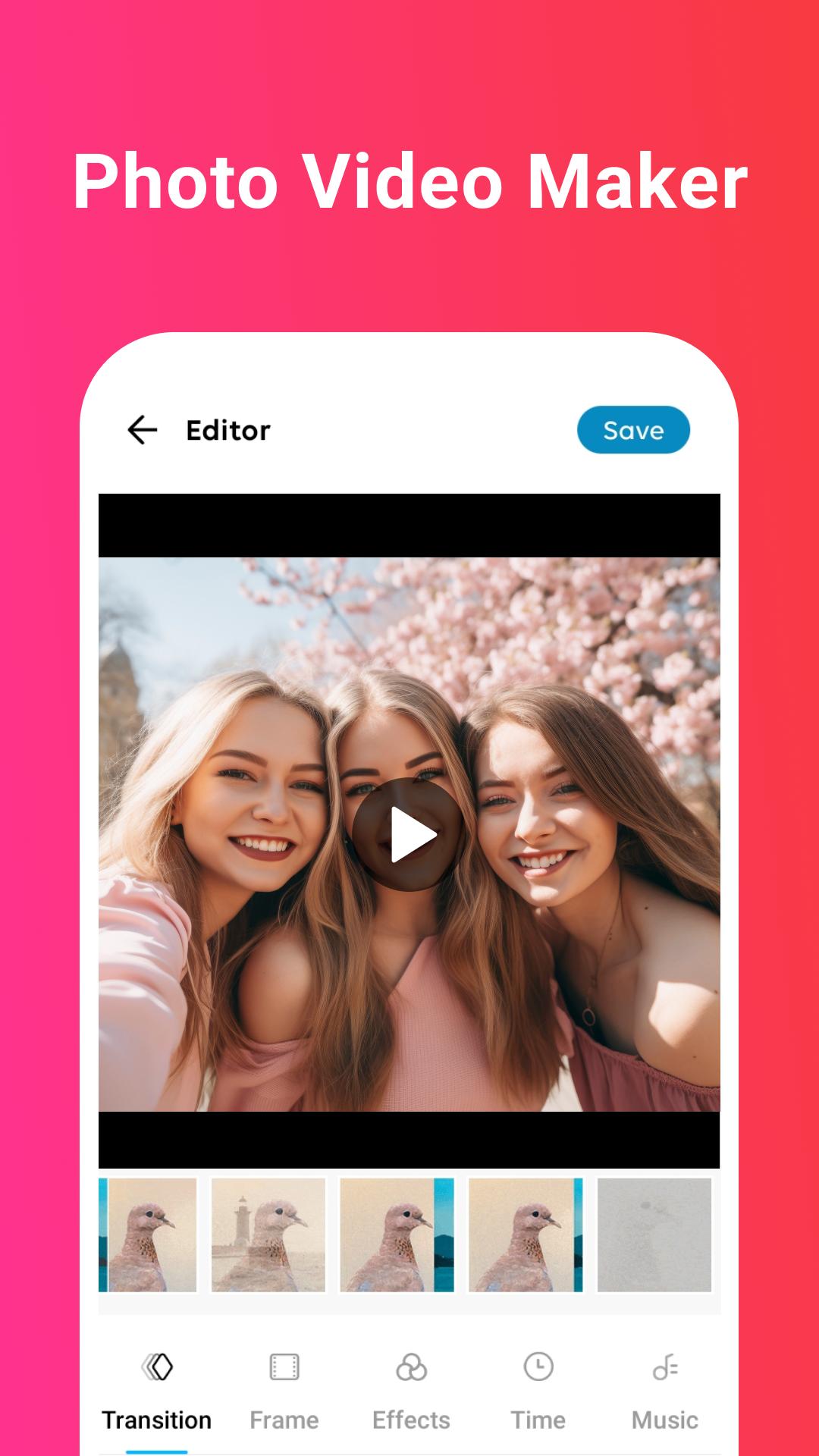
You can also add transitions, frames, effects, and music to your videos for a unique and professional look. Whether it’s a birthday, wedding, travel, or a casual day with friends, this app makes it easy to transform photos into lively videos with music, transitions, and creative effects. Create professional-looking videos effortlessly and share them on social media!
🌟 Key Features:
🎞️ Select multiple photos and instantly create a smooth slideshow.
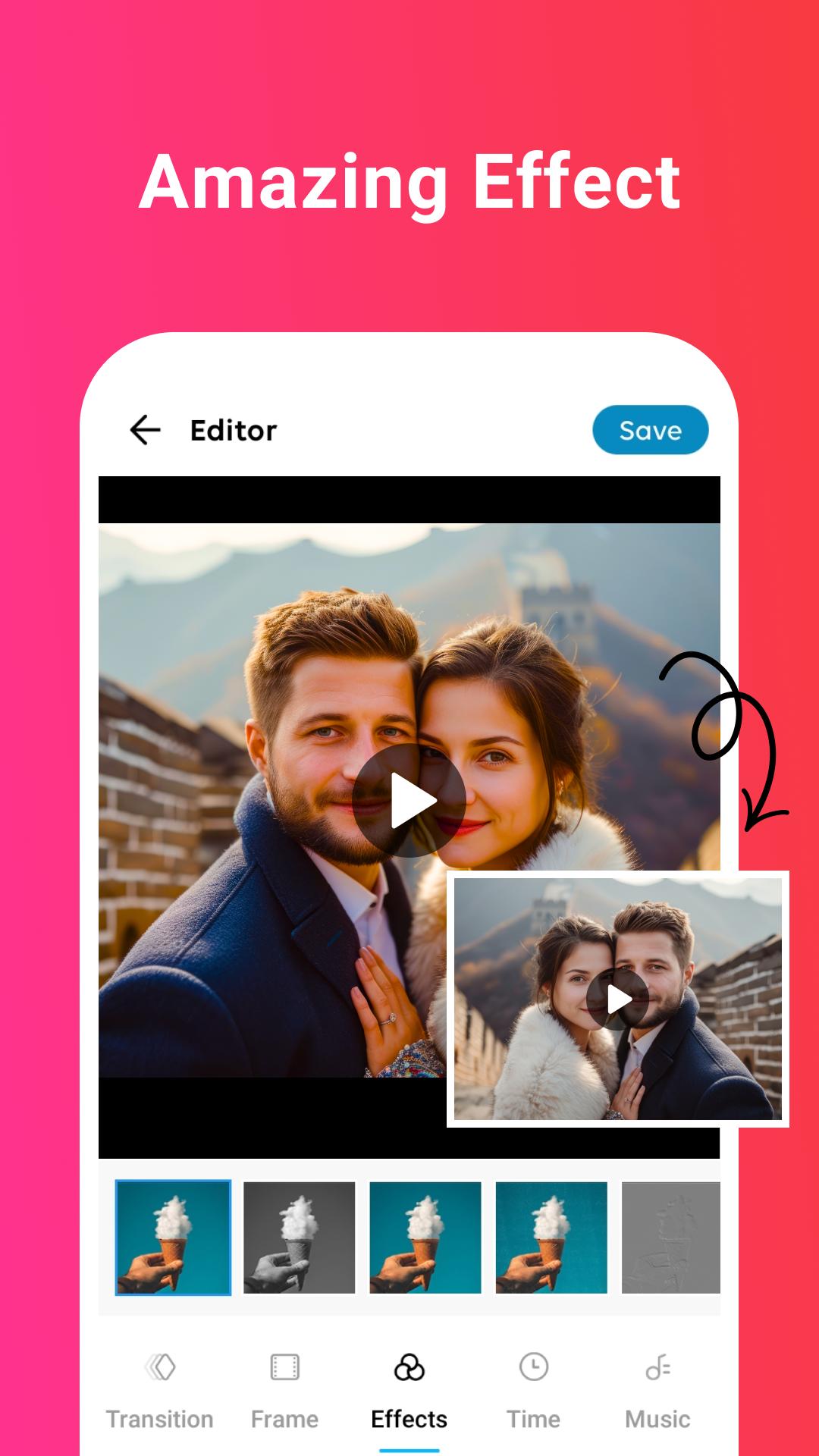
🎨 Stylish Transitions & Effects
Apply eye-catching transitions between photos and choose from a variety of visual effects to enhance your video.
🖼️ Creative Frames
Add stylish frames around your photos to make your video more beautiful and thematic.
🎵 Background Music
Choose from built-in music and add to your video to perfect your slideshow!
🕒 Custom Timing
Adjust the duration for each photo to create a video as you choose.
🔄 Swap Images
Change or rearrange photos anytime during video creation without starting over.
📤 HD export & easy sharing
Export your video in high quality and share it instantly on your social media platform.
Creative Video Maker has everything you need to get started. So, download the app today and start creating amazing videos with your favorite photos and music!
Avance
Etiquetas
Video-PlayersInformación
Desarrollador
Photo Video Music Team
La última versión
1.16
Última actualización
2023-05-11
Categoría
Video-players-editors
Disponible en
Google Play
Mostrar más
Cómo jugar Creative Video Maker con GameLoop en PC
1. Descargue GameLoop desde el sitio web oficial, luego ejecute el archivo exe para instalar GameLoop.
2. Abra GameLoop y busque "Creative Video Maker", busque Creative Video Maker en los resultados de búsqueda y haga clic en "Instalar".
3. Disfruta jugando Creative Video Maker en GameLoop.
Minimum requirements
OS
Windows 8.1 64-bit or Windows 10 64-bit
GPU
GTX 1050
CPU
i3-8300
Memory
8GB RAM
Storage
1GB available space
Recommended requirements
OS
Windows 8.1 64-bit or Windows 10 64-bit
GPU
GTX 1050
CPU
i3-9320
Memory
16GB RAM
Storage
1GB available space