
TekSavvy TV para PC
TekSavvy Solutions INC.
Descarga TekSavvy TV en PC con GameLoop Emulator
TekSavvy TV en PC
TekSavvy TV, proveniente del desarrollador TekSavvy Solutions INC., se ejecuta en el sistema Android en el pasado.
Ahora, puedes jugar TekSavvy TV en PC con GameLoop sin problemas.
Descárgalo en la biblioteca de GameLoop o en los resultados de búsqueda. No más mirar la batería o llamadas frustrantes en el momento equivocado nunca más.
Simplemente disfrute de TekSavvy TV PC en la pantalla grande de forma gratuita!
TekSavvy TV Introducción
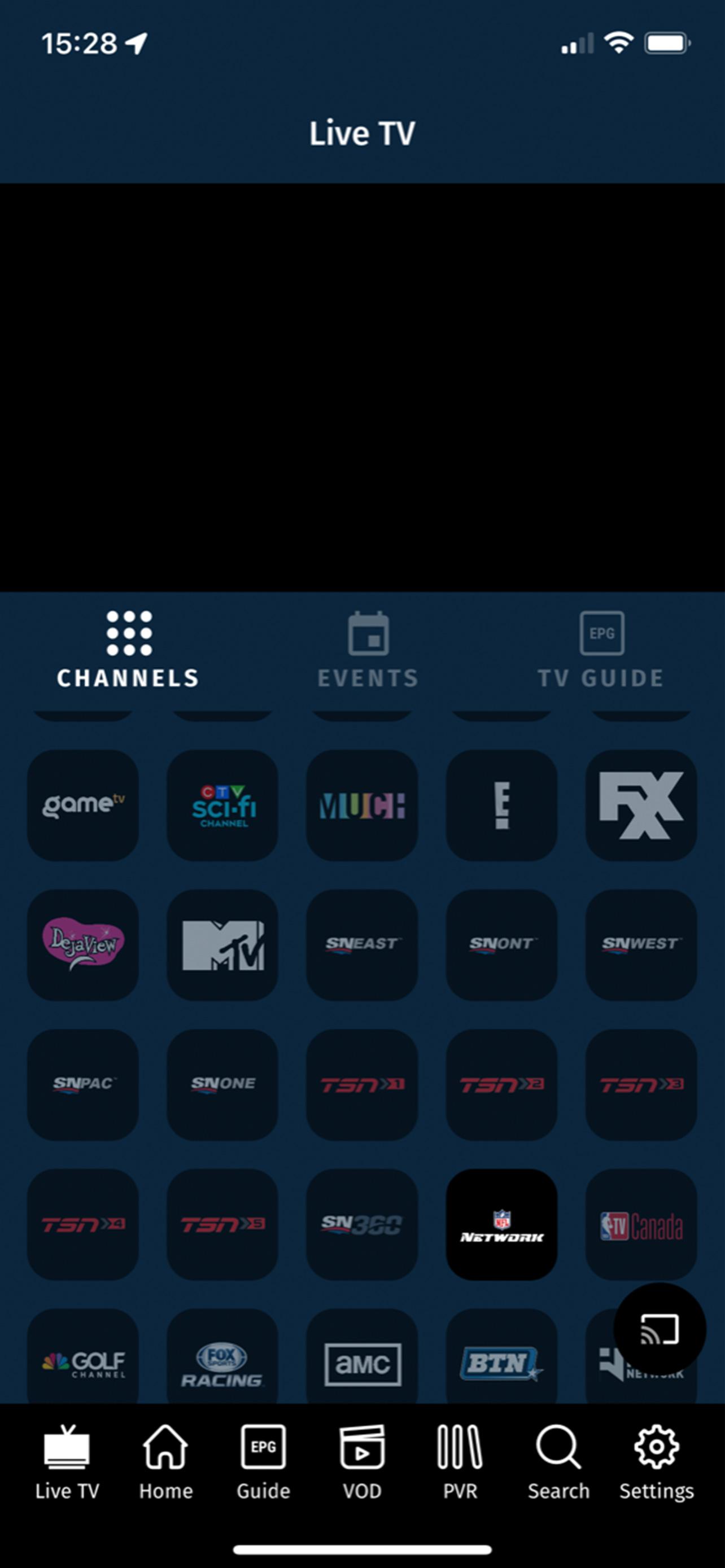
TekSavvy TV is the TV that you know, love, and can’t get enough of but different… in a really good way. TekSavvy TV puts you in control of your TV experience with low-cost options to customize your features and channels the way you want it. It's just like Cable TV but without the whole cable from the wall and the big, ugly, rented box.
No Cable Box Needed - Use your Android device. Stop renting that big grey box from the big cable company, and download the TekSavvy TV app right to your Android device from the Google Play Store.
You don’t have to wait for the cable guy to show up to start watching TV. Signing up couldn’t be easier or faster. Visit mysavvy.teksavvy.com and add TekSavvy TV to your TekSavvy account and start watching TV within minutes. Packages start at $20.00 per month for TekSavvy Basic.
Connect to over 150 popular specialty channels of HD sports, movies, and premium series by subscribing to a theme pack or building your own package with a TekSavvy TV Pick Pack starting at $20.00 per month for your choice of 10 channels.
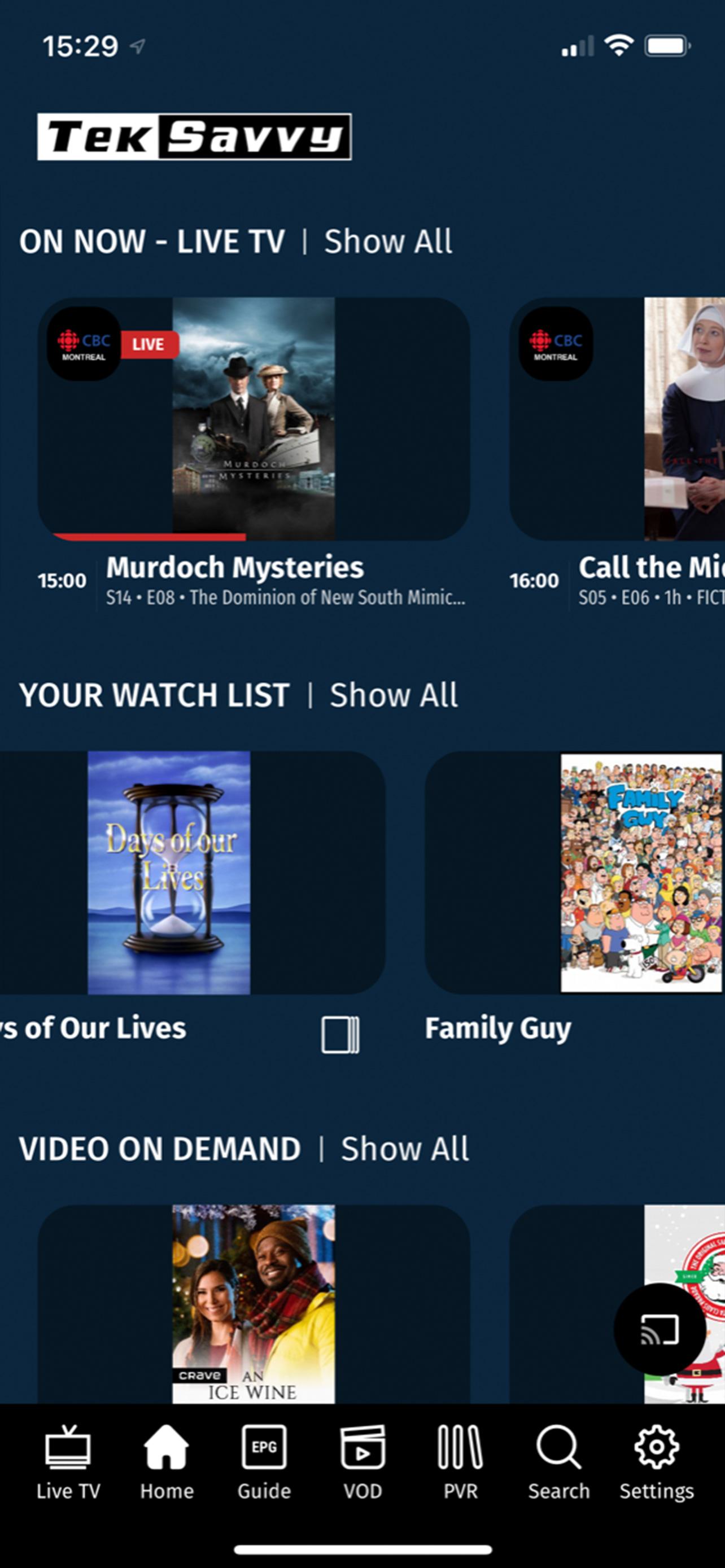
Binge watch that show your friends are all talking about with TekSavvy TV Video On Demand. Get caught up on that one episode you missed or watch an entire season from popular channels like HBO*, Showtime*, Starz*, Showcase, HGTV, FX and many many more.
Watch the shows you want, when you want by adding TekSavvy TV Cloud PVR service to your account. Record the shows, movies, and events that you can’t miss and watch them on your time – on your TV or your mobile device. TekSavvy TV Cloud PVR service starts at $10.00 per month.
Missed the first 5, 10, or 40 minutes of your show? No problem, use the Restart function to take you right back to the start. Missed an episode? Again, no problem, scroll back in time on the electronic programming guide and select the show you missed to watch it. It’s like having your own time machine… but on your TV. Both Look Back and Restart are available at no additional charge.
Catch the game at the park or your sister’s wedding with access to selected On The Go Apps from channels like CRAVE*, Showcase, TSN, Sportsnet, and FX. Included with your channel subscription, On the Go apps allow you to stream live and on demand TV outside of your home anywhere in Canada right on your phone.**
Legal Stuff - Important to Read
TekSavvy TV service is provided by TekSavvy’s broadcasting distribution affiliate, Hastings Cable Vision. TekSavvy is acting as its sales, support and billing agent but Hastings Cable Vision is the TV service provider. Service is exclusively available for TekSavvy internet customers with a minimum download speed of 15 MPBS.
*HBO, Showtime, and Starz are available through a subscription to CRAVE TV at $20.00 per month. Crave and all associated logos are trademarks of Bell Media Inc. HBO and related service marks are the property of Home Box Office, Inc., used under license. SHOWTIME and related logos are trademarks of Showtime Networks Inc., used under license. All rights reserved.
**Data charges may apply.
Avance
Etiquetas
Video-PlayersInformación
Desarrollador
TekSavvy Solutions INC.
La última versión
5.49.101
Última actualización
2025-04-10
Categoría
Video-players-editors
Disponible en
Google Play
Mostrar más
Cómo jugar TekSavvy TV con GameLoop en PC
1. Descargue GameLoop desde el sitio web oficial, luego ejecute el archivo exe para instalar GameLoop.
2. Abra GameLoop y busque "TekSavvy TV", busque TekSavvy TV en los resultados de búsqueda y haga clic en "Instalar".
3. Disfruta jugando TekSavvy TV en GameLoop.
Minimum requirements
OS
Windows 8.1 64-bit or Windows 10 64-bit
GPU
GTX 1050
CPU
i3-8300
Memory
8GB RAM
Storage
1GB available space
Recommended requirements
OS
Windows 8.1 64-bit or Windows 10 64-bit
GPU
GTX 1050
CPU
i3-9320
Memory
16GB RAM
Storage
1GB available space